Buyer workflow
AI Thumbnail Generator: Check Feed Size and the Actual Export

A pottery studio is buying a thumbnail for a tutorial about shaping a bowl. The buyer needs a clear promise, readable words and a usable export. A large canvas preview cannot answer all three questions.
Our fictional Cedar Pottery pilot asks Ciyo for one simple vector thumbnail, a full-size PNG and two small preview files. The original English examples are linked below. We inspect what was delivered; we did not publish a video or measure clicks.
Define the video promise before the artwork
For this fictional tutorial, the promise is shaping a bowl. We use three words, a bowl illustration and one quiet background. If your real video shows a different result, use its actual subject and approved wording. A readable thumbnail can still make the wrong promise.
YouTube advises readable fonts and uncomplicated thumbnail design. Compare a tool’s output against your brief at small size; a vendor’s performance language is not a measured result for your channel.
Specify the three files in the buying test
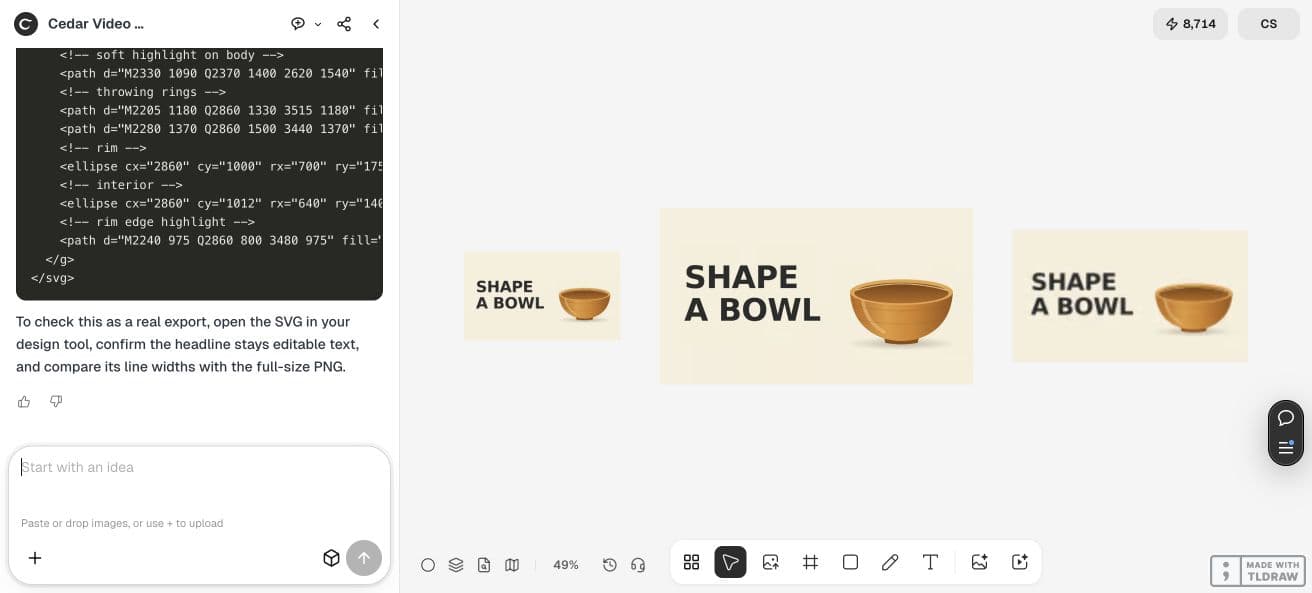
The pilot requests a 3840×2160 PNG plus 320×180 and 160×90 previews. The small files are inspection aids, not suggested upload resolutions. Keep the SVG source too, because a future headline change should not depend on recovering letters from a flattened image.
At the research date, YouTube’s guidance recommends 3840×2160 and 16:9 for video thumbnails. Its upload-size limit differs between mobile and desktop. Check the current destination requirements and the actual file you will submit.
| Deliverable | Purpose | What to inspect |
|---|---|---|
| 3840×2160 PNG | Full-size image handoff | Actual dimensions, format and complete content |
| 320×180 PNG | Small feed review | Read the headline without enlarging the file |
| 160×90 PNG | Tighter readability review | Letters remain separate and the bowl stays recognizable |
| SVG source | Future text changes | Real text and the fonts used to render it |
Ask Ciyo for a complete, modest pilot
Start a clean project. For our simple bowl illustration, the Design agent built SVG artwork and rendered PNGs without invoking a generative image model. That workflow still needs a design brief: exact text, subject, palette, margins and file delivery.
The agent noticed that its first text layout nearly touched the bowl and adjusted the composition before delivering the files. We review the final files below; the agent’s internal measurements are not an independent performance benchmark.
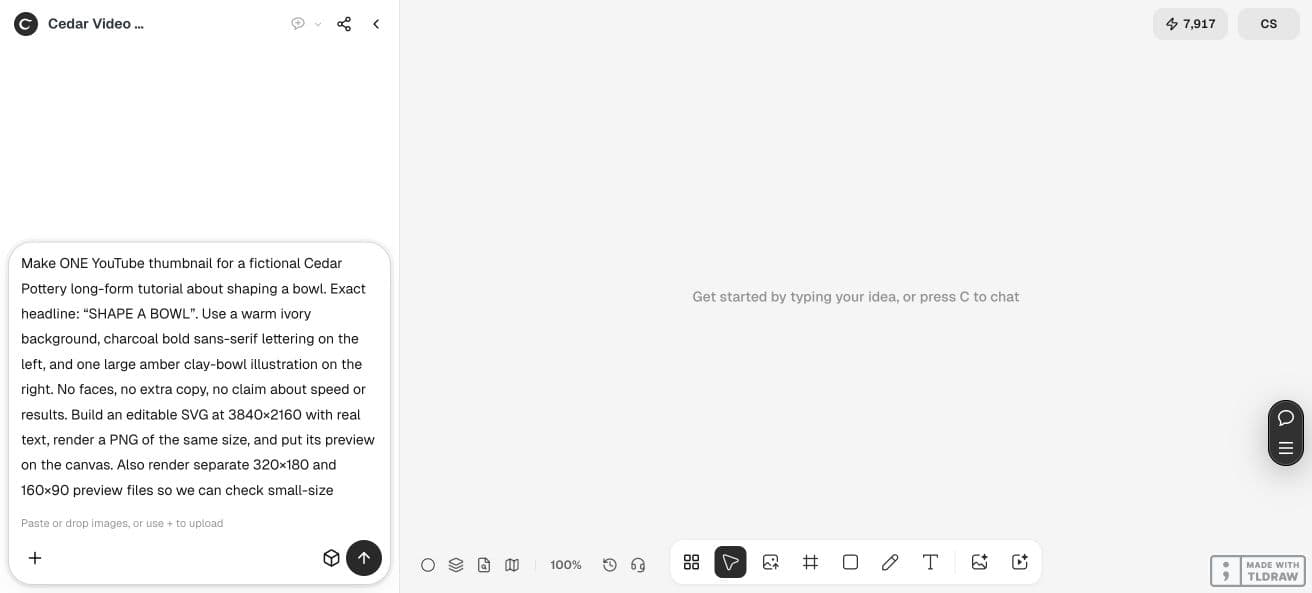
Create one thumbnail for a fictional Cedar Pottery tutorial about shaping a bowl. Exact headline: SHAPE A BOWL. Ivory background, bold charcoal sans-serif text on the left and one large amber bowl illustration on the right. No faces, extra copy or performance claims. Build an editable 3840×2160 SVG with real text and render a PNG of the same size. Supply 320×180 and 160×90 preview PNGs too. Put the images on the canvas and supply the full SVG source in chat. Keep generous margins and a clear gap between headline and bowl. Use vector shapes for this simple design. This tests export and readability, not click-through performance.Judge the small files at their actual size
Open the 160×90 preview without enlarging it. In the downloaded pilot, SHAPE A BOWL remains readable in two lines and the amber bowl is recognizable. The letter edges soften at this size. That is an editorial observation about this example, not a promise about every screen or audience.
Check the word you read first, whether the whole headline can be read, and whether an important detail competes with it. If the brief needs a real face or product detail, repeat this test with the approved reference instead of assuming a simple illustration proves that harder case.
This October 8 post promotes Jenova and emphasizes small-size readability. Our Ciyo pilot is an independent adaptation. We do not adopt its CTR claims or imply an endorsement.


Download the original and reopen the source
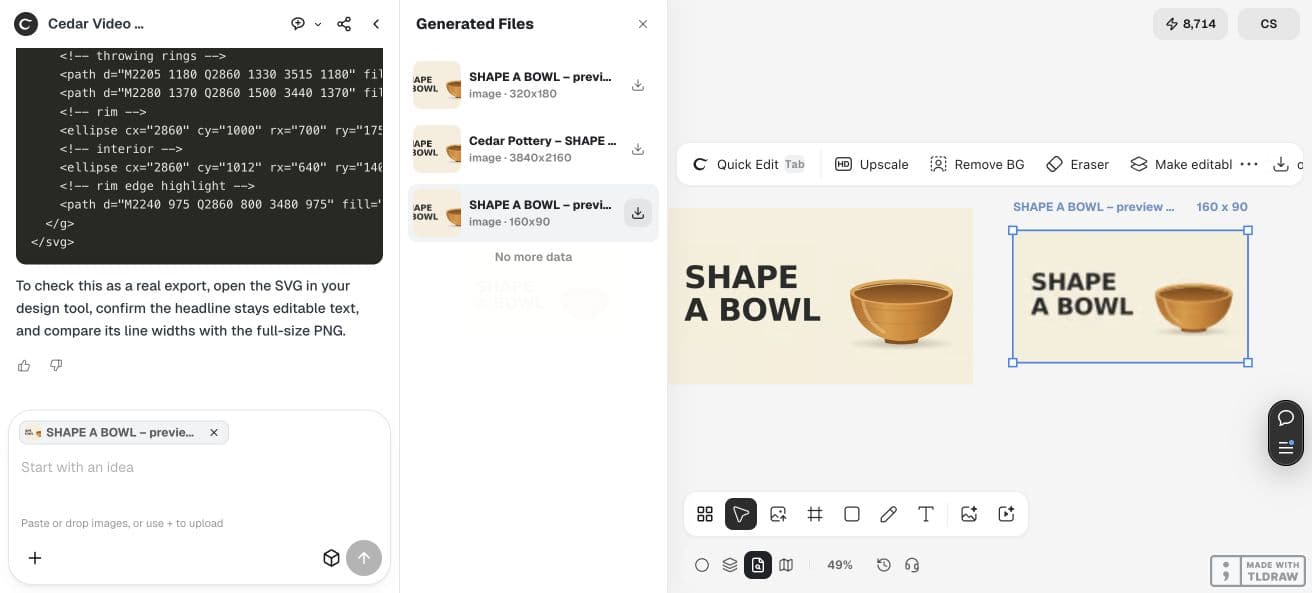
Use the project’s download control rather than saving the optimized display image. Our original PNG download is 3840×2160 and 183982 bytes; the 160×90 and 320×180 originals are also PNGs. These checks describe actual delivered files, not dimensions written only in a prompt.
The SVG source was supplied in chat and saved separately. Its headline is real text, split across two lines. Its font list includes Inter and fallback fonts; the agent reported that DejaVu Sans rendered the PNG. Reopening the source on another computer can change line width, so compare your edited render with the approved PNG.


Buy more variants after the handoff passes
Accept the pilot when it matches the video, stays legible in the review files and supplies the format you can upload and revise. Ask for a focused variation, such as a different approved headline, while retaining the accepted palette and subject. Inspect the new export again if a font or text length changes.
A usable thumbnail is ready for an audience test, not already proven to attract clicks. Keep any later publishing experiment separate from this file review and use your own channel data to judge its result.
Thumbnail buying questions
Does readable text guarantee better click-through performance?
No. This example establishes a file handoff and an editorial readability check. No video was published and no audience result was measured.
Which file should I upload?
Use the original full-size export after checking the current destination requirements. The small previews are inspection aids. Saving an optimized image from the canvas can produce a different format or resolution.
Can I edit the SVG headline later?
The saved source uses real text. Open it in your editor, confirm the fonts and render a new PNG for review. Font substitution or a longer headline can change the layout even when the wording remains editable.
Test one thumbnail before buying a set
Bring the actual video promise and approved wording. Review the original export and small previews before expanding the work.