Practical design guides
Bottle Neck Hanger Template: Keep the Cutout and Copy Separate
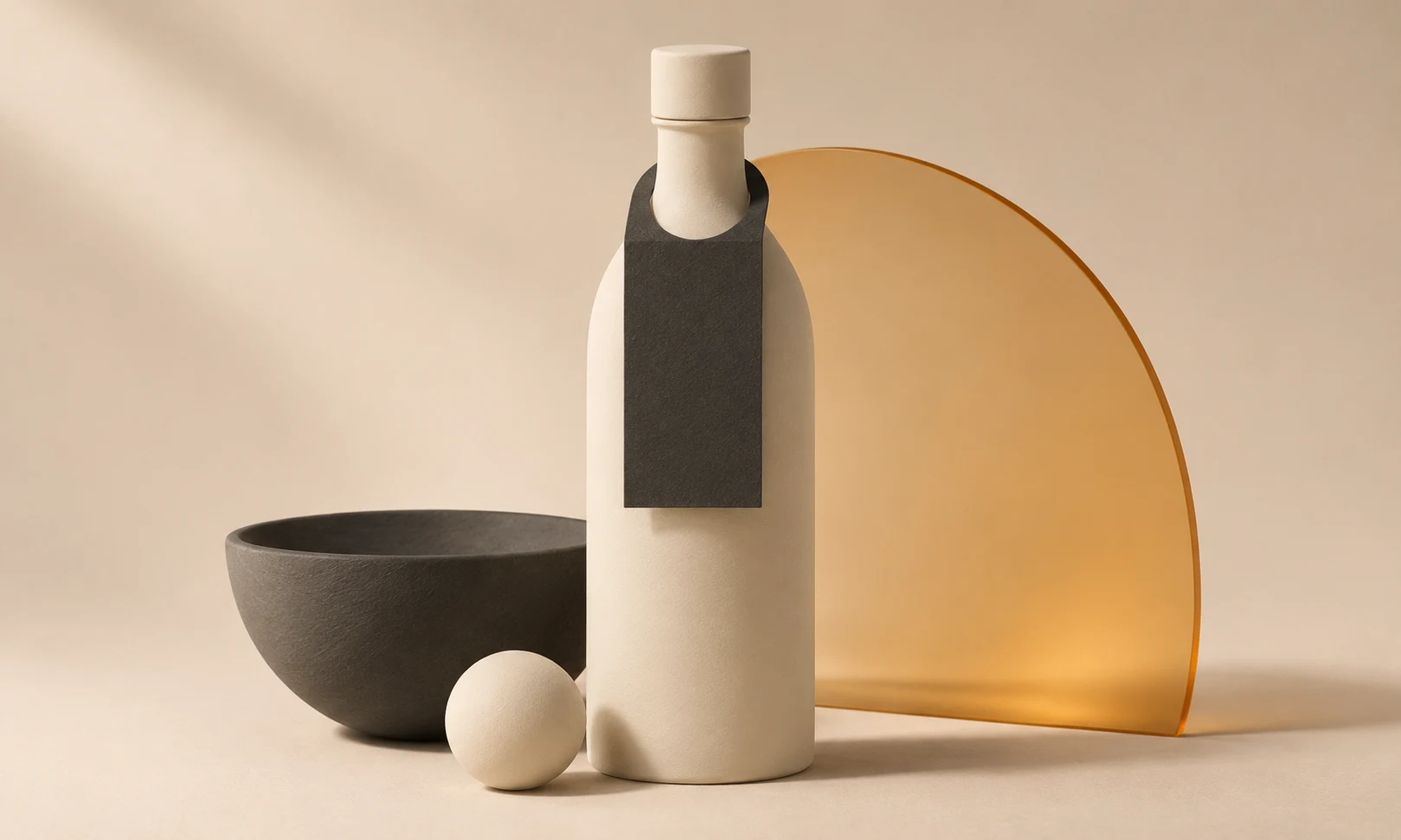
A bottle neck hanger has to fit a three-dimensional object before it can carry a useful message. The opening may clear the neck but not the cap, or a fold can tilt the message out of view.
This guide uses a bottle-hanger supplier’s artwork instructions and a fictional olive-oil gift example. The Ciyo stage develops the visual concept; the supplier’s dieline and a fitted sample decide whether the design is ready for production.
Quick answer
Start with the exact supplier template for the hanger you intend to order. Keep its opening and fold positions fixed, place the main message on the visible lower panel, and test an actual-size paper sample over the real bottle cap.
1. Select the bottle and template together
Use the exact filled bottle, closure and any existing labels. Record the bottle identifier, cap width, neck profile and the height available before the hanger touches the shoulder. A photograph alone cannot prove that an opening fits.
Download the matching supplier template. Bottleneck Hangers UK marks trim, bleed, safe areas and neck cutouts in its artwork guides. Keep that structural information intact rather than redrawing a visually similar outline. A different hanger style can have a different fold, opening or orientation.
2. Work out which panel the customer sees
Cut a plain paper version using the template and place it on the bottle. Check whether it faces forward, rotates or catches on the shoulder. If it has a scored fold, fold it along the specified line and inspect the viewing angle.
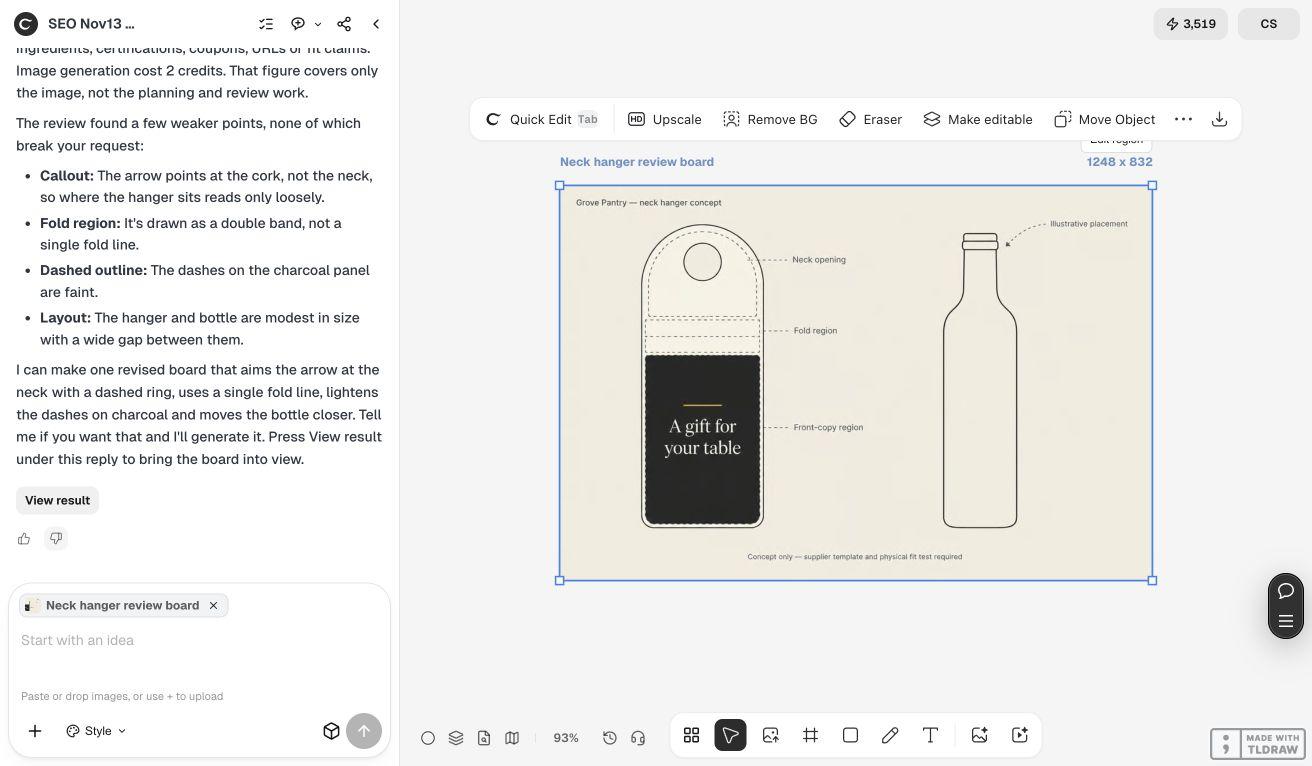
Our fictional Grove Pantry gift bottle uses a short front message, A gift for your table, and an approved shop URL below it. Those words must remain on the visible panel. The hanger does not replace the bottle’s product label or supply information that the owner has not approved.
3. Develop the visual concept in Ciyo
Bring a front photograph of the bottle and a reference image of the supplier template into an isolated project. Tell the Design agent which areas must remain empty: opening, fold, trim clearance and any supplier-defined adhesive region. Supply the exact approved message.
Ask for a flat visual concept beside a contextual bottle view so you can discuss both hierarchy and placement. Treat a generated mockup as an illustration. It may redraw the cap, label or opening, so compare the concept with the original references before accepting any detail.
Live Ciyo example: an illustrative review board
On November 13, 2026, we supplied fictional written inputs for Grove Pantry without a bottle photograph, supplier template or dimensions. Ciyo returned one conceptual board with a flat hanger and bottle outline. The arrow points at the cap and the fold region appears as a double band: useful review issues, not evidence of a fitted or production-ready hanger.
Plan the message by physical region
Use the supplier’s measurements; the table specifies responsibilities rather than universal dimensions.
| Region | Decision | Proof |
|---|---|---|
| Neck opening | Supplier-defined cutout | Passes over actual closure |
| Fold | Supplier-defined score | Message hangs at intended angle |
| Front panel | Approved gift message | Readable when fitted |
| Rear panel | Optional approved shop details | Orientation confirmed |
| Bleed and safe area | Supplier specification | Prepress review |
4. Check the assembled result and deliver a flat file
Test the paper prototype with the real cap in place. Move and lift the bottle gently as it would be handled in the shop. Check whether the hanger obscures required bottle information or slips into an unintended position. Discuss mechanical problems with the supplier before revising the artwork.
Prepare the production file in the format requested by the printer, preserving the structural template on its required layer or separate reference. Confirm whether the template guides should be hidden or removed from the printable art. Obtain the supplier’s proof before ordering; a Ciyo canvas export alone is not proof of die-cut accuracy.
Copyable concept brief
This request deliberately keeps structural approval with the supplier.
Plan artwork for [BOTTLE PRODUCT] using [SUPPLIER TEMPLATE REFERENCE] and [ORIGINAL BOTTLE PHOTO]. Preserve the indicated cutout, fold, trim and safe zones. Put [APPROVED MESSAGE] on the panel marked FRONT. Use only [APPROVED SECONDARY COPY]. Do not alter the product label, invent a coupon or claim the mockup proves fit. Provide a flat concept and a checklist for testing a paper sample over the real closure.Choose the right handoff for your run
For a short promotional run, choose an existing supplier shape and keep the copy brief. A custom opening or elaborate die-cut needs structural review before the design is finalized. More decoration does not compensate for a hanger that fits the wrong closure.
If a coupon, expiry date or offer is needed, obtain its exact approved terms first. Give it room on the visible panel and compare it with the destination page; never rely on a mockup’s small print to carry the only version of a condition.
Sources
Supplier pages checked November 13, 2026. The gift message and product scenario are original fictional examples.
Frequently asked questions
Is there one standard bottle neck hanger size?
No. Use the template for the exact supplier product and check it on the actual bottle and closure.
Can I change the opening to make the composition neater?
Only after the supplier confirms the structural change. The opening is a functional part of the hanger.
Does a realistic AI mockup establish fit?
No. It can help discuss appearance, but the real bottle, actual-size sample and supplier proof establish the physical result.
Plan the hanger artwork with its structure visible
Bring your approved copy and reference files, make one draft, and compare the result with your checklist before creating more versions.