Practical design workflows
Can Nano Banana make GIFs?
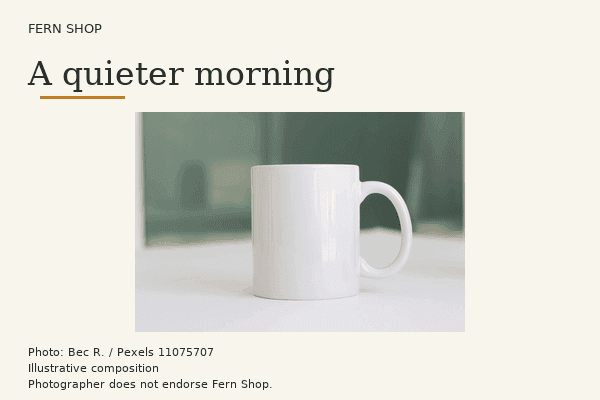
Nano Banana produces still images in Ciyo. Use an approved still as the base, animate one element, then export and inspect a looping GIF.
Start with a clean still
In the image generator, select Nano Banana Pro and make the frame that should appear when the animation stops. For a product, keep the approved lettering, silhouette and margins. Save this frame before adding motion.
Choose what moves
For a product card, a moving underline only needs one background image. Keep the photo and headline fixed and change the underline across frames. For a waving character, prepare the hand poses against the same background and align the shoulder before encoding.
Ask me for my approved Nano Banana still. Keep the photo and headline fixed. Animate only an underline for two seconds. Export a looping GIF and its first frame as PNG. Check their dimensions, frame count and total duration.When the subject itself needs to move
For a two-pose wave, use your approved drawing as the reference for the second pose. Match the canvas dimensions and check the eyes and shoulders against the first frame. Crop both together if alignment needs adjusting.
Set the timing before export
For a two-second proof, hold pose A for 800 ms, B for 400 ms and A for 800 ms. The two A holds meet at the loop boundary. Shorten them if that pause feels too long. Pick the loop setting when writing the GIF.
Compare a working GIF with frame one
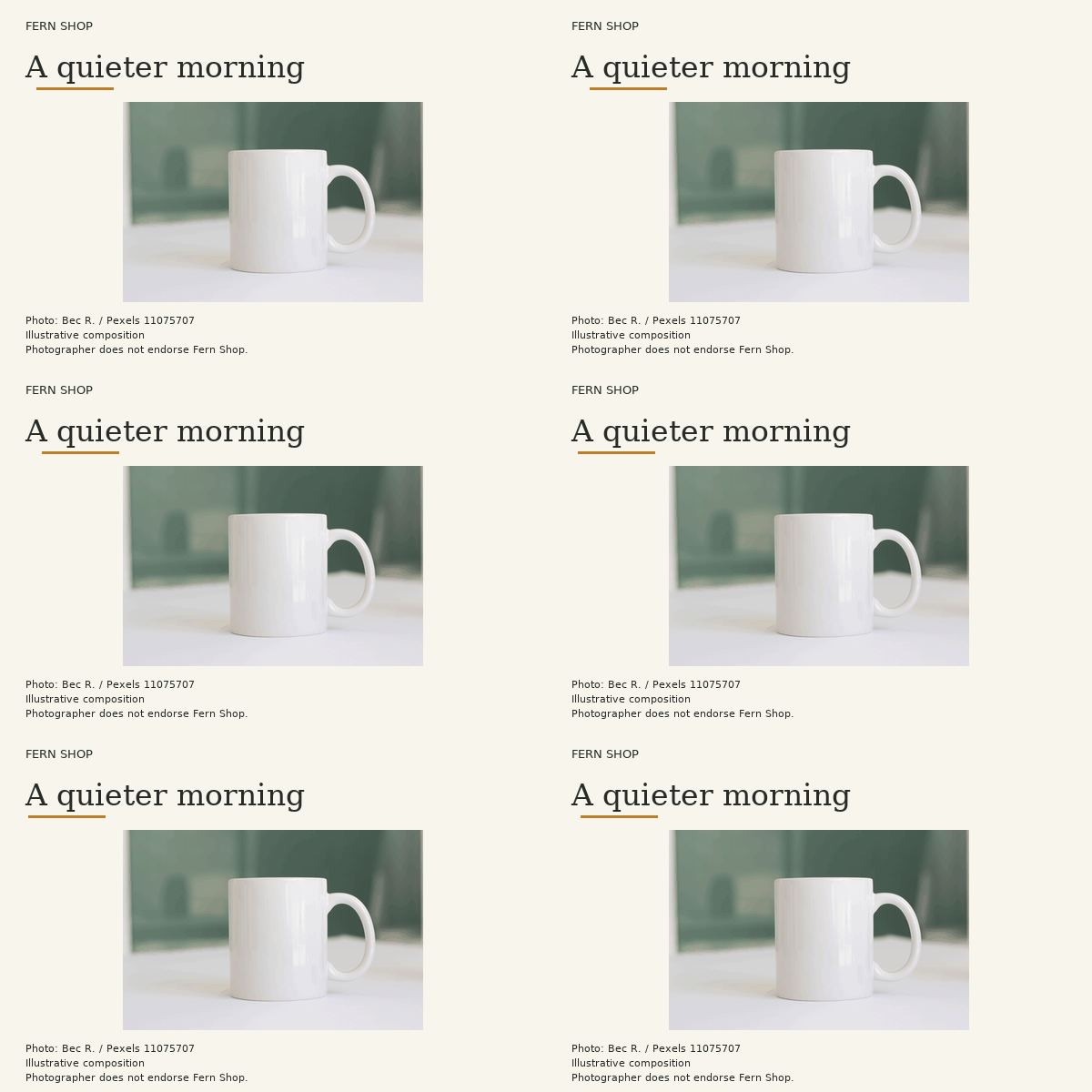
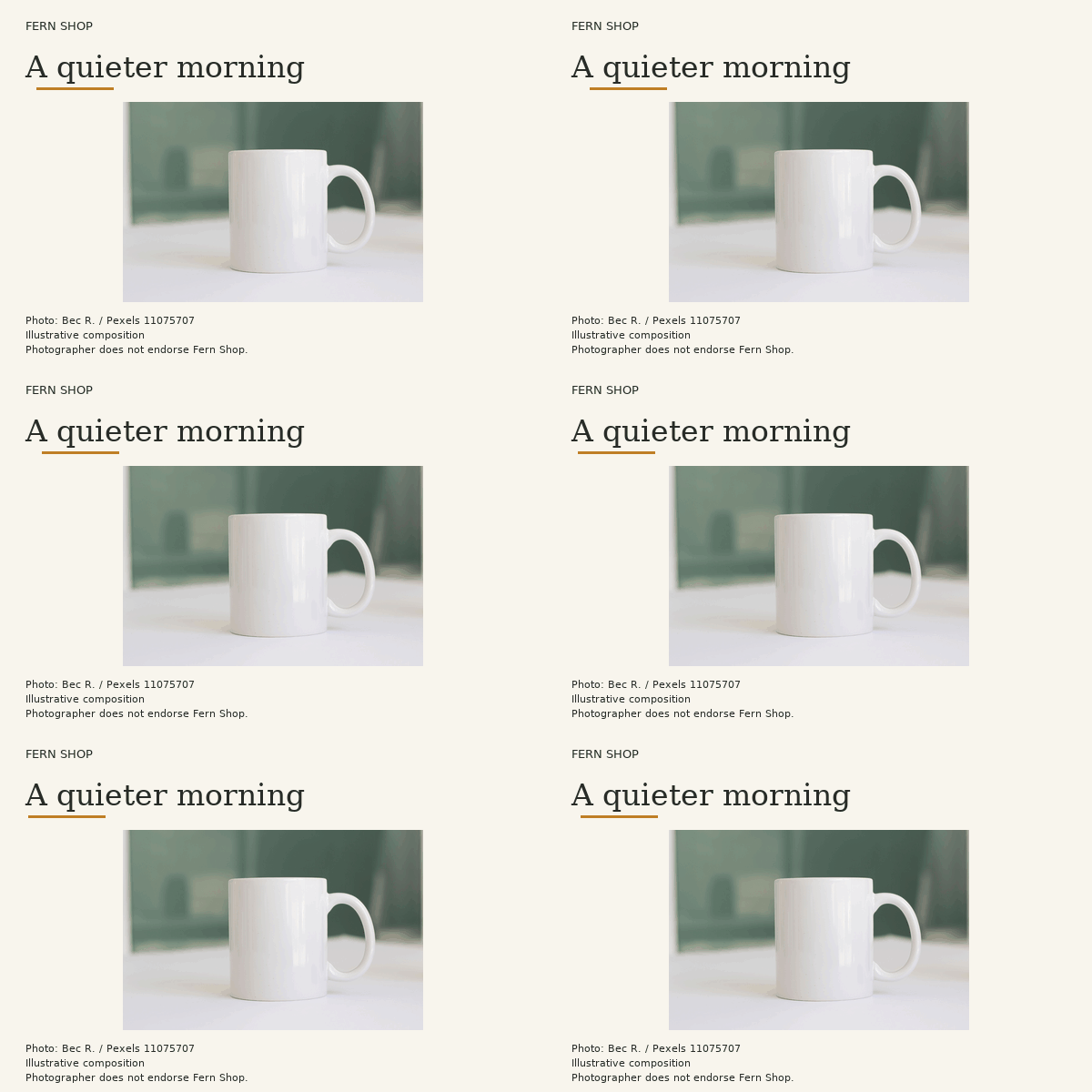
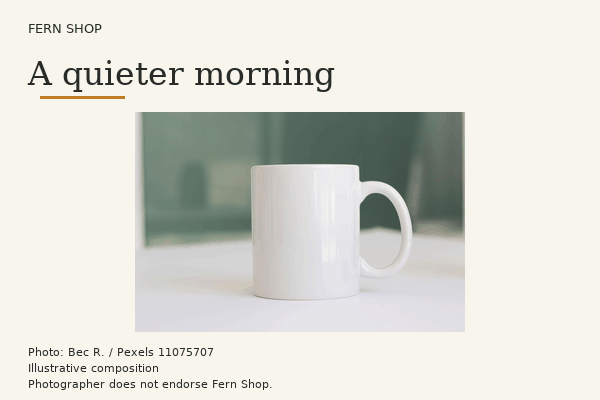
The Fern Shop sample below began with a licensed photograph. It demonstrates the separate encoding step you can use with a Nano Banana still. The saved file has 32 frames over two seconds. Open the GIF and its static PNG, then check the headline stays fixed as the underline loops.

What to fix if the result looks static
Download the file and play it outside the canvas. A one-frame file needs another distinct frame. If it plays only once, check the loop setting. If the whole mug shimmers, reuse the original background and change only the moving layer.
Make a loop from my still
Begin with your own approved still. Edit the brief in the workspace before running it.