Nano Banana image generator
Start with a photo or a description. Use Nano Banana to make a first image, or ask for a single edit and compare it with the original on the canvas.
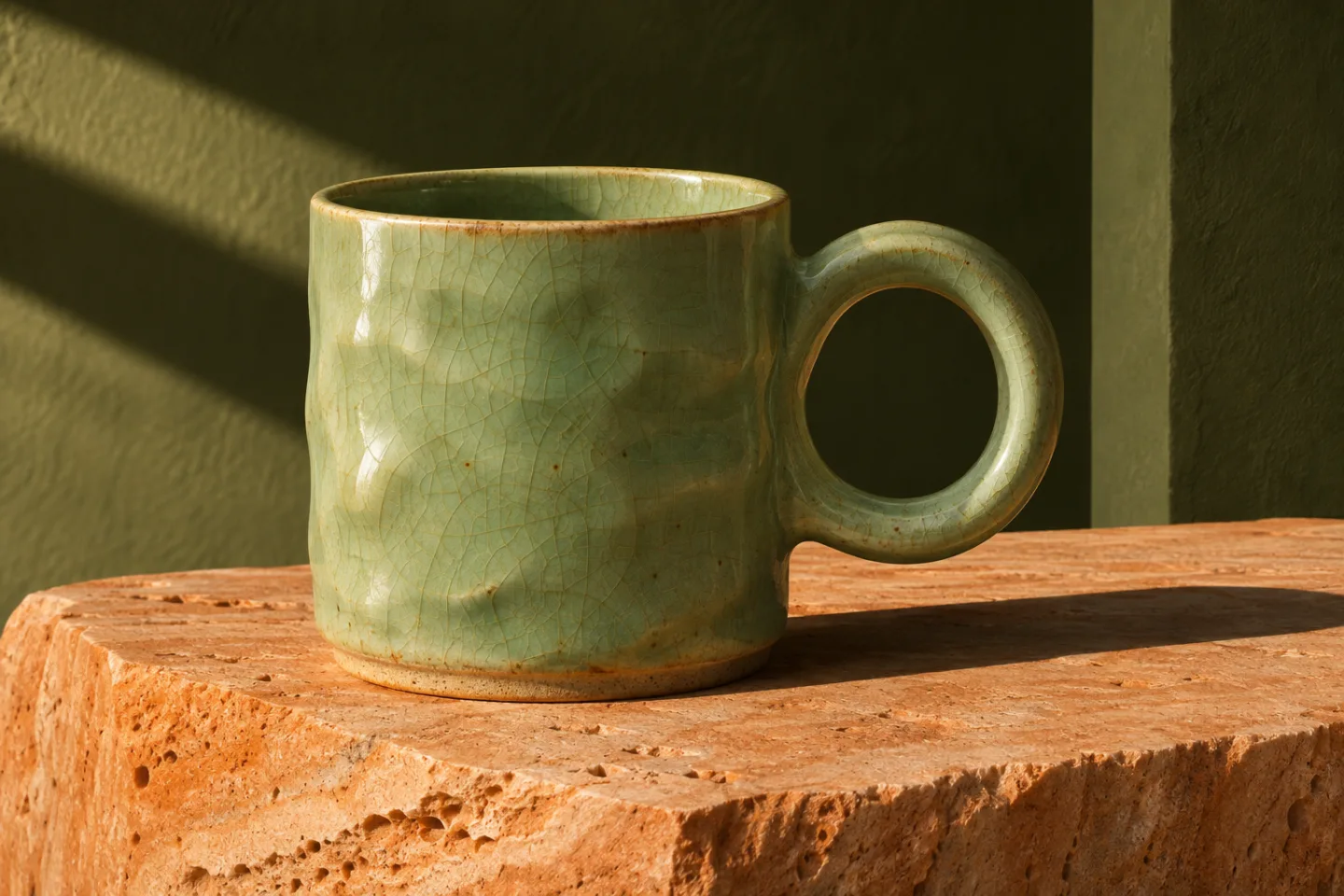
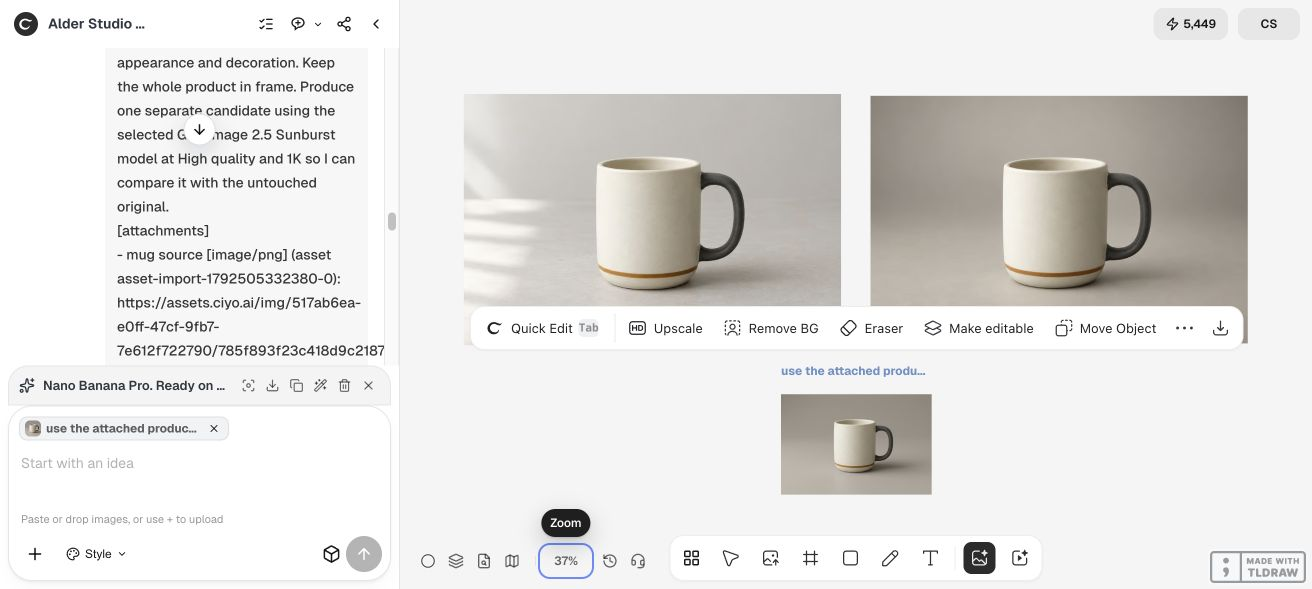
What changed in the mug photo?
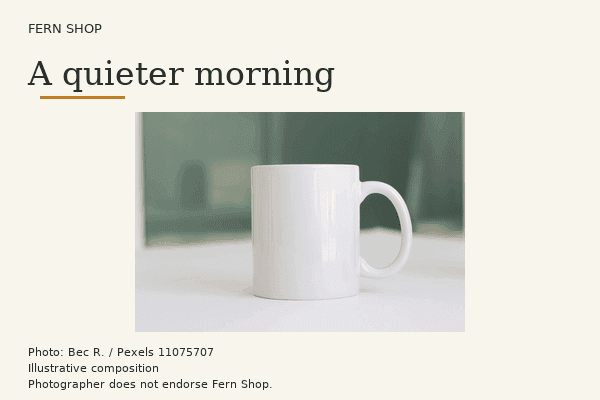
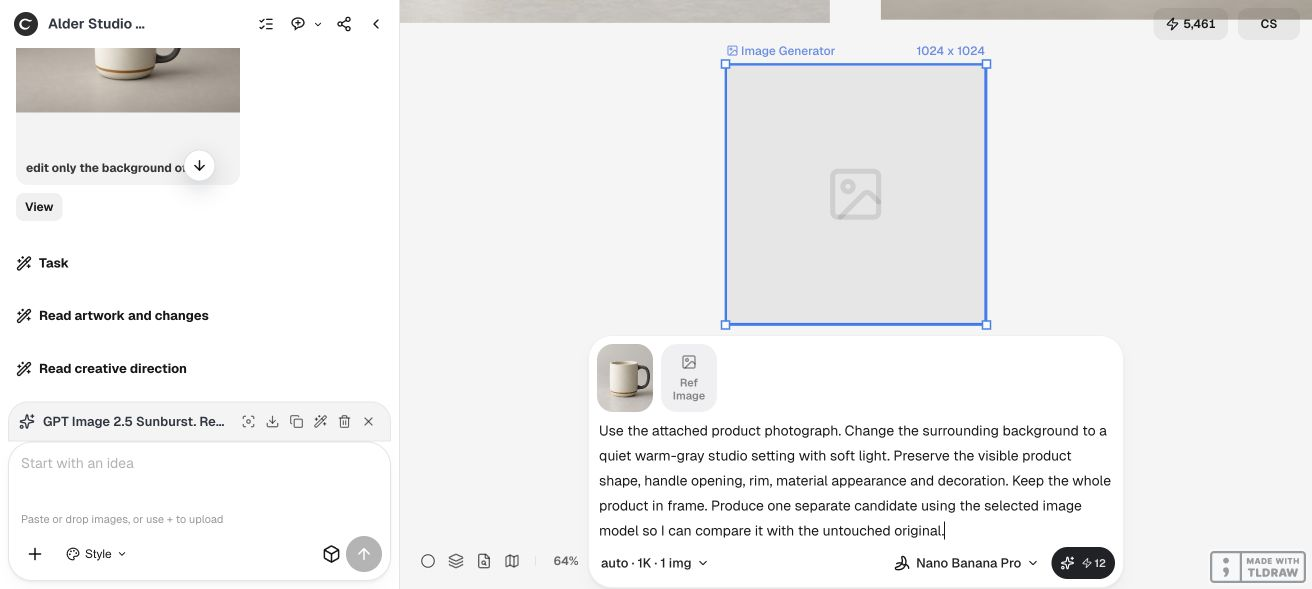
In our mug test, Nano Banana Pro received the original product photo. The board keeps its result beside the source and a separately generated edit.
Prepare the review
- Attach the original photo or describe the image you want to make.
- Choose Nano Banana, Nano Banana 2 or Pro in the image generator and check the displayed credit quote.
- For a photo edit, compare the lettering, rim and handle at the same size before exporting.
How do I edit a reference photo with Nano Banana Pro?
Select Nano Banana Pro in the image generator and attach the original to the edit. In the mug example, the model received the source photo directly. Compare its result with the source at the same size before changing the prompt again. For a new 4K image, choose 4K in the Pro resolution menu. To enlarge an existing file, use the upscale guide below and check the downloaded dimensions.