Practical design guides
Car Magnet Design: Fit the Door Before Adding More Copy
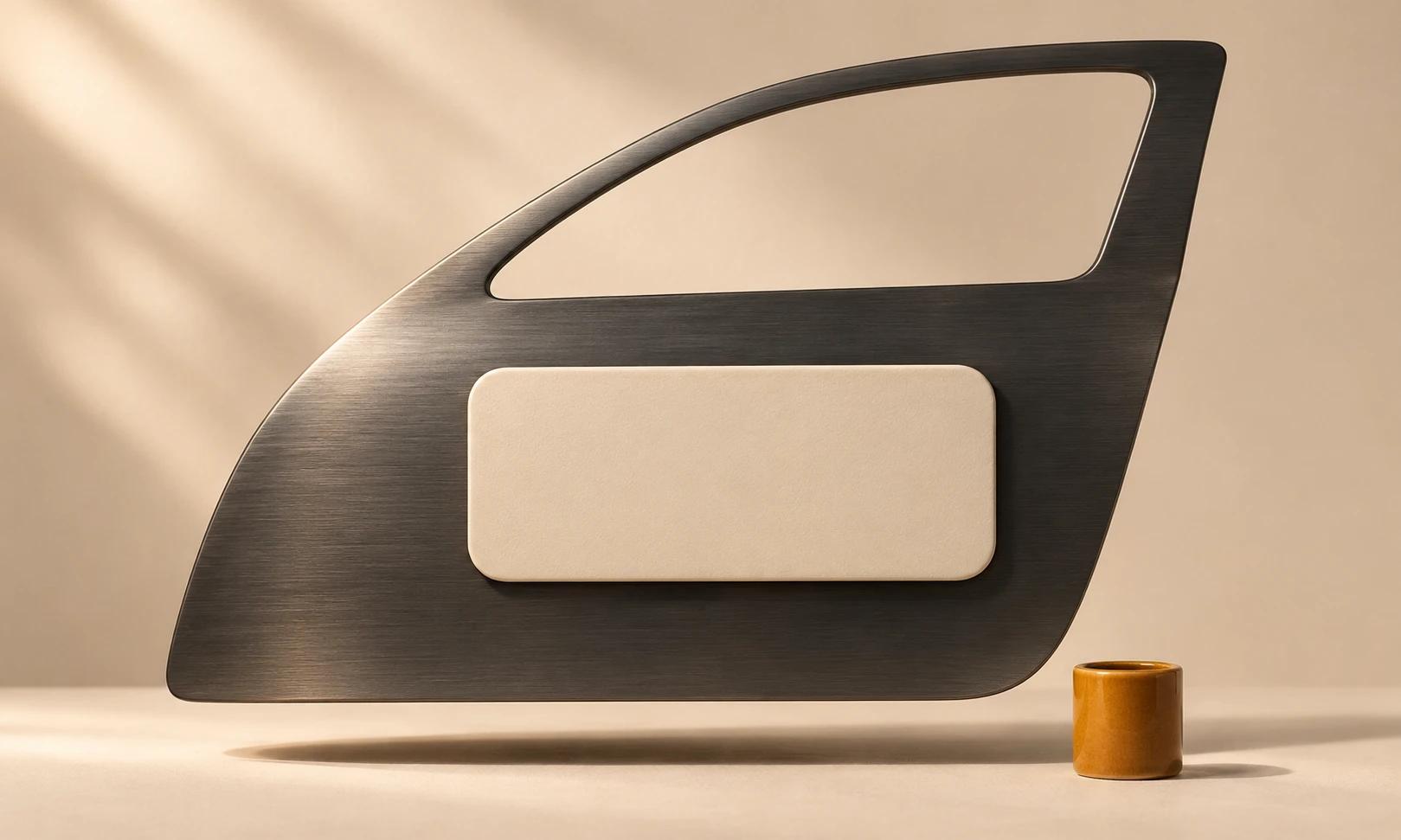
A car magnet is a small sign on a complicated surface. Door seams, handles and curved panels can defeat an otherwise tidy layout, while a long service list becomes unreadable once someone steps back.
This tutorial combines VistaPrint’s car-magnet guidance with an original Rowan Repair planning review in Ciyo. The demonstration reviewed written constraints; it did not inspect a vehicle, test magnetic hold or produce a fitted sign.
Quick answer
Check the intended door surface before choosing a magnet size. Measure one suitable flat area clear of seams and handles, give the business name and one contact method a clear hierarchy, and test a paper template and supplier sample on the parked vehicle before ordering.
1. Find the usable surface first
Do not choose a rectangle from a product photograph and assume it will fit your own door. Measure the actual mounting area, noting seams, handles, trim and changes in curvature. VistaPrint recommends checking whether the vehicle surface is magnetic; its guidance mentions a refrigerator magnet as an initial check.
That initial check is not a durability or road-use test. Confirm compatibility, installation and care with the supplier, then use its sample and instructions. If the door cannot accept the chosen product, resolve the sign type before spending time on artwork.
2. Write the sign for one glance
For fictional Rowan Repair, the essential information is the shop name and one approved contact. A six-line list of services competes with that task. Choose the one service description that tells a passing reader what the shop does, or omit it when the available space is too small.
Use contrast against both the magnet background and the vehicle. Treat tiny social handles, decorative badges and repeated contact methods as optional. Review a full-size paper version from the intended viewing position while the vehicle is parked, rather than judging readability only in a zoomed canvas.
| Priority | Example content | Review question |
|---|---|---|
| First | Rowan Repair | Can a viewer identify the business? |
| Second | One approved contact | Is the next action readable? |
| Optional | Short service description | Does it help more than it crowds? |
| Remove | Six small service lines | Would fewer words work better? |
3. Review the constraints in Ciyo
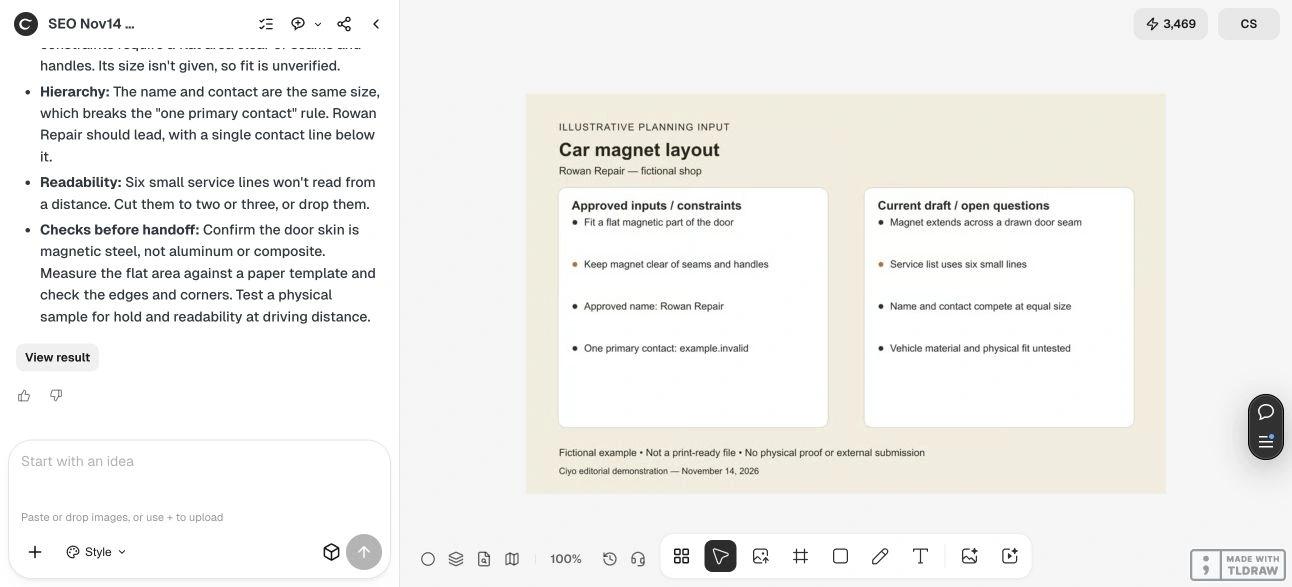
Upload a planning sheet with the measured area, approved copy and current draft issues. A photograph can help explain the position, but it does not prove material compatibility or physical scale. Ask the agent to distinguish visual corrections from checks that require the real door.
In our November 14 dev.ciyo.ai run, Ciyo flagged the stated seam crossing, missing dimensions, equal emphasis on the name and contact, and the crowded six-line service list. It proposed a clearer name/contact hierarchy and physical checks. This was a review of a text-based worksheet, not visual detection of an actual door seam.
Copyable layout-review prompt
Replace the bracketed inputs with measured and approved information. Keep any unknown surface detail explicit.
Review my car magnet plan for [BUSINESS]. Approved copy: [NAME, SHORT SERVICE AND ONE CONTACT]. Measured usable flat door area: [DIMENSIONS OR UNKNOWN]. Obstructions: [SEAMS, HANDLES AND TRIM]. Attached are [DOOR REFERENCE AND DRAFT]. Identify fit conflicts, crowded copy and weak hierarchy. Separate visual changes from physical compatibility checks. Do not claim that the magnet fits or that its hold has been tested.4. Test the layout and prepare a supplier handoff
Make a paper template at the proposed dimensions, verify the printed scale with a ruler and place it on the intended flat area. Check the full perimeter and door operation. Read the name and contact from the normal viewing position; shorten the copy before simply reducing its font size.
Ask the supplier to confirm the chosen material, edge treatment, installation and care requirements. Follow its instructions for the real sample. Then prepare the approved artwork in its current production template and obtain a proof. Our Ciyo session established none of these physical or manufacturing outcomes.
Choose a magnet for the actual door
A removable sign can suit a changing local-service message when the substrate and product are compatible. A detailed menu of services belongs on the destination page. A storefront window sign has a different installation and viewing-side problem.
Source
Supplier guidance checked November 14, 2026. Rowan Repair and its layout conflicts are fictional planning inputs.
Frequently asked questions
Will a car magnet work on every vehicle?
Do not assume so. Check the actual surface and the chosen product’s compatibility and installation requirements with the supplier.
How much copy should I put on it?
Start with the business name and one contact method. Add a short service description only if it remains readable on a full-size proof from the intended viewing position.
Can a canvas mockup confirm fit?
No. The demonstrated Ciyo review catches planning conflicts. Measurement, a paper template and a compatible physical sample are separate checks.
Review the sign before the print order
Bring the door measurements and approved short message into Ciyo, then resolve the physical fit with your supplier.