Ciyo · Practical design
Change Instructions While Ciyo Is Working: Send a Clear Correction

You notice a wrong color or crop while the design agent is still working. A useful correction says what should change and what should remain, instead of forcing the agent to infer whether you are replacing the whole task.
We attempted this interaction in an isolated Ciyo development project on November 5, 2026. The original request and correction both returned generic failures, so the attempt does not prove a successful mid-task intervention or cancellation. This guide separates the documented steering behavior from that observed limit.
Quick answer: state the change and the invariants together
Name the changed requirement, repeat the essential facts and keep the desired output explicit. A steering message is meant to redirect ongoing work. It does not retroactively change an image request that has already been submitted or erase completed work.
After sending the correction, inspect the actual response and any generated assets. If the task has already failed or finished, treat your message as a follow-up rather than evidence of successful intervention during active work. Do not promise instant cancellation or a free correction.
1. Keep a compact source brief
The fictional example asks for a square 1200 × 1200 workshop graphic: Harbor Makers, Paper & Pattern, Saturday November 14, 2026, 2–4 PM, Cedar Room. The first direction uses a blue botanical motif; the correction changes that motif to warm amber.
The date, time, room and output size remain fixed. Keeping these fields together makes it possible to check whether a narrow correction accidentally changed the offer. Do not add a price, booking link or QR when none was supplied.
| Field | Original | After correction |
|---|---|---|
| Motif color | Blue | Warm amber |
| Output | 1200 × 1200 square | Unchanged |
| Workshop facts | Title, date, time and room | Unchanged |
| Submitted media | Check actual task state | Do not assume cancellation |
2. Send the changed requirement explicitly
Use the current conversation’s prompt control when it is available during work. Write a short correction that identifies the old and new direction. Include the facts that must remain and ask the agent to explain any already submitted work relevant to the change.
The live attempt showed an initial failed request before the correction also failed. We therefore cannot describe that sequence as a measured successful steering result. The example wording is reusable, but current controls and final task state still need checking in your own session.
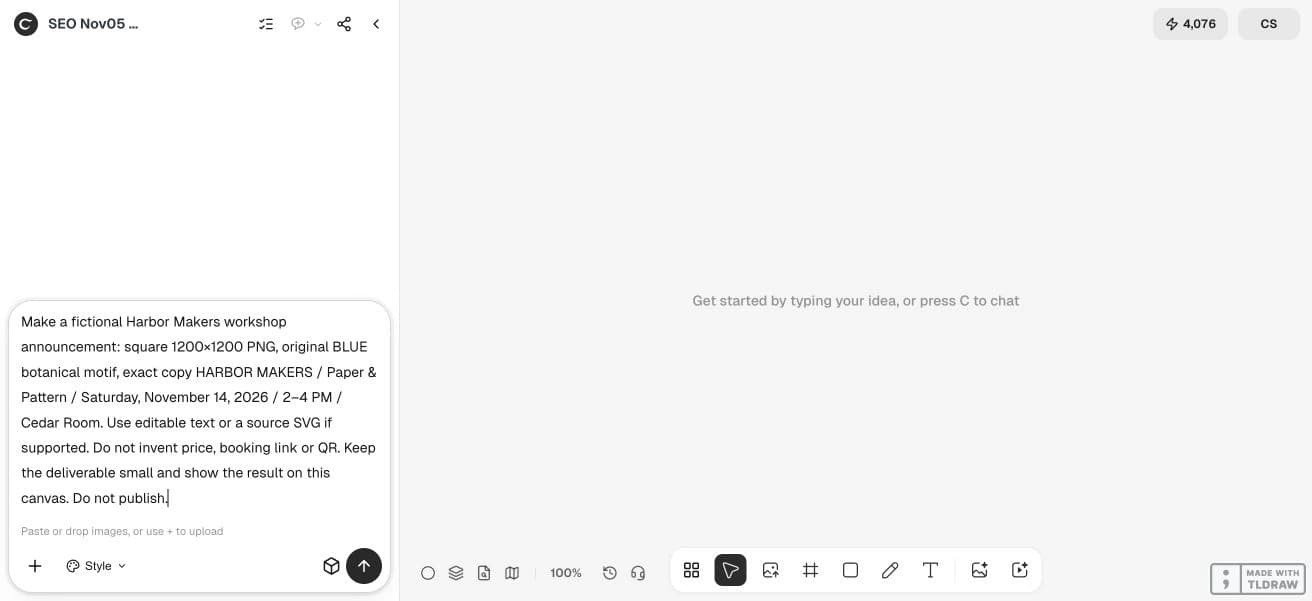
Make a fictional Harbor Makers workshop announcement: square 1200×1200 PNG, original BLUE botanical motif, exact copy HARBOR MAKERS / Paper & Pattern / Saturday, November 14, 2026 / 2–4 PM / Cedar Room. Use editable text or a source SVG if supported. Do not invent price, booking link or QR. Keep the deliverable small and show the result on this canvas. Do not publish.3. Distinguish submitted work from work not yet started
Ciyo’s documented submission cutoff prevents superseded reasoning from initiating new work after a stop or steering event. A media task submitted earlier continues through its own lifecycle. These are different states, even if they appear within one conversation.
An old-color result may therefore arrive after a correction. Read its task timing and content before concluding that the new instruction was ignored. Keep that asset separate from any accepted replacement, and avoid starting duplicate generations merely because the browser seems quiet.
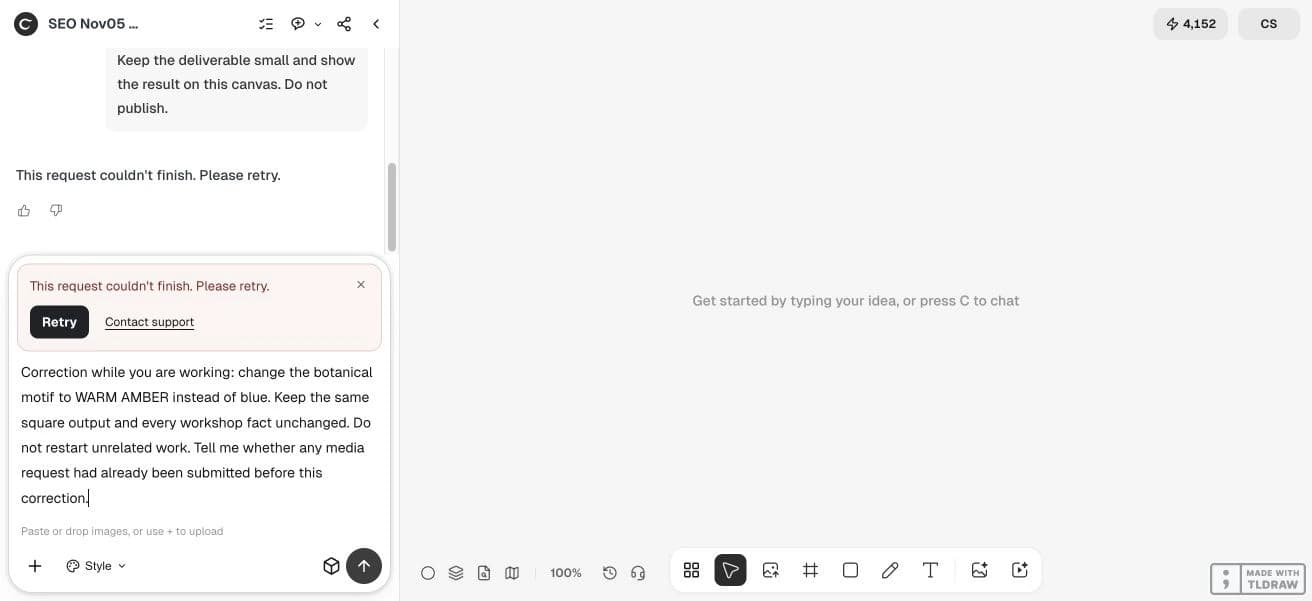
Correction while you are working: change the botanical motif to WARM AMBER instead of blue. Keep the same square output and every workshop fact unchanged. Do not restart unrelated work. Tell me whether any media request had already been submitted before this correction.4. Compare the result with the unchanged facts
Check color, dimensions, workshop title, date, time and room in the actual file. A chat acknowledgment is not proof that the saved image followed the correction. If no usable result arrives, preserve the visible failure and the original brief before deciding how to continue.
For a simple wording mistake, a later focused revision may be easier to review. For a wrong direction that would create more unnecessary work, a clear intervention can be useful. The choice depends on what has already started, not on an assumption that every operation is reversible.
5. Keep cost and cancellation claims precise
A correction is not a refund request and does not establish that completed work is free. Check the current quote for a new media operation and account for any separately billable agent work. A balance snapshot alone cannot identify which task caused a change.
For a solo creator, keep one correction in view at a time. For a team, collect feedback through one person before sending conflicting directions. If failures persist, retain the project, exact message and approximate time for support rather than repeating the same request indefinitely.
Questions before you start
Does a steering message cancel submitted media instantly?
No instant cancellation is established. The documented boundary distinguishes future work from already submitted media tasks.
Is a correction sent after failure still steering?
It is a follow-up to a failed task. Do not use that sequence as evidence of successful mid-task intervention.
Will a color correction preserve every other detail?
That is the intent, but inspect the saved result against the approved facts. An acknowledgment alone is insufficient.
Does correcting the agent reverse earlier charges?
A correction does not establish a refund or free completed work. Check the current policy and each operation’s state.
Start with one clear brief
Bring your approved facts and references to Ciyo. Inspect the saved result before using it in print or a campaign.