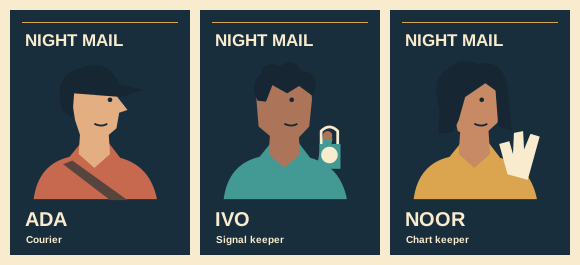
Cast portrait illustration
Keep a drawn hair rim clean on a dark character poster

A pale contour left from a white sketch sheet can make a cutout portrait look like a sticker. Check the edge on two backgrounds and preserve any deliberate rim light that belongs to the drawing.
Prepare the comparison
Place the same masked portrait over dark blue and pale grey. Look around the hair at normal size first. A patch that appears only against the dark field is worth inspecting closer.
Distinguish light from fringe
Follow the intended light direction. A painted highlight usually has a beginning and end. A thin pale line of the same width all the way around often belongs to the old background.
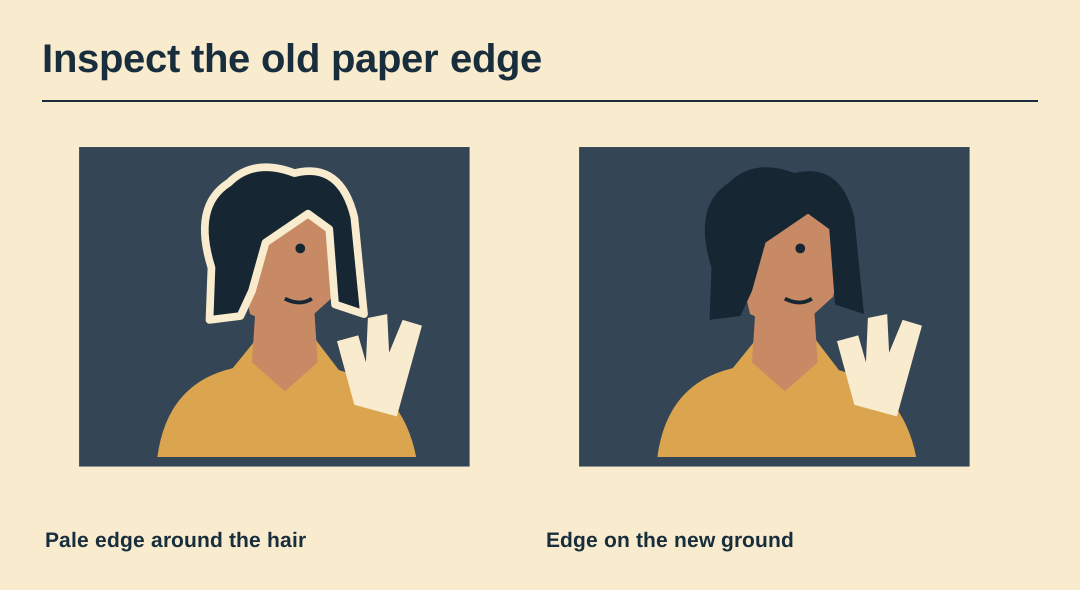
Repair a short segment
Work on a duplicate mask and correct a few strands at a time. Pulling the entire mask inward can remove good hair along the shadow side while leaving larger pale clumps elsewhere.
Keep sharp shapes sharp
A graphic cap brim should retain its crisp corner. Treat the hair and brim as separate edge problems. A global blur can make the hat look soft without improving the strands.
Return to poster size
Hide the magnified view and check the portrait next to the name. The aim is a convincing silhouette in the actual composition. Fine cleanup that erases a defining tuft is counterproductive.
Preserve the layered edge
Deliver the clean composite and retain the editable mask. A pale paper variant may require a different treatment of the painted rim even when the cutout is identical.
Inspect the portrait artwork
Open the layered vector shapes and inspect how the face, costume and role prop separate at a smaller size.