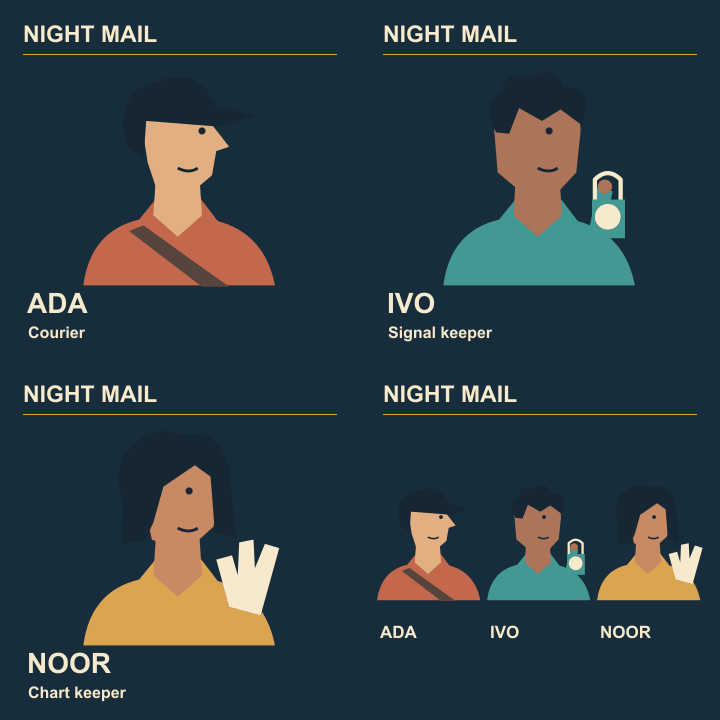
Animated cast reveal
Reduce colour banding in a flat-art poster GIF
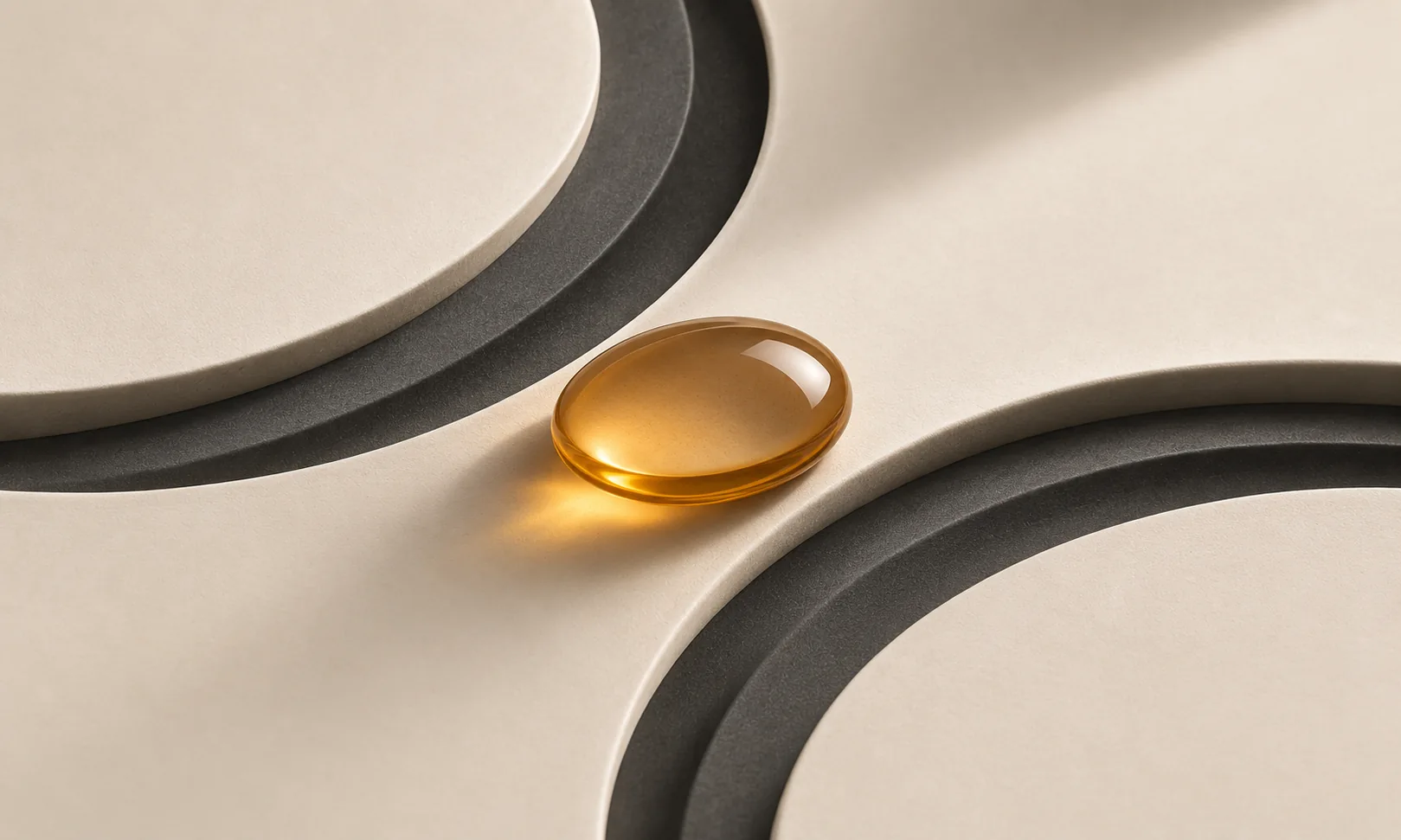
A smooth glow around Ivo’s lamp can become visible rings after GIF export. Compare a small crop of the actual exported glow with the original. Choose a treatment that fits the flat illustration style.
Find the fragile region
Inspect the dark blue field around the lamp at native size. Mark where a smooth tonal change becomes steps. Leave the rest of the poster untouched while trying alternatives.
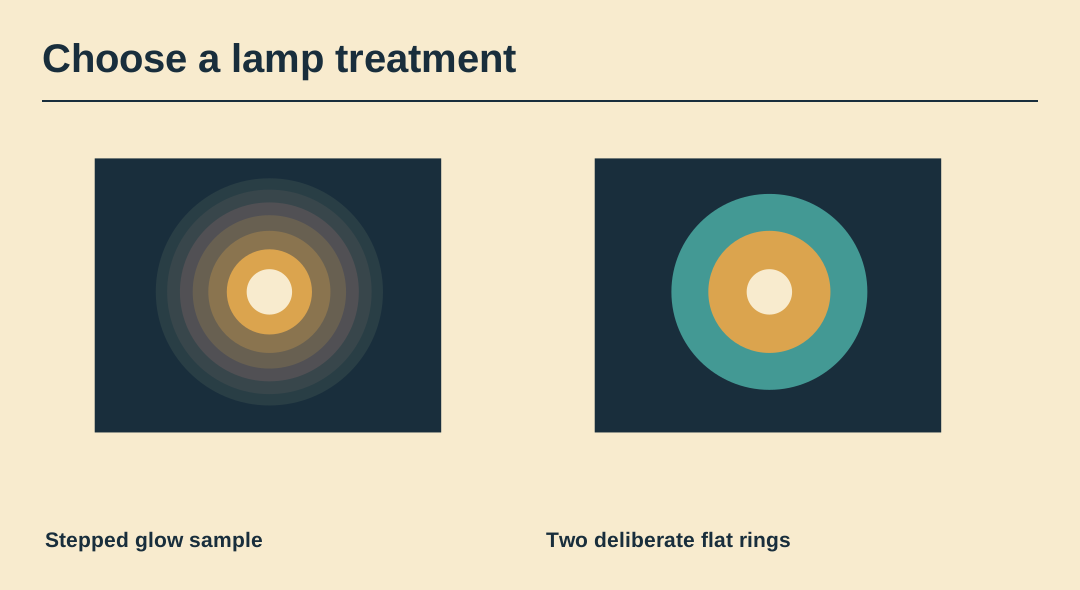
Try a graphic halo
Replace the long gradient with two deliberate flat rings using colours already present on the poster. Give each ring a purposeful width so the change looks drawn rather than accidental.
Compare dithering
Export a second version with a dithered glow if the editor supports it. View the moving file as well as the still. Dots that look fine on one frame can shimmer when the lighting changes.
Preserve the lettering
Zoom into the small name and the title. If extra glow shades cause ragged type or a dirty paper colour, simplify the glow before sacrificing the name’s solid contrast.
Check the file cost
Measure the two actual output files and play them at the intended display size. A smooth-looking alternative is only helpful if it meets the delivery limit and the difference is visible there.
Retain the original light
Keep the full-colour still separately. A printer or another animation format can use that master rather than inheriting a palette compromise made for the GIF.
Preview the exported animation
Watch the exported Night Mail GIF through two cycles. Its four frame delays are 1.0, 1.0, 1.4 and 2.0 seconds.