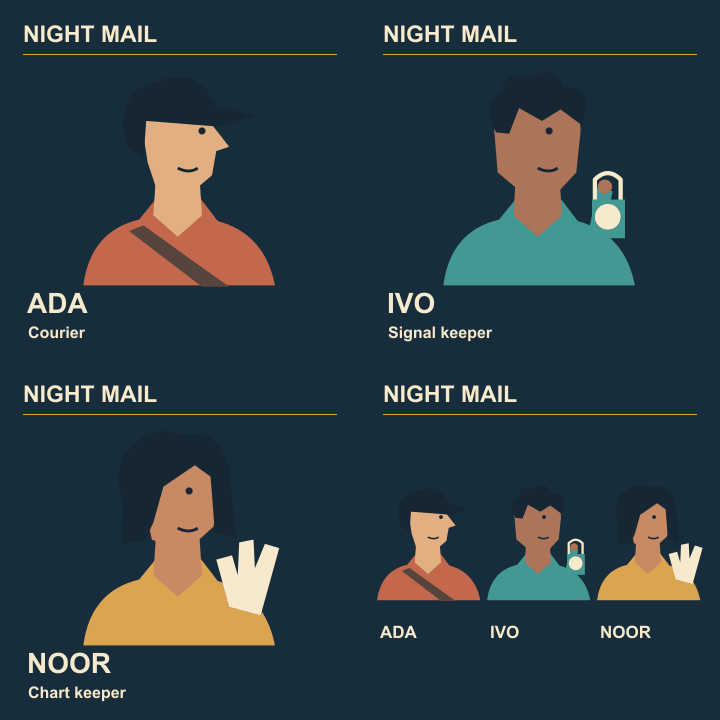
Animated cast reveal
Set frame delays so each cast name can be read

An animated cast card may look slow to its designer, who knows every name by heart, and fast to a first-time viewer. Test the exported timing with somebody seeing the sequence for the first time.
Make a timing sheet
Write the four frames in order and list the exact text on each. Include the final ensemble even if it contains no new information. It still takes time to find a particular face in the group.
Choose trial delays
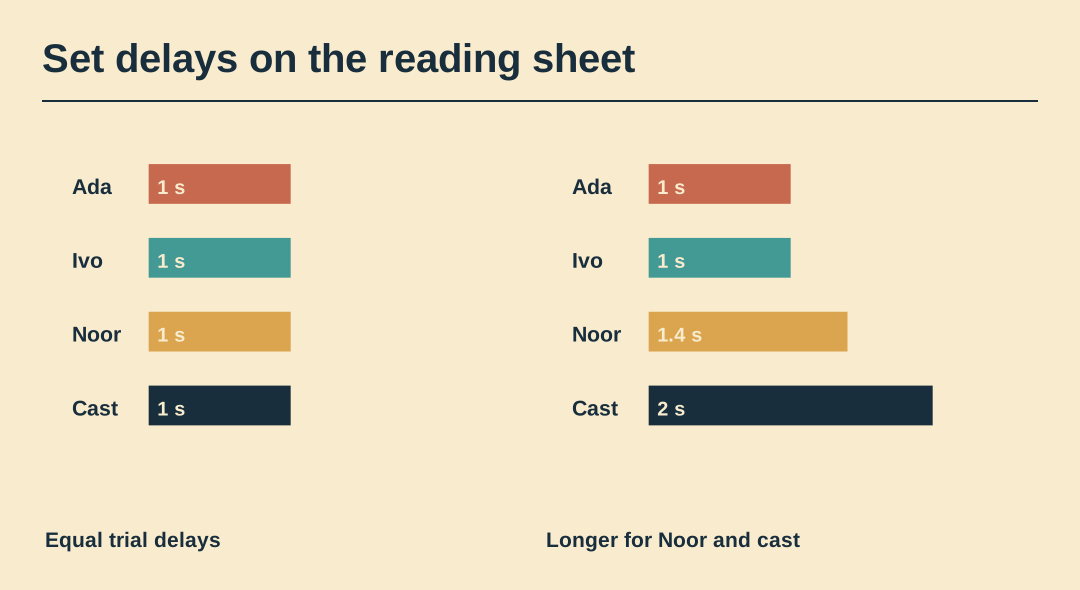
Try 100, 100, 140 and 200 hundredths of a second for Ada, Ivo, Noor and the group. This is a test schedule. The last two cards receive longer because they ask the viewer to do more reading.
Test without narration
Play the file once and ask the viewer to say the names in order. Avoid pointing to the text during playback. A missed name tells you which specific frame to inspect.
Change one duration
Lengthen only the missed card for the next proof. If the viewer still misses it, consider whether competing motion or a small type size is the real cause. Timing cannot rescue illegible lettering.
Inspect the first repeat
Watch the sequence wrap from the final hold to the first frame. An extra duplicate still at the join adds its delay to the intended hold and can make the animation seem stuck.
Write down the final timings
Record the accepted delays next to the exported filename. Check them after a later optimisation pass, which may combine identical frames or change the effective hold time.
Preview the exported animation
Watch the exported Night Mail GIF through two cycles. Its four frame delays are 1.0, 1.0, 1.4 and 2.0 seconds.