Animated cast reveal
Turn three character posters into a cast reveal GIF

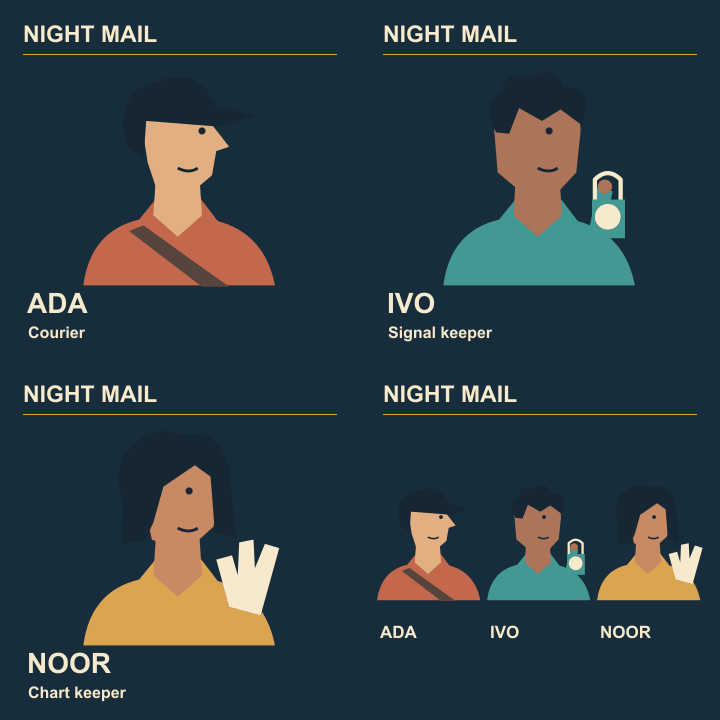
A cast reveal works when a viewer can identify the current character and then understand the whole group. For Night Mail, use three portrait beats followed by one ensemble hold. Build the reading rhythm before adding decoration.
Lay out the stills
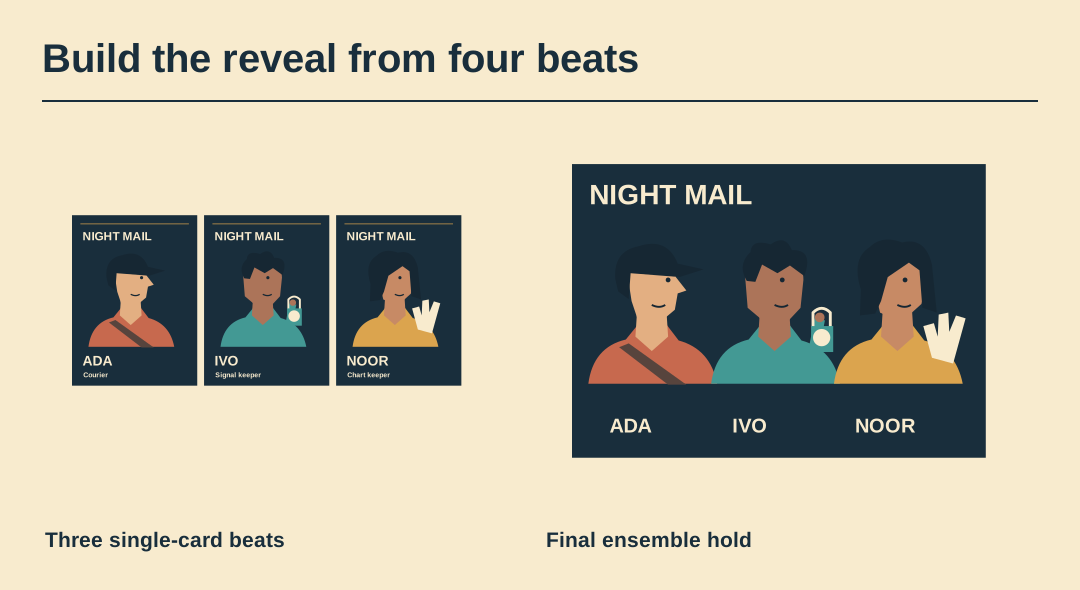
Export three cards at the same pixel dimensions and origins. Put the cast sheet on a fourth frame. The show title should stay in the same place unless its movement is part of the design.
Time the name reads
Give a test viewer one playthrough and ask which names they remember. Start with roughly a second per simple card and adjust for the actual copy. A longer formal name may need its own timing.
Protect the first frame
Some placements initially show only a still. Choose a first card that already contains the show title and useful artwork. An empty fade-in wastes that opportunity.
Choose a simple cut
Use a hard cut for the first proof. Where an eye or header jumps, check the card registration first. A transition can soften a change but cannot fix a misplaced name.
Hold the ensemble
Keep the last frame long enough for a viewer to find all three figures. Watch the jump from that frame back to Ada as part of the sequence, not just the transition between single cards.
Deliver a still companion
Export the ensemble as a static image too. Open the actual GIF through two loops and compare the still with its final frame. The linked example lets you inspect a complete four-frame sequence.
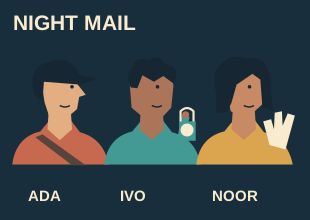
Preview the exported animation
Watch the exported Night Mail GIF through two cycles. Its four frame delays are 1.0, 1.0, 1.4 and 2.0 seconds.