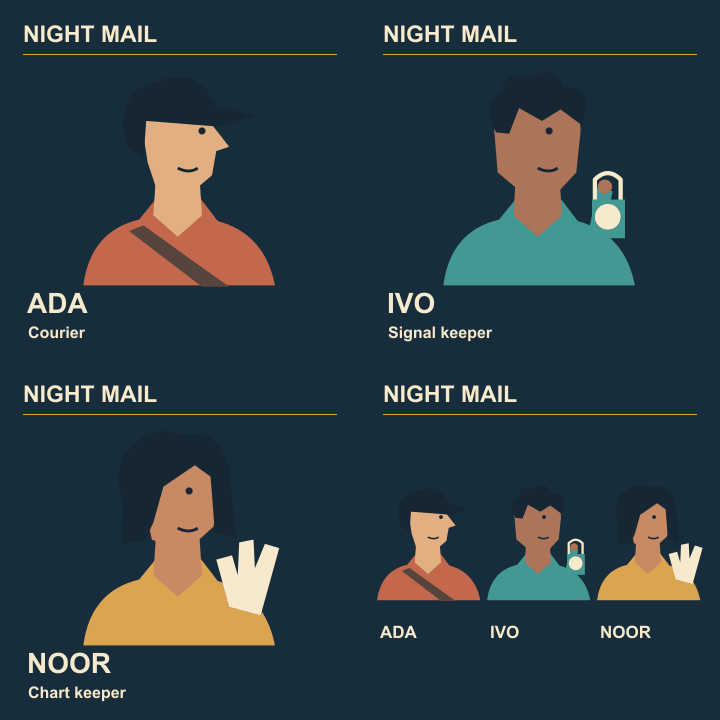
Animated cast reveal
Check the final-to-first cut in a looping cast reveal

A cast reveal can have three good internal cuts and one distracting jump each time it restarts. Put the ensemble ending and Ada’s opening side by side and treat the join as its own edit.
Watch past the ending
Let the exported animation play for two full cycles. On the second cycle, watch the title and the brightest object instead of reading the cast names. Note exactly what jumps at the restart.
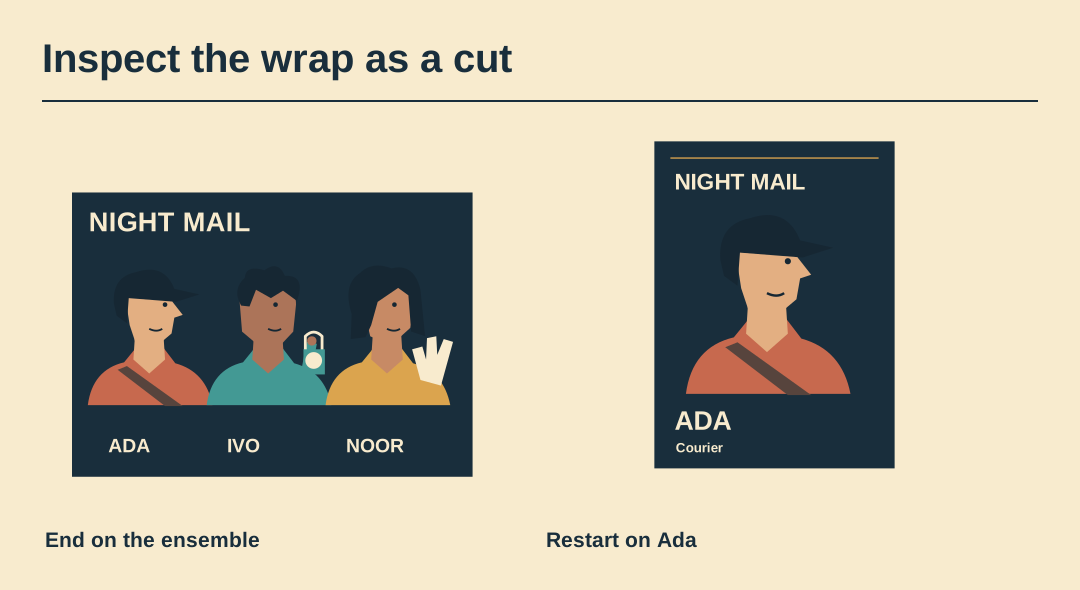
Match the steady elements
Check that the border, ground colour and title return to their original positions. A one-frame white background between dark cards can look like a flash even when neither poster is white.
Compare the focal points
Mark where the eye rests at the end of the ensemble hold. If Ada enters on the opposite side, decide whether a clean cut is enough or whether the composition needs a clearer first-frame cue.
Check repeated frames
Use the frame list to see whether the first card also appears at the very end. Two consecutive copies across the join extend that beat and can suggest a pause in the wrong place.
Try one alternate ending
Compare a longer ensemble hold with a direct cut back to Ada. Ask a viewer which version feels complete before it restarts. Avoid adding a blank transition merely to mark the loop boundary.
Save a two-cycle review
For approval, show two cycles or explicitly enable looping in the review player. Include the clean final still so a publisher can also communicate the whole cast without motion.
Preview the exported animation
Watch the exported Night Mail GIF through two cycles. Its four frame delays are 1.0, 1.0, 1.4 and 2.0 seconds.