Design · Tested
Can Claude Opus 5.5 Make Brand Visuals? Four Files from One Logo
A logo is the start of a brand, not the end. A small business soon needs a social template, a header for its profiles, a business card and a pattern for bags and menus, all in the same colours.
On September 27, 2026 we gave Claude Opus 5.5 the logo of Rook & Rabbit, a fictional board-game café, and asked for those four files as SVGs. The logo came from Ciyo; the layouts came from Opus 5.5 in claude.ai. Ciyo does not run Claude Opus 5.5.
Layouts in code, pictures from an image model
Brand visuals have two parts. The layout, type and colours must be exact every time; an image model redraws them and drifts. The pictures, such as photos, illustrations and textures, are where an image model shines. Code is the right tool for the first part.
That is the split behind the post below, and the split we tested.
Posted 2026-09-23. A designer at a startup design studio shared a set of brand visuals and asked whether Claude Opus 5.5 could make work like it. In a reply he said the background images were made in Midjourney. The post is his studio's work, not an Opus test; our test below is our own.
The input: one logo, three colours
The logo was made in Ciyo earlier the same day: generated with GPT Image 2.5 Flare, converted with the Vector tool, and cleaned to deep green #1F4D3A and cream #F3E9D2. We added one accent, amber #B06A10, and asked for four files with sizes that match where they will be used.
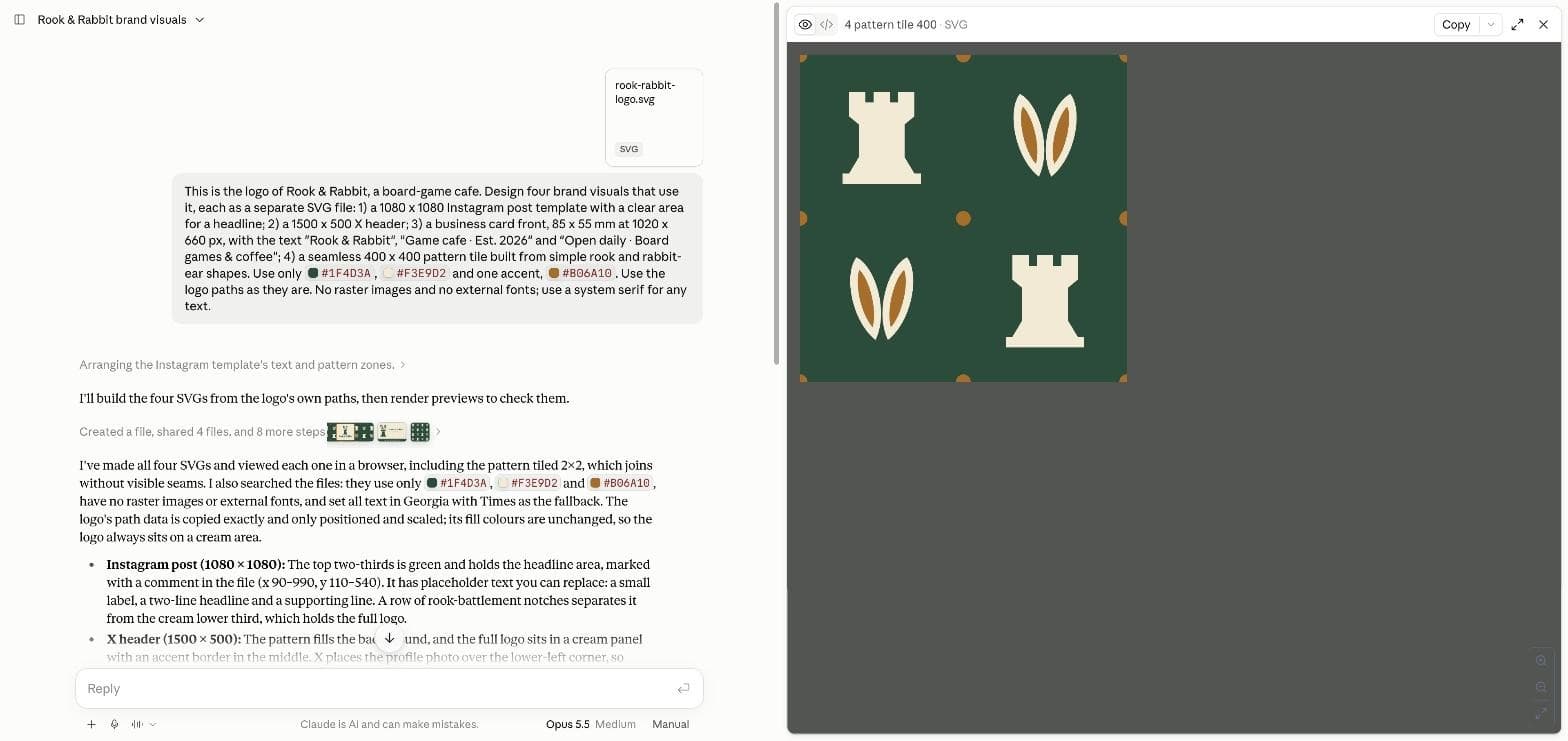
This is the logo of Rook & Rabbit, a board-game cafe. Design four brand visuals that use it, each as a separate SVG file: 1) a 1080 x 1080 Instagram post template with a clear area for a headline; 2) a 1500 x 500 X header; 3) a business card front, 85 x 55 mm at 1020 x 660 px, with the text "Rook & Rabbit", "Game cafe · Est. 2026" and "Open daily · Board games & coffee"; 4) a seamless 400 x 400 pattern tile built from simple rook and rabbit-ear shapes. Use only #1F4D3A, #F3E9D2 and one accent, #B06A10. Use the logo paths as they are. No raster images and no external fonts; use a system serif for any text.What came back in three minutes
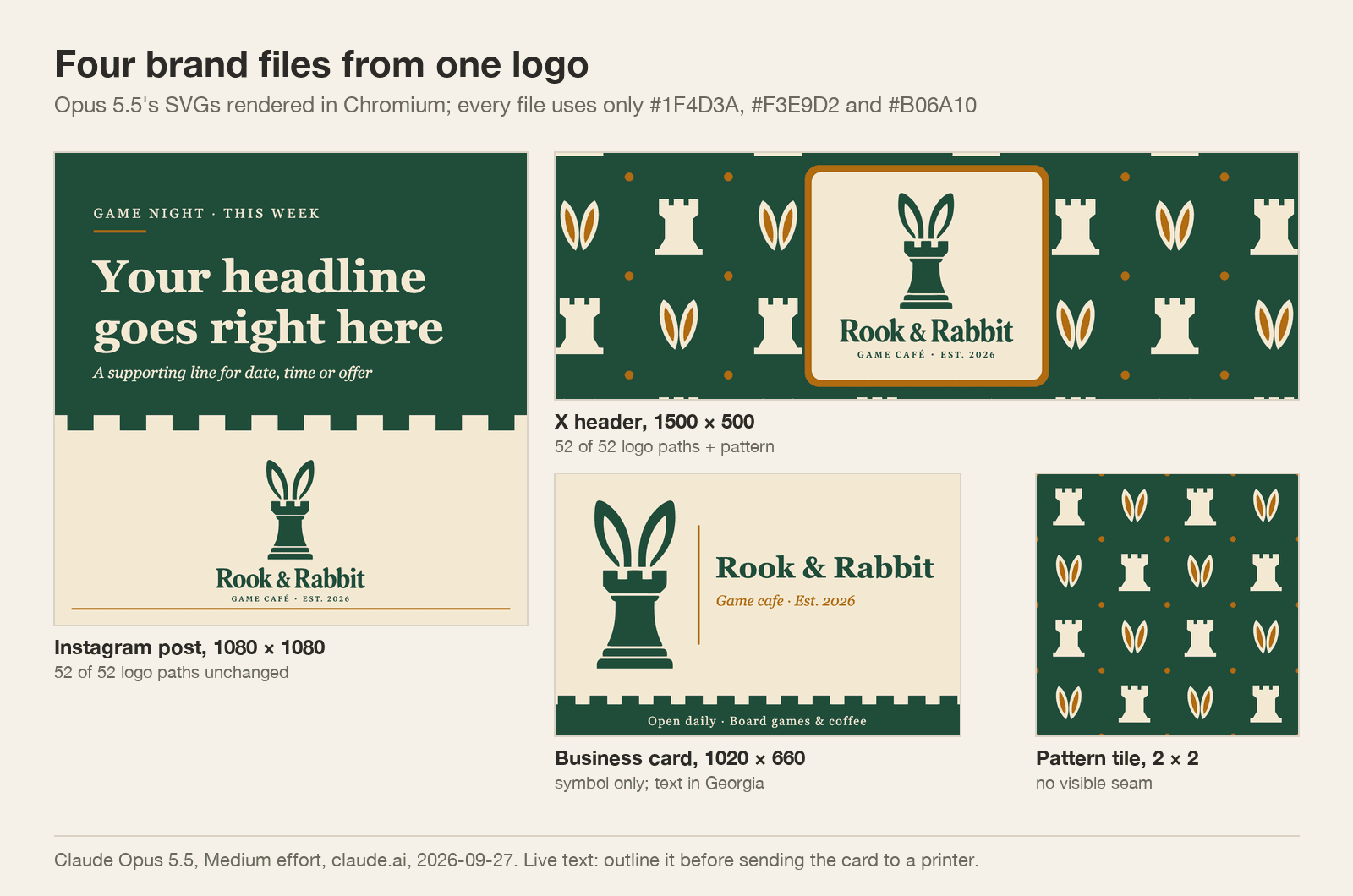
Four SVG files: an Instagram template with a green headline area and the logo on cream below a row of battlement notches; an X header with the logo on a cream panel over a pattern; a business card; and a pattern tile of cream rooks and amber-lined rabbit ears on green. Opus 5.5 rendered each one, tiled the pattern 2 × 2 to check the seams, and searched the files for stray colours, images and fonts before answering.
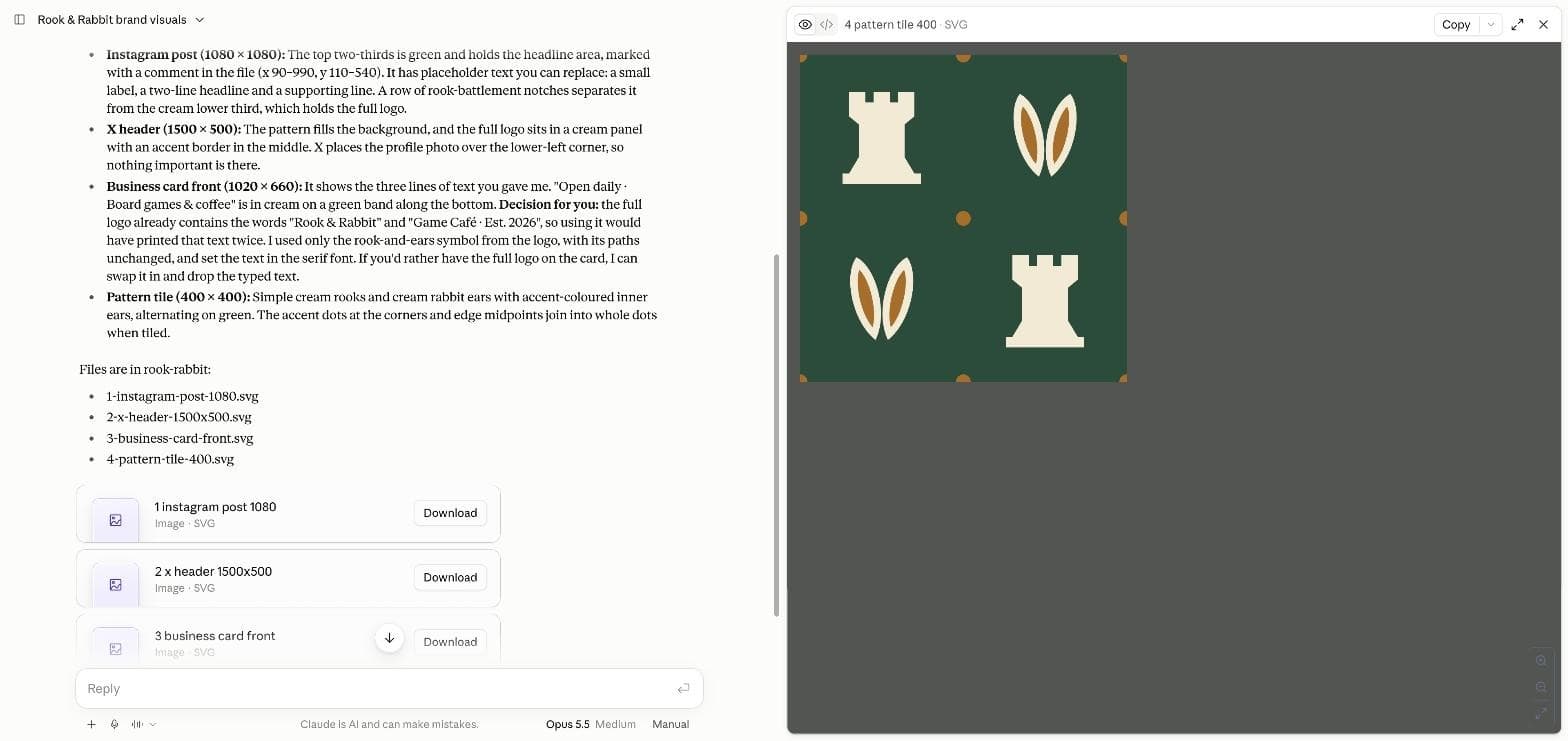
It also made a design decision we had not thought of. The full logo already contains "Rook & Rabbit" and "Game Café · Est. 2026", so on the card it used only the rook-and-ears symbol, to avoid printing the name twice, and offered to swap it back.
What we checked
We opened the files and rendered them in a browser. Every file uses only the three colours we gave. None contains a raster image. The Instagram template and the X header contain all 52 logo paths unchanged; the card uses the symbol's paths unchanged; the tile uses new simple shapes, as asked. On the card, the name ends 66 pixels from the right edge.
One warning for the claude.ai preview: at its default zoom it crops the business card on the right, which makes the name look cut off. The file is fine.
| File | Size | Colours | Logo paths unchanged |
|---|---|---|---|
| Instagram post template | 1080 × 1080 | 3 brand colours only | 52 of 52 |
| X header | 1500 × 500 | 3 brand colours only | 52 of 52 |
| Business card front | 1020 × 660 | 3 brand colours only | Symbol only (6 paths) |
| Pattern tile | 400 × 400 | 3 brand colours only | New simple shapes |
Before you print or post
The text in these files is live text set in Georgia, a system font. A print shop without Georgia will substitute another font, so convert the text to outlines, or export a PDF, before you send the card to print. Check the colours in print mode too: these are screen colours, not print colours.
Profile headers are cropped differently on phones and desktops. Keep the logo in the middle third of the X header, as this one does, and look at it on both before you publish.
Add the pictures in Ciyo
The Instagram template has an empty headline area and no picture. That is where an image model belongs: generate a text-free illustration or photo in Ciyo in your brand colours, then place it in the template. Our carousel test the same day did exactly that, with two 4:5 illustrations from Ciyo under text laid out by Opus 5.5.
Brand visuals with Claude Opus 5.5
Can Claude Opus 5.5 make brand visuals?
Layouts, yes. In our test it made four on-brand SVGs from one logo in about three minutes, using only our three colours and the logo's own paths.
Can it make the photos and illustrations too?
Not as an image model does. Use an image model such as GPT Image 2.5 in Ciyo for pictures and let Opus 5.5 handle layout and type.
Are the files ready to print?
Almost. Convert the live text to outlines or export a PDF first, and check the colours in print mode.
Does Ciyo run Claude Opus 5.5?
No. Ciyo does not run Claude Opus 5.5. We made the logo in Ciyo and the four layouts in claude.ai.
Start the brand in Ciyo
Generate and vectorise the logo, fix its colours, and make the pictures your layouts need.