Creative workflows
Clothing Size Chart Design: Separate Body and Garment Measurements

A size chart is hard to use when chest means body circumference in one place and flat garment width in another. The designer’s first job is to preserve what was actually measured.
The example below is fictional and describes a manual design process. It is a preparation and review exercise, not a measured customer result or a completed production order.
Quick answer
Name the measurement basis, keep units explicit, use a source-controlled table and show a matching measurement diagram. Check the actual mobile rendering and provide accessible text beyond the image.
1. Define the measurement basis
For a fictional unisex shirt, the supplier gives flat garment width and length in centimeters. Keep those labels. A flat width is not automatically a body chest size, and doubling it does not establish how the shirt fits.
Ask for the measurement method and any approved tolerance. Do not generate a fit recommendation from an attractive model photograph. Keep the example table separate from actual product data until the supplier approves the values.
2. Pair the table with the correct diagram
Use a front-view outline with arrows showing the same endpoints as the supplier’s method. A width arrow at the hem cannot explain a width measured under the armholes. If the source diagram is unclear, ask for clarification before styling it.
Use Ciyo to explore the visual organization or prepare a simple diagram, then place verified values with editable text. Retain the original table for comparison. Avoid an image generator for dense numeric cells when exact text placement is the main task.
3. Check conversion and publication
If a second unit is required, calculate it from the approved source and record a rounding policy. Do not let a translation or layout tool independently improvise each converted cell. Keep decimal precision consistent with what the measurement supports.
Review the chart at the smallest intended product-page width and make a text table available in the shop page. Shopify documents a page-reference approach for size-chart pop-ups on compatible themes, but installation depends on the actual theme and is separate from making the artwork.
Copy and adapt this request
Replace the bracketed fields with your own approved information. The requested output is a draft for review; the example has not been run as a model benchmark.
Plan a size-chart layout using [APPROVED TABLE] measured as [BODY OR GARMENT METHOD] in [UNIT]. Preserve labels and values. Specify a diagram whose arrows match [MEASUREMENT ENDPOINTS]. Do not infer fit, tolerance or conversions. Flag inconsistent rows and prepare a mobile readability checklist. Keep the numeric table editable.Fictional garment measurements; not sizing advice
These example checks describe acceptance criteria, not observed model results.
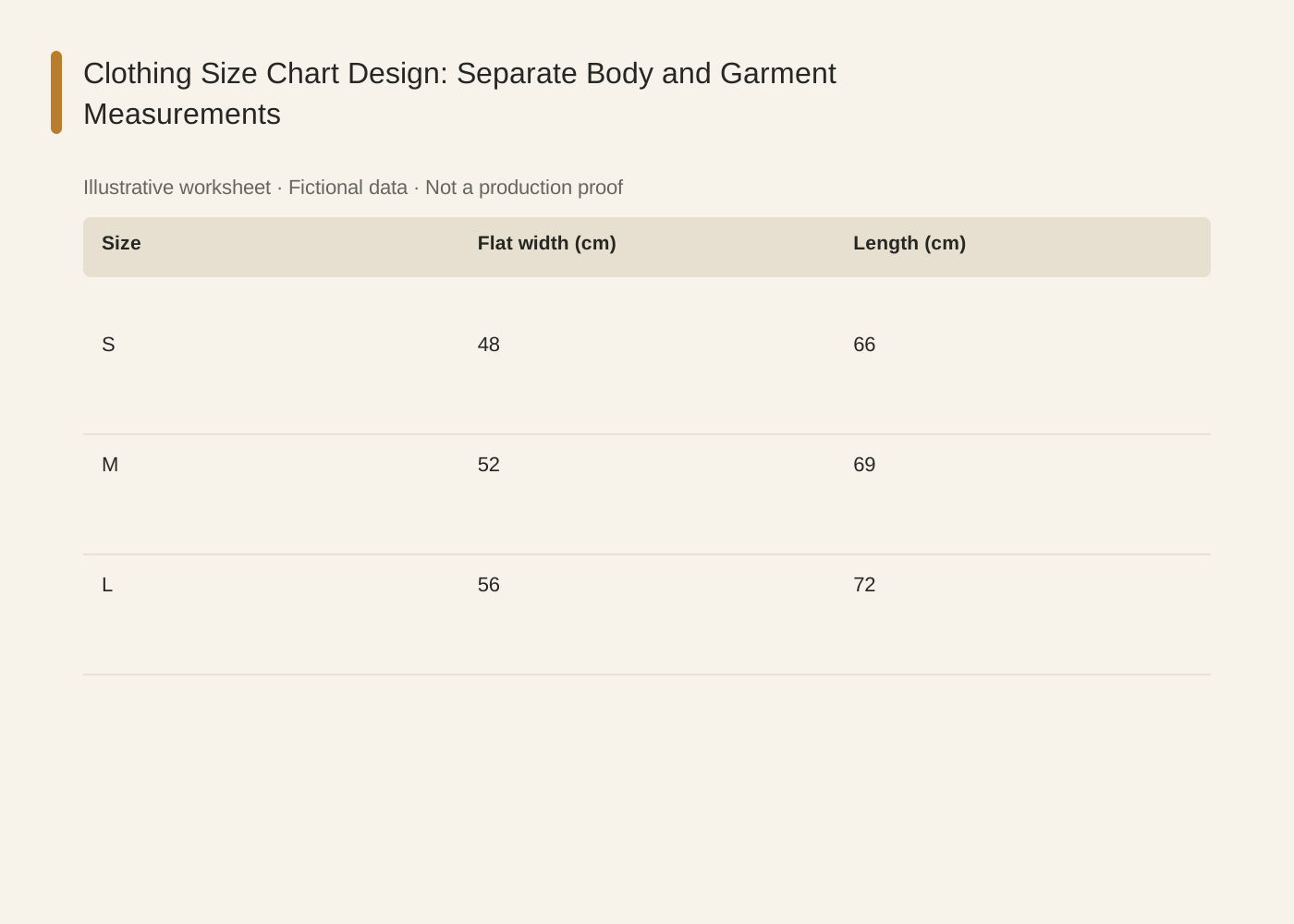
The linked SVG is an illustrative worksheet containing the same fictional review fields. It is separate from native editable canvas text and from a finished production design.
| Size | Flat width (cm) | Length (cm) |
|---|---|---|
| S | 48 | 66 |
| M | 52 | 69 |
| L | 56 | 72 |

Common mistakes and how to recover
Never rename flat width as chest circumference to shorten a heading. The shortened label changes the meaning.
If a mobile chart is unreadable, reduce unnecessary columns or offer a readable text table rather than shrinking every value.
Choose a working method and make the handoff
For a solo shop, start with one item and keep the source facts beside the draft. A team should name one approver and keep a dated version so an old comment cannot silently override the current decision. If the input is incomplete, return to the owner of that fact before polishing the artwork.
Use Ciyo for the visual work described here with the controls and models currently offered in your account. Keep the approved copy separately and add exact wording with editable canvas text where needed. A generated picture is a visual draft; inspect its exported file before using it.
Sources and further reading
Primary documentation and related guides used for this article. Availability and controls can vary by account; verify them before beginning your own run.
Frequently asked questions
Can I use these example sizes?
No. The values illustrate layout and labeling only; use approved measurements for your own product.
Should every product share one chart?
Only when the same approved chart actually applies. Different cuts or measurement methods may need separate charts.
Is the image enough for a product page?
Provide accessible text or a table as well, and verify how the actual storefront displays it.
Prepare one visual draft in Ciyo
Bring the approved inputs and review one version against the checks in this guide before making more variants.