Creative workflows
Holiday Gift Guide Layout: Help One Reader Choose Within a Budget

A gift guide that simply repeats a catalog leaves the shopper with the same decision problem. A useful layout explains why a few real products suit one recipient, budget or occasion.
The example below is fictional and describes a manual design process. It is a preparation and review exercise, not a measured customer result or a completed production order.
Quick answer
Choose one shopping question, select a small verified assortment, and give every card the same useful fields. Review price, availability and destination before refining the decoration.
1. Define the reader and selection rule
Use a fictional bookshop guide for gifts under $30 for a reading friend. State whether the budget includes only the listed item or also wrapping and other charges. Ask the owner for current prices and stock; do not assume last month’s list is current.
Select items for distinct reasons: a reading journal, a bookmark set and a book sleeve solve different needs. Three nearly identical products need a comparison criterion or they create more choice without helping the reader decide.
2. Lay out cards with consistent fields
Each card needs the actual product image, name, approved price, one selection reason and a destination. Keep photography scale consistent where possible without implying that different items have identical physical dimensions.
In Ciyo, bring the source photographs onto a board and explore a shared visual treatment. Keep facts in editable text or the final page authoring tool. Add recipient or budget group labels only when every item in the group meets the rule.
3. Review the guide as a shopper
Read the smallest card on a phone-size preview. Can a reader distinguish the sleeve from the journal, understand its price and reach the matching product? Test each link from the actual page or distribution format; a static social image does not make printed URLs clickable.
Keep a plain-text product list alongside the image-based guide so information is accessible beyond the artwork. Schedule a manual price and stock check before sharing. A coherent layout can improve clarity, but this fictional exercise establishes no sales lift.
Copy and adapt this request
Replace the bracketed fields with your own approved information. The requested output is a draft for review; the example has not been run as a model benchmark.
Plan a gift guide for [RECIPIENT] with [BUDGET RULE]. Use only [APPROVED ASSORTMENT, PRICES, PHOTOS AND LINKS]. Give each product one different selection reason, a consistent card structure and a mobile readability check. Do not invent availability or claims. Keep exact facts separate from decorative image generation.Illustrative gift-guide card fields
These example checks describe acceptance criteria, not observed model results.
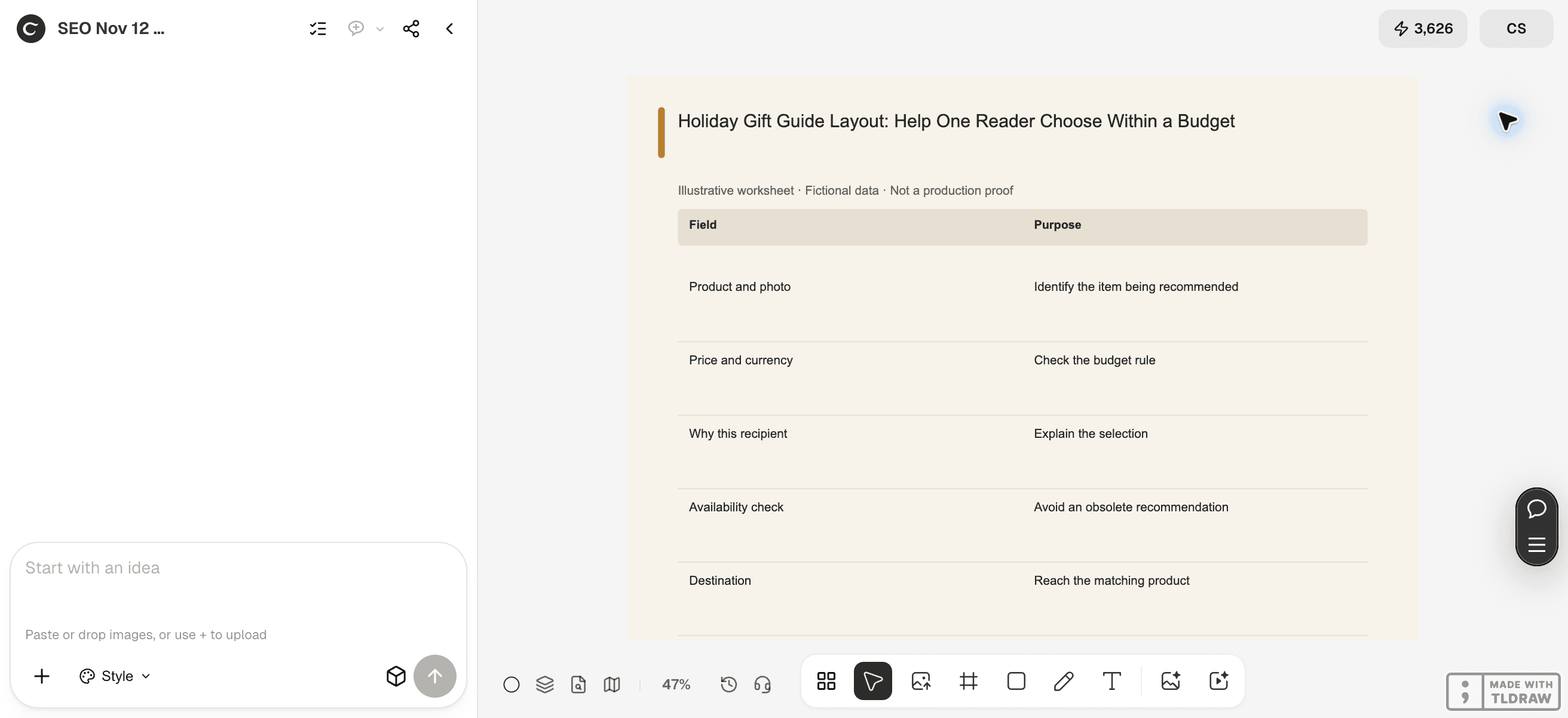
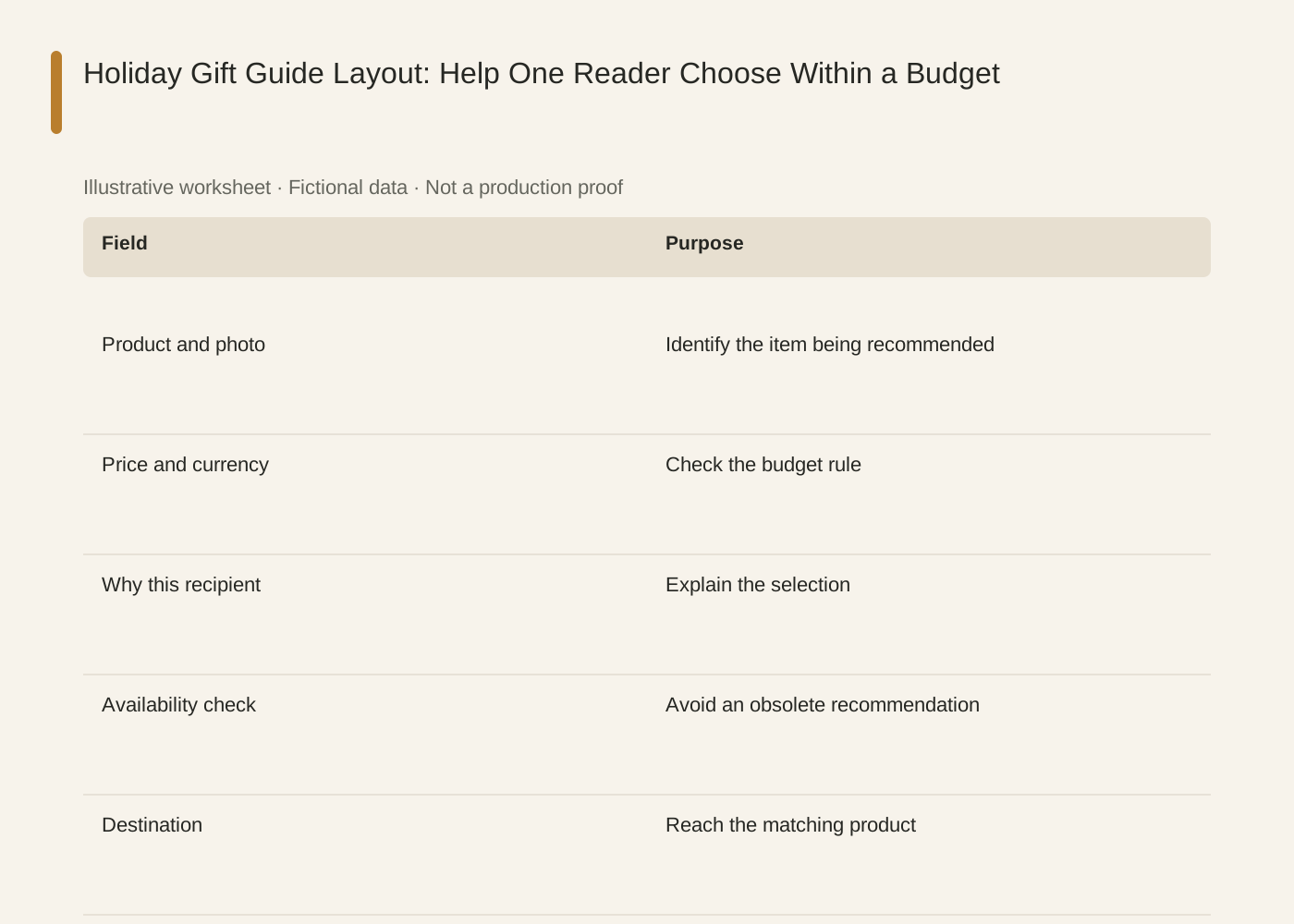
The linked SVG is an illustrative worksheet containing the same fictional review fields. It is separate from native editable canvas text and from a finished production design.
| Field | Purpose |
|---|---|
| Product and photo | Identify the item being recommended |
| Price and currency | Check the budget rule |
| Why this recipient | Explain the selection |
| Availability check | Avoid an obsolete recommendation |
| Destination | Reach the matching product |
Common mistakes and how to recover
Do not label an item under $30 if the required purchase is a $45 set. Check the actual buying unit.
A beautiful lifestyle image can make an accessory look included. Identify what the buyer actually receives.
Choose a working method and make the handoff
For a solo shop, start with one item and keep the source facts beside the draft. A team should name one approver and keep a dated version so an old comment cannot silently override the current decision. If the input is incomplete, return to the owner of that fact before polishing the artwork.
Use Ciyo for the visual work described here with the controls and models currently offered in your account. Keep the approved copy separately and add exact wording with editable canvas text where needed. A generated picture is a visual draft; inspect its exported file before using it.
Sources and further reading
Primary documentation and related guides used for this article. Availability and controls can vary by account; verify them before beginning your own run.
Frequently asked questions
How many products belong in a guide?
Use enough to answer the shopping question with distinct choices. This guide does not require a fixed count.
Is a gift guide the same as a lookbook?
A gift guide organizes a buying decision around a recipient or budget. A lookbook primarily presents the collection’s visual story.
Does Ciyo publish the guide to my shop?
The workflow here prepares and reviews visuals. Page setup, links and publication are separate manual steps.
Prepare one visual draft in Ciyo
Bring the approved inputs and review one version against the checks in this guide before making more variants.