Practical design workflows
Coffee Shop Branding Design: Build a Small Café Launch Kit
A café identity has to survive a hurried order, a cup in someone’s hand and a sign seen across the street. A polished logo alone does not answer those three jobs.
We opened an isolated Ciyo demo for the fictional Juniper Lane Coffee and explored a forest-green, cream and amber direction. This guide shows how to brief a connected launch kit, judge the concepts and separate visual approval from production files.
Quick answer: approve a system through three applications
Write one positioning sentence, approve one mark and color palette, then review a menu, takeaway cup and storefront together. Keep the café name identical, but let size and hierarchy change with the viewing distance.
Use AI artwork to explore the direction. Keep menu prices and operating details in editable source text, and give the printer or sign maker their requested production file rather than a perspective mockup.
1. Define the café before choosing its visual style
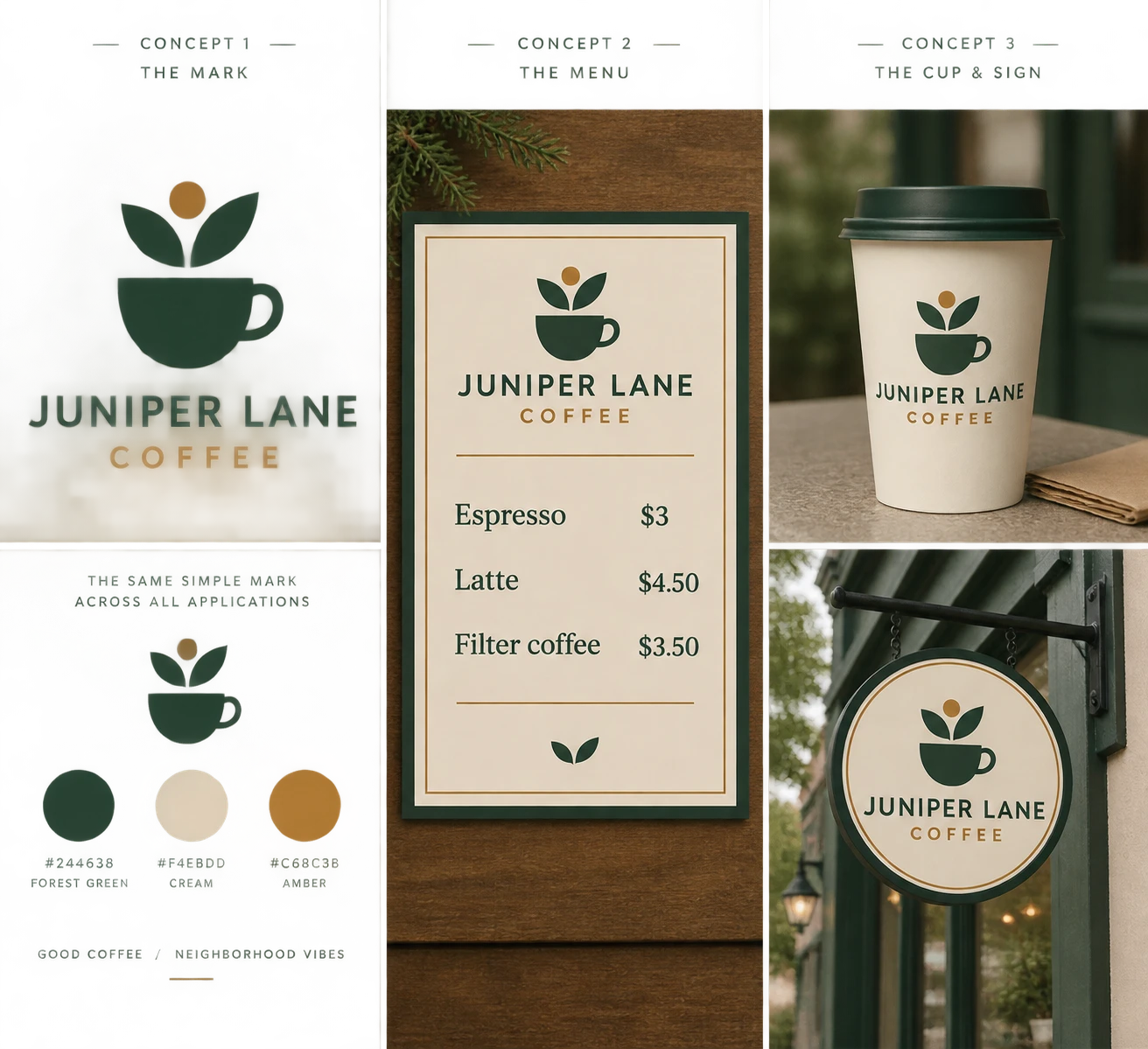
Our fictional brief is a calm neighborhood stop for weekday commuters. That makes quick recognition and easy ordering more useful than a detailed illustration that requires a close look. The example uses forest green #244638, cream #F4EBDD and warm amber #C68C3B.
Write down the actual customer, occasion, location constraints and approved name. If the owner already has a logo, upload the approved original as the reference. Ask for applications of that asset rather than a newly imagined logo on every surface.
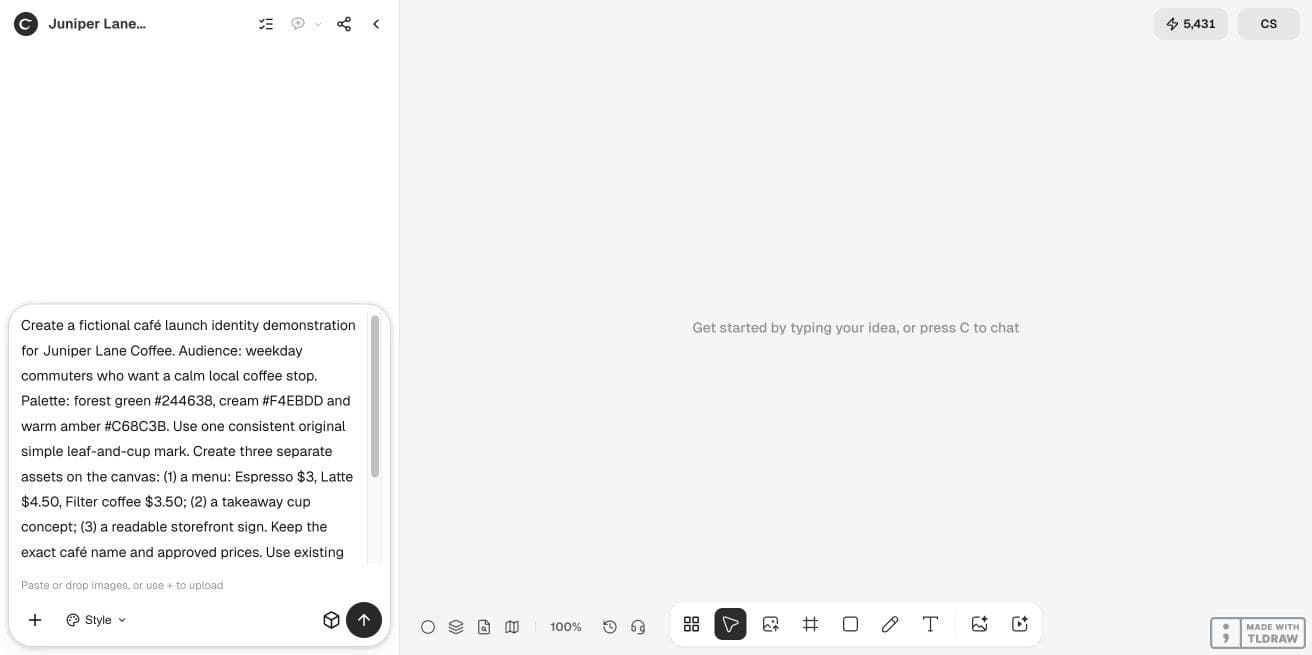
Create a launch direction for [café name], serving [audience] on [occasion]. Use the attached approved mark and [palette]. Explore a menu, takeaway cup and storefront sign. Preserve this exact name and menu: [approved items and prices]. Keep factual text editable where supported; otherwise identify the external layout step. Label mockups as concepts.2. Build one reference before expanding the kit
In Ciyo, start a separate project and enter the brief in the Design agent’s Prompt box. Review the first mark or supplied reference before asking for applications. Compare the silhouette, letter spacing and café name at a small size; a large attractive preview can hide a weak small mark.
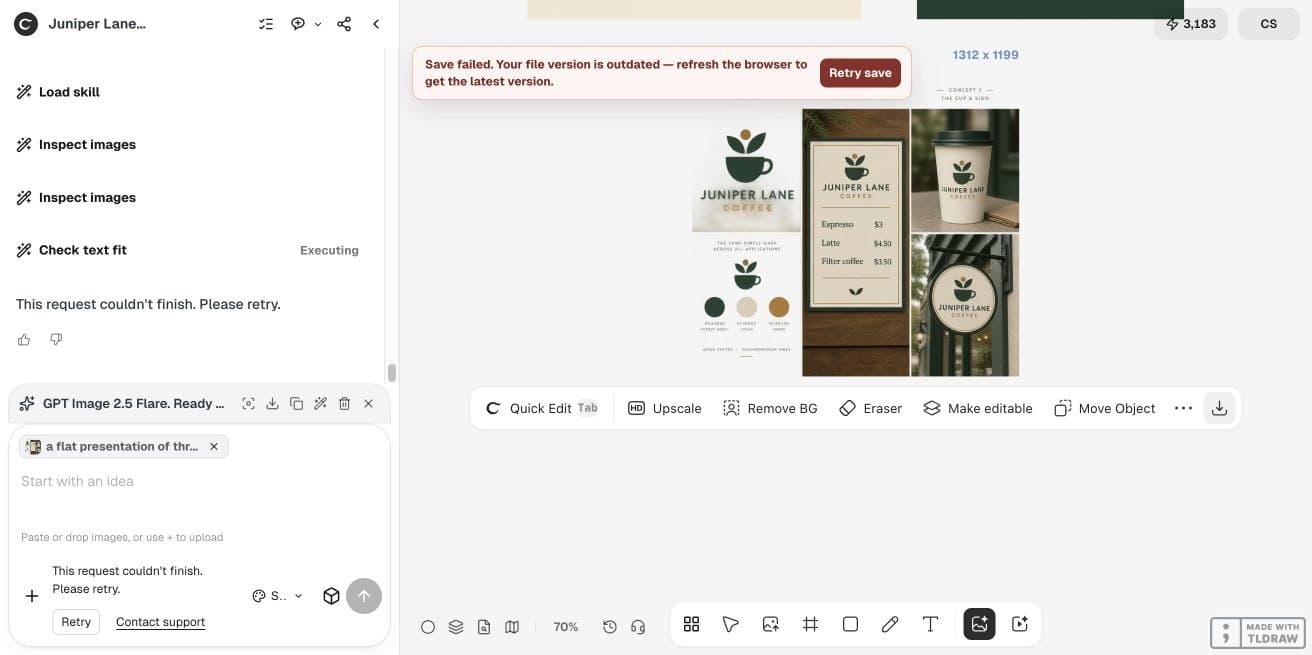
Pin down what remains fixed: the mark, palette, spelling and any clear-space rules established by your designer. Our initial multi-asset request stopped; a narrower continuation produced a menu, and a separate direct Image Generator run produced the family concept shown here. These are flattened concepts. Some live project saves also reported errors, so downloaded files and captures are the evidence retained for this review.
3. Give each touchpoint its own readability test
The illustrative menu contains Espresso $3, Latte $4.50 and Filter coffee $3.50. Those are fictional sample prices. Read them against the approved list, including decimal places, before considering the visual treatment.
A cup mockup tests recognition on a curved surface. A storefront concept tests the sign’s silhouette and name against its surroundings. Neither establishes the printable dimensions, substrate, installation method or local sign permissions.
| Application | Main question | Required correction |
|---|---|---|
| Menu | Can someone find the item and price quickly? | Repair spelling, alignment or weak contrast in editable text. |
| Cup | Does the same mark remain recognizable on the curve? | Use the original mark; review a flat artwork file as well as the mockup. |
| Storefront | Can the name be understood at the intended distance? | Simplify detail and ask the fabricator for size and production requirements. |
4. Review the family together, then correct the weakest asset
Place the concepts beside the reference in one canvas. Compare the green, mark proportions and type mood across all three. A cup that looks like a different business is a bigger problem than a cup with less decorative detail.
Make narrow requests: preserve the reference mark and change only the menu spacing, or retain the sign composition and increase the name’s prominence. Recheck the other approved fields after every generation. If exact preservation matters, assemble the approved assets in a layout editor rather than accepting a redrawn approximation.
5. Separate the owner’s approval from the production handoff
Give the owner an application board and a short decision list: chosen direction, approved wording, unresolved questions and next responsible person. Give the supplier flat artwork, dimensions, color instructions and bleed or safe-area specifications that the supplier actually requested.
For a first-time café owner, a coherent three-item concept board is a useful stopping point before commissioning production. A designer handling an opening should keep a versioned source package so a price update does not require regenerating the entire menu.
A current practitioner example: applications reveal the brief
On October 19 in the research timezone, Reddit user Aliiil shared an imaginary café identity for Pour Decisions. The brief explicitly considered single-color cup sleeves and stamps alongside storefront and packaging uses; the author described the mockups as AI generated and distinguished them from the logo.
That is a useful reason to review an identity on different surfaces. Our Juniper Lane workflow is an original example. The Reddit post is neither a Ciyo demonstration nor an endorsement, and its discussion does not establish a business result.
Published October 18 UTC / October 19, 2026 in Asia/Shanghai; reviewed October 21. A fictional café brief and AI-generated mockups provide application context, not evidence about Ciyo.
Frequently asked questions
Should I generate a new logo for every application?
Use one approved source mark. Regenerating the identity independently on each surface can change lettering and proportions; compositing the original is safer when fidelity is essential.
Is a coffee cup mockup ready for the cup printer?
A perspective preview is a concept. Ask the supplier for its flat artwork template, printable area, color requirements and accepted file format.
Can a beginner make the launch board?
A beginner can define the audience and assemble concepts. Exact typography, fabrication specifications and ownership checks may still need a designer or supplier.
How long will this take?
There is no fixed turnaround in this guide. Start with one application, allow time for generation and review, and expand only after approving the reference.
Start with your café’s actual brief
Bring the approved name, logo and three menu items. Explore one application first, then review how the same identity works on a cup and sign.