Game artwork
Custom Game Card Design: Keep Fronts and Backs Matched
A card-artwork folder can look complete while its upload order is wrong. Three attractive faces still need the correct back, consistent dimensions and a clear record of which file belongs where.
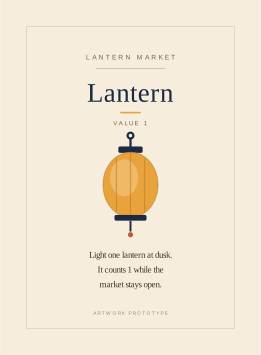
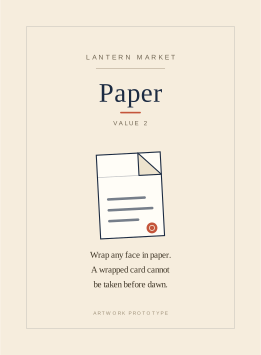
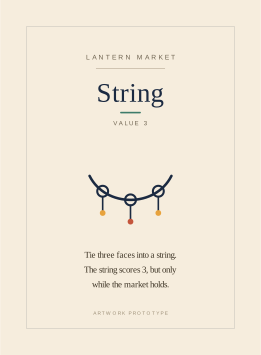
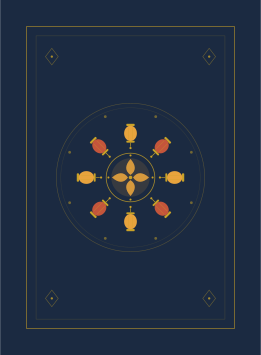
We built a tiny fictional Lantern Market artwork prototype in a live Ciyo project: three faces and one common back. This tutorial follows the source files, review board and face-to-back manifest. It is not a complete playable game, a printed deck or a factory-approved template.
Quick answer: make the file map part of the design
Name every face and map it explicitly to its back. Review a contact sheet before uploading, then check the printer’s preview against the map. For a common-back deck, every intended face should resolve to the same approved back file.
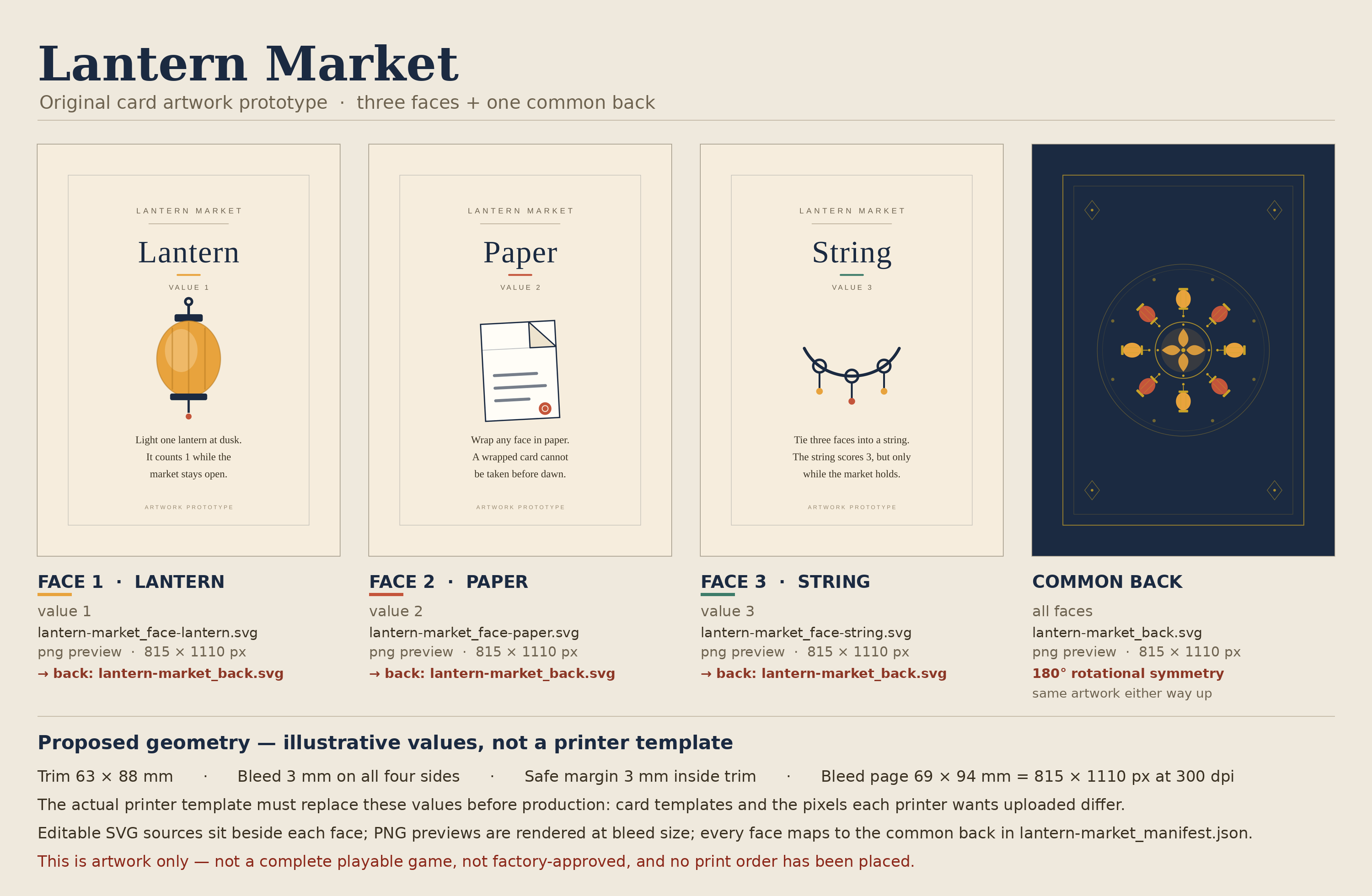
The example uses a proposed 63 × 88 mm trim with illustrative 3 mm bleed and 3 mm internal safe margin. Its 69 × 94 mm source page and 815 × 1110 pixel previews are demonstration values. Replace them with the exact printer template before production.
| Face | Illustrative value | Source | Back |
|---|---|---|---|
| Lantern | 1 | lantern-market_face-lantern.svg | lantern-market_back.svg |
| Paper | 2 | lantern-market_face-paper.svg | lantern-market_back.svg |
| String | 3 | lantern-market_face-string.svg | lantern-market_back.svg |
1. Choose the real print template before finalizing geometry
Write down the finished size, bleed, internal safety area and file requirements from the product you plan to order. Similar names such as poker size can refer to slightly different dimensions; use the selected product’s template rather than a remembered pixel size.
MakePlayingCards’ 63 × 88 mm custom-game-card page describes individually customizable fronts and backs and supplies template guidance. Its stated bleed and safe margin are approximately 1/8 inch each. The demonstration’s round 3 mm values are illustrative and are not an exact replacement for those instructions.
Keep trim and bleed separate in the brief. Essential text needs space inside the trim; a background that reaches the edge needs to extend beyond it as instructed by the printer.
2. Build a small set with consistent information placement
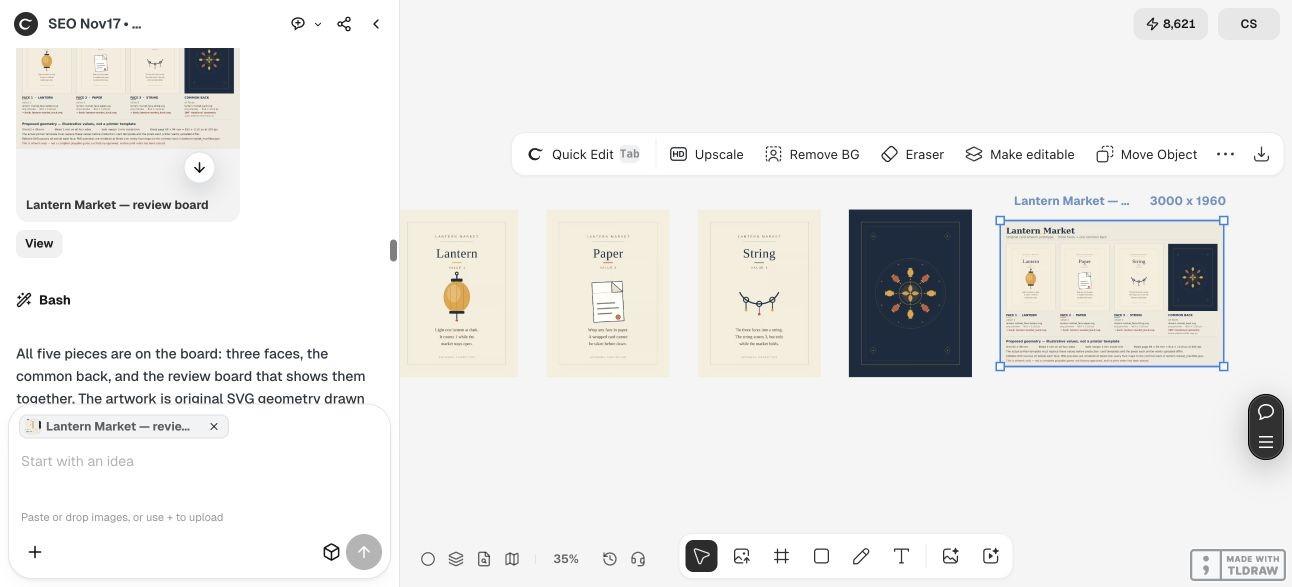
The fictional faces are Lantern, Paper and String, with values 1, 2 and 3. Each uses a title, value, original icon and three short lines of example rules text. The repeated structure makes it easier to inspect whether a change affects one card or the whole set.
These fragments demonstrate artwork layout. They do not establish a balanced game, a complete rule system or a finished 18-card deck. Keep prototype status visible when sharing the artwork.
In Ciyo, request separate files from the start. The actual run used vector geometry rather than an image model and revised the back’s symmetry and frame placement before delivering the set. Design agent reasoning remains billable usage.
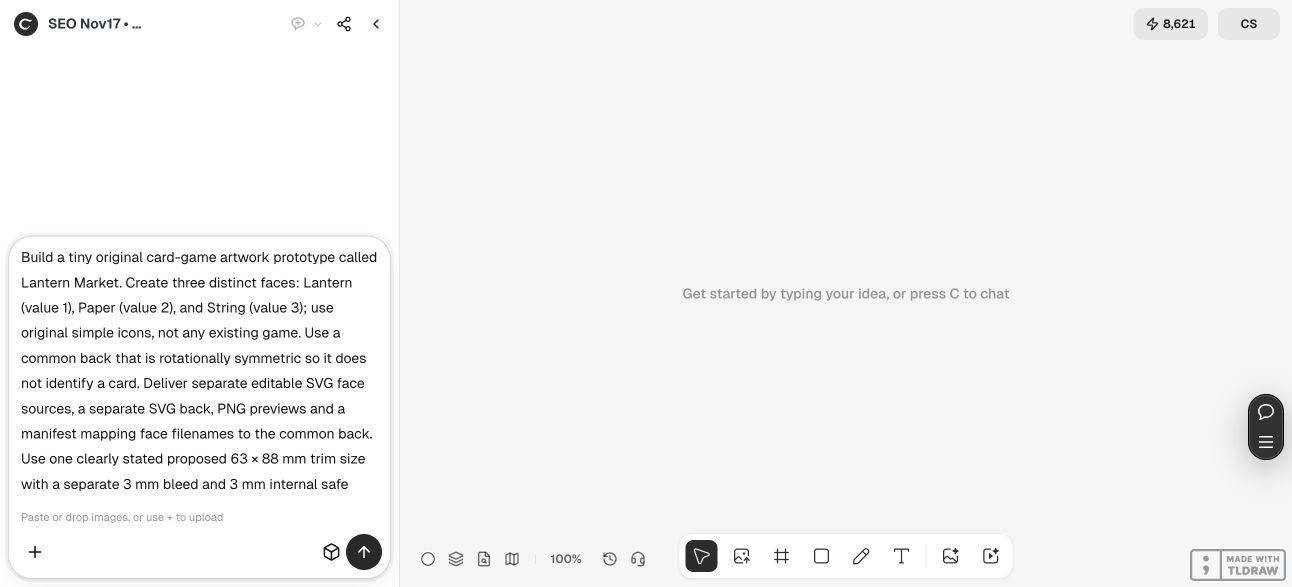
Build an original artwork prototype called [project name] with these distinct faces: [names and short content]. Use one common back and deliver a separate editable SVG for every face and the back, PNG previews, a review board and a manifest mapping every face filename to its back. Use [proposed trim, bleed and safe margin] only as clearly labelled illustrative values until the exact printer template is supplied. Keep text readable, inspect a 180-degree back rotation, and state font dependencies. Do not call it a complete playable game or factory-approved deck. Do not place an order.3. Review the common back in both orientations
A back with a directional mark can reveal orientation even when the face is hidden. The example uses a repeating lantern rosette and paired corner marks instead of a wordmark with an obvious top.
The Ciyo run revised several symmetry mistakes before producing the final back. Our independent comparison of the downloaded PNG with a 180-degree rotation found very small pixel differences, so we do not describe the raster as exactly identical. Inspect the actual delivered file as well as the source geometry.
Compare a 180-degree rotation at the same size, then inspect a physical printer sample if orientation matters to play. Raster antialiasing, print variation, cut position and wear are separate concerns. A geometric design check cannot prove that manufactured cards are indistinguishable.
4. Save a manifest that points to actual deliverables
The linked manifest records each face source, its value, its preview and the shared back. We updated the preview references to the actual delivered PNG URLs so they do not point to nonexistent local files.
Ciyo supplied the editable SVG files as copyable source because this run’s canvas handoff did not attach SVGs. The face lettering remains live text using Liberation Serif and Liberation Sans with fallback fonts. Confirm those fonts or outline an approved version before expecting an exact match in another editor.
Keep source names stable while reviewing. If you replace a face or introduce a second back, revise the manifest as part of that change and inspect the full mapping again.
5. Review the printer’s actual front-and-back preview
After adapting the artwork to the chosen template, inspect the printer’s upload preview one face at a time. Confirm the wording, quantity or repetition plan, orientation and assigned back against the manifest.
Do not assume that selecting a common back once proves it was applied to every slot. Use the preview to verify the actual mapping, then keep the approved files and the corresponding manifest together.
This demonstration did not upload to a printer or order cards. Before production, check physical readability, cutting and material choices with the selected supplier. Gameplay and rules testing remain separate work.
Custom card artwork questions
Is the example a complete game?
No. It is a three-face artwork prototype with short illustrative text and one common back. It does not include a complete or playtested rule system.
Can I upload the 815 × 1110 previews to any printer?
No. Those dimensions belong to the illustrative source setup. Obtain the exact template and upload requirements for the product you choose.
Why use a manifest for only three faces?
It makes the intended face-to-back relationship explicit and gives later revisions a stable reference. The same discipline becomes more useful as the number of files grows.
Does rotational symmetry make a printed back unidentifiable?
It helps avoid an intentional directional cue in the artwork. It does not verify manufacturing variation, cut position, wear or other physical marks.
Why does the type change in another editor?
The source uses live fonts. Install the intended Liberation fonts or prepare outlined lettering after the wording is approved.
Keep the artwork and file map together
Give Ciyo a small, explicit set of card faces and a back rule. Review the files and mapping, then adapt the approved artwork to the actual printer template.