Practical creative workflows
Fix a Clipped SVG Logo Without Redrawing the Paths

The handle of your shop’s cup logo has disappeared, but the source file still contains its curves. Tracing the preview again would turn a framing problem into a different drawing.
This worked example repairs a fictional pottery-shop mark in Ciyo. Download the deliberately clipped SVG and its corrected partner, then compare their source and renders before using the logo on your website.
Keep the clipped file beside the master
Start with the SVG source, not a screenshot of its damaged preview. Save a working copy and retain the original path data. Our example uses one charcoal compound path with a transparent handle hole.
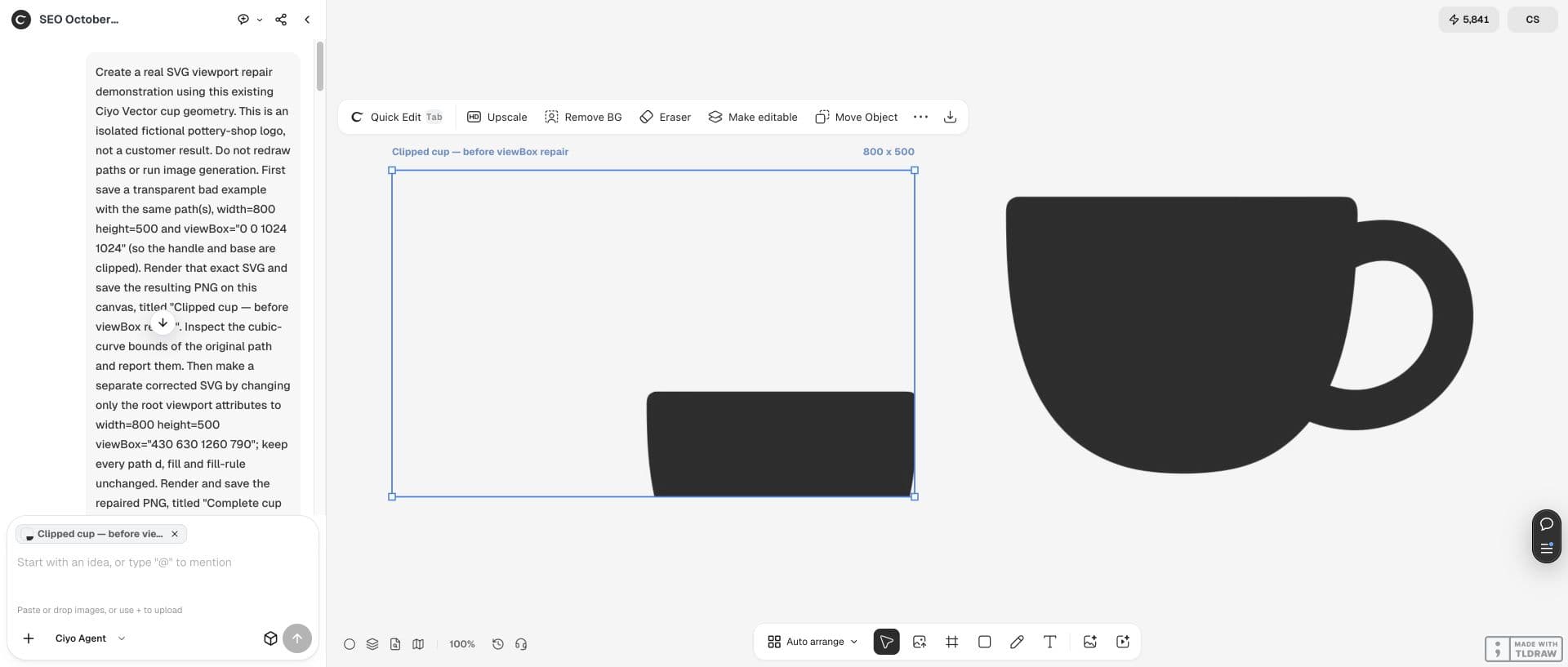
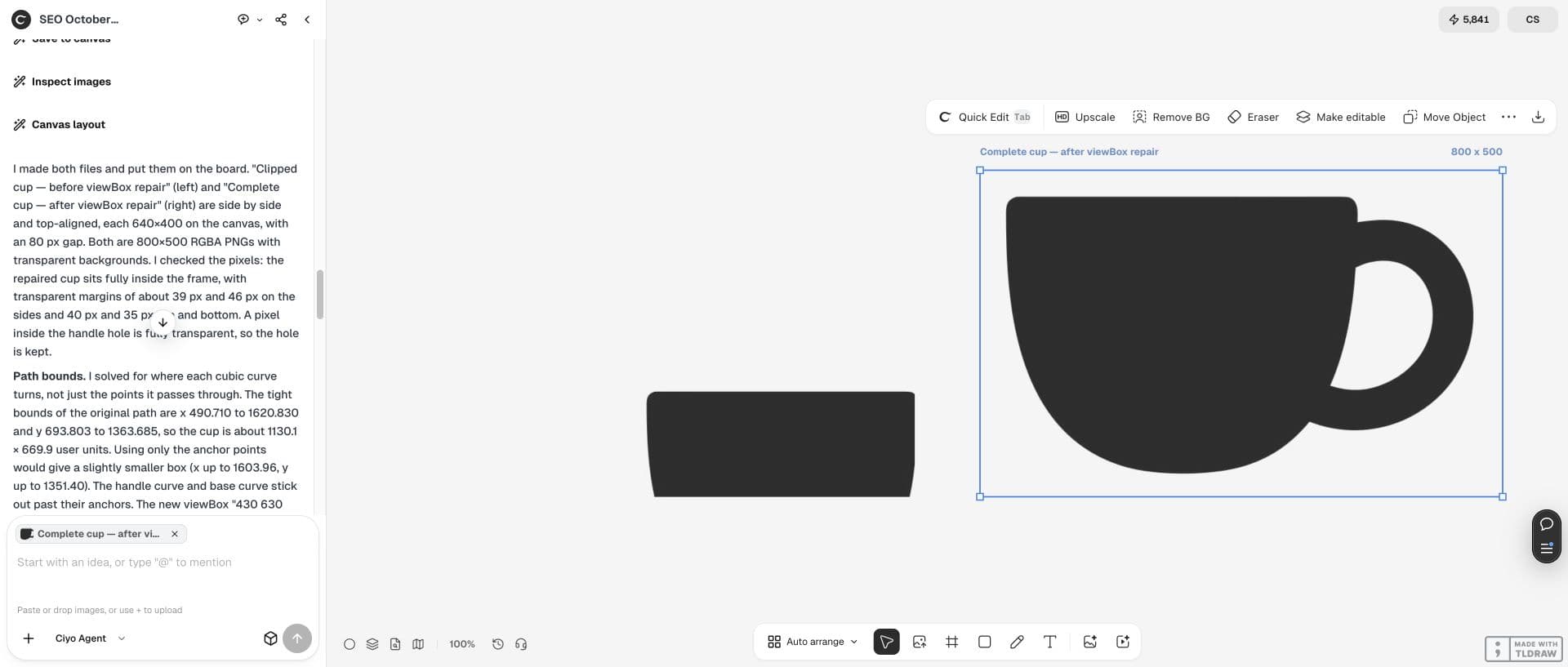
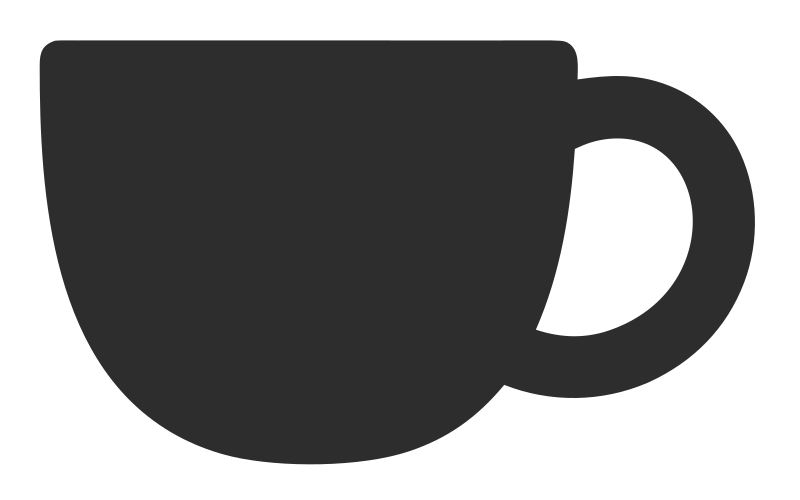
Both versions have an 800×500 output viewport. The deliberately wrong viewBox is 0 0 1024 1024; much of the cup lies beyond the visible frame. The finished cup beside it is the result of the repair, not a newly generated logo.
Locate the drawing before changing the frame
Ask for the bounds of the actual curves, including their turning points. In this example they reach x≈490.710–1620.830 and y≈693.803–1363.685. Looking only at path anchors would underestimate the right and bottom edges.
MDN defines viewBox as four values: minimum x, minimum y, width and height. Here the output and old viewBox have different aspect ratios, so inspect the rendered result rather than assuming every apparent edge corresponds directly to those four numbers.
Give Ciyo a constrained repair request
Supply the SVG text or an exported source file that the agent can read. Ask it to report the existing geometry, save a separate correction, render both files and put those previews on the canvas.
The request below fits this exact sample. For your own logo, have the agent calculate a suitable box with padding; copying our coordinates onto unrelated geometry can create a different crop.
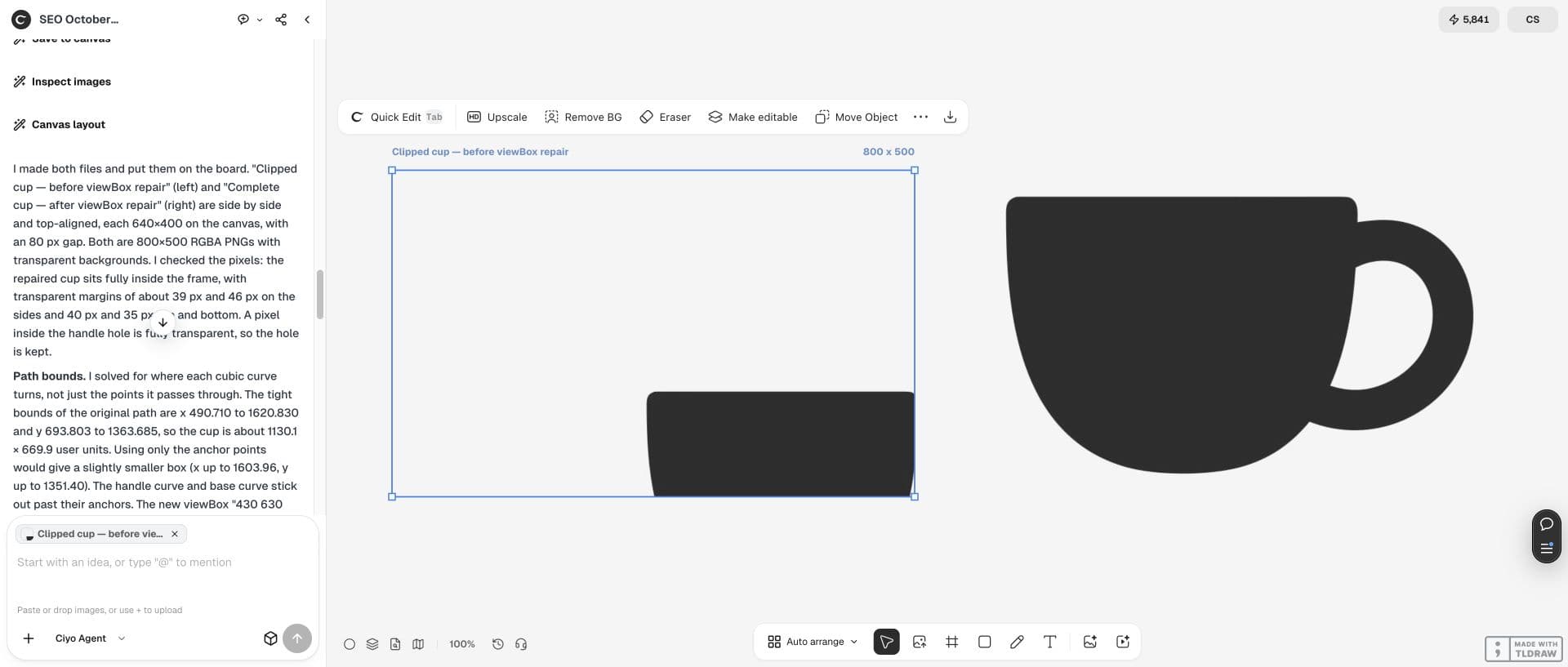
Inspect this SVG without redrawing it. Report the true curve bounds. For this sample, preserve every path d, fill and fill-rule, keep width=800 and height=500, and save a separate version with viewBox="430 630 1260 790". Render the clipped and corrected SVGs as transparent 800×500 PNGs and save both on this canvas. Check that the complete cup and handle hole fit. Explain any source changes and limitations.Check what changed in the source
Our repaired viewBox is 430 630 1260 790. Width, height, path d, fill and fill-rule remain identical between the two downloaded SVGs. Changing the frame changes apparent scale and placement; it does not preserve the old preview’s pixel positions.
Compare the files before accepting the result. A new path, background rectangle or embedded image would exceed this repair’s scope.
| Check | Before | After |
|---|---|---|
| Output viewport | 800×500 | 800×500 |
| viewBox | 0 0 1024 1024 | 430 630 1260 790 |
| Path geometry | One existing compound path | Identical d, fill and fill-rule |
| Visible result | Cup base and handle clipped | Complete silhouette and transparent hole |
Inspect the complete mark and its transparent hole
The actual repaired PNG is 800×500 with transparent margins of roughly 39px left, 45px right, 40px top and 35px bottom. The base and handle now fit, and the handle opening remains transparent.
Review the SVG in a browser at the size you intend to display. The canvas shows PNG previews, while the downloadable SVG retains the paths. A preview is useful evidence, but it is not the vector master.
Stop if the missing geometry is truly absent
This method works because the curves are present in the source. A missing path, mask, clipping path or CSS overflow needs its own diagnosis. Increasing viewBox cannot reconstruct a shape that was never saved.
Keep the repaired version and original together. The linked samples let you repeat the inspection; this workflow demonstrates browser framing, without making any physical cutting or external-app import claim.

Practical questions
Will a larger viewBox recover a missing path?
Only geometry already present can become visible. Inspect the source if the path itself is absent.
Did this redraw the cup?
No. The two sample SVGs have identical path data, fill and fill-rule; only their viewBox differs.
Why does the repaired cup look larger?
The new frame maps a different region of the same drawing into the 800×500 output. Compare shape geometry separately from apparent size.
Give the existing logo a usable frame
Open Ciyo, inspect your SVG and compare a separate corrected export with the source before replacing the website asset.