Blender workflow
GPT-6 Astra + Blender: diagnose a failed render

When a GPT-6 Astra Blender task fails, the most useful next prompt contains the actual error and the smallest scene that reproduces it. “Make the render work” gives the agent too little evidence and too much room to change unrelated parts.
Our companion script includes a deliberate failure after producing the product comparisons: it removes the active camera, attempts a render, records Blender’s real error, restores the camera, and renders again. This is a controlled troubleshooting example, not a spontaneous failure attributed to Astra.
1. Preserve a successful baseline
Keep the .blend, script, last successful PNG, and console output together. Record the Blender version and the command that ran. Our baseline uses Blender 5.2.1 LTS, Cycles, 32 samples, and a 1440 × 900 output.
A render that looks wrong and a render that never starts are different problems. Before modifying materials or lighting, identify whether a file was written, whether it has the expected dimensions, and whether the console reported an error.
2. Reproduce one clear failure
The test sets scene.camera = None immediately before calling the render operation. Blender returns: “Error: Cannot render, no camera”. The script catches that RuntimeError and records it in run-manifest.json.
This error points to the active scene camera. It does not justify rebuilding the vase or changing its lights. A scene can contain a camera object without that camera being assigned as the active render camera. Inspect the assignment before making a larger change.
Blender 5.2.1 reports: Error: Cannot render, no camera. This controlled test set scene.camera = None. The scene already contains an object named Product camera. Explain the narrow fix, restore that object as the active scene camera, and render one frame. Preserve geometry, materials, lights, and the original error log. Report the output path and dimensions.3. Restore only the missing assignment
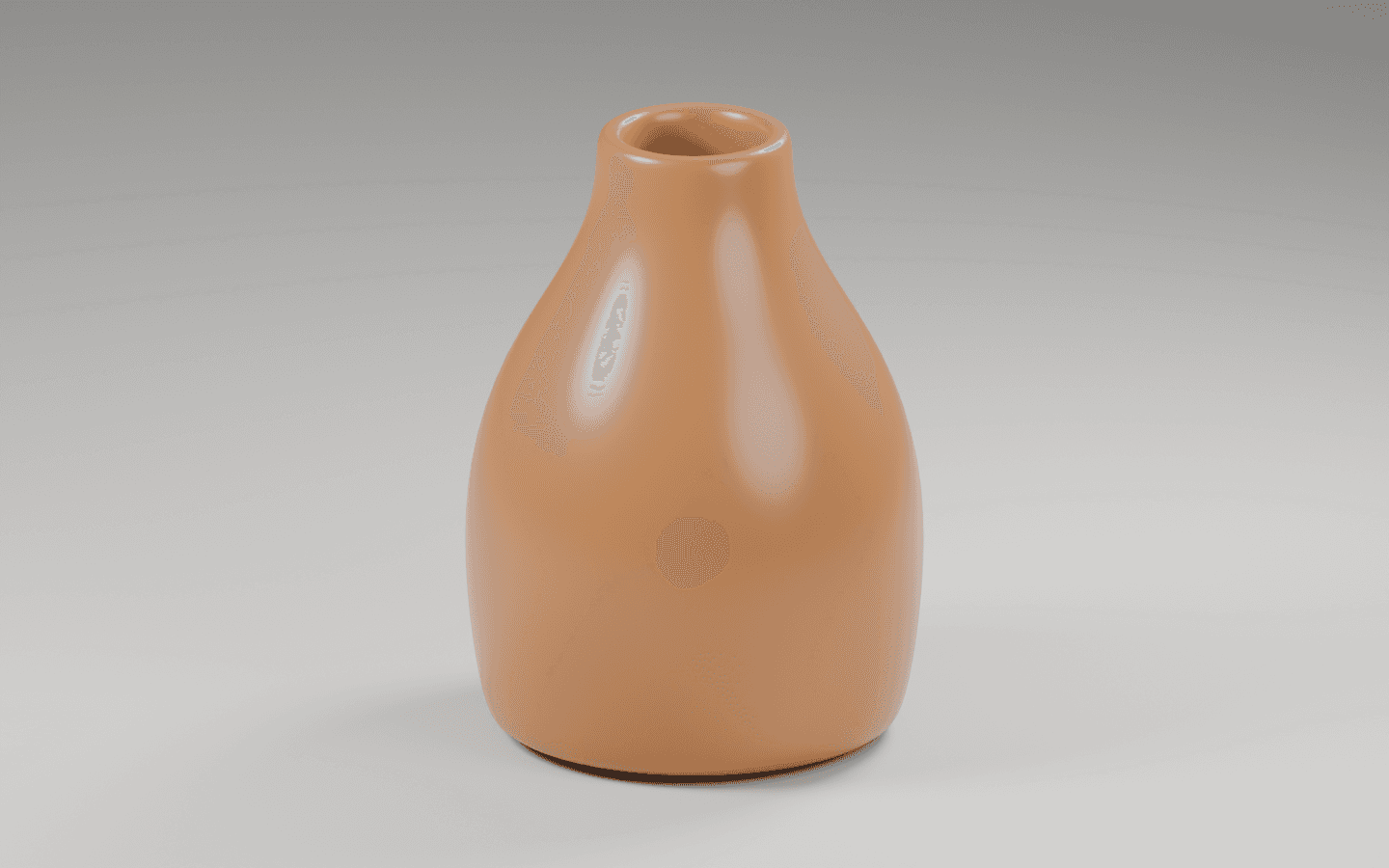
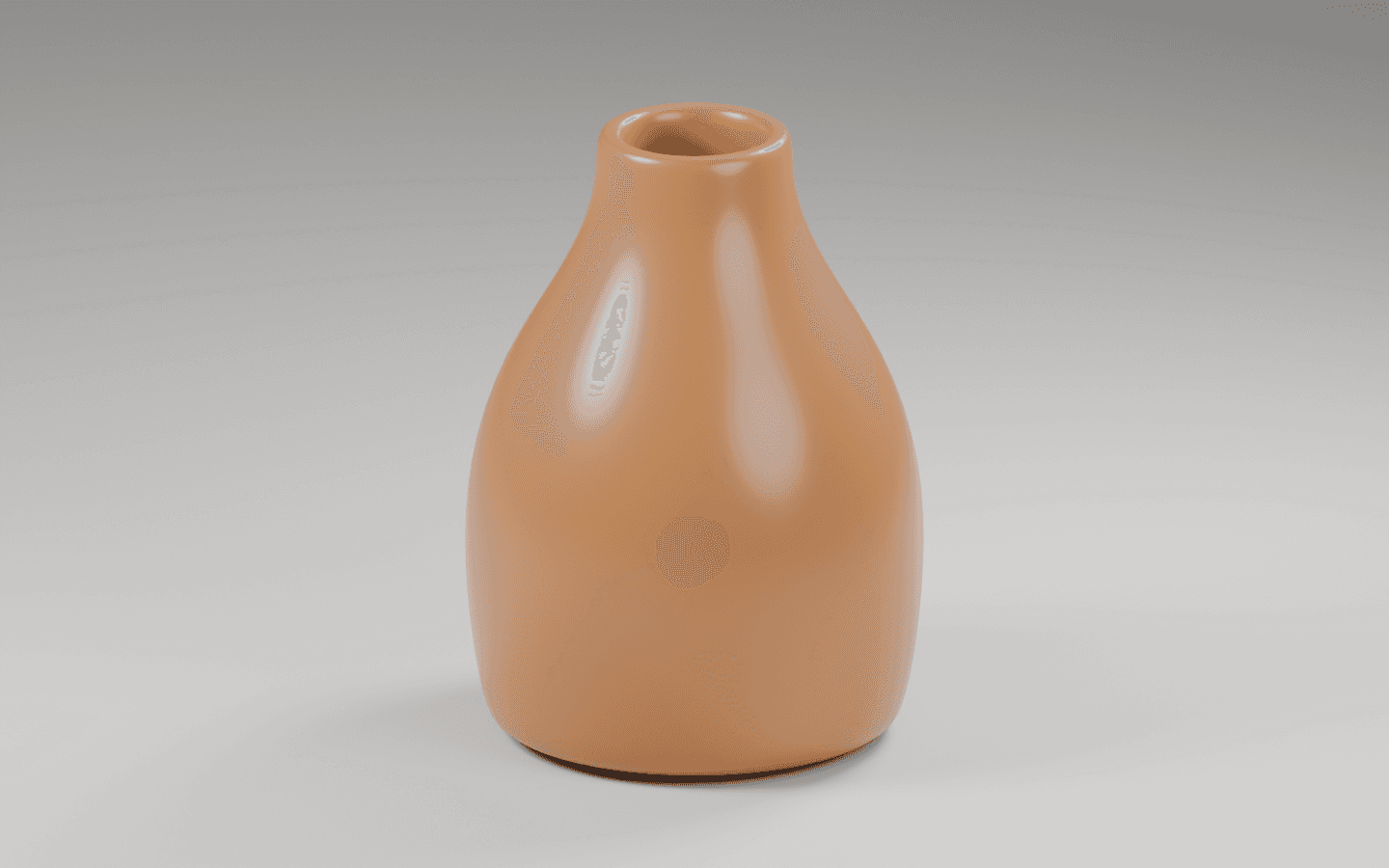
The companion script restores scene.camera = camera and writes recovered.png. The image is shown below. The object, material, camera position, and lights are the same as the successful studio scene.
This recovery demonstrates the camera-assignment fix for this exact trigger. It is not evidence that the same fix solves a black render, missing texture, unsupported API call, or memory failure. Use the observed error to choose the next investigation.
4. Give Astra evidence at the right level
For a Python exception, include the traceback and the smallest relevant code section. For a visual defect, provide the rendered image and the expected appearance. For missing output, include the command, configured output path, and file check.
Blender executes command-line arguments in order. If you render using -f or -a, put output configuration before the render trigger. A valid command can still deliver an unexpected file if settings are applied after rendering has already started.
| Check | What to do | Decision |
|---|---|---|
| Python exception | Preserve traceback, version, and relevant code | Inspect the named API or value |
| No camera | Check the active scene camera | Restore the intended assignment |
| Wrong appearance | Compare output with a fixed reference | Change one scene variable |
| Missing file | Check path, command order, and console result | Verify the actual output location |
5. Treat unavailable image access as a real limit
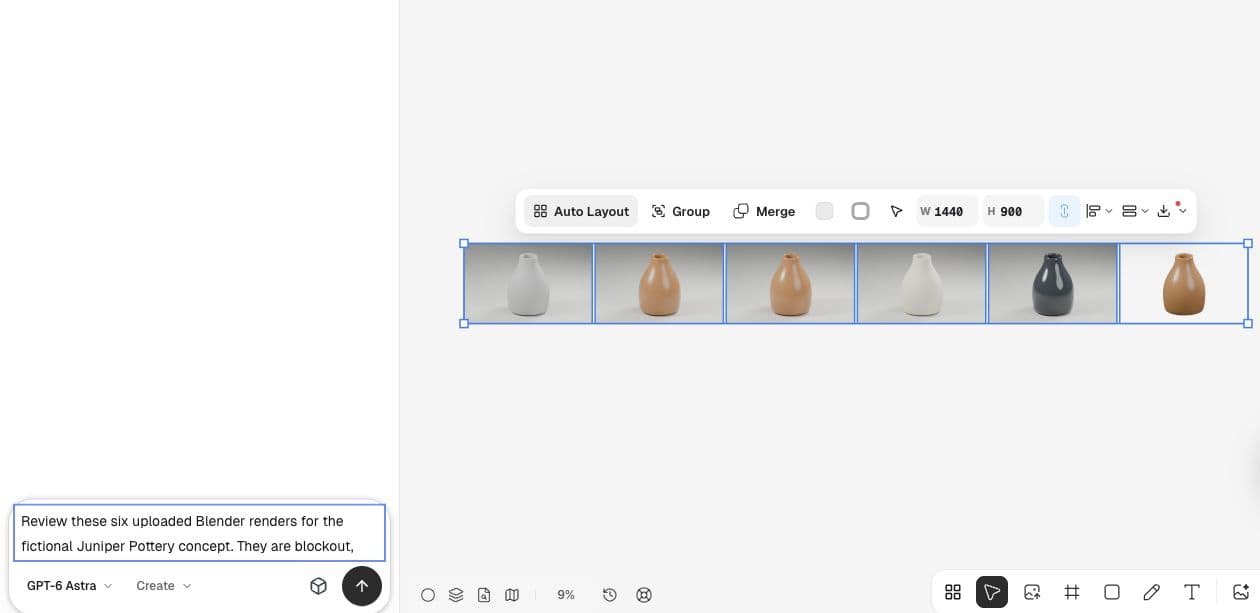
After rendering, we uploaded the PNGs into Ciyo and requested an Astra review. The initial reply reported that image previews were unavailable and supplied next checks rather than visual observations. That is the correct distinction when an agent lacks the evidence needed for a claim.
If an agent cannot see the relevant image, attach it directly or inspect it yourself. Do not accept a detailed description generated from filenames as proof that a render was reviewed.
A recent example of narrowing a visual problem
A Blender beginner recently asked whether cracked-looking icing came from topology, UV seams, or shader mapping. The post separated plausible causes and supplied close-up images. Our missing-camera example uses the same diagnostic habit, with a different and deliberately simpler failure.
Published September 16, 2026. The original post uses Blender Guru’s tutorial and a BlendKit material; no confirmed final repair was visible when we checked it. This article does not claim our camera fix addresses that texture problem.
Practical questions
Was this an Astra-generated failure?
No. The script deliberately clears the active camera to create a reproducible error. The article labels that trigger and the recovery explicitly.
Should I rerun the entire scene after every error?
Start with the smallest check that addresses the observed failure. Once fixed, verify the intended output without treating a narrow success as proof of unrelated behavior.
What files should accompany a render bug report?
Include the minimal scene or script you can share, exact version, command, original error, expected behavior, and actual output or absence of output.
Bring your next product image into Ciyo
Open a canvas, upload the image you want to review, and make one clear decision before preparing the final asset.