GPT-6 Astra · Practical Ciyo workflows
GPT-6 Astra, GPT Image 2.5 and Seedance 2.5: Still to Video
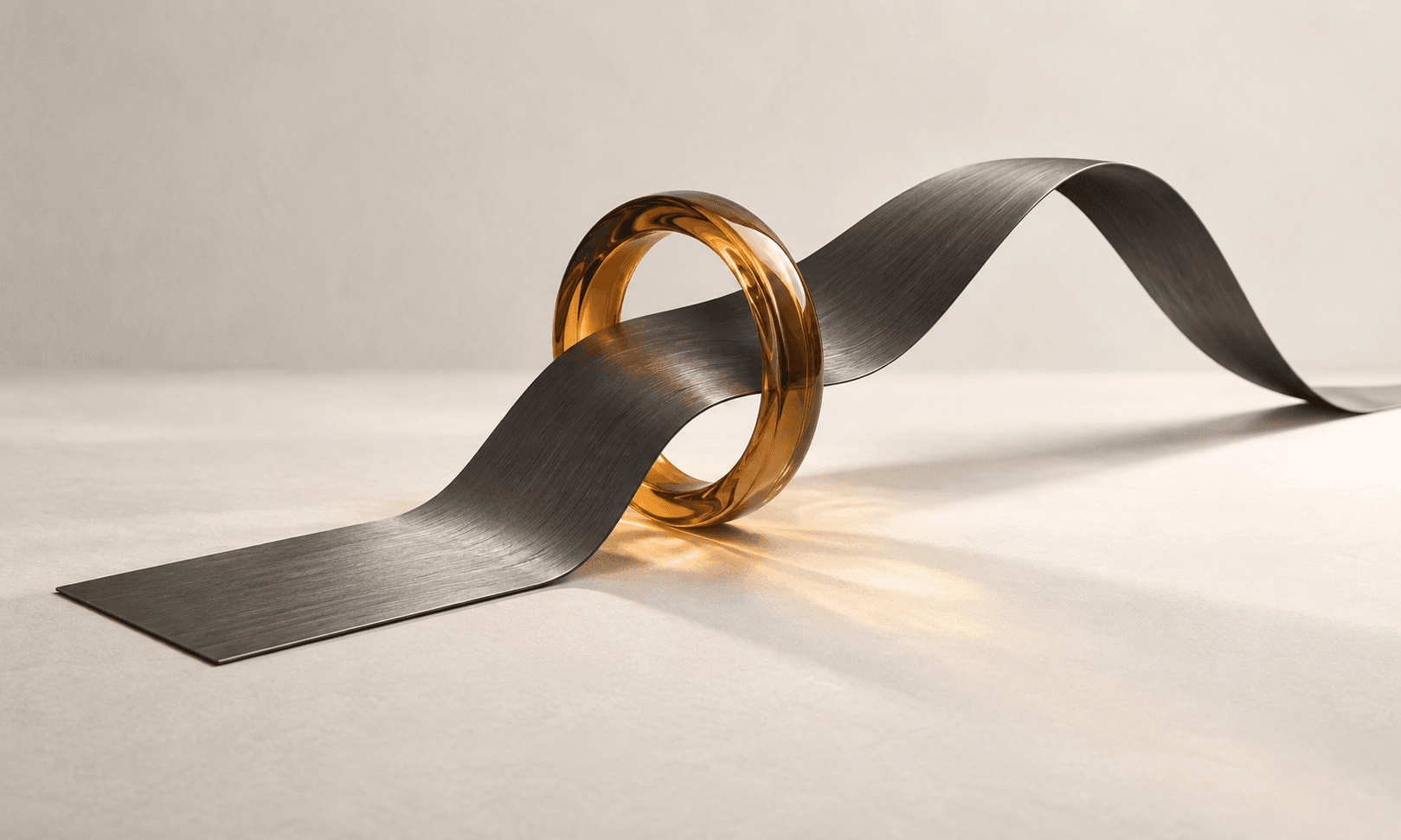
A strong still image already contains decisions about subject, lighting and composition. An image-to-video prompt should say what changes over time while keeping those decisions intact. Asking for a camera orbit, a product transformation and a scene change in one short clip often obscures the single moment you wanted.
This Ciyo workflow connects three models: GPT-6 Astra plans the shot, GPT Image 2.5 creates or edits the opening still, and Seedance 2.5 generates the motion. We will use a fictional lamp reveal, approve the still first and keep the first clip to one continuous camera move.
A creator’s product-image-to-video handoff
u/bracel_mat shares a makeup-brush video and explains that a product image was uploaded to Tagshop, its agent wrote the scene and dialogue instructions, and Seedance 2.5 generated the result. The posted prompt names the brush’s handle and bristles as details to preserve during hand contact.
That account makes the handoff concrete: source image, scene brief, motion request, then inspection. It does not establish that every frame preserves the real brush. Our lamp exercise uses the same sequence of decisions in Ciyo, with Astra planning and GPT Image 2.5 preparing the still. The creator’s “fast” label and their other app’s settings are not Ciyo model options promised by this guide.
Original Tagshop/Seedance creator post and media. The Ciyo lamp workflow below is an independent adaptation with its own model settings.
Create the opening still with GPT Image 2.5
Attach the real lamp reference and ask Astra for a still-image brief. Choose GPT Image 2.5 Flare or Sunburst in Models and generate one candidate in the intended orientation. Keep the full shade and base in frame, preserve the lamp’s material, and leave enough space for a gentle push-in. An inaccurate opening still gives the video a poor foundation.
Decide whether the image is the actual opening frame or a looser reference. Ciyo’s Frames mode uses a start image, while Reference mode has a different purpose. For Seedance 2.5 with a first frame, Ciyo uses Auto aspect ratio because the input image determines the framing. Prepare the starting image for the intended orientation.
Use GPT Image 2.5 Flare to create one landscape first-frame image from my attached lamp reference. Place the same lamp on a quiet desk, preserving the shade, stem, base and material. Use soft evening light, a stable tabletop and room around the lamp for a later gentle push-in. No added text or extra objects. Create only the still; wait for my approval before any Seedance 2.5 video generation.Describe a timeline with one clear action
For this example, the camera gently pushes toward a lamp as its warm light becomes visible. The product does not rotate, unfold or change material. The beat timings below are a proposed creative plan, not a promise of frame-exact control from a generated clip.
Keep the initial request short enough to inspect easily. If the subject is stable and the movement works, expand the idea later. A single useful shot is a better building block than a longer clip with several unrelated failures.
| Time | Visible action | Keep stable |
|---|---|---|
| 0–2 seconds | Establish lamp on desk | Silhouette and position |
| 2–4 seconds | Gentle push-in; warm light appears | Desk geometry and material |
| 4–6 seconds | Hold the final composition | No extra props or text |
Make the video model and audio choice explicit
Once you approve the still, select Seedance 2.5 in Models or name it explicitly to Astra. Attach that accepted image as the first frame, rather than merely repeating the original description. Specify the intended duration, resolution and audio choice in the request. This handoff carries the image decision into the motion request; it does not make preservation automatic.
Ciyo supports optional generated audio for currently priced Seedance 2.5 settings. Say whether you want silence, ambience or speech. A sound-enabled request is not a guarantee that every spoken word or sound cue will be correct. If precise narration matters, listen carefully and plan a correction path.
Use Seedance 2.5 to animate my attached approved lamp image as the first frame. Plan one continuous six-second shot: establish the desk, make a gentle camera push-in as the lamp glows warmly, then hold. Preserve the lamp shape, material, position and desk geometry. No cuts, transformation, added text or new objects. Use silence with generated audio off. Tell me if my requested settings are unavailable before substituting different ones.Review motion and sound as separate outputs
Watch the clip once for the overall action, then again for details. Look at the product edges, the background and the contact point during motion. A lamp that looks right in the first and last frames may still bend in the middle. Judge the full clip rather than its thumbnail.
If audio is enabled, listen with sound on before exporting. A correct visual does not prove the soundtrack is suitable. Keep notes about whether the problem is visual continuity, motion speed or audio. A focused revision should address the actual defect.
| Track | Question | Possible next step |
|---|---|---|
| Identity | Does the same lamp persist throughout? | Simplify motion or improve the start image |
| Camera | Is movement smooth and useful? | Request a slower, smaller movement |
| Scene | Do surfaces remain stable? | Remove unnecessary scene changes |
| Audio | Is silence or the requested sound respected? | Revise the sound request or use a separate edit |
Build a sequence from approved clips
Build a second shot from the same product reference only after the first works. Ask Astra to specify its purpose, use GPT Image 2.5 to prepare a tighter or wider still, then use Seedance 2.5 to animate that approved frame. A close detail, another useful angle and a final hold each need their own continuity check.
Use a suitable video editor for precise sequencing, captions, narration and final delivery when those are needed. Ciyo’s generation result is an asset you can inspect and develop. Export only after checking the destination’s current format requirements and the actual playback file.
Frequently asked questions
Does Astra render the video itself?
Astra handles planning and conversation. In this workflow GPT Image 2.5 makes the opening still and Seedance 2.5 renders the video from the approved frame.
Why can I not force a different ratio with a first frame?
For Seedance 2.5 Frames requests, the first image determines the framing and Ciyo uses Auto. Prepare or crop that image for your intended orientation before generation.
Will enabling audio produce exact dialogue?
It requests generated audio, but you still need to listen and verify. Do not assume exact delivery or synchronization without checking the result.
Put this workflow on your canvas
Use the “Try GPT-6 Astra in Ciyo” link to open an editable starter. Add your own references and constraints before sending. Choose the image or video model and supported settings for the asset you want to create.