Opus 5.5 motion production
Time an Opus 5.5 Motion Video to Beats Without Frame Drift
A studio wants a short motion promo with three clear visual accents. A beat grid helps place the accents, but the grid needs a known tempo, start time and output frame rate.
This exercise uses a synthetic timing guide, not a licensed music track or a claim about audio quality. It concentrates on frame placement; background music selection and sound-effect generation are separate tasks.
Ciyo’s Opus 5.5 agent built the fictional worked example below with code. The linked MP4 is the actual product export, drawn with Pillow and encoded with FFmpeg; it is not a generated camera-footage clip.
1. Establish tempo and the first beat
At 120 BPM, one beat lasts 60/120=0.5 seconds. At 30fps, that is exactly 15 frames. With the first beat at frame zero, the first four beats fall at 0, 15, 30 and 45.
A song may have an intro, a pickup or a tempo change. Identify the actual first beat and check the audio before assuming frame zero is musically meaningful.
2. Calculate absolute cue positions
For beat k, use an explicitly chosen rounding rule on (startSeconds+k*60/BPM)*fps. Round each absolute position rather than repeatedly adding a rounded frames-per-beat number. The latter accumulates error when the ratio is fractional.
At 128 BPM and 30fps, the beat interval is 14.0625 frames. Repeatedly adding 14 loses time; absolute rounding keeps each cue close to its intended position.
| Tempo | Seconds per beat | Frames per beat at 30fps |
|---|---|---|
| 120 BPM | 0.5 | 15 |
| 128 BPM | 0.46875 | 14.0625 |
| Example offset | 0.2 seconds | 6 frames before grid origin |
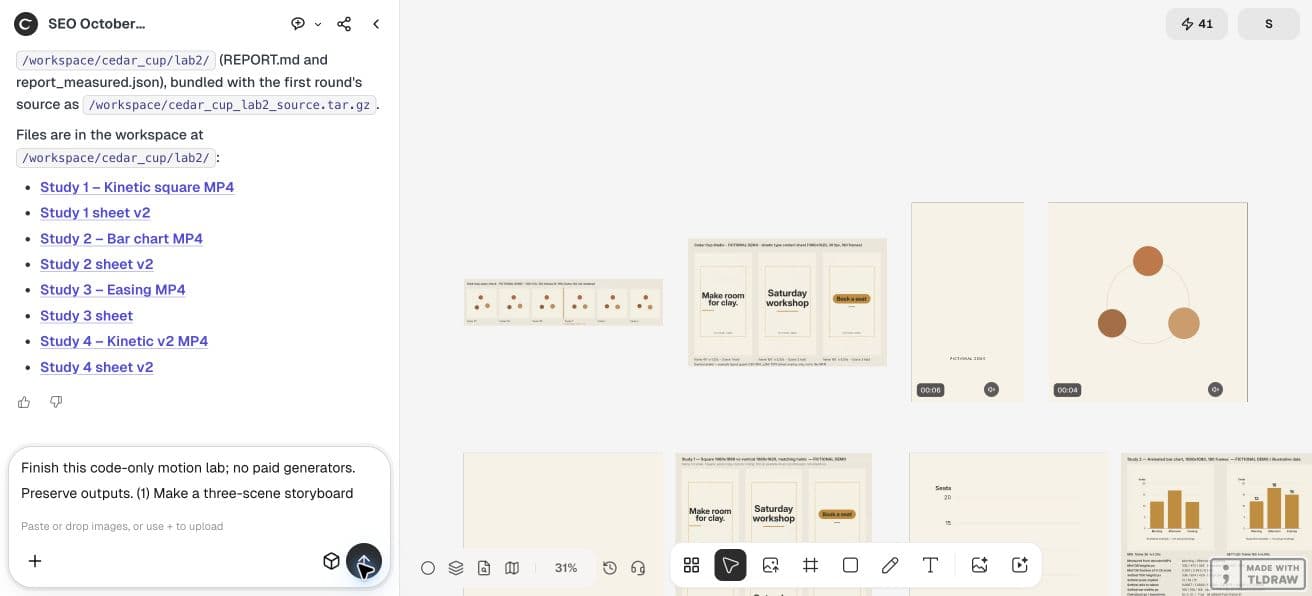
Use code only. Create a four-second 720x720 silent motion timing study at 30fps for fictional Cedar Cup Studio. A simple circle reaches its pulse peak at frames 0,15,30,45 and every 15 frames through frame 105: example 120 BPM with zero offset. Save a cue table and editable source, export exactly 120 frames, and add a pulse contact sheet to canvas. Label it a synthetic timing study, not a music-synced campaign result. Also calculate absolute rounded cue frames for 128 BPM without cumulative rounding.3. Separate an accent from a full scene change
A circle pulse can land on each beat while the headline stays readable. Do not cut the text every half-second merely because the music has a beat there. Choose a few structural cues and let smaller accents carry the rhythm.
Keep the end card calm enough to read. A beat grid is a timing tool, not an instruction to animate every object continuously.
4. Check the actual soundtrack alignment
For real music, verify cue times against the waveform and by listening. Account for silence or a lead-in before the first beat. A calculated 120 BPM grid does not establish that a particular track is exactly 120 BPM throughout.
A synthetic click guide is useful for checking the renderer, but it is not finished background music. Keep that distinction visible in the demo and delivery notes.
5. Build a timing study in Ciyo
Ask for a four-second silent pulse study at 30fps with visible accents every 15 frames. Keep the cue table and source. If the renderer can create a synthetic guide, label it as a guide and inspect its alignment separately.
Review the export rather than only the cue list. A visually late pulse can come from a drawing rule that peaks after the scheduled onset. State whether your cue means onset, peak or cut.
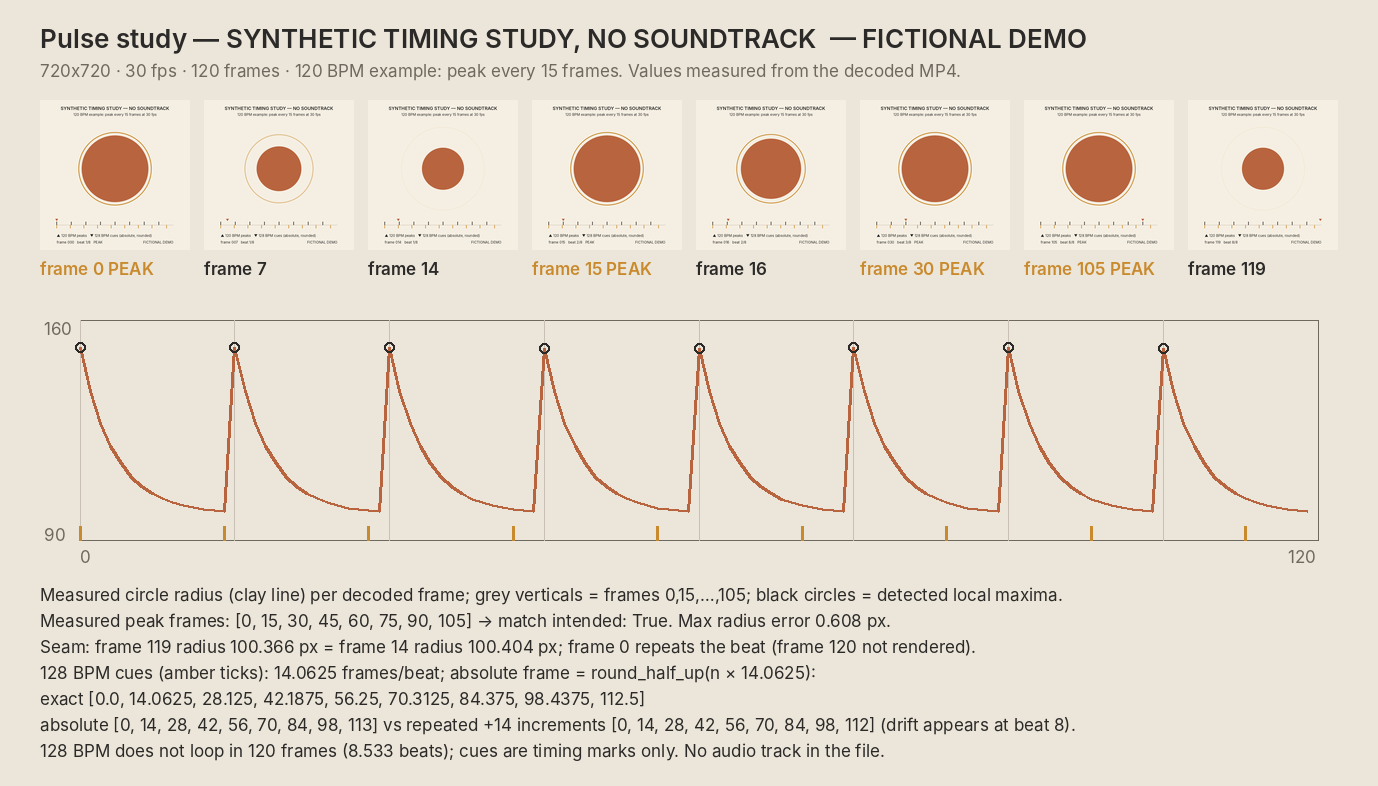
The delivered Ciyo study is a silent 720×720 MP4: 120 counted frames at 30fps, lasting four seconds. The agent’s decoded-frame report places its pulse peaks at 0, 15, 30, 45, 60, 75, 90 and 105. This demonstrates a synthetic visual grid, not synchronization with a real song.
For 128 BPM, the agent used round-half-up on each absolute cue: 0, 14, 28, 42, 56, 70, 84, 98, 113. Repeatedly adding 14 gives 112 for the last cue. Specify the tie rule: Python’s built-in round uses ties-to-even, so round(112.5) gives 112 instead. Either tie convention stays within half a frame when applied to absolute positions; repeated interval rounding creates accumulated drift.
Ciyo kept the renderer source and reports in this project’s workspace. The canvas cannot attach a source archive in this workflow; ask the agent to paste the code in chat if you need to retain it elsewhere.
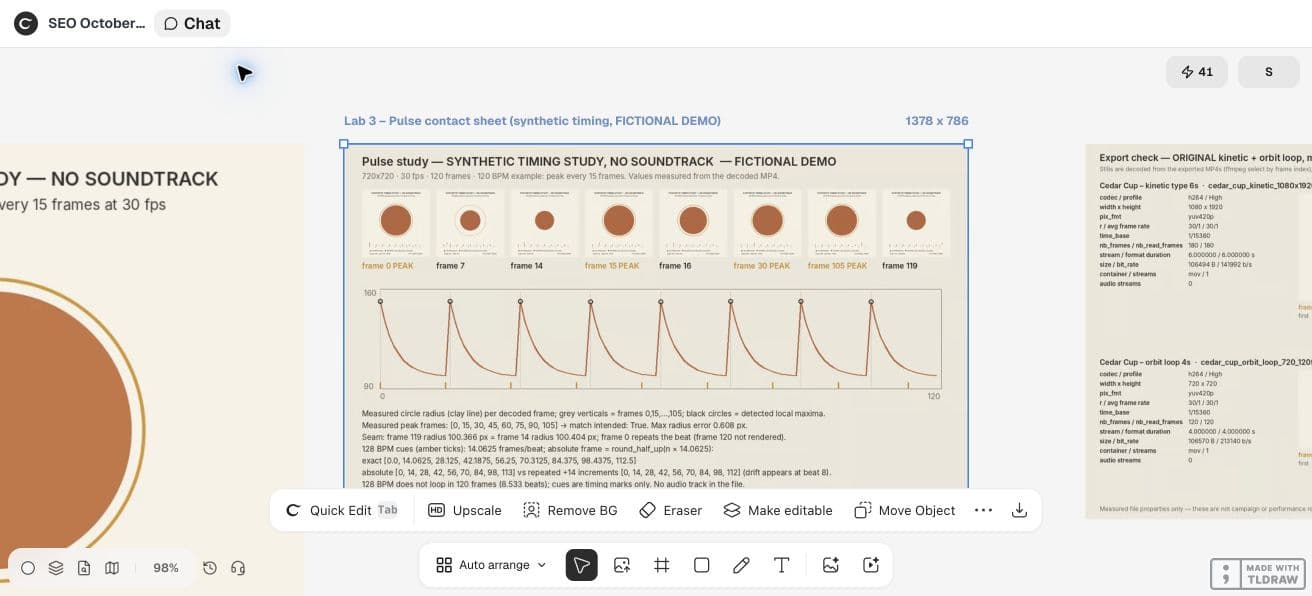
CFNStudio contrasts Opus 5.5 with and without the Motion harness. This concerns another tool; our frame cue table is an original Ciyo exercise, not a test of that harness or an endorsement.
6. Retain the grid with the final revision
Save BPM, offset, frame rate and cue meaning alongside the source. A duration or frame-rate change needs a new grid calculation. Do not carry old frame indices into a different export rate.
For a real campaign, confirm music rights and listen to the complete mix. This article’s arithmetic does not establish those production approvals.
Practical questions
Why not round frames per beat once?
When the interval is fractional, repeatedly adding the rounded number accumulates drift. Round each absolute cue time.
Does the calculated grid prove music sync?
No. Check the actual track’s offset, tempo and waveform and listen to the export.
Must each beat change the scene?
No. Use small accents on the grid while leaving essential text stable long enough to read.
Make a small motion study you can check
Open an isolated Ciyo project, bring your approved copy, and ask the agent for source, a rendered draft and the specific checks your deliverable needs. Review the actual export before using it.