Video Advertising
Build a video ad, one decision at a time.
Tell Ciyo what you're selling and what viewers should remember. It guides you through the concept, storyboard, visual direction, and finished motion.
You do not need a finished script or storyboard to begin.
Make a Facebook Reels ad from product photos
Set your headline, then hold an approved packshot and call to action for the last two seconds. Preview the eight-second cut before downloading it.
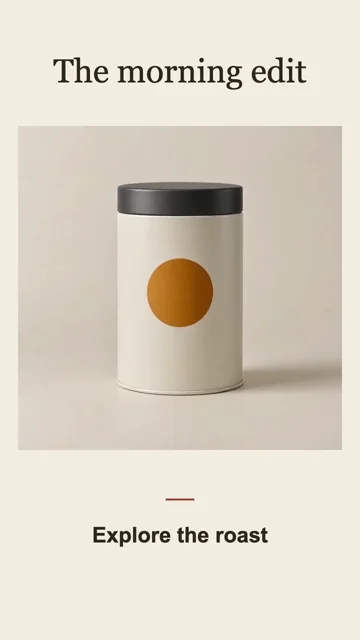
720 × 1280 · 8 seconds · Silent MP4
Your photos stay in this browser. No credits required.
Revise this concept in the canvas
Attach your original photos in the workspace and review the brief before sending.
The sample uses a still from our coffee-tin motion study. For your own shoot, use the photo checklist. Compare a vertical and square edit, or make a rotating product MP4 from a full set of angles.
How Ciyo helps
Move from message to motion with a clear plan.
- 01
Find the strongest message
Tell Ciyo what makes the product matter and what the viewer should remember after the ad ends.
- 02
Build the storyboard
Ciyo recommends a hook, sequence, visual style, and pacing that fit the channel and duration.
- 03
Create and refine the motion
Develop the key visuals, generate the video, compare takes, and adjust the result without losing the original idea.
Example created with Ciyo
A product message, turned into a complete short-form story.
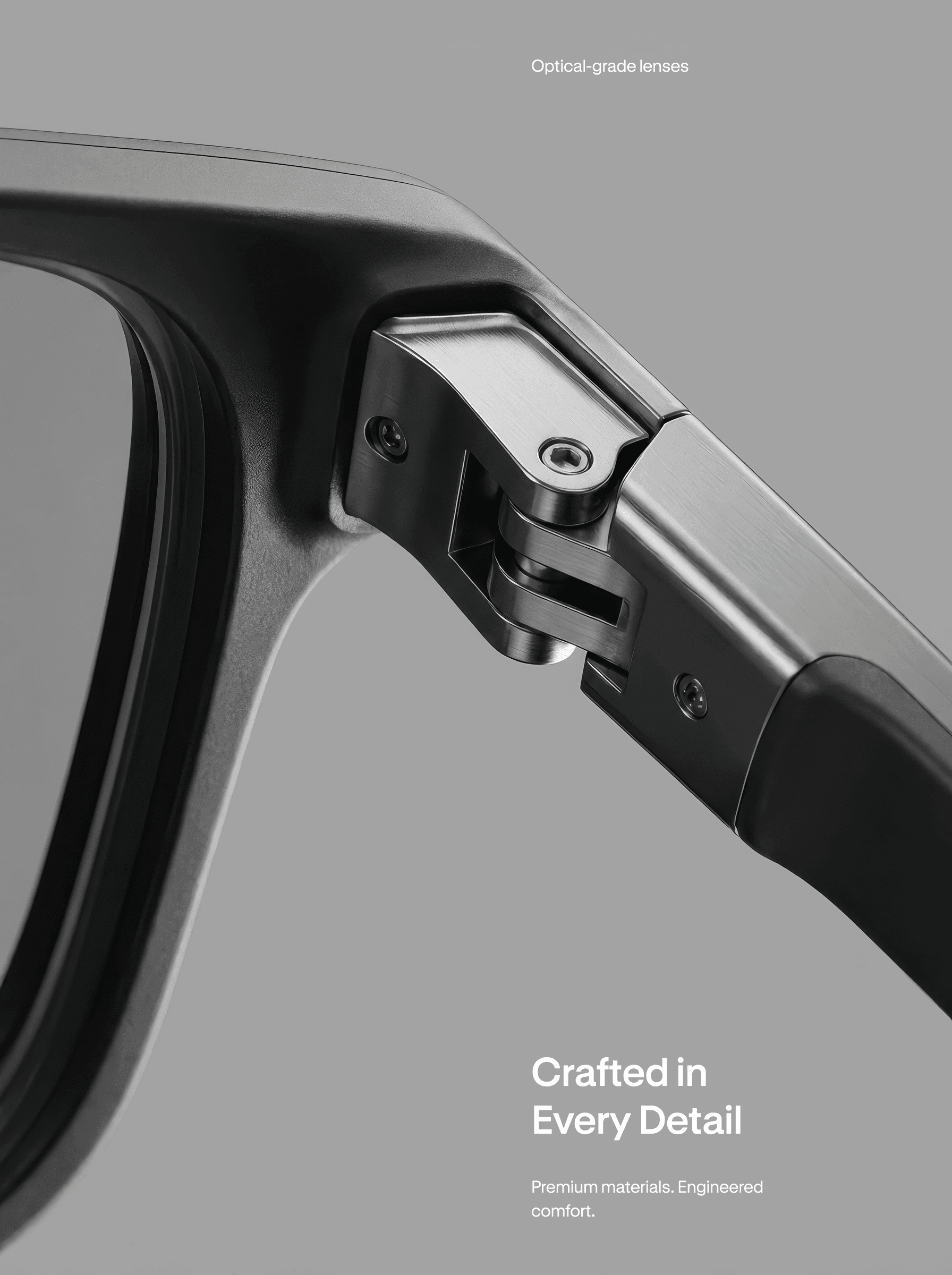
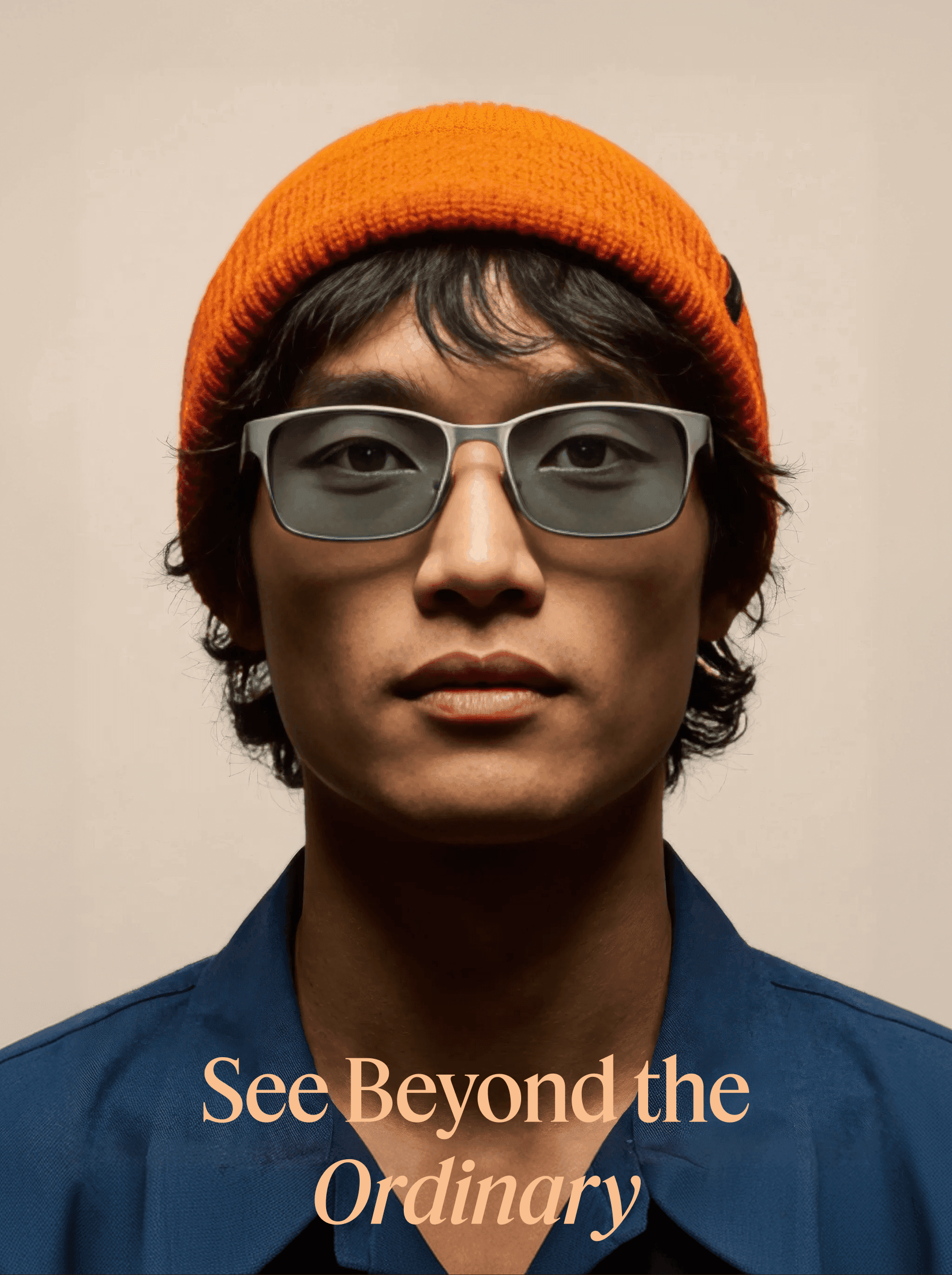
A fictional lifestyle-eyewear concept moves from a four-beat storyboard to product frames, a vertical video ad, and a shorter social cutdown.


Design briefs
Pitch two advertising directions
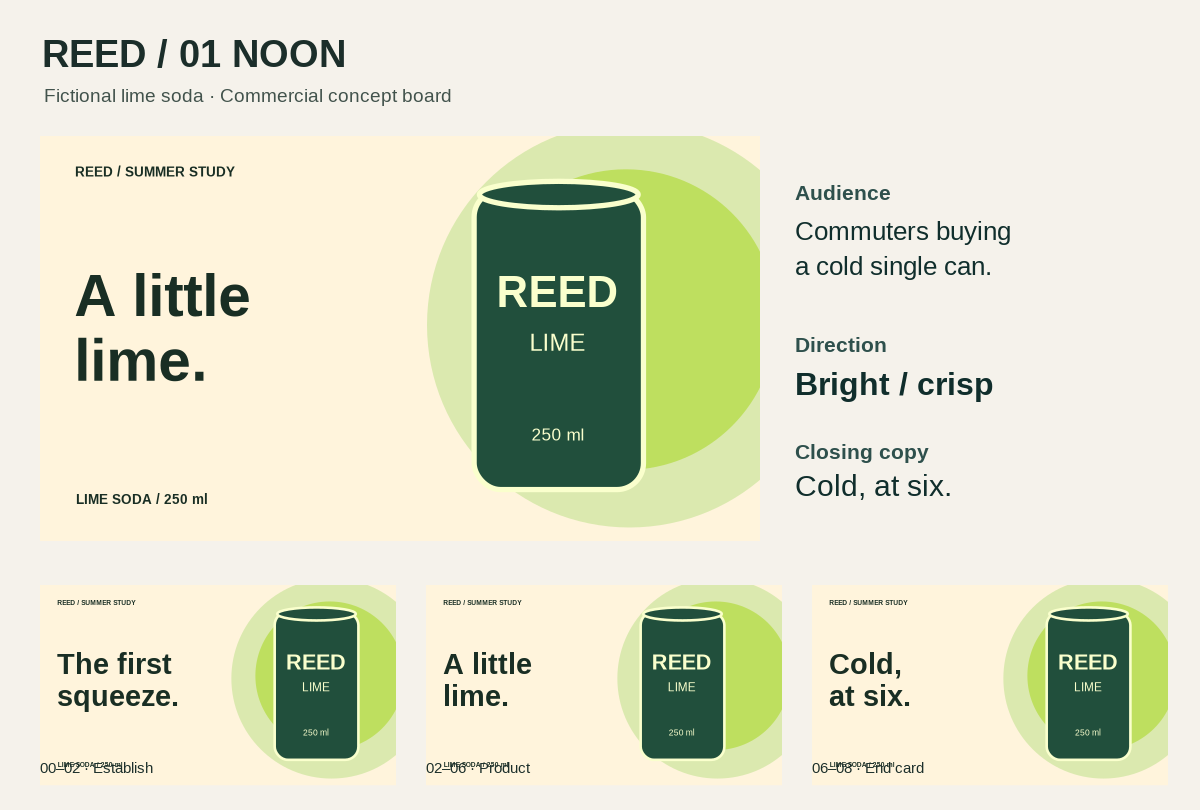
Present each route with a treatment, key frames and a timed rough cut. Ask the client to pick a reveal before budgeting the shoot.
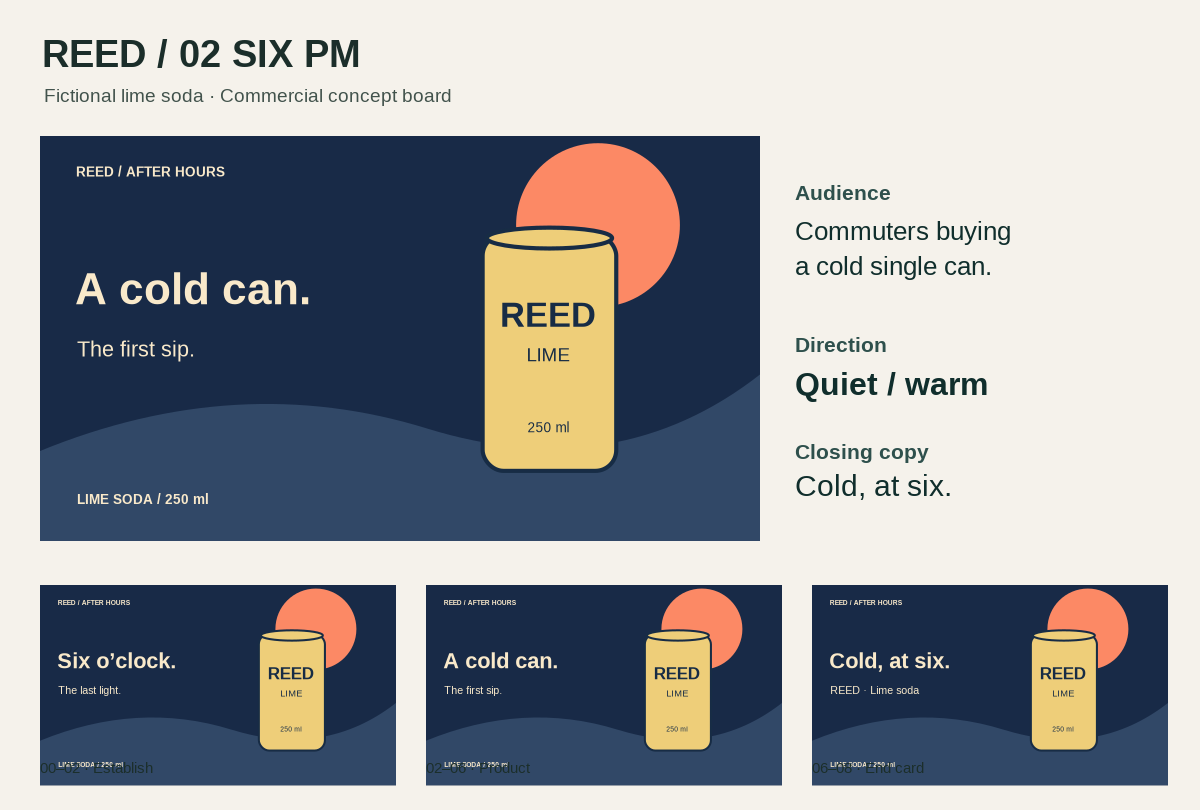
For the fictional REED pitch, compare routes A and B. After choosing B, hand off its revised animatic with the edit list so the producer knows which end card changed.
Commercial director’s treatment template: a filled eight-second example
Start with your product photos
Turn the photos you have into a video ad.
Bring clear product photographs, your approved words and the destination for the video. Ciyo can help plan the scenes, animate photos or generate clips, and assemble the film. Review product details and the finished file before using it in a campaign.
The worked example uses five yo-yo photographs and music in a 20-second film. Its generated 720p clips were upscaled for the 1080p export. It demonstrates the workflow; campaign performance was not measured.
Choose a camera move that keeps the product readable.
In our coffee-bag comparison, a generated pour added motion but a slow push-in cropped the label. A move over the approved photograph preserved the printed words. Inspect the source, the last frame and the end card before choosing your own route.
Compare the coffee-bag framesCheck a packshot end cardTry motion with your own packshotRelevant features
Plan the story and create the motion in one place.
Good to know
Start with what you know.
Do I need a finished creative brief?
No. Start with the goal, audience, or thing you need to promote. Ciyo will ask simple questions and help shape the creative direction with you.
Do I need design experience?
No. Ciyo explains each recommendation in plain language and guides you through the decisions one step at a time.
Can I use my own logo or product images?
Yes. You can add existing brand or product assets when they are useful, but you do not need them to begin the conversation.
Does Ciyo create everything at once?
Ciyo helps you work through the most important asset first, refine the direction, and then carry that approved thinking into the remaining formats.
Do I need a subscription?
No. Ciyo uses pay-as-you-go pricing, so you pay for what you create without a recurring subscription.
Video Advertising
Ready to turn the message into motion?
Start with the product and the one thing viewers should remember. Ciyo will guide the rest.