Practical design workflows
Price List Maker: Build a Clear Service Rate Card

A service price list has to explain what the customer receives, how long it takes and which price conditions apply. Decorative typography cannot repair a missing “from” or an add-on that looks bookable by itself.
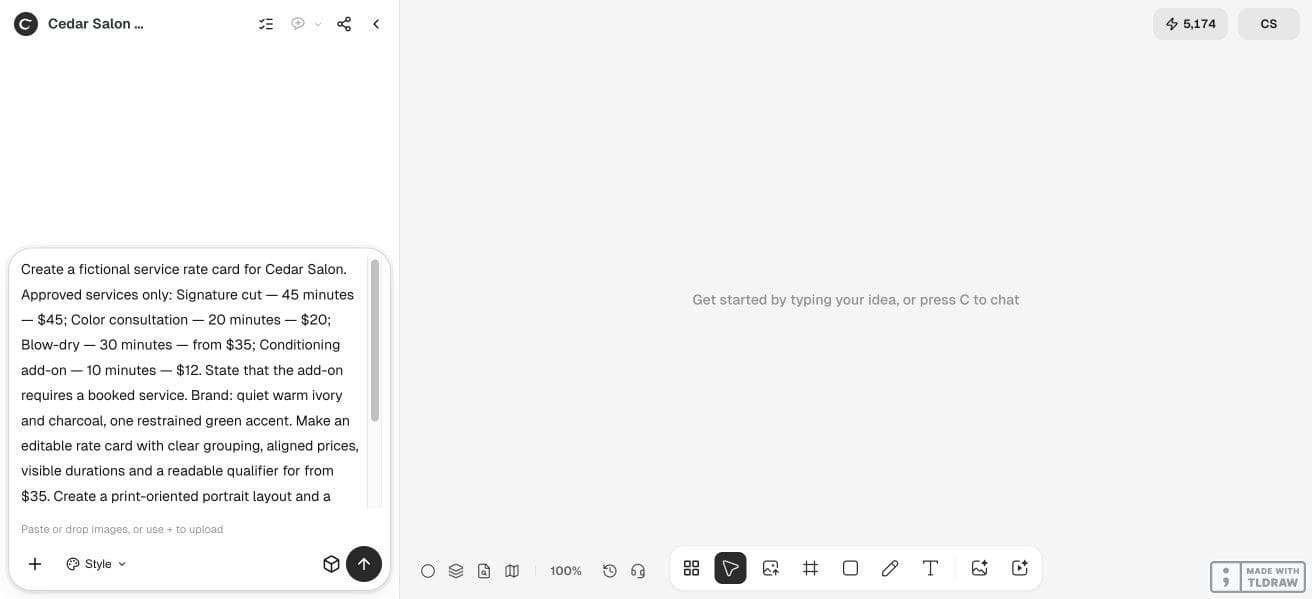
Our fictional Cedar Salon brief explores a rate card in Ciyo. The guide uses a literal source table, a controlled revision and separate print and phone reviews, with editable source text kept distinct from flattened artwork.
Quick answer: approve the service table first
Write the service name, duration, currency, fixed or starting price and any condition in a source table. Group the services, align their prices and keep qualifiers beside the price they modify. Then inspect the saved design at both intended print size and phone width.
Retain a source that can change one price without regenerating all the lettering. If the Ciyo output is a flattened image, finish the factual text in a layout editor.
1. Turn the owner’s service list into approved facts
The four Cedar Salon services below are fictional. Their purpose is to expose the difficult fields: a starting price and an add-on with a booking condition. A real business should approve the currency, service scope and any additional pricing conditions before design begins.
Do not ask the model to invent a popular package, recommend a discount or fill in a missing duration. Resolve those questions with the service owner.
| Service | Duration | Price | Condition |
|---|---|---|---|
| Signature cut | 45 minutes | $45 | Fixed sample price |
| Color consultation | 20 minutes | $20 | Fixed sample price |
| Blow-dry | 30 minutes | From $35 | Starting price |
| Conditioning add-on | 10 minutes | $12 | Requires a booked service |
2. Design the information hierarchy before the decoration
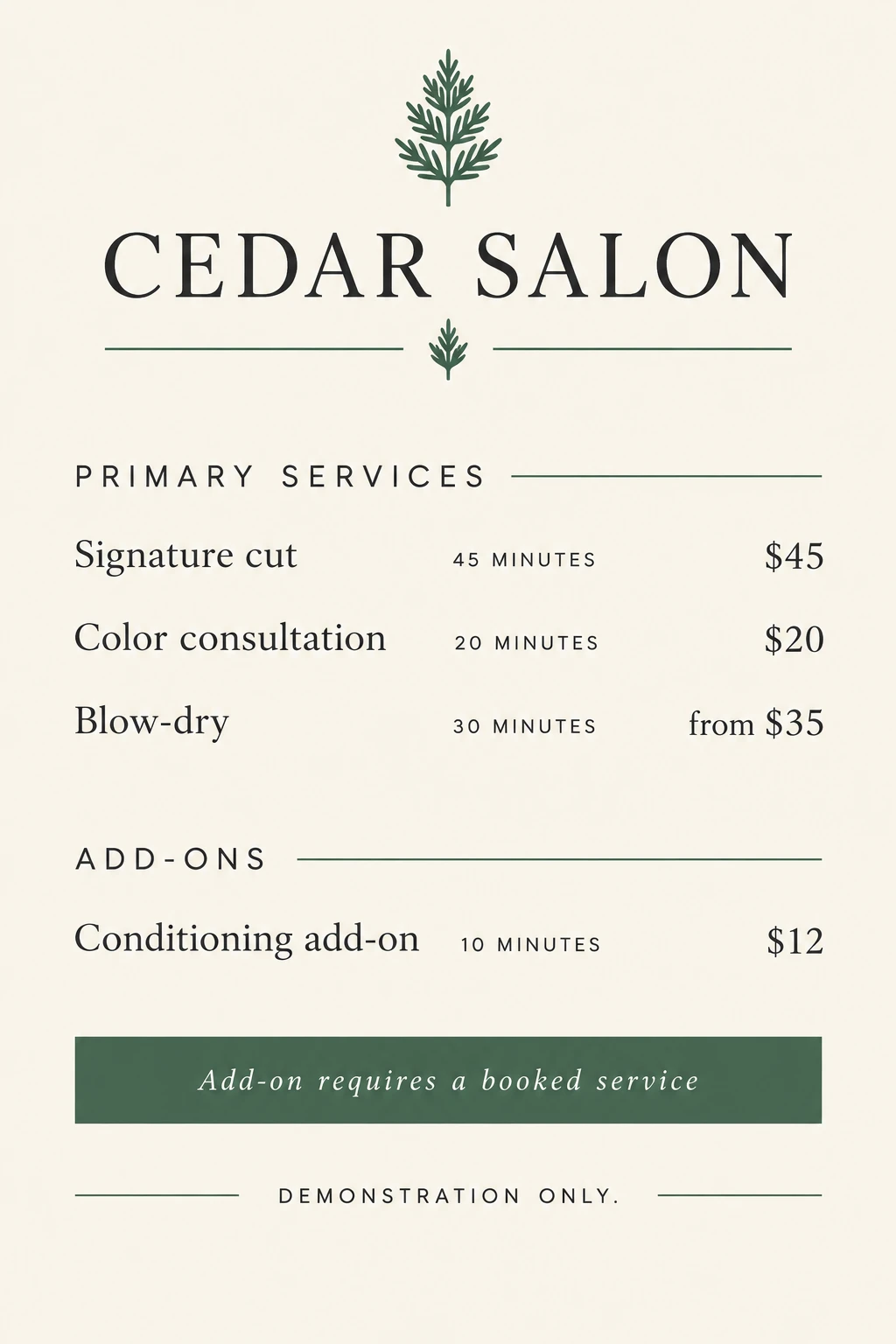
Use one clear row per service, with the name first, duration nearby and price in a consistent position. Put add-ons in their own group so a customer understands the difference between a primary appointment and an optional extra.
For the example, warm ivory and charcoal carry most of the page, with one restrained green accent. The accent can distinguish the add-on group, but color should not be the only signal explaining the booking rule.
Design a service rate card for [business] from this approved table: [services, durations, prices and conditions]. Group primary appointments and add-ons. Keep “from” beside starting prices and show booking conditions clearly. Use [brand colors]. Compare a print portrait layout and phone preview. Preserve all facts and state which source remains editable.3. Explore in Ciyo, then inspect the actual text controls
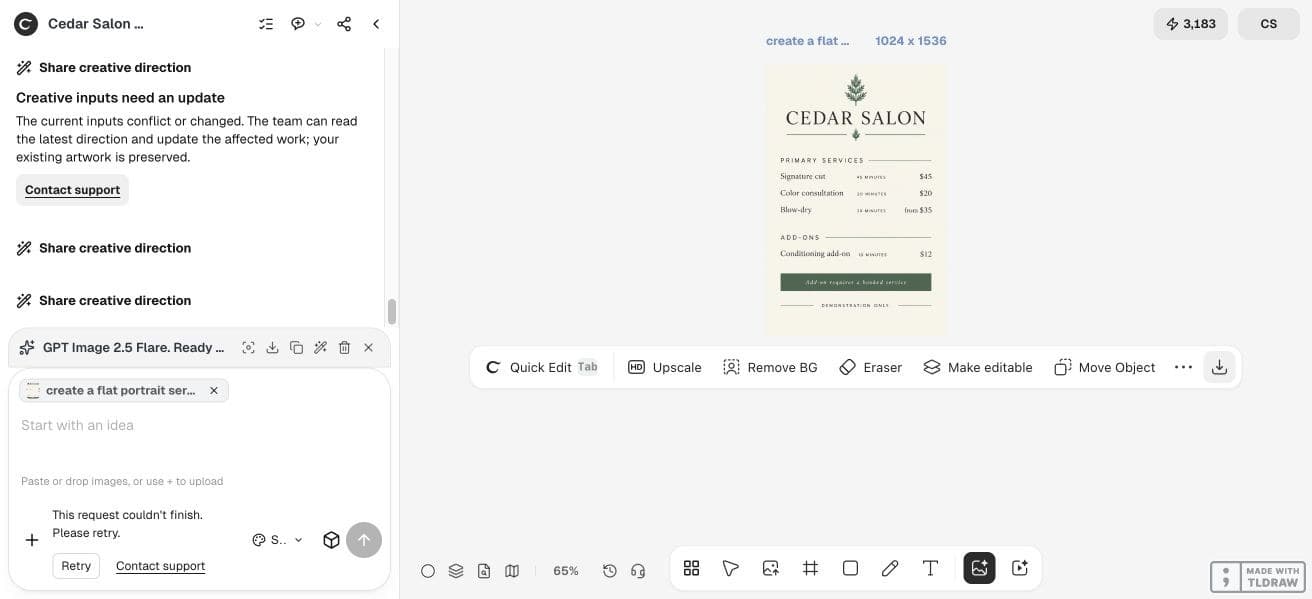
We entered the table in an isolated Design agent project, but that workflow stopped before delivering a card. A direct Image Generator request using GPT Image 2.5 Flare then produced the 1024 × 1536 concept shown here. It preserves the sample service hierarchy as flattened artwork.
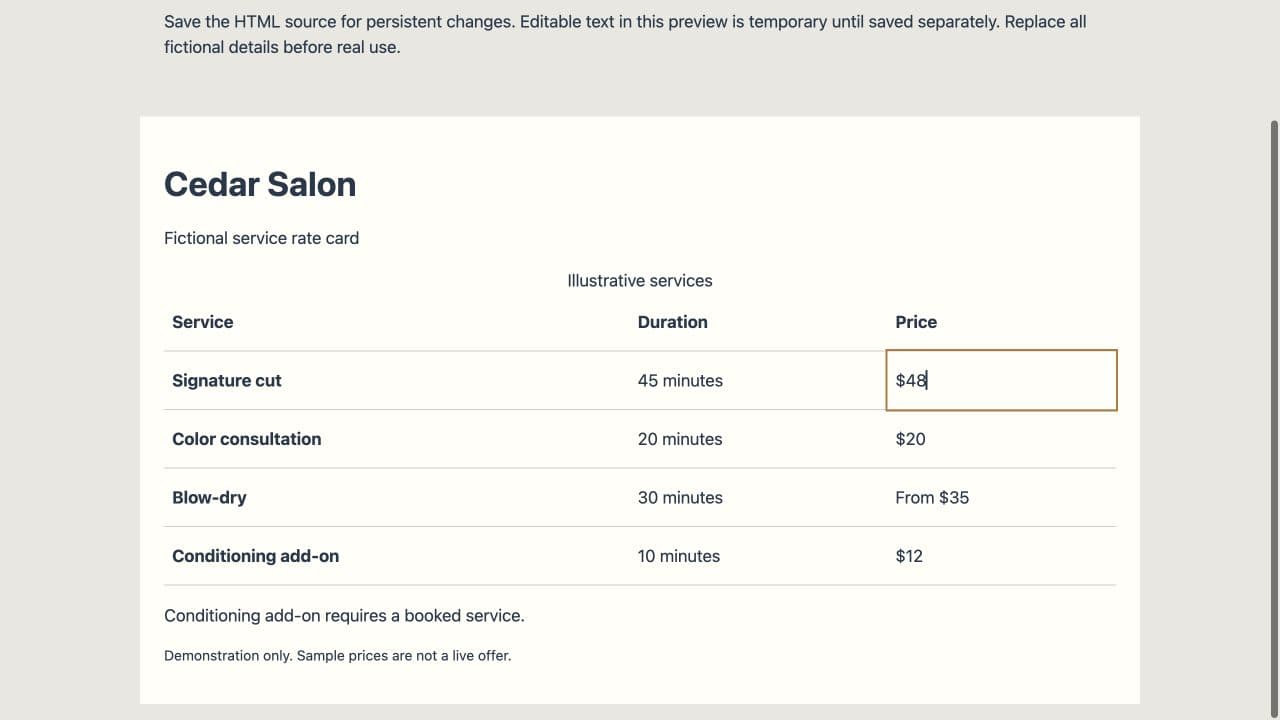
The linked Cedar Salon HTML example was assembled separately from the approved table. It keeps service names, durations, prices and conditions as live text, so the external revision step can be inspected. A generated image and an editable source have different roles.
4. Make one controlled revision and read every row again
A useful revision test is changing the fictional Signature cut from $45 to $48 while leaving 45 minutes unchanged. Record that it is a review exercise; the original table remains the baseline until the owner approves a real change.
After the edit, recheck Color consultation $20, Blow-dry from $35 and Conditioning add-on $12. Also confirm the add-on still requires a booked service. A narrow request can still alter neighboring generated text, so do not inspect only the corrected number.
5. Review print and phone versions separately
For print, open the exported file at the intended physical size and confirm the smallest condition remains readable. Ask your printer about its accepted file and safe margins. For phone use, view the whole rate card at typical screen width without zooming.
If the phone copy becomes too small, simplify the layout or create a separate mobile composition. Shrinking an entire print page is not always a usable mobile adaptation. Keep the facts identical in both.
| Destination | Most likely problem | Useful correction |
|---|---|---|
| Printed counter card | Small qualifiers or clipped edge text | Increase the type or move it inside the safe area. |
| Phone image | Too much information in one narrow view | Stack service rows and reduce decorative elements. |
| Both | Different prices across versions | Reconcile both against the approved source table. |
6. Keep a versioned source and a clear update owner
Save the approved date, editable source and customer-facing exports together. When a price changes, update the source table first, then regenerate the distribution versions from the approved copy. Remove or replace outdated versions wherever the business actually shares them.
A solo service provider may need one concise card. A multi-location business should define who owns local rates and conditions before automating anything. This guide demonstrates rate-card design, not booking-system synchronization.
Frequently asked questions
Can I hide qualifiers in a footnote?
Keep a qualifier such as “from” close to the relevant price. Longer conditions can sit nearby, but the layout should not imply a fixed price where one was not approved.
How many services fit on one page?
Use readability at the intended destination as the limit. Group or split a long list instead of reducing all text until it is difficult to read.
Does a generated image remain editable?
An image may contain flattened lettering. Preserve the source table and use live layout text when you need reliable recurring updates.
Should I add booking links?
Use only a verified booking destination approved by the business. A decorative QR code or invented URL does not create a booking route.
Bring five approved services
Start with the real service names, durations, prices and conditions. Compare two layouts and choose the one a customer can understand quickly.