Creative workflows
Return Policy Sign Layout: Keep Approved Conditions Readable

A return-policy sign can accidentally change the policy when a designer shortens its wording. The task is to present approved conditions clearly, including exceptions that affect the customer’s next step.
The example below is fictional and describes a manual design process. It is a preparation and review exercise, not a measured customer result or a completed production order.
Quick answer
Use approved policy text as the source, identify the most important action and conditions, and review every shortened phrase with the policy owner. Do not ask a design model to create store rules.
1. Get the approved text and its scope
Ask the owner which channel, products and locations the sign covers, plus the current policy revision. This guide does not supply a return window, legal requirement or model policy. An online-store policy may not describe a physical shop’s process.
Separate the customer-facing summary from staff procedures. Keep exceptions and contact instructions attached to the relevant rule rather than placing them in an unrelated small-print block.
2. Build a readable hierarchy without rewriting obligations
Use a descriptive heading, approved summary and a clear route to the full policy or staff help. Keep material qualifications at a readable size. If the copy is too long, ask the owner to approve a shorter summary instead of silently deleting conditions.
In Ciyo, explore spacing and visual hierarchy with placeholder copy first, then place the approved text as editable text. Mark a prototype as a layout proof so nobody mistakes fictional wording for an adopted store policy.
3. Compare the exported sign and full policy
Review the actual output against the approved source line by line. If using a QR code, create it for the approved destination and test the final printed or exported version with a real scanner. A decorative square pattern is not a working code.
Check the destination on a phone and confirm the policy is readable there. Ask the owner to approve the physical placement and any language editions. If the policy changes, retire the old sign through the normal business process.
Copy and adapt this request
Replace the bracketed fields with your own approved information. The requested output is a draft for review; the example has not been run as a model benchmark.
Lay out [OWNER-APPROVED POLICY TEXT, REVISION] for [LOCATION AND CHANNEL]. Preserve all conditions and exceptions exactly unless an approved short version is supplied. Suggest hierarchy and spacing only; do not invent legal rules or return windows. Keep the full-policy destination [URL] explicit and include a line-by-line proof checklist.Policy-sign approval record
These example checks describe acceptance criteria, not observed model results.
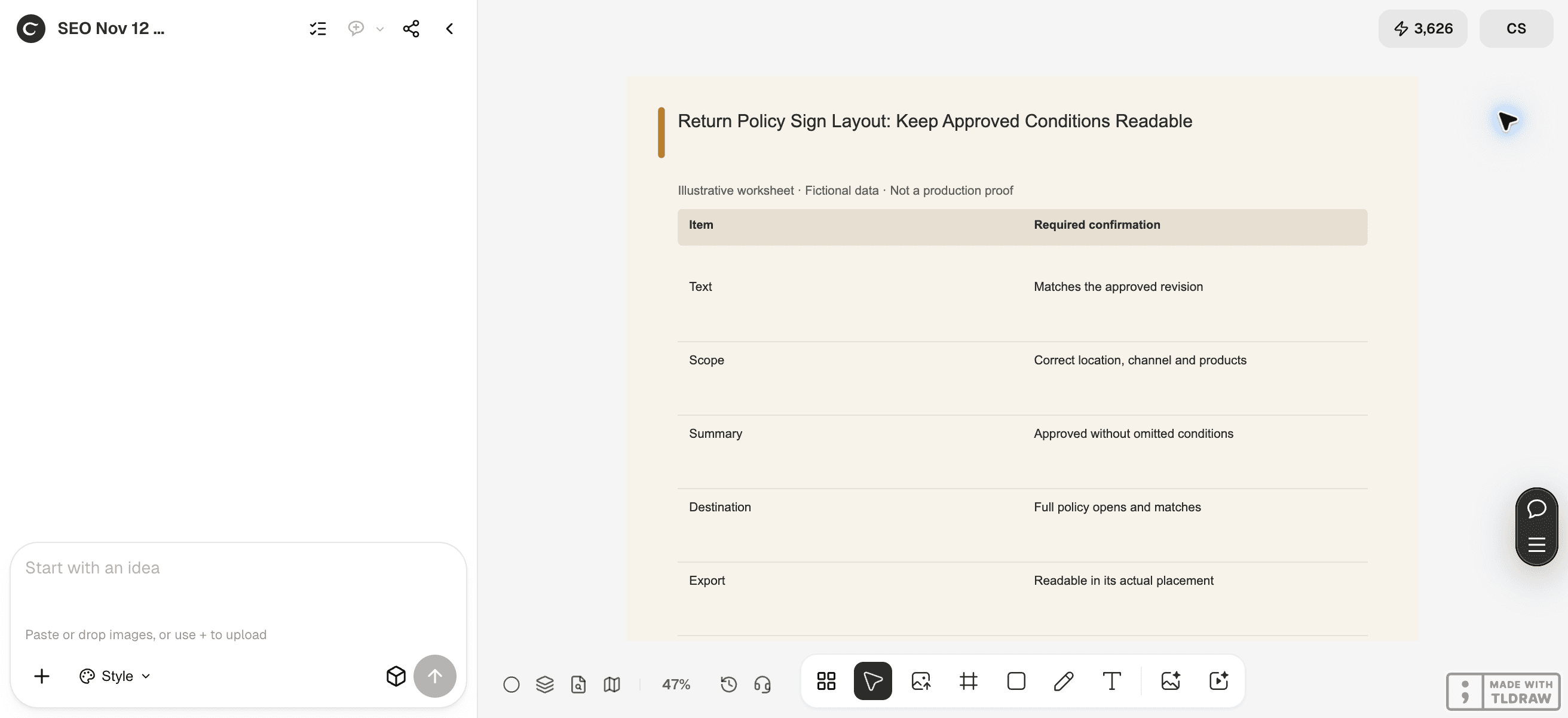
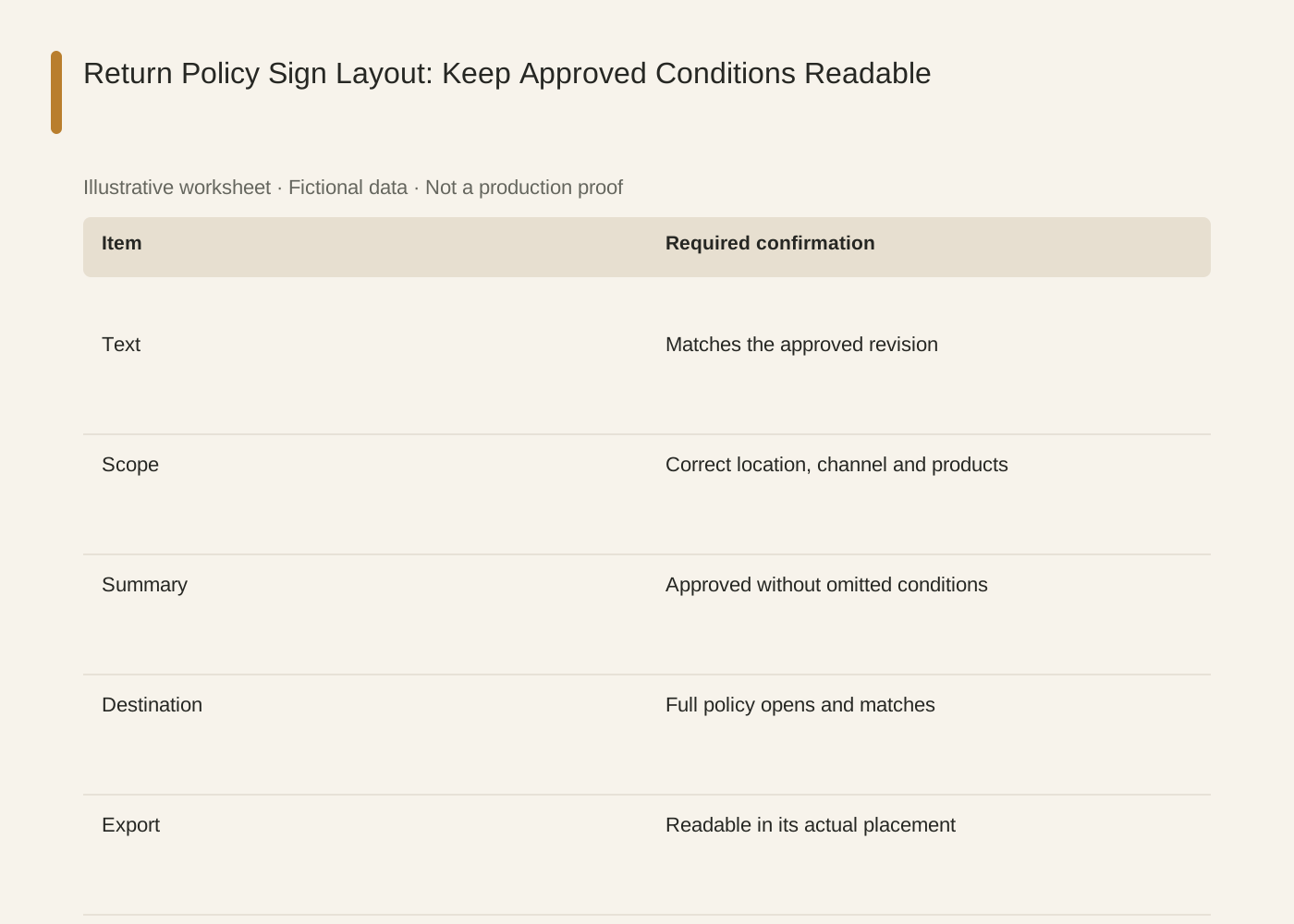
The linked SVG is an illustrative worksheet containing the same fictional review fields. It is separate from native editable canvas text and from a finished production design.
| Item | Required confirmation |
|---|---|
| Text | Matches the approved revision |
| Scope | Correct location, channel and products |
| Summary | Approved without omitted conditions |
| Destination | Full policy opens and matches |
| Export | Readable in its actual placement |
Common mistakes and how to recover
Do not replace an approved conditional rule with a broad slogan such as hassle-free returns unless the owner has approved that exact promise.
A translated sign needs a meaning check against the same approved policy, not a newly invented local version.
Choose a working method and make the handoff
For a solo shop, start with one item and keep the source facts beside the draft. A team should name one approver and keep a dated version so an old comment cannot silently override the current decision. If the input is incomplete, return to the owner of that fact before polishing the artwork.
Use Ciyo for the visual work described here with the controls and models currently offered in your account. Keep the approved copy separately and add exact wording with editable canvas text where needed. A generated picture is a visual draft; inspect its exported file before using it.
Sources and further reading
Primary documentation and related guides used for this article. Availability and controls can vary by account; verify them before beginning your own run.
Frequently asked questions
Does this provide legal advice?
No. It is a design and consistency workflow for text supplied and approved by the business.
Can I shorten the policy myself?
Propose a summary, but have the responsible owner approve any change that could affect meaning.
Should the QR code replace the sign’s key conditions?
Keep the essential approved message readable and use the destination for additional information. Confirm the design with the owner.
Prepare one visual draft in Ciyo
Bring the approved inputs and review one version against the checks in this guide before making more variants.