Ciyo · Practical design
Table Tent Design: Check Both Faces After the Fold

A tabletop promotion must work from two sides, after folding, at a normal seated distance. A pretty flat layout can leave one face upside down or hide the price where the paper bends.
Our fictional Harbor Café brief requests a simple open A-frame from 4 × 10 inch stock, folded at five inches. It is a digital demonstration with no locking base. No drink was offered for sale, and no physical printing or stability test is implied.
Quick answer: design the folded object from the flat sheet
Confirm the finished panel size, flat stock and construction first. Assign one job to each upright face, keep the offer readable, and check the back panel’s rotation. Use the printer’s template for a real production job.
A flat file, a simulated folded view and a physical proof answer different questions. Keep all three distinct. The folded preview can reveal orientation; only a paper dummy can show whether the stock stands, slips or obscures the content in the actual setting.
1. Choose the construction and the offer
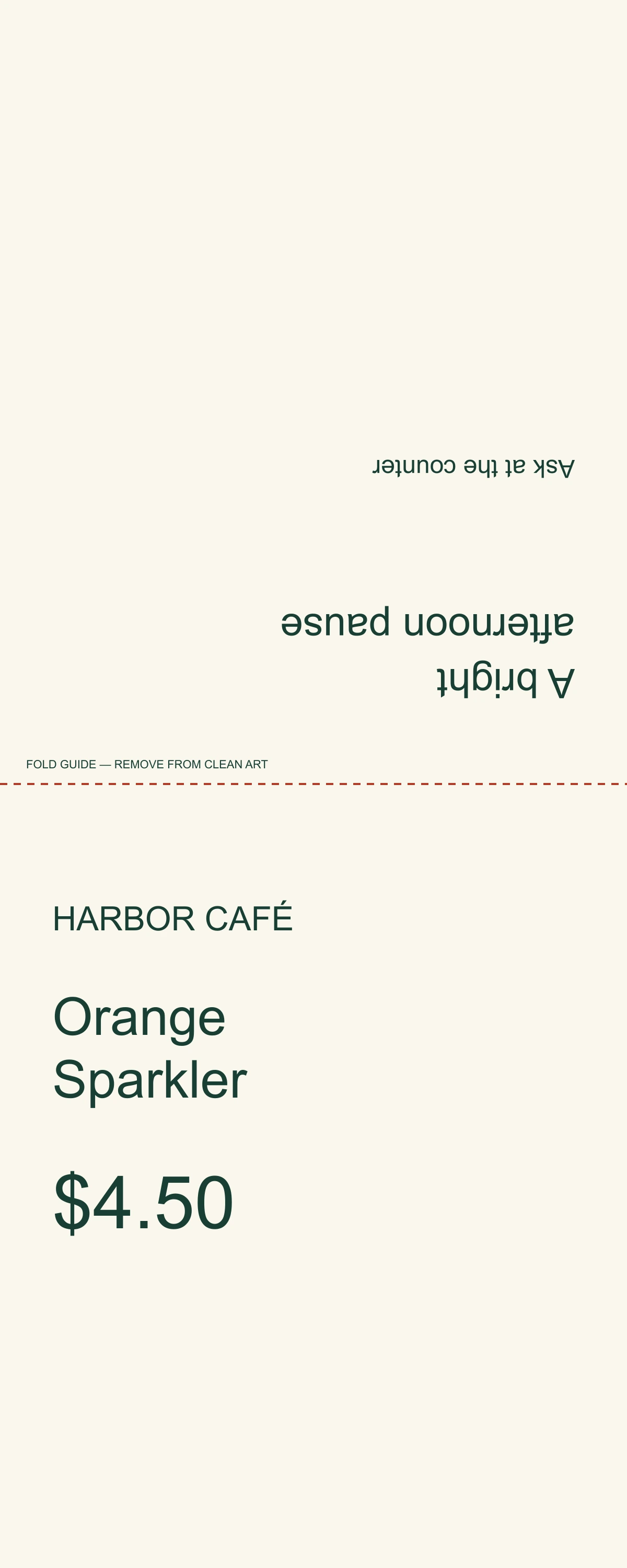
The example’s two 4 × 5 inch faces form an open A-frame, without a base or glue tab. Do not apply those dimensions to a supplier’s triangular, interlocking or pre-scored stock. Those formats need their own flat templates.
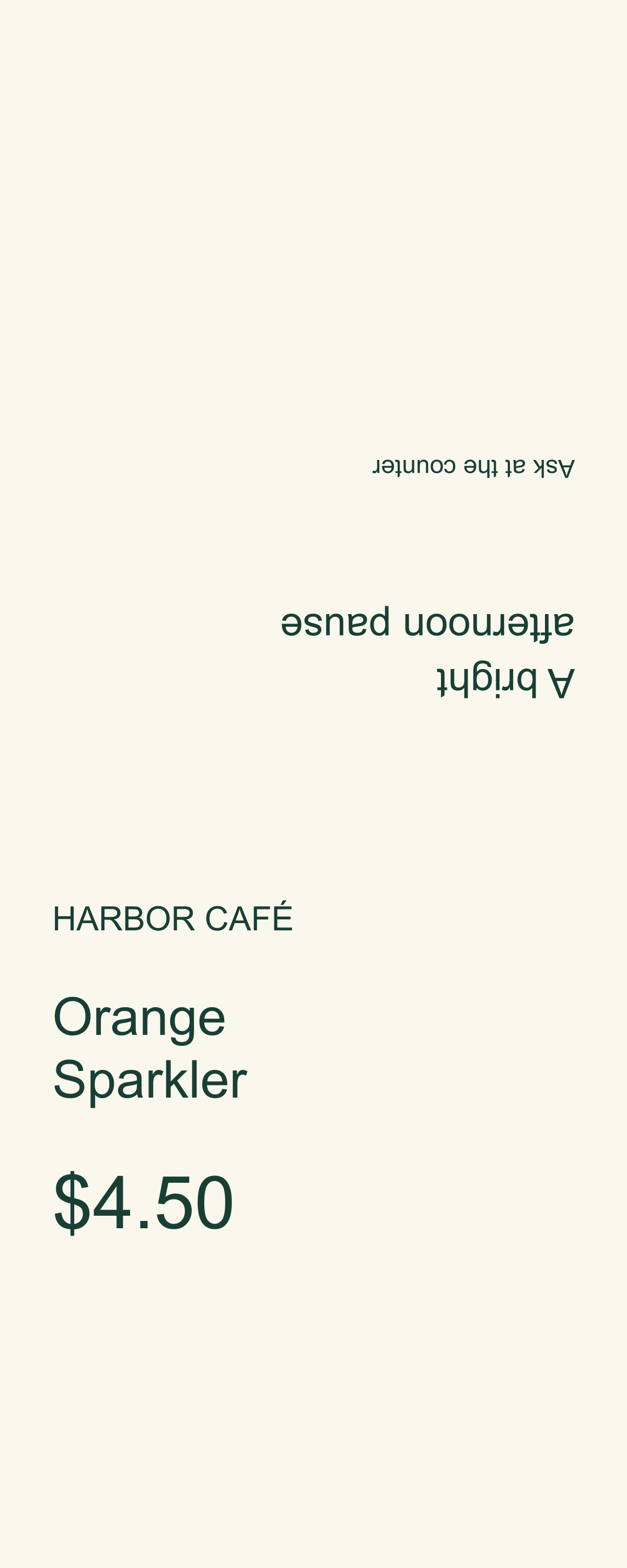
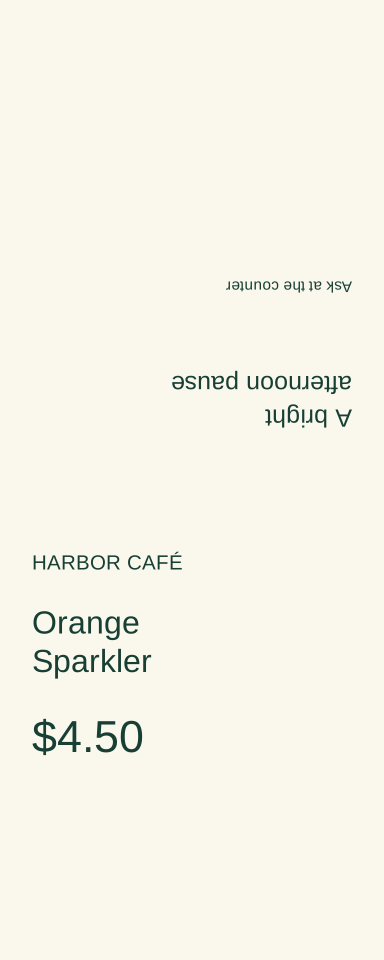
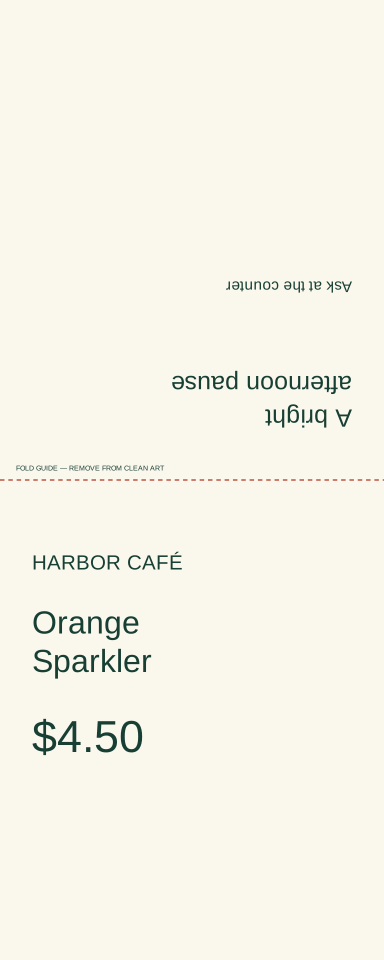
Face A contains HARBOR CAFÉ, Orange Sparkler and $4.50. Face B contains A bright afternoon pause and Ask at the counter. These fictional approved facts keep the offer concise without inventing ingredients, serving size, availability or a booking destination.
| Part | Example | Check |
|---|---|---|
| Flat sheet | 4 × 10 inches | Not the finished face size |
| Fold | 5 inches from either short end | Two equal faces |
| Face A | Orange Sparkler / $4.50 | Product and price together |
| Face B | Ask at the counter | Upright after folding |
2. Ask for flat artwork and a labeled fold preview
Give Ciyo exact panel dimensions, copy and fold position. Request clean flat artwork as well as a clearly labeled digital folded preview. A perspective image can communicate the arrangement, but it cannot replace the source used to measure or print the sheet.
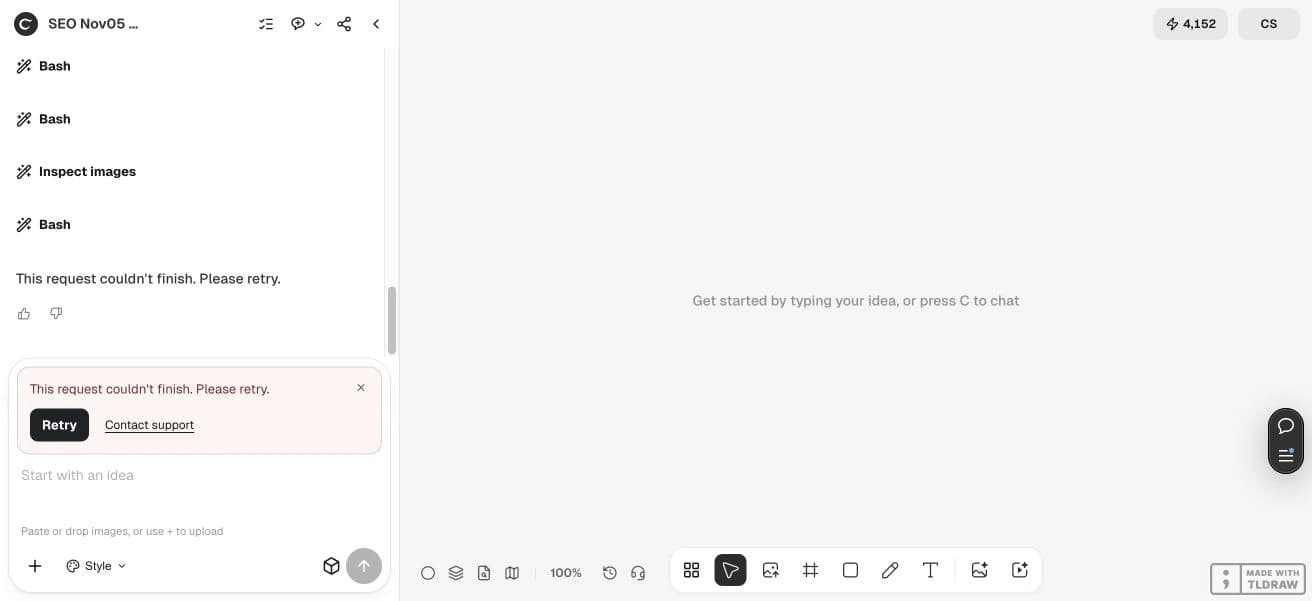
The development request attempted this handoff and returned a generic failure rather than a verified finished file. The brief remains useful as a specification. Do not infer printer readiness or complete source delivery from an agent’s intermediate workspace steps.
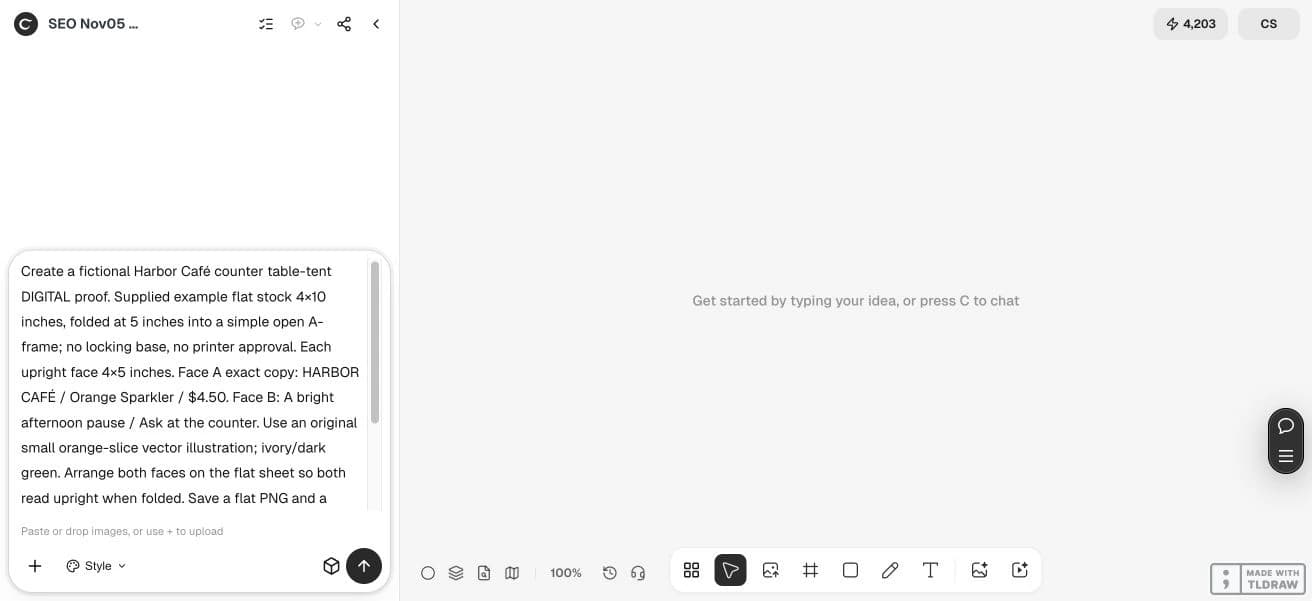
Create a fictional Harbor Café counter table-tent DIGITAL proof. Supplied example flat stock 4×10 inches, folded at 5 inches into a simple open A-frame; no locking base, no printer approval. Each upright face 4×5 inches. Face A exact copy: HARBOR CAFÉ / Orange Sparkler / $4.50. Face B: A bright afternoon pause / Ask at the counter. Use an original small orange-slice vector illustration; ivory/dark green. Arrange both faces on the flat sheet so both read upright when folded. Save a flat PNG and a clearly labeled digital folded preview on the canvas. Supply editable SVG source if supported. Inspect the 180-degree back-panel rotation and price; do not claim a physical print test or offer actually available. No publication.3. Check the second face’s rotation
In a simple single-sided A-frame layout, the two panels are opposite each other across the fold. One face generally needs a 180-degree rotation in the flat artwork so both faces read upright after folding. Confirm the convention with the actual template.
Use large disposable A and B marks on a test sheet to resolve the orientation before polishing the art. Remove those marks from the final file. A digital turning or folding diagram should remain labeled as a simulation.
4. Read the offer from the customer’s position
Look at the price and product name at actual size, then from the distance at which the card will sit. Reduce supporting copy before sacrificing the main offer. Keep the action explicit: in this example, ask at the counter.
A café operator preparing one special needs a clear product-price relationship. A designer preparing multiple locations also needs the approved location or availability rules. Do not borrow a universal safe zone from an unrelated printer or assume a QR will scan at every distance.
5. Proof the standing sign and retain the flat source
Check the saved dimensions, fold location, rotation and price, then make one physical dummy with the intended stock. Inspect both sides and how the sign stands. An open A-frame may need a different construction if it spreads or falls on the counter.
Keep the offer copy and source file together for later price changes. When revising, compare every field again rather than trusting that only the price changed. Digital proofing does not verify paper finish, color, stability or real venue conditions.
The linked table-tent worksheet files are original editorial examples authored outside Ciyo, not product exports. Their sample copy is English. Open the SVG in a compatible editor to revise the text; fonts may substitute. These are digital reading proofs without a physical print test or printer approval.
Questions before you start
Is a 4 × 5 inch face a 4 × 5 inch print file?
Not necessarily. The flat file must include all panels, folds and any base or tab specified for the construction.
Why is one flat panel upside down?
It may need a 180-degree rotation so the assembled A-frame reads correctly on both sides. Verify with the actual template and a dummy.
Does the digital folded preview prove the sign will stand?
No. Paper, scoring and construction affect stability. Make a physical proof.
Should I include the full menu?
A small table tent usually serves one focused offer. Use a separate menu when the information cannot remain readable at the intended distance.
Start with one clear brief
Bring your approved facts and references to Ciyo. Inspect the saved result before using it in print or a campaign.