Practical design guides
Takeout Menu Design: Check the Fold Order Before Printing
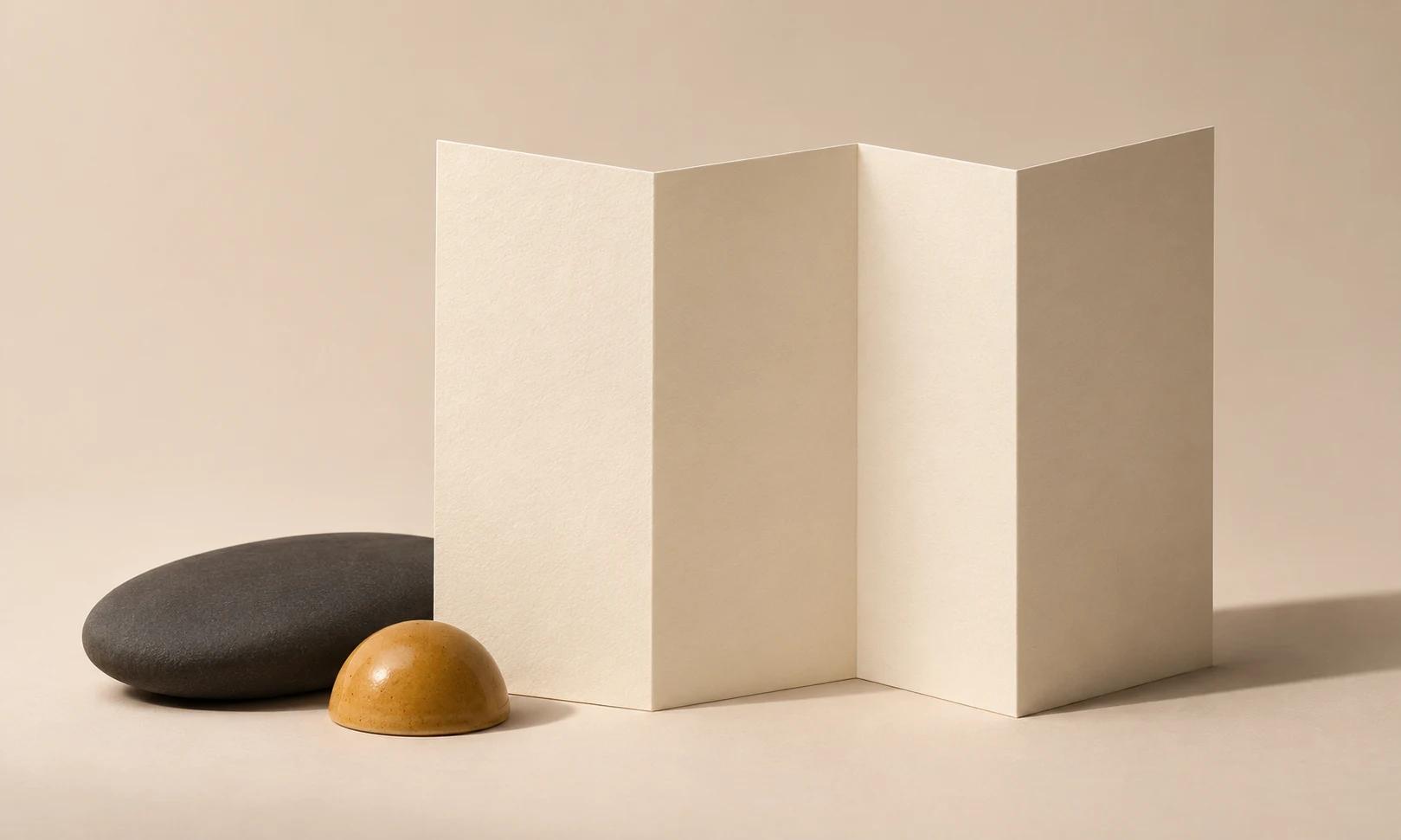
A takeout menu has two reading orders: the flat file the designer sees and the sequence a customer opens. A neat spread can put the phone number on a hidden panel or separate a price from its dish.
This tutorial combines printer template guidance with an original fictional café menu. It shows how to prepare the content and visual brief in Ciyo, then check the folded result. It does not establish food, dietary or production claims.
Quick answer
Freeze one approved dish-and-price table, select the printer’s exact fold template and label every panel. Build the hierarchy around the customer’s opening sequence. Print, fold and read one actual-size proof before checking the final production file.
1. Freeze the menu facts before the layout
Collect item names, descriptions, prices, currency, ordering destination and service hours in a single dated source. Ask the owner to resolve missing values before design. A placeholder price that looks realistic is still a placeholder and should not reach the final file.
Our fictional Harbor Café starts with six takeaway lunch items and one approved ordering number. Keep any owner-supplied dietary wording exactly as approved. Do not ask the Design agent to infer ingredients or suitability from the dish name or photograph.
2. Choose the fold and make a plain panel map
Get the template for the exact flat size and fold you will order. U.S. Press lists distinct tri-fold, half-fold, barrel-fold, Z-fold and double-parallel options; they are different structures, not interchangeable labels for one layout.
Fold a blank sheet following the supplier’s template. Mark cover, first reveal, main content and back while holding the folded object, then unfold it. Use that marked sheet as the panel map. Do not assume that all fold-in panels have equal widths or that their print-file order matches their reading order.
3. Build one clear ordering path in Ciyo
Import a picture of your marked panel map into a dedicated project. Give the Design agent the approved menu table and ask for a hierarchy that groups each dish with its price. Put the primary ordering action where the reader can find it without opening every panel.
For Harbor Café, the cover introduces takeaway lunch; the main panels hold the six items; the back repeats the ordering number and hours. Keep text editable for future price changes. Generated food images should not replace accurate photographs when they would misrepresent the actual dish.
Live Ciyo check: a panel plan with missing inputs
We uploaded our fictional Harbor Cafe planning sheet and asked Ciyo to review it without making assets. The reply identified the proposed reading stages and missing supplier geometry, actual dishes, prices, dietary facts and ordering details. No finished menu or folded paper proof was produced; those missing inputs must be resolved before the proposed layout can be validated.
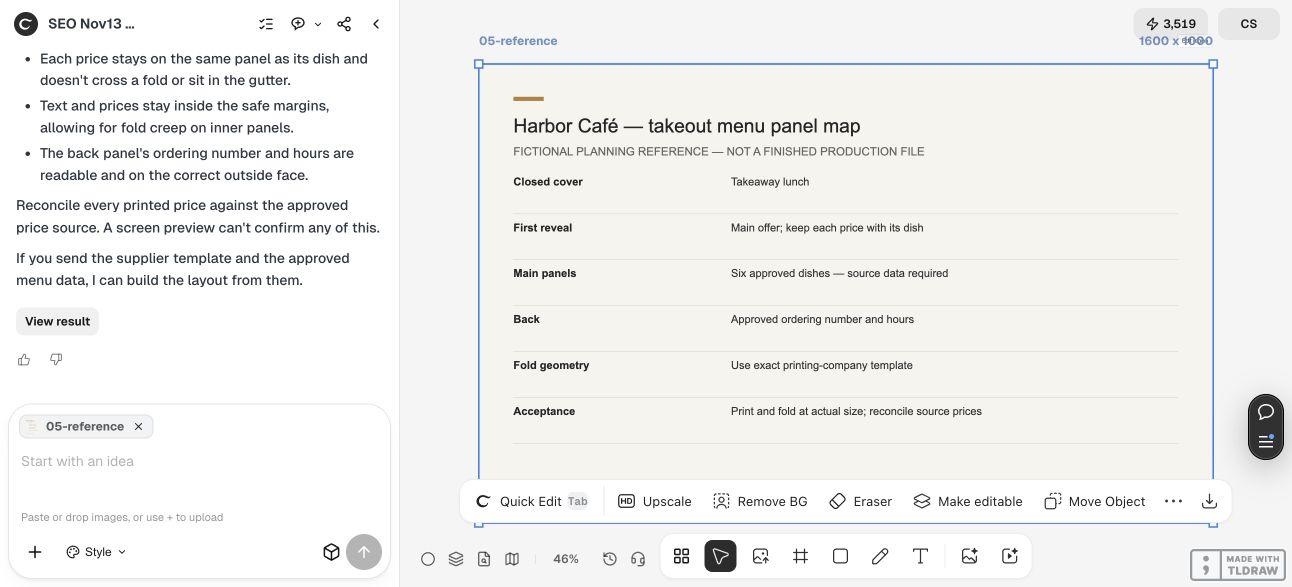
Panel acceptance table
This is a planning example. The printer’s actual fold template determines the file geometry.
| Reading stage | Purpose | Check |
|---|---|---|
| Closed cover | Identify takeaway menu | Brand and purpose readable |
| First reveal | Explain the main offer | No price separated from item |
| Main open area | Compare dishes | Approved names and prices agree |
| Back | Order and find the café | Phone, hours and destination match |
4. Check a folded proof against the source table
Print at actual size, fold the proof and read it as a customer. Check the closed cover, each reveal and the full spread. Look for text disappearing into a fold, small numerals, awkward line breaks and a price aligned with the wrong item.
Compare every printed price and item name with the frozen source. Then check the ordering destination independently. If a price changes, update the source and all affected menu versions together. Date the approved master so staff can distinguish the current file from an older export.
Copyable menu-layout brief
The input table carries the facts; the model’s task is to help with presentation.
Plan a takeout menu for [CAFÉ] from [APPROVED DISH / PRICE TABLE] and [PRINTER PANEL MAP]. Preserve all names, prices, currency and approved dietary wording exactly. Reading sequence is [COVER → REVEAL → MAIN → BACK]. Keep dishes and prices visibly paired and make [ORDERING DESTINATION] easy to find. Do not invent ingredients, discounts, opening hours or food claims. Give a flat layout concept and a checklist for an actual-size folded proof.Choose the smallest useful menu
For a short list, a flat or simple folded sheet can make ordering easier to review. A larger catalogue of dishes may justify more panels, but extra space also creates more opportunities for inconsistent facts. Choose the structure after the content is known.
Hand the approved design to the printer in its required format. Confirm bleed, fold clearance, stock and color requirements there. A visible fold guide in the review reference should not accidentally appear as a printed line in the customer’s menu.
Source
Supplier templates checked November 13, 2026. Harbor Café and the panel-role plan are fictional.
Frequently asked questions
Are tri-fold and Z-fold layouts interchangeable?
Use the template for the fold you are ordering. Their opening sequences and panel relationships differ.
Can I let AI fill in missing prices?
No. Keep missing values visibly unresolved until the menu owner supplies and approves them.
Should I check only the PDF on screen?
Check the screen file and a physical folded proof. They reveal different mistakes.
Plan the menu around its real reading order
Bring your approved copy and reference files, make one draft, and compare the result with your checklist before creating more versions.