Product photography
Space 24 turntable photos for a smooth product spin
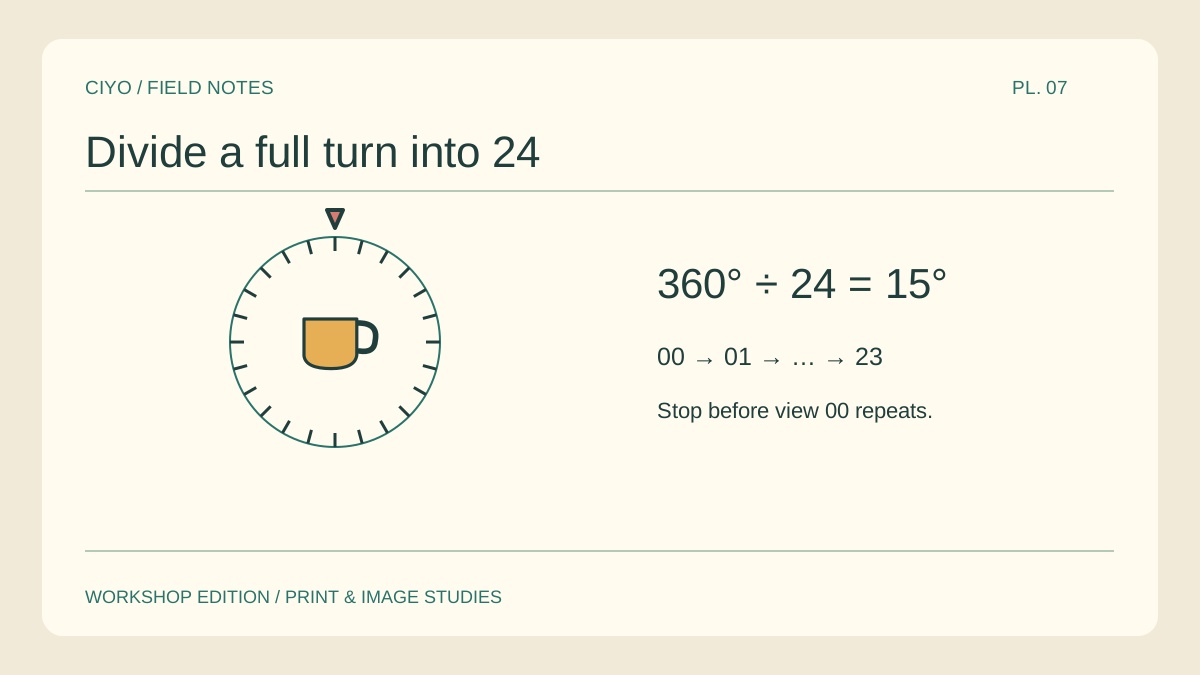
A rotating mug appears to jump when one photograph covers twice the angle of the others. Set the angular step before the shoot. A full turn divided into 24 distinct views gives a 15-degree step between neighbouring photographs.
Choose one recognisable landmark
Face a handle or a label toward the camera for frame zero. Put a small orientation mark on the turntable outside the crop. You should be able to return to the same position after a full turn.
Mark equal intervals
A printed circle divided into 24 sectors makes a simple reference. Keep a fixed pointer on the table and bring one mark to it before every exposure. Watch the pointer from the same angle so a thick pencil line does not introduce drift.
Lock the camera and light
Keep the phone on a support and keep the product upright on the rotation axis. If you lift the mug between exposures, its silhouette can wobble even when the angular spacing is correct. Check the first three views as a strip.
Name the views in order
Use filenames with zero-padded indexes such as mug-00 and mug-23. A second frame at exactly one full turn duplicates frame zero. Keep that duplicate as an alignment reference outside the delivered sequence.
Inspect the last-to-first join
Play the last three views followed by the first three. A pause at the join often comes from a repeated starting image. A larger-than-normal movement instead suggests a missing view. Count the files and inspect the marks before changing playback speed.
Make the delivery copy
Keep the high-resolution photographs untouched and export the spin from ordered copies. Check the handle at the join and the label halfway round. Both should move in the same direction throughout the loop.
Play the full rotation
Upload the ordered views and check the wrap from the last frame back to the first.