Face swap for photos
Replace one face in a photo using a portrait as the reference. Describe which person to change, then bring both pictures into the Ciyo workspace.

Where portrait edits show at full size
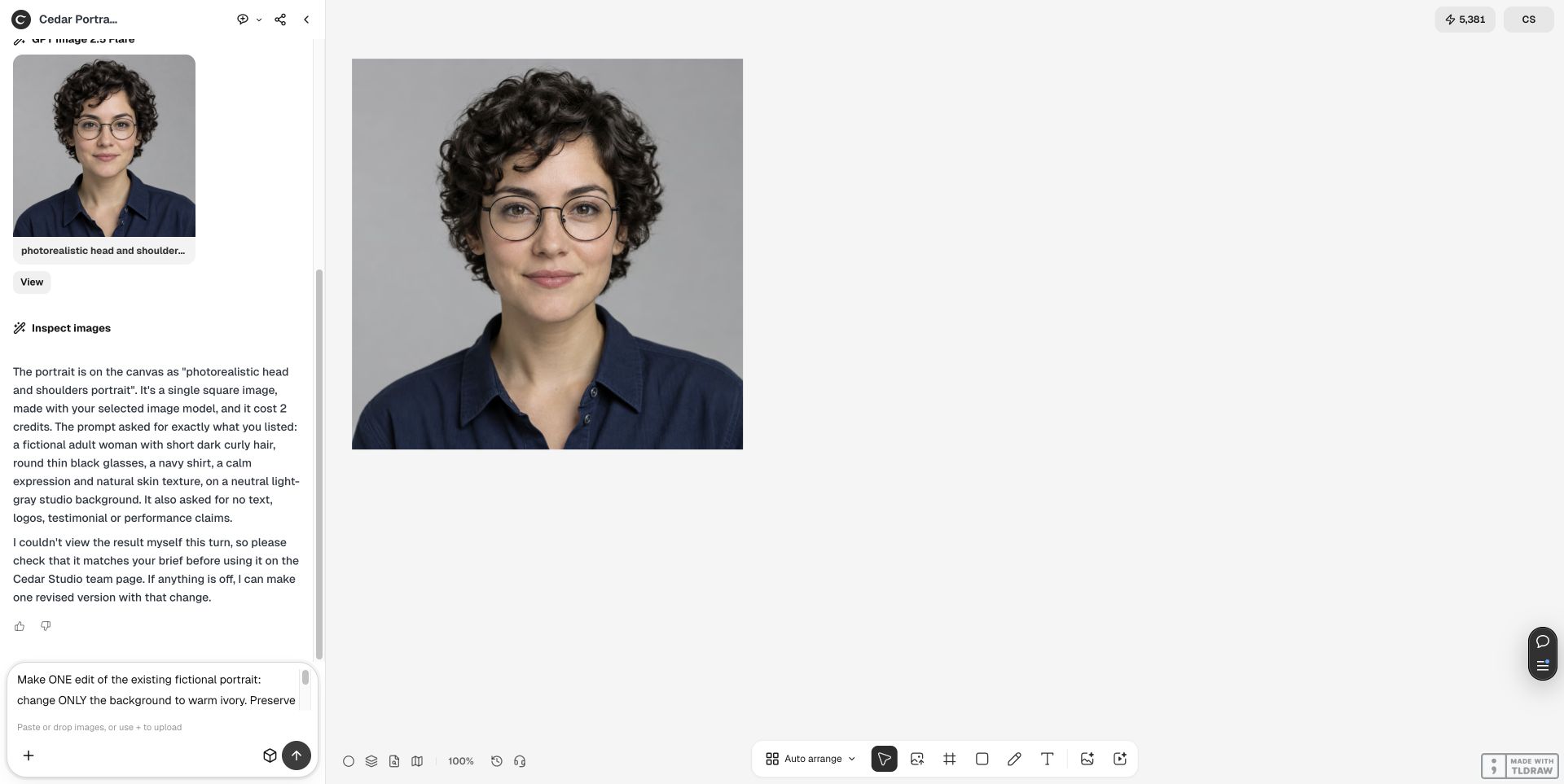
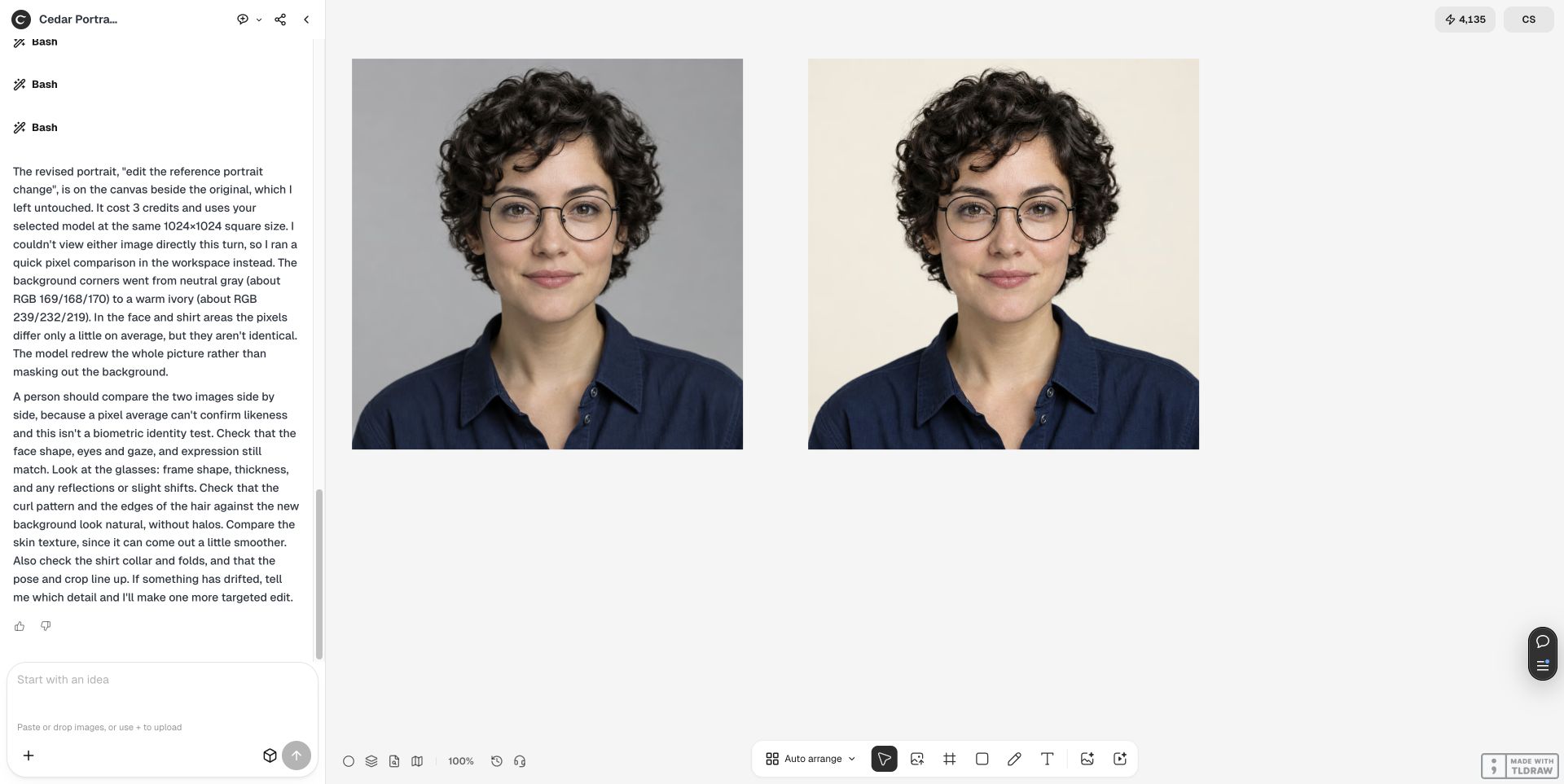
These frames show how to review a portrait edit. In this example the background changed from gray to ivory and the fictional subject stayed the same.
Prepare the review
- Choose a base photo and a portrait you have permission to use. Match the face angle and direction of light where possible.
- Identify the face to replace, especially in a group photo. Specify which hair, clothing and background to keep from the base.
- Compare both pictures at full size. Inspect the hairline, glasses and jaw against the original lighting.
How do I swap a face between two photos?
Use photo A for the scene and photo B for the face. With a group, identify the target in A by position and clothing. Choose a reference with a similar head angle. Keep the untouched original beside the result and inspect the jaw, glasses and nearby people at full size.