Practical design workflows
AI Catalog Maker: Turn Product Photos into a Buyer-Ready Sales Sheet

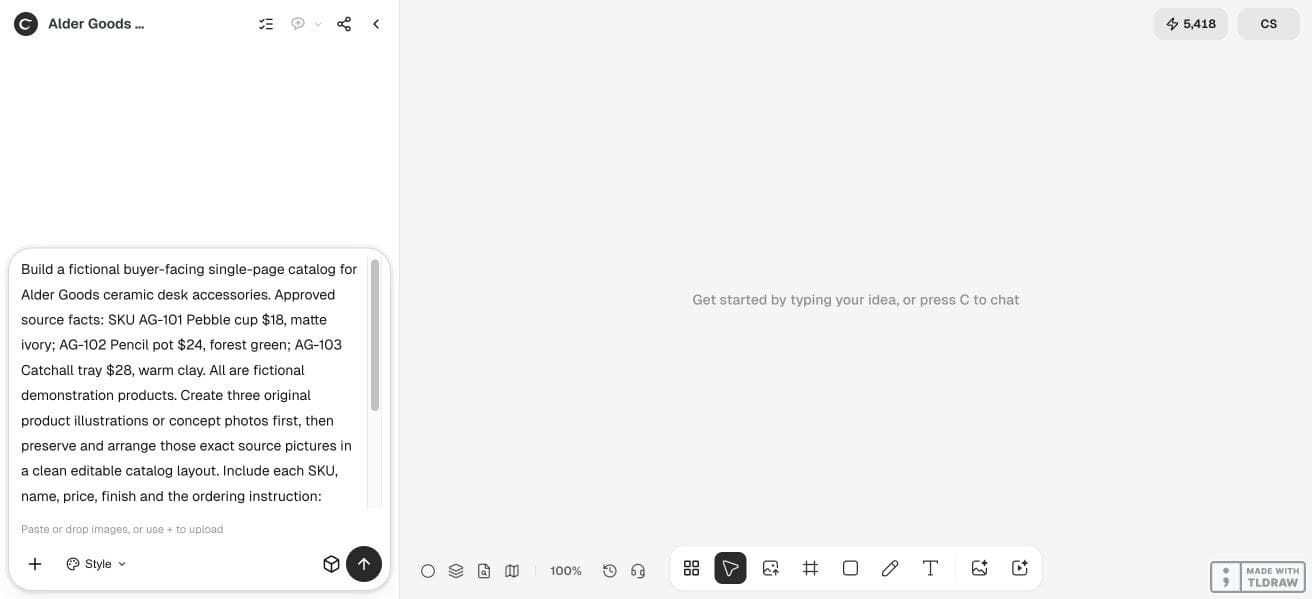
A buyer needs to know which product they are seeing, what it costs and how to order it. A beautiful catalog page fails if its photo belongs to a different SKU.
We explored a fictional three-product Alder Goods catalog in Ciyo. The workflow below starts from an approved input table, keeps factual fields separate from visual invention and ends with a sales-sheet review rather than a promise of inventory synchronization.
Quick answer: map the data before designing the page
Prepare one row per SKU and one matching approved image. Choose the page hierarchy in Ciyo, arrange the images, then add names, prices, finishes and an ordering instruction. Compare the exported sheet against the source table line by line.
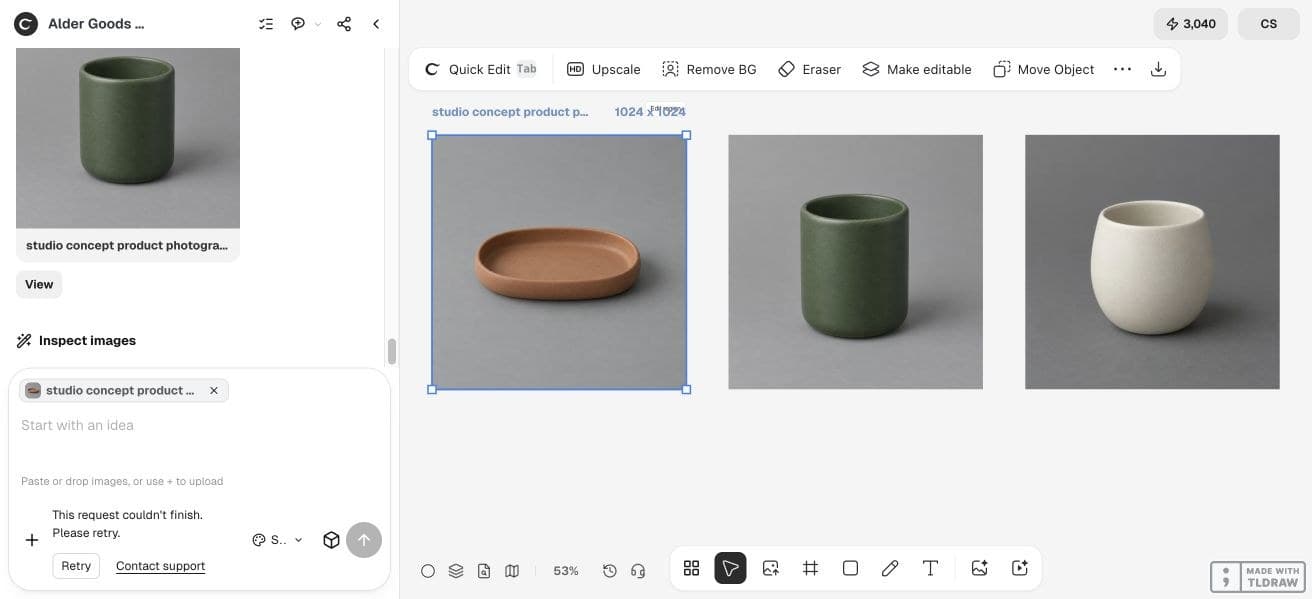
Use real product photography for a real catalog. The ceramic products in our example are fictional concept products; their generated pictures are not evidence of a merchant’s actual stock.
1. Create the smallest complete product table
A three-SKU page is enough to expose mapping and layout problems before scaling. Include the exact SKU, product name, currency, price, approved finish and source image filename. Mark unavailable facts as unknown instead of asking a model to fill them.
Our fictional example uses only the facts below. No dimensions, certifications, stock levels or delivery dates are implied.
| SKU | Product | Approved price | Finish |
|---|---|---|---|
| AG-101 | Pebble cup | $18 | Matte ivory |
| AG-102 | Pencil pot | $24 | Forest green |
| AG-103 | Catchall tray | $28 | Warm clay |
2. Preserve the source photo for each SKU
Upload the approved photos to an isolated canvas and label them with their SKUs. For a concept range, label the images as concept illustrations. Keep those originals visible beside the page so a reviewer can trace every product back to its source.
Do not use a generated reinterpretation when the buyer needs an accurate view of the sale item. If a background needs cleaning, compare the edited product against the original and reject changes to its shape, hardware or finish.
3. Brief a buyer-facing hierarchy
Ask the Design agent for one page with three equal product blocks and a restrained header. Each block needs an image, name and price near one another, with the SKU and finish easy to find. A catalog should answer a buying question, while an internal contact sheet primarily answers a mapping question.
Our sample ordering line is Contact Alder Goods for availability. For a real business, replace it with a verified ordering route and explain whether listed prices include any relevant conditions. Do not invent a checkout link.
Create one buyer-facing catalog page for [business]. Use the attached exact source photos and approved SKU table. Include [fields] and this verified ordering instruction: [instruction]. Preserve each photo-to-SKU mapping. Do not infer dimensions, stock, certifications or delivery dates. Keep factual text editable where possible and identify any external layout step.4. Assemble the page and keep facts editable
Choose a repeatable structure before decorating it. Three products can fit a single row or a vertical stack; compare the intended print page and a phone preview before committing. Large source images are useful only if the buyer can also read the product information.
Check what the current output actually is. Generated lettering inside a PNG is flattened artwork. If the live run does not supply an editable layout, export the approved images and assemble the factual copy in a document or page-layout editor. Replacing a price should not require redrawing the product.
In our live run, the three 1024 × 1024 concept photos completed, but the catalog-layout stage did not. We assembled the linked buyer-facing HTML sheet externally from those saved photos and the approved table. Its live text and images remain separate, and it can be edited or printed through the browser. It is a worked handoff example, not a native Ciyo catalog export.
5. Audit one complete SKU, then all three
Read AG-101 from the input table and find its image, name, $18 price and matte-ivory finish on the sheet. Repeat for AG-102 and AG-103. This deliberate audit catches attractive but misplaced product blocks.
Then open the saved file independently. Inspect the smallest text, the ordering instruction and any unexpected crop. A page shown only at fit-to-window size can hide a clipped SKU or missing currency symbol.
| Field | What to compare | Owner |
|---|---|---|
| Product image | Exact approved item and finish | Product owner |
| SKU and name | Literal match to the table | Catalog editor |
| Price | Currency, amount and conditions | Merchant |
| Ordering route | Correct contact or destination | Merchant |
6. Package the source and the customer version
Keep a dated editable source, the approved image folder and a customer-facing export. If prices change often, record who updates the table and who approves the next export. A static sales sheet does not automatically reflect inventory or store prices.
A solo seller can begin with three products and manual review. A larger range benefits from a dedicated catalog or commerce workflow with verified data connections; do not infer those capabilities from an AI page-design demo.
Frequently asked questions
Can AI invent missing product descriptions?
It can draft language, but the merchant must supply or approve factual claims. Leave unverified dimensions, materials and certifications out.
Is an AI catalog the same as a live product database?
A designed page is a static deliverable. Database synchronization, stock updates and checkout require their own configured systems.
What should I use for real product pictures?
Use accurate photographs or approved renders of the actual products. Clearly label fictional concept imagery when planning an unreleased range.
Which file should remain editable?
Keep the document or layout source with live factual text. An image or flattened PDF is useful for distribution but may not preserve editable fields.
Prepare your first three products
Bring three approved photos and a table of names, SKUs and prices. Build a small sales sheet and audit every field before expanding it.