Logo design · Tested
AI Logo Colors Off? Get Your Exact Brand Hex Codes Back

You give an image model your two brand colours as hex codes, and the logo looks right. Then the printer's proof comes back slightly off, or the green on your sign does not match the green on your website.
On September 27, 2026 we made four logos for Rook & Rabbit, a fictional board-game café, in Ciyo and measured every pixel. This is what we found and the two-step fix that gave us a file with exactly the two colours we asked for.
The brief: two colours, exact codes
We asked GPT Image 2.5 Flare for four versions at once (1:1, 1K, 4 images, 8 credits). The prompt named both lines of text, the mark, and exactly two colours: deep green #1F4D3A and cream #F3E9D2.
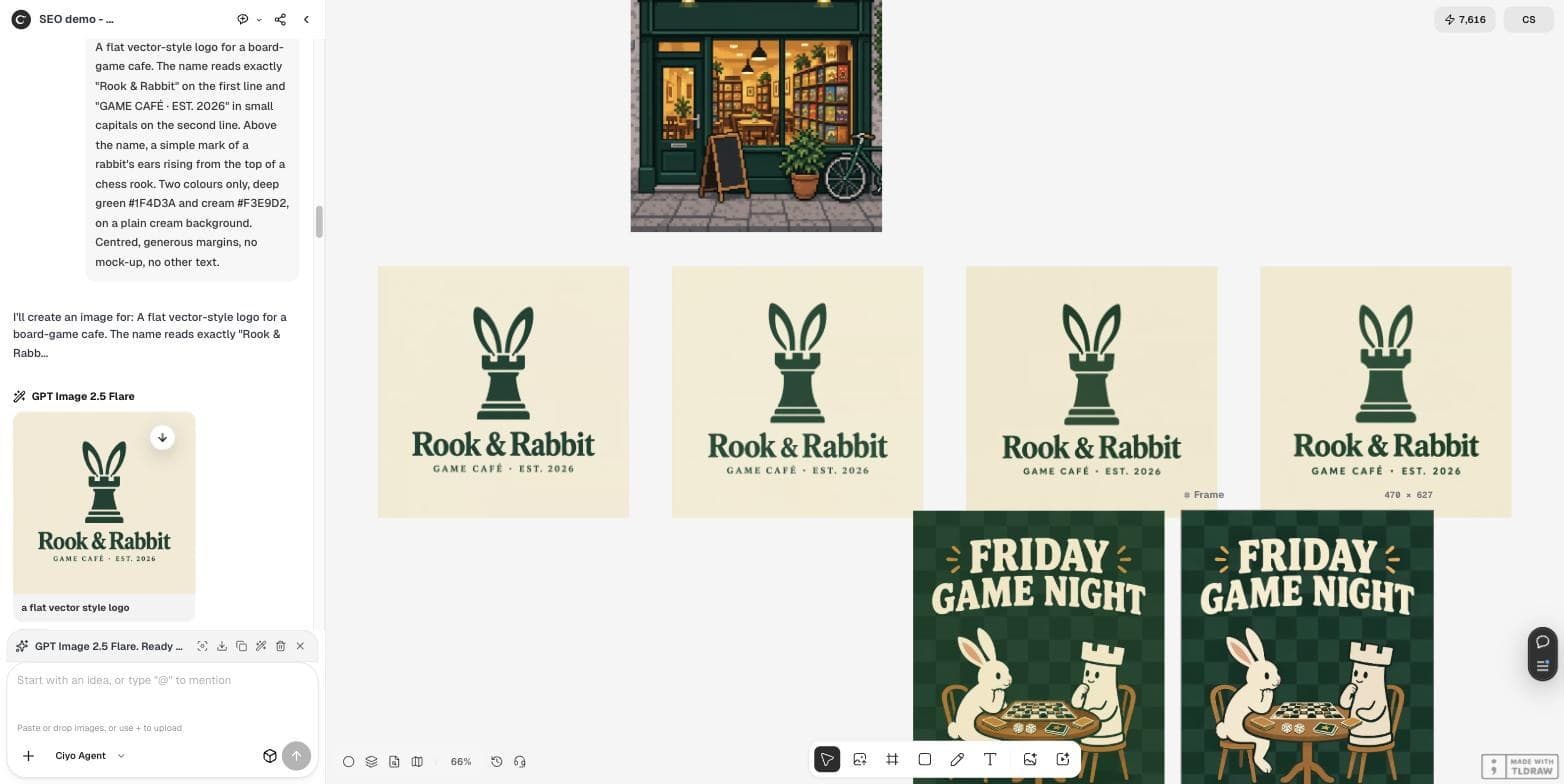
A flat vector-style logo for a board-game cafe. The name reads exactly "Rook & Rabbit" on the first line and "GAME CAFÉ · EST. 2026" in small capitals on the second line. Above the name, a simple mark of a rabbit's ears rising from the top of a chess rook. Two colours only, deep green #1F4D3A and cream #F3E9D2, on a plain cream background. Centred, generous margins, no mock-up, no other text.The spelling was right. The colours were not.
All four logos spelled “Rook & Rabbit” and “GAME CAFÉ · EST. 2026” correctly, accent included. By eye they were two-colour logos.
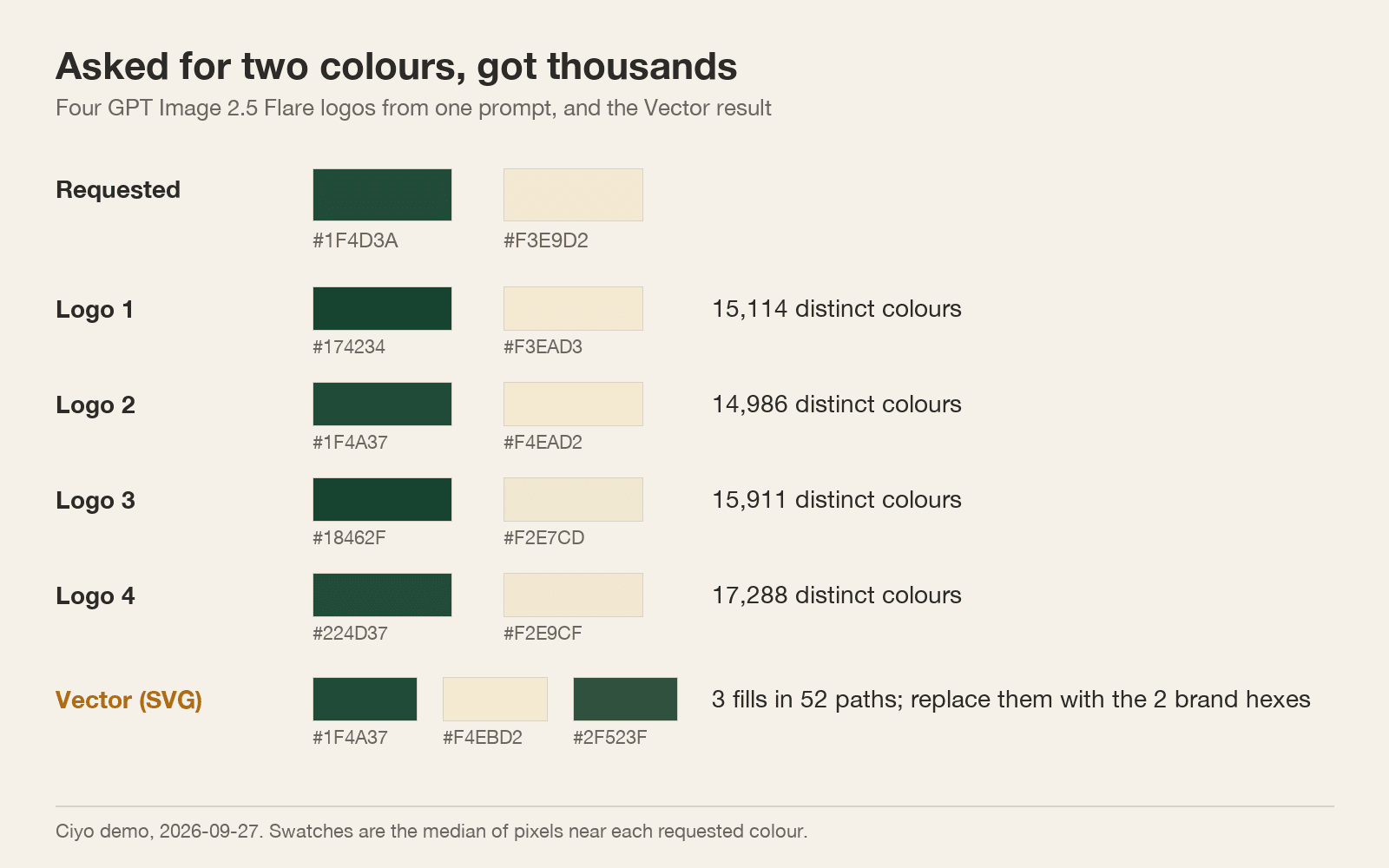
The files said otherwise. Each held 14,986 to 17,288 distinct colours: soft edges, a faint texture in the background and a green that drifts from logo to logo. Fewer than 3% of pixels matched either hex code exactly.
Why a small drift matters
#1F4D3A and #174234 look the same on a phone. Next to each other on a printed menu, a sign and a website, they do not. Printers and sign makers match the numbers in your file, so the numbers need to be your brand's.
The faint background texture has a second cost: a cream that is not one flat colour prints as a slightly uneven panel and makes a clean vector trace harder.
Posted 2026-09-21. The post summarises a research paper, Paint-Anything, that aims to let you assign exact hex values to objects in generated images, and reports a large gain in colour fidelity on the FLUX model. We did not verify that figure; the post is useful as a sign that exact colour is still unsolved in everyday image models, which matches our measurement.
Step 1: turn the best version into a vector
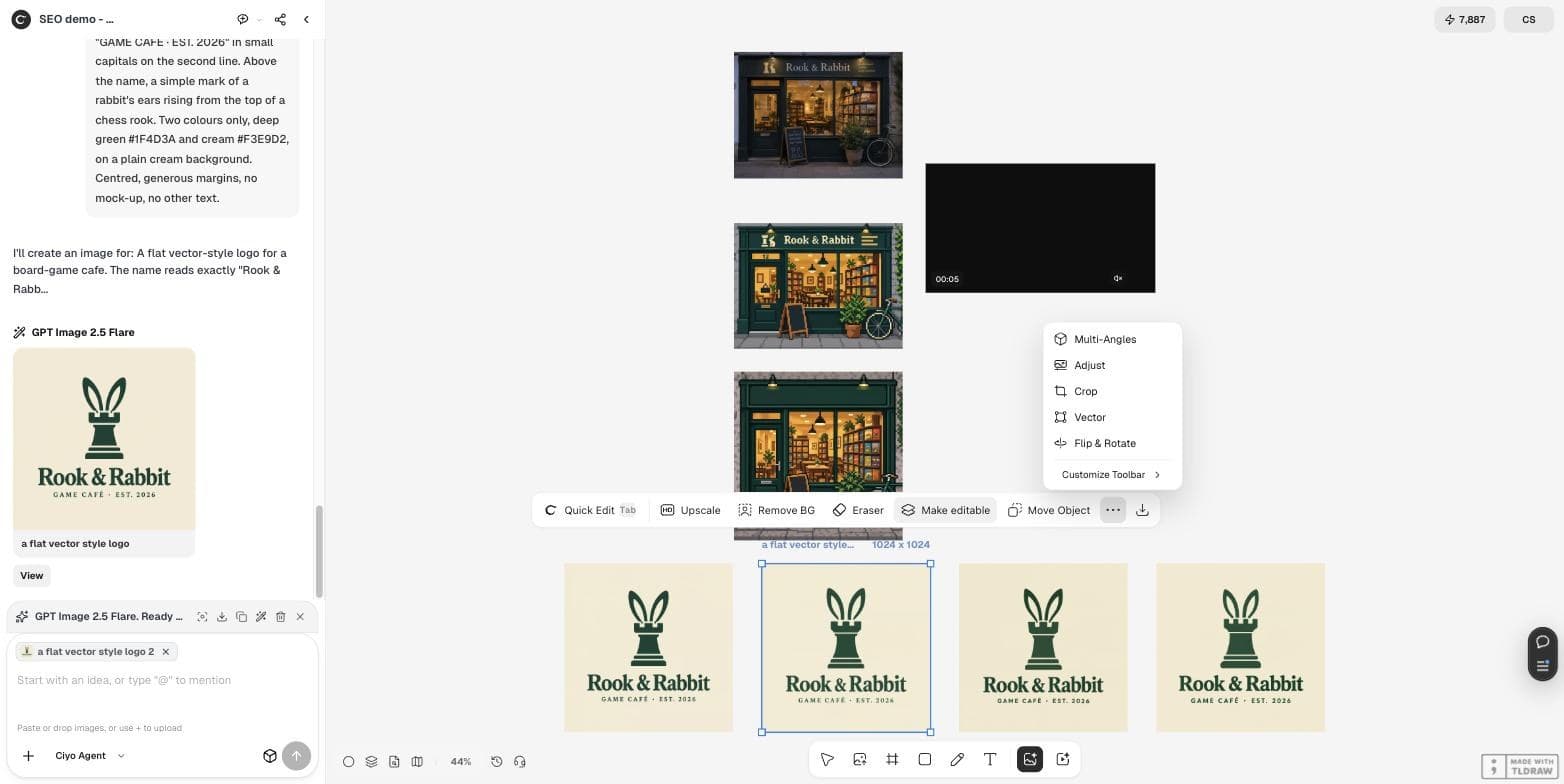
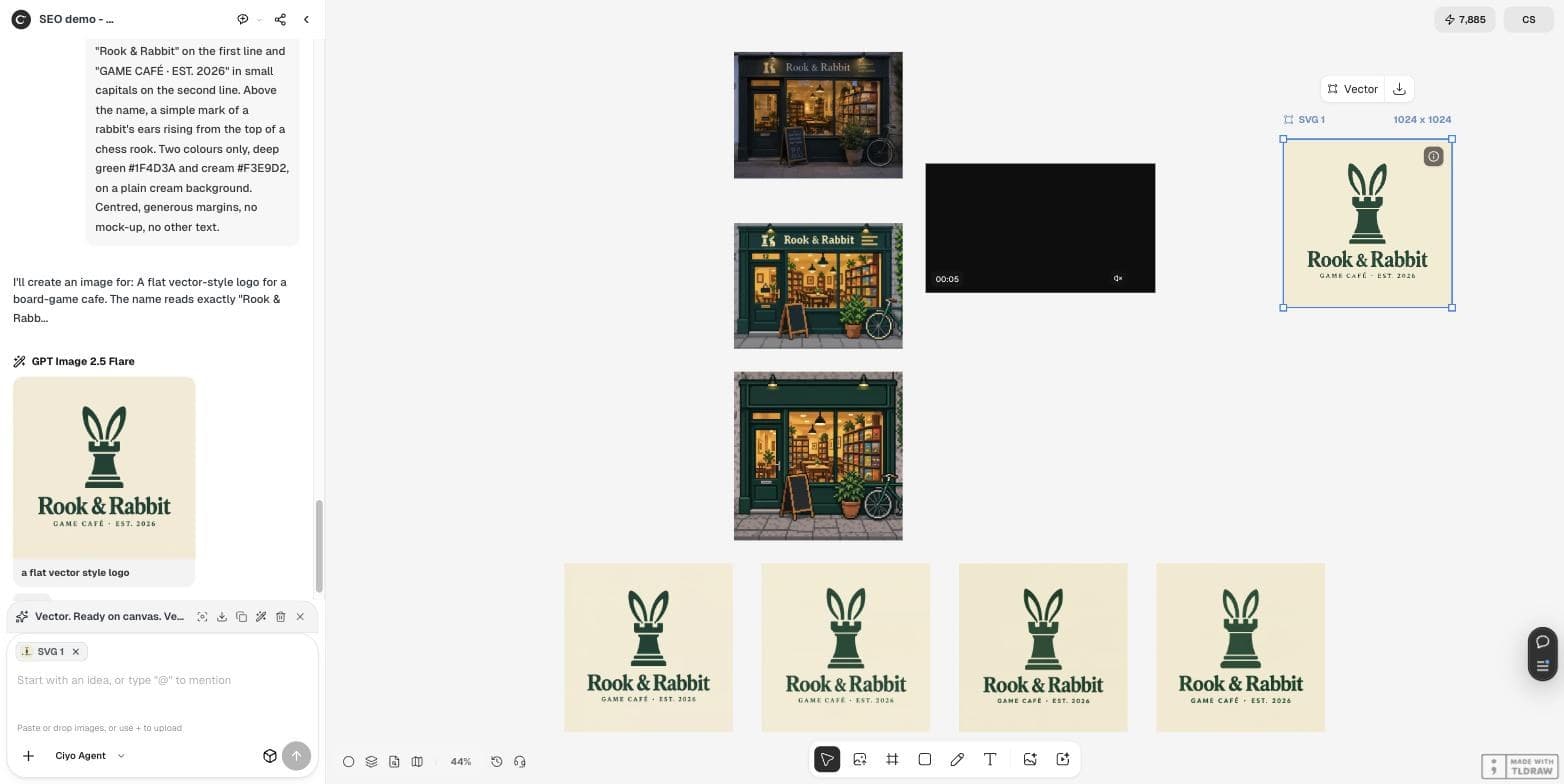
Pick the logo with the best drawing, select it and open More → Vector in the image toolbar. In our run it took about ten seconds and 2 credits, and placed an SVG beside the original.
The SVG had 52 paths and only three fills: #F4EBD2 for the cream, #1F4A37 for the green, and one stray path in #2F523F. That is the useful part — thousands of colours became three.
Step 2: replace the fills with your exact codes
Download the SVG and open it in a text editor or any vector app. Replace each near-miss fill with your brand code: every cream fill with #F3E9D2, both greens with #1F4D3A. Our file then held exactly two fills — 38 green and 14 cream — and rendered with the text and the É intact.
In a text editor this is a find-and-replace; the SVG stored the colours as rgb(244,235,210), rgb(31,74,55) and rgb(47,82,63). In a vector app, select by same fill colour and set the new value.
| File | Colours | Exact brand hex |
|---|---|---|
| Generated PNG (4 versions) | 14,986–17,288 | 0.00–2.63% of pixels |
| Vector SVG | 3 fills | 0 of 3 |
| SVG after replace | 2 fills | 2 of 2 |
Checks before you send it to print
Open the final SVG and read its fills: there should be exactly one per brand colour. Check the small text at the size it will be used; our second line was legible at full size. Keep the SVG as the master and export PNGs from it, never the other way round.
Exact logo colours
Does GPT Image 2.5 use my exact hex codes?
Not exactly in our test: four logos held 14,986 to 17,288 colours and fewer than 3% of pixels matched a requested hex code.
Did it spell the business name correctly?
Yes, in all four versions, including the accent in CAFÉ. Always check it yourself.
What does Ciyo's Vector tool do to the colours?
It traced our logo into an SVG with 52 paths and 3 fills in about ten seconds for 2 credits.
How do I get exactly two colours?
Replace the fills in the SVG with your two brand codes. Our file then held exactly two fills.
Make a logo you can hand to a printer
Generate a few versions in Ciyo, trace the best one to SVG and set your exact colours.