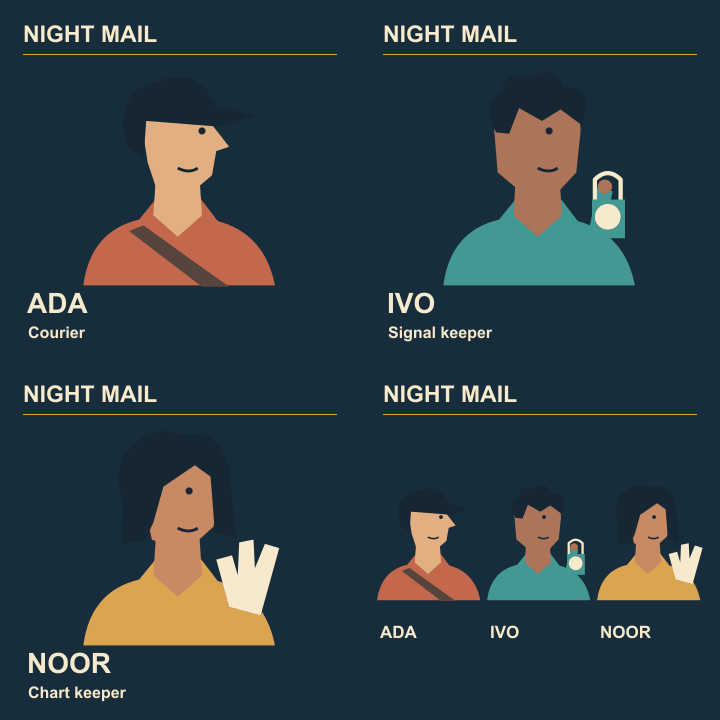
Animated cast reveal
Stop the show title from jumping between GIF frames
In three individually exported cards, the same Night Mail title can shift sideways by a few pixels. The eye notices the vibration even when the portraits are meant to change. Give the static lettering one common origin.
Choose the reference still
Pick the card with the approved title position. Mark the left edge of a straight letter and the title baseline on a temporary guide. Use these locations for every frame.
Check the canvas first
Compare dimensions and crop origins before moving text. Two images can have the same pixel size while one has been cropped farther to the left from a larger master.
Use one shared title
Where the editor permits it, keep one stationary title above the changing portraits. Otherwise duplicate the same title layer at its exact coordinates. Retyping it can introduce different spacing.
Blink two frames
Alternate between Ada and Ivo and look only at the first letter. If it moves, overlay the frames at partial opacity and align that edge. Repeat on the opposite end of the title to detect scaling.
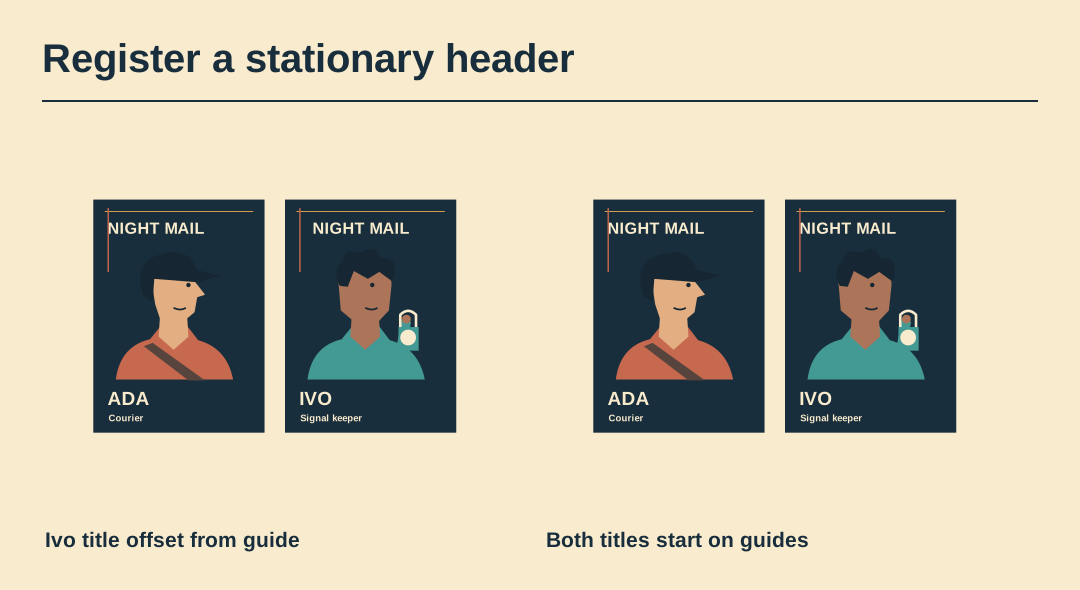
Watch the export
Inspect the real animation at native size. If the coordinates agree but the edges flicker, check whether the palette changes the lettering colours between frames.
Save the registered base
Keep a master with the still title and empty portrait window. Next week’s guest character can use the same base without making the full series wobble again.
Preview the exported animation
Watch the exported Night Mail GIF through two cycles. Its four frame delays are 1.0, 1.0, 1.4 and 2.0 seconds.