Event design · Tutorial
Event Program Maker: Turn Approved Facts into Four Pages

An event program has a practical job: help attendees follow what happens next and recognize the people taking part. A beautiful cover cannot compensate for a misspelled name or a running order that changed yesterday.
The agent request stalled without saved pages and was stopped. These English SVG pages and two reading-order PDFs were created separately outside Ciyo. We imported four original page previews plus revised pages 2 and 3, and manually arranged them for comparison. The PDFs have four A5 pages with selectable text; they are reading proofs, not imposed, press-ready or verified CMYK files.
Quick answer: assign a purpose to each page
Use page 1 for the event identity, page 2 for the running order, page 3 for participants and roles, and page 4 for thanks and essential notes. Keep one approved facts table behind all four pages.
The workflow is: approve the facts, map the pages, build editable layouts, make a controlled correction, and check a paper dummy. Use a page-layout or print-production handoff when the required output exceeds the verified export.
1. Collect names, roles and the running order
Have the organizer approve spelling, pronouns or titles where relevant, role labels, times, venue and acknowledgments. Identify one person who can approve late changes. Avoid filling gaps from a plausible-sounding generated biography.
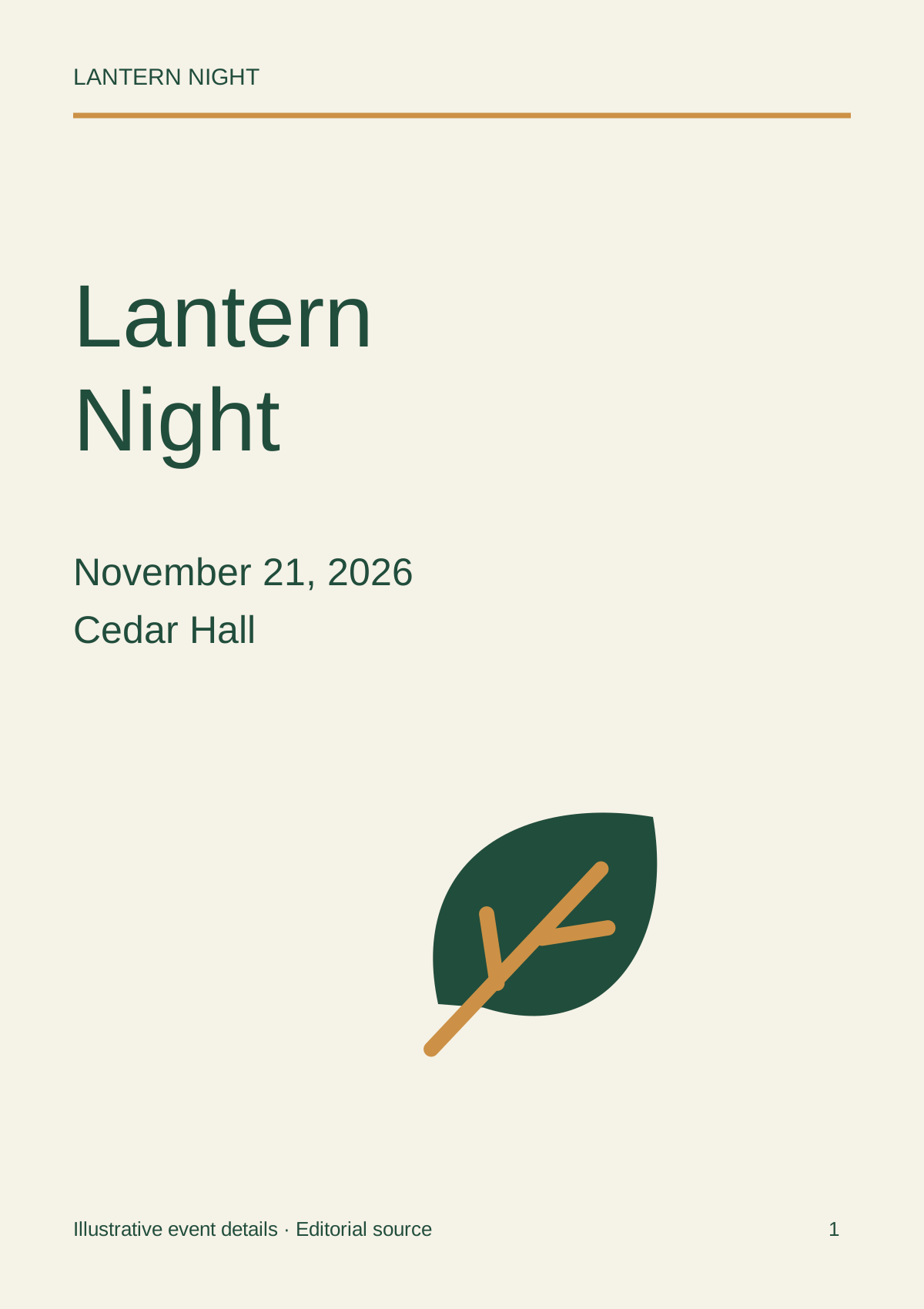
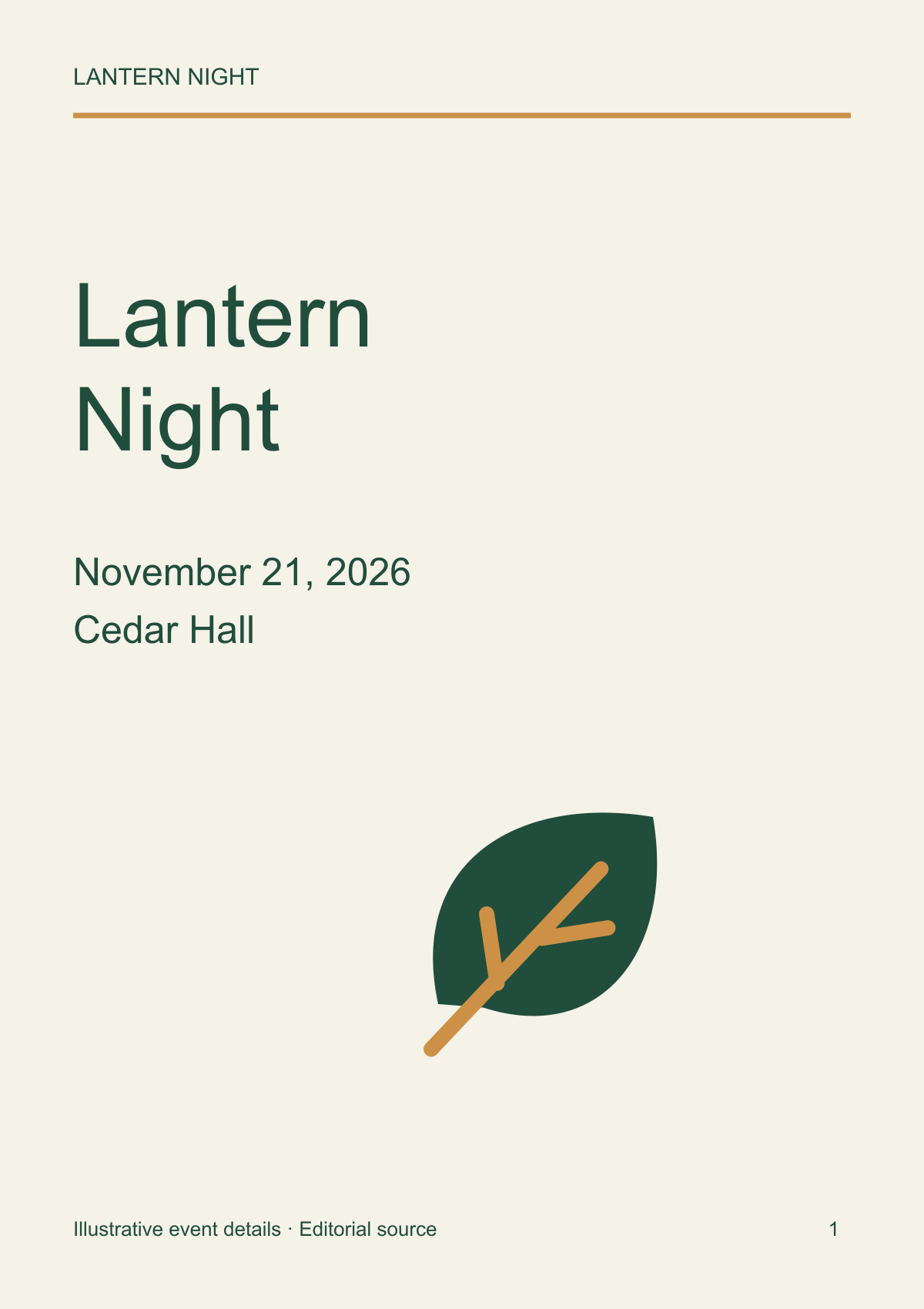
Lantern Night is an illustrative community performance at Cedar Hall on November 21, 2026. Its participant names and schedule are fictional. Keep that distinction visible when reusing the sample.
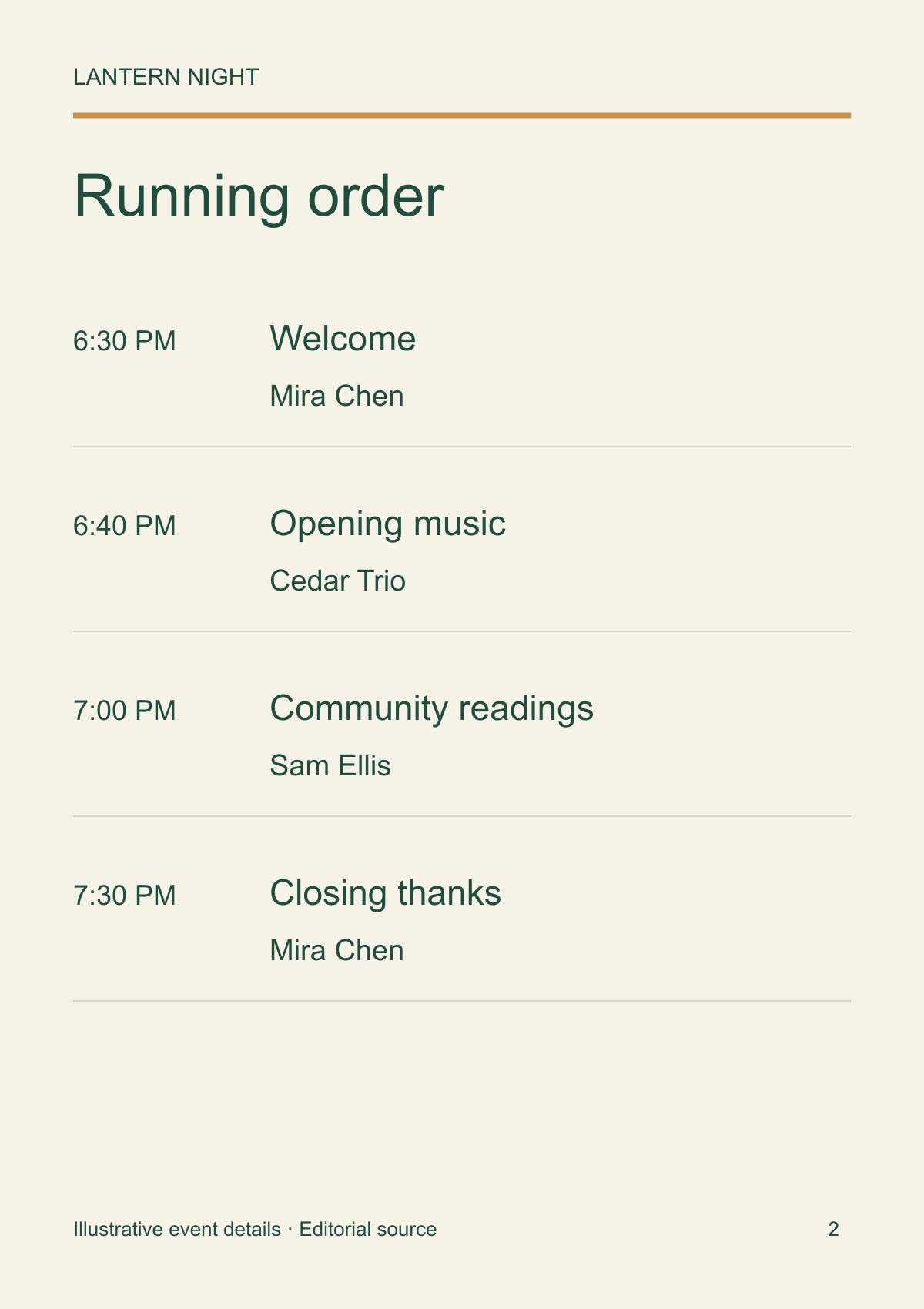
| Time | Item | Participant |
|---|---|---|
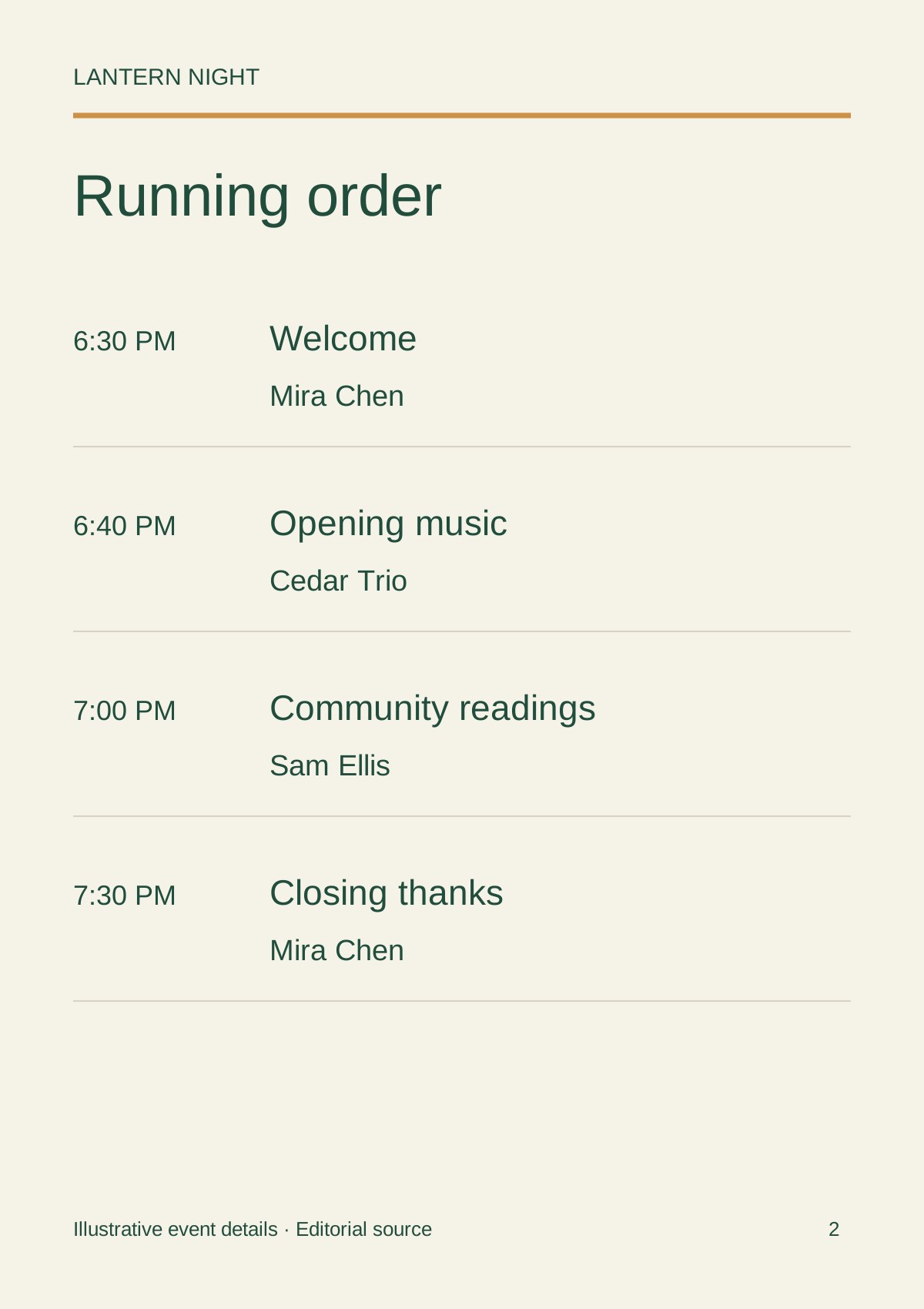
| 6:30 PM | Welcome | Mira Chen |
| 6:40 PM | Opening music | Cedar Trio |
| 7:00 PM | Community readings | Sam Ellis |
| 7:30 PM | Closing thanks | Mira Chen |
2. Map four reader-facing pages
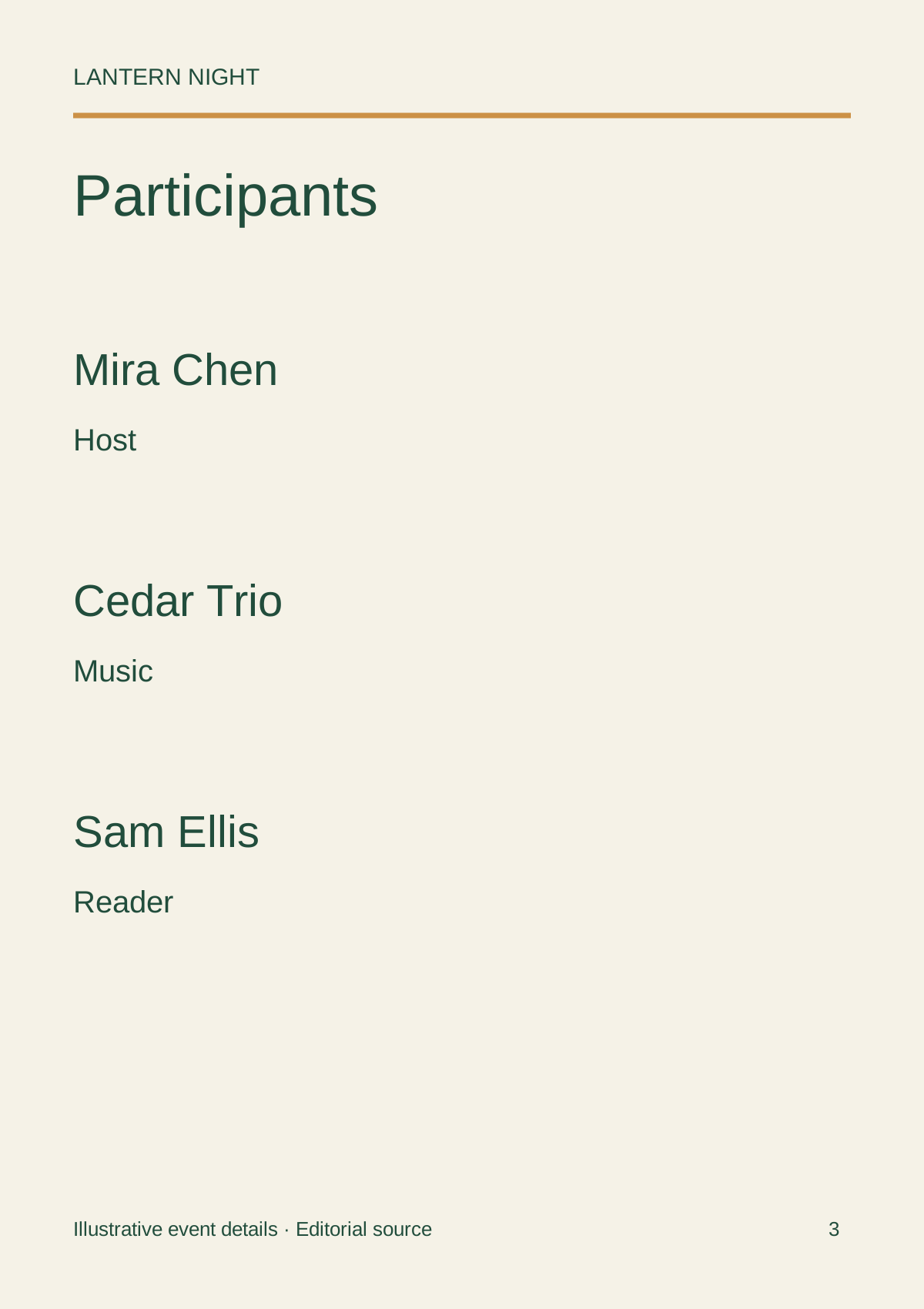
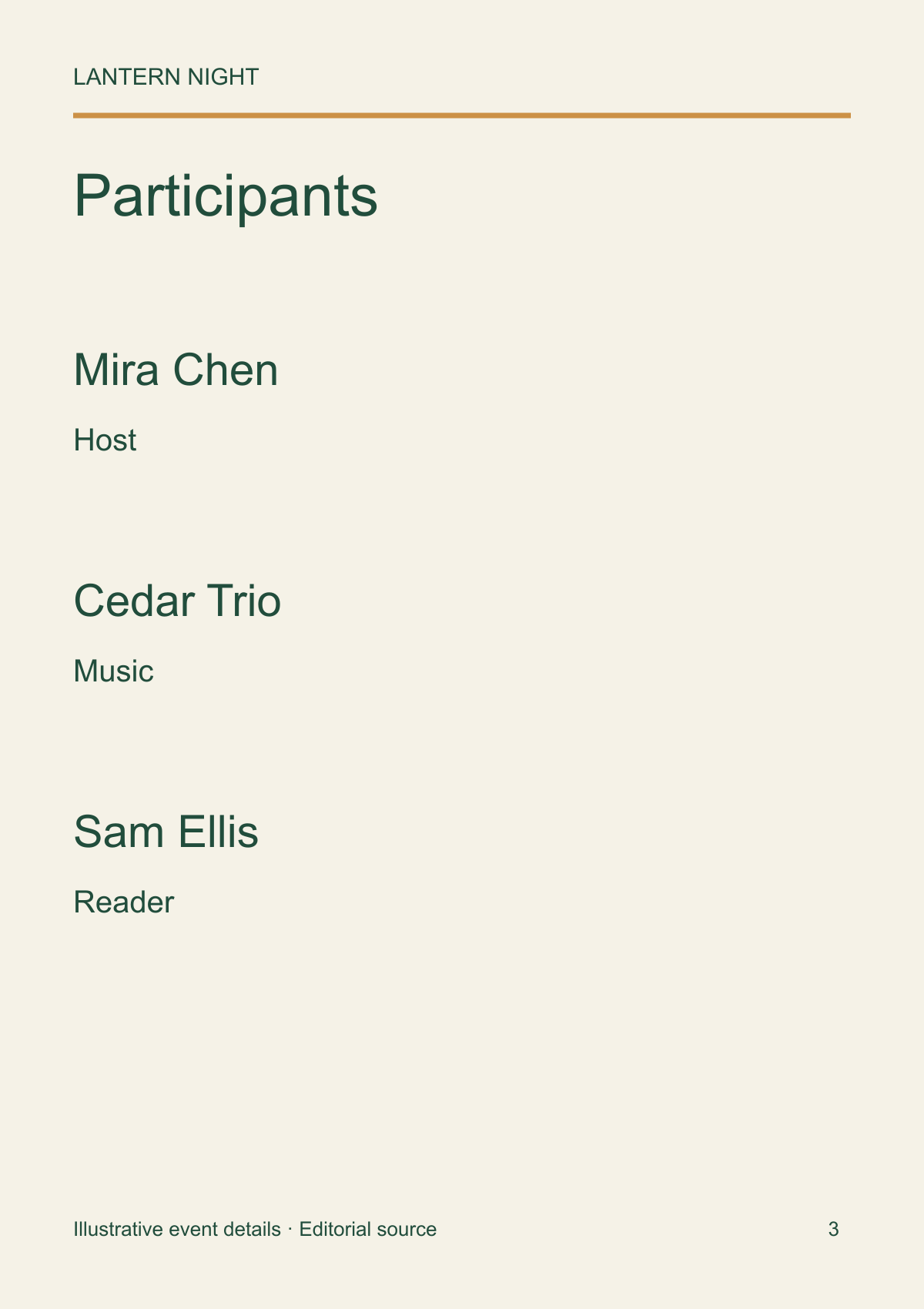
Give the cover the event name, date and venue. Put the running order on one easy-to-scan page rather than breaking it over a decorative spread. Participants and roles then have room to breathe, with acknowledgments at the end.
A promotional poster asks someone to attend; an attendee program helps someone already there. Leave out repeated sales copy if it steals space from names or sequence. Dense credits may require more pages or a different format, rather than smaller type.
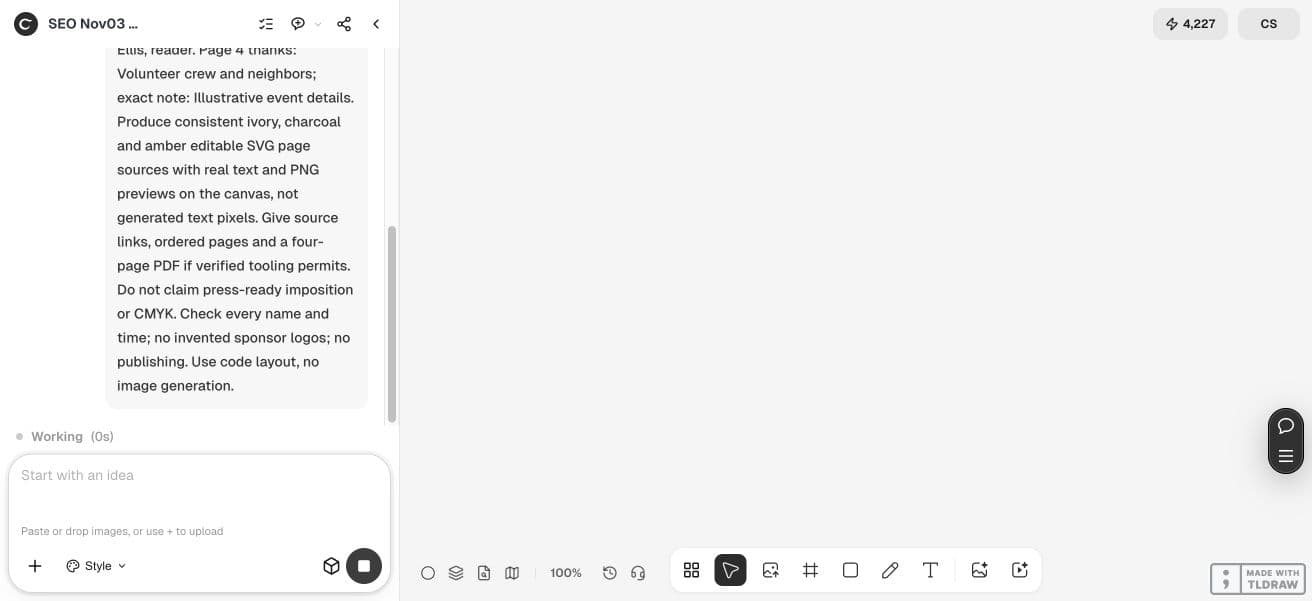
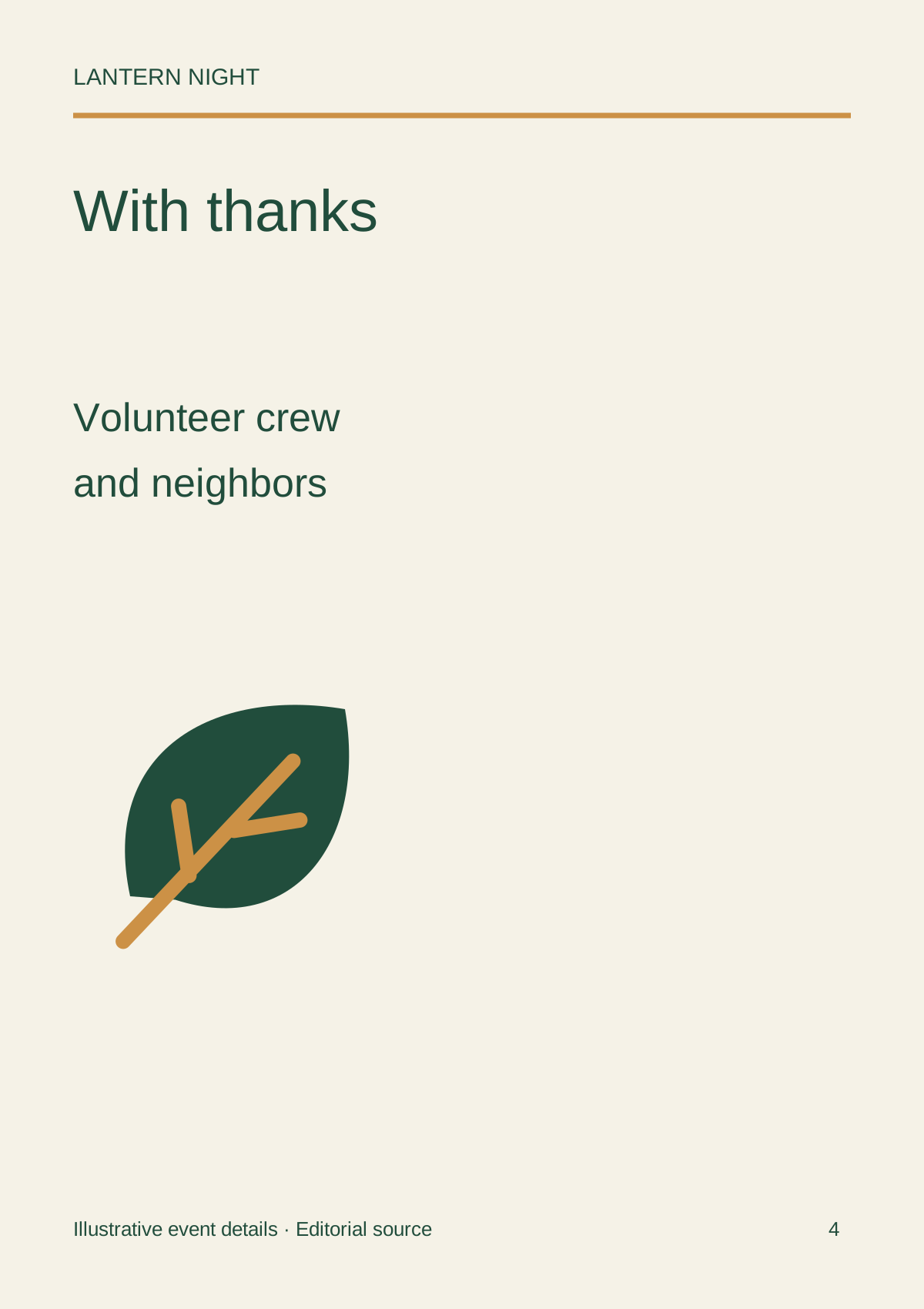
Create four separate portrait pages for Lantern Night, November 21, 2026, Cedar Hall. Cover; running order; participants and roles; acknowledgments. Use the approved schedule: 6:30 PM welcome, Mira Chen; 6:40 PM opening music, Cedar Trio; 7:00 PM community readings, Sam Ellis; 7:30 PM closing thanks, Mira Chen. Thank the volunteer crew and neighbors. Add: Illustrative event details. Keep real text in editable SVG sources and render PNG previews. No invented sponsors or biographies. Provide pages in reading order; identify any PDF or print handoff. Do not publish.3. Keep the pages and text sources together
Our example asks the agent for SVG page sources containing text, plus rendered previews. That makes names and times correctable in an appropriate editor or through a targeted agent revision. Raster previews alone are not an editable booklet.
Check type hierarchy at the intended physical size. A page that looks spacious on a large canvas may become hard to read when printed. For a community event, the running order generally deserves more prominence than a decorative motif.
To repeat the import, download the English PNG previews below, open your own Ciyo project, choose Upload in the canvas toolbar, then Upload Image and select the files. Arrange the imported images for review. Edit wording in the separate SVG source outside Ciyo and render a new PNG before replacing an image; importing a PNG does not create native text layers.
4. Make one correction across every occurrence
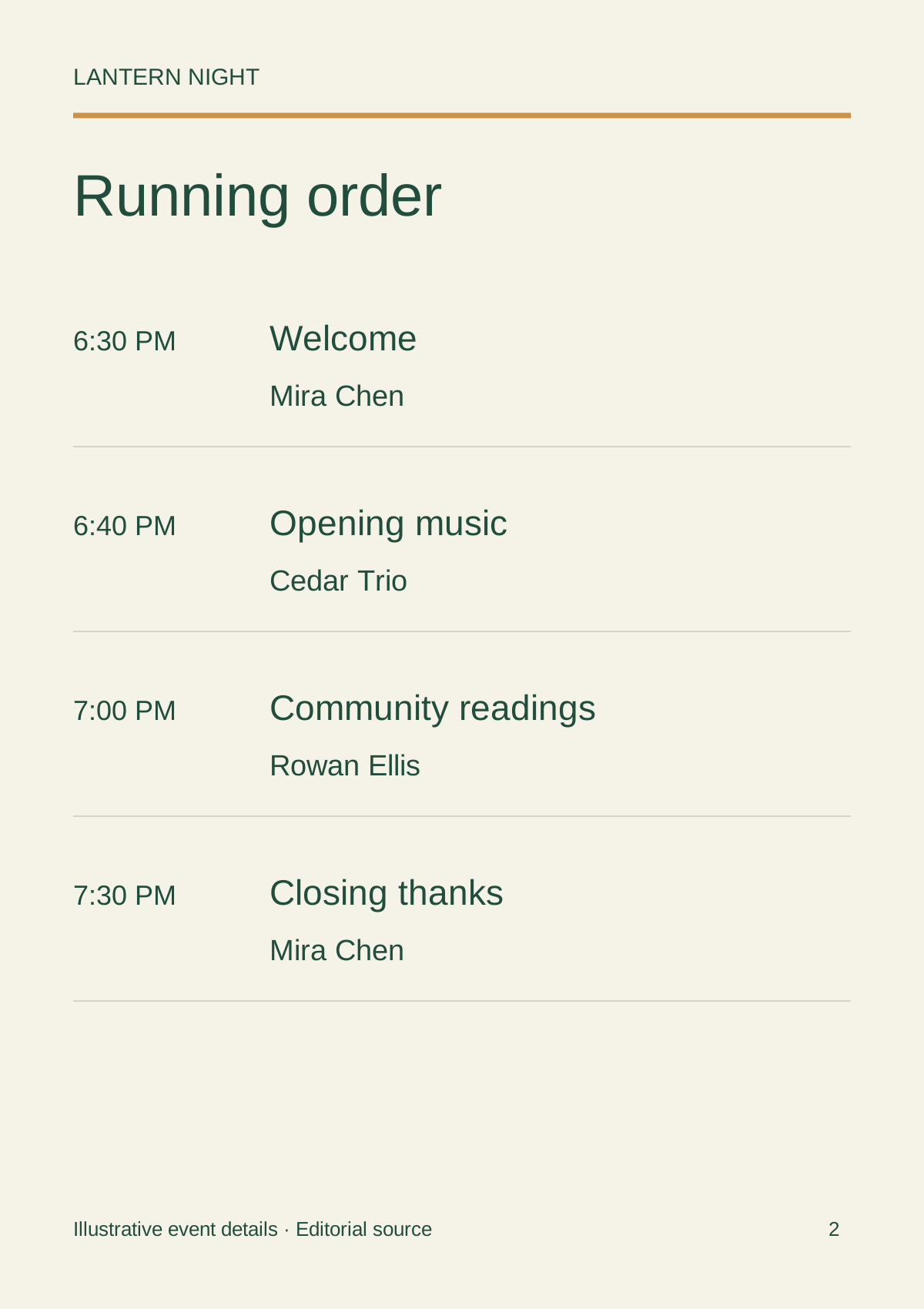
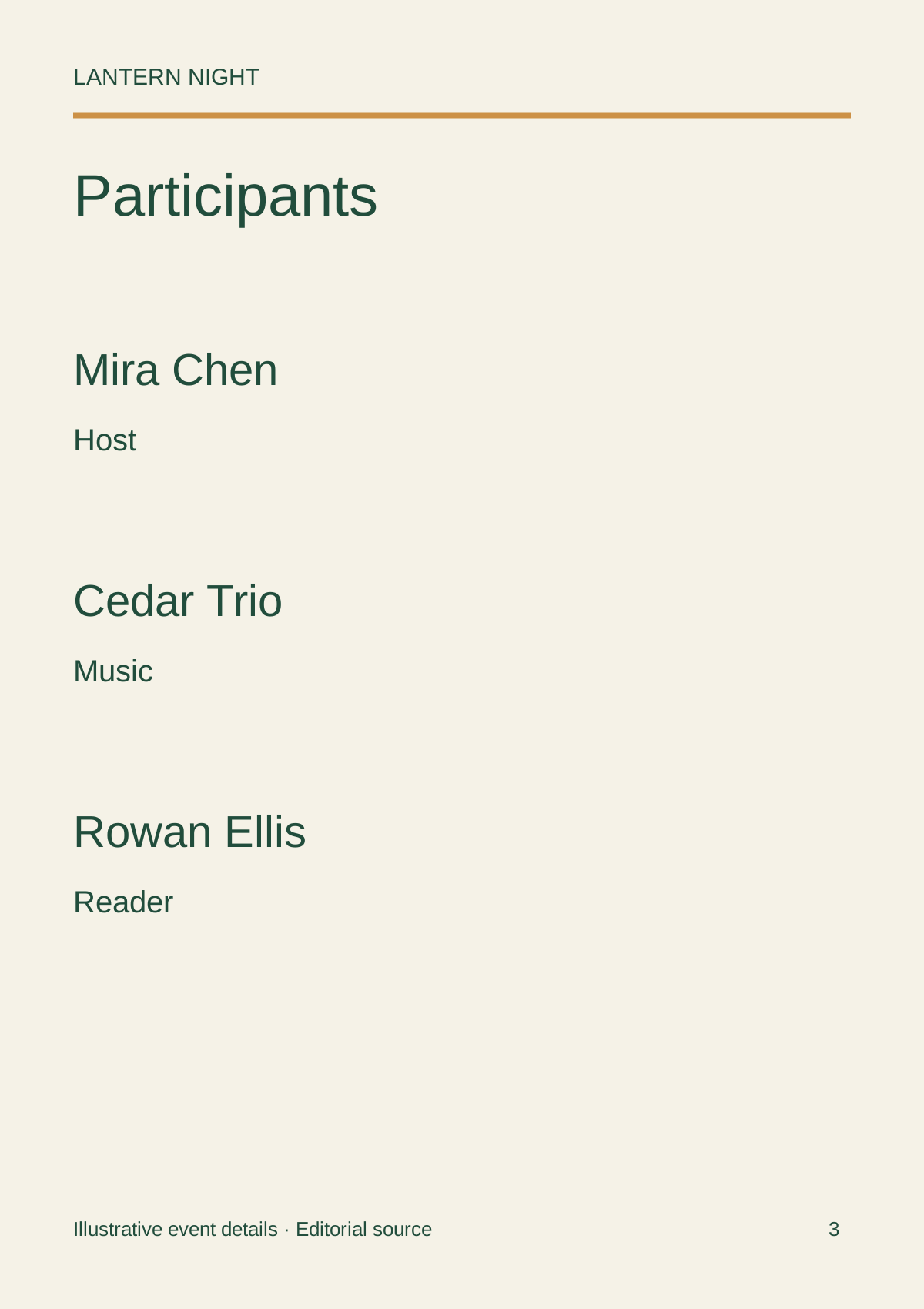
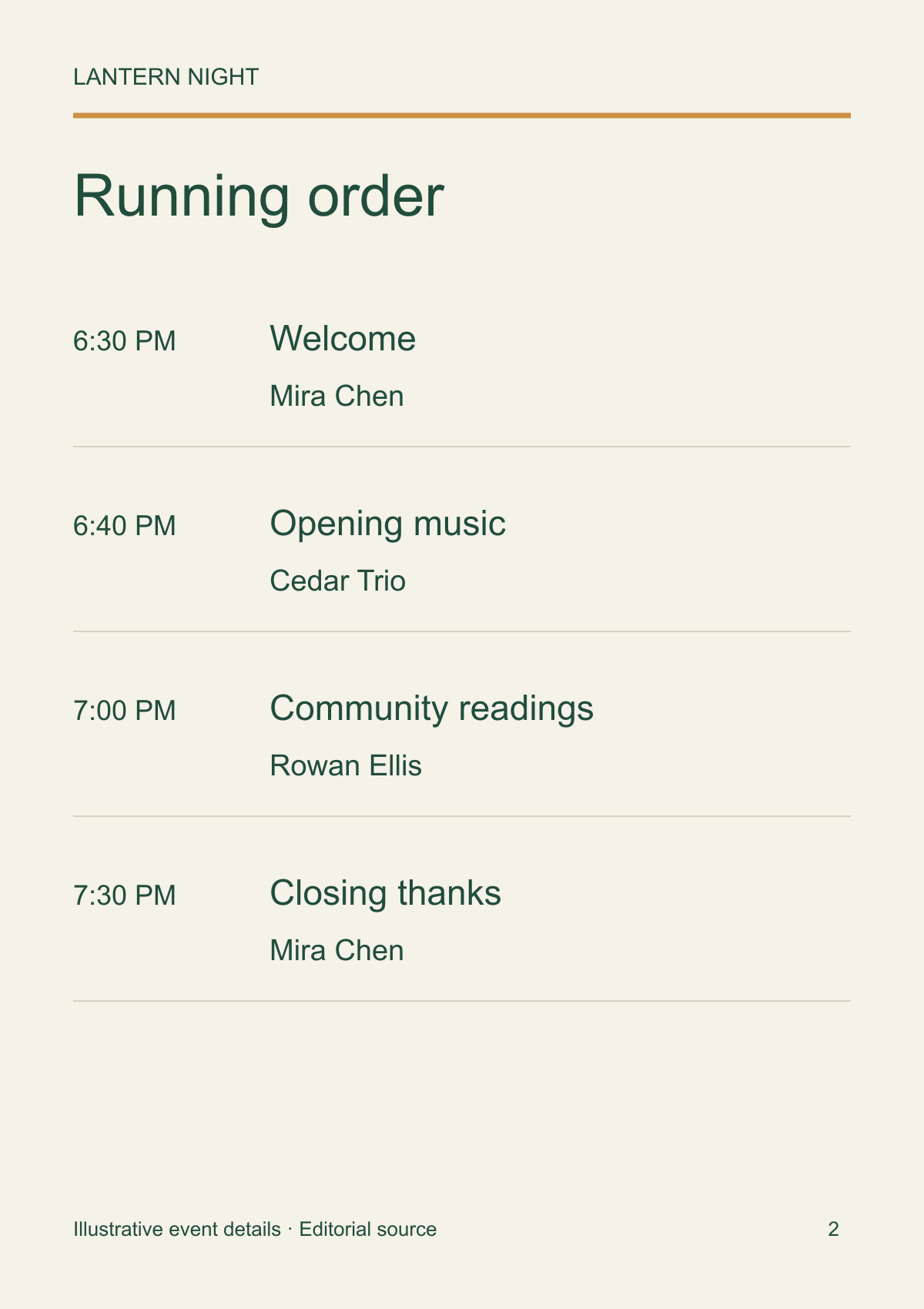
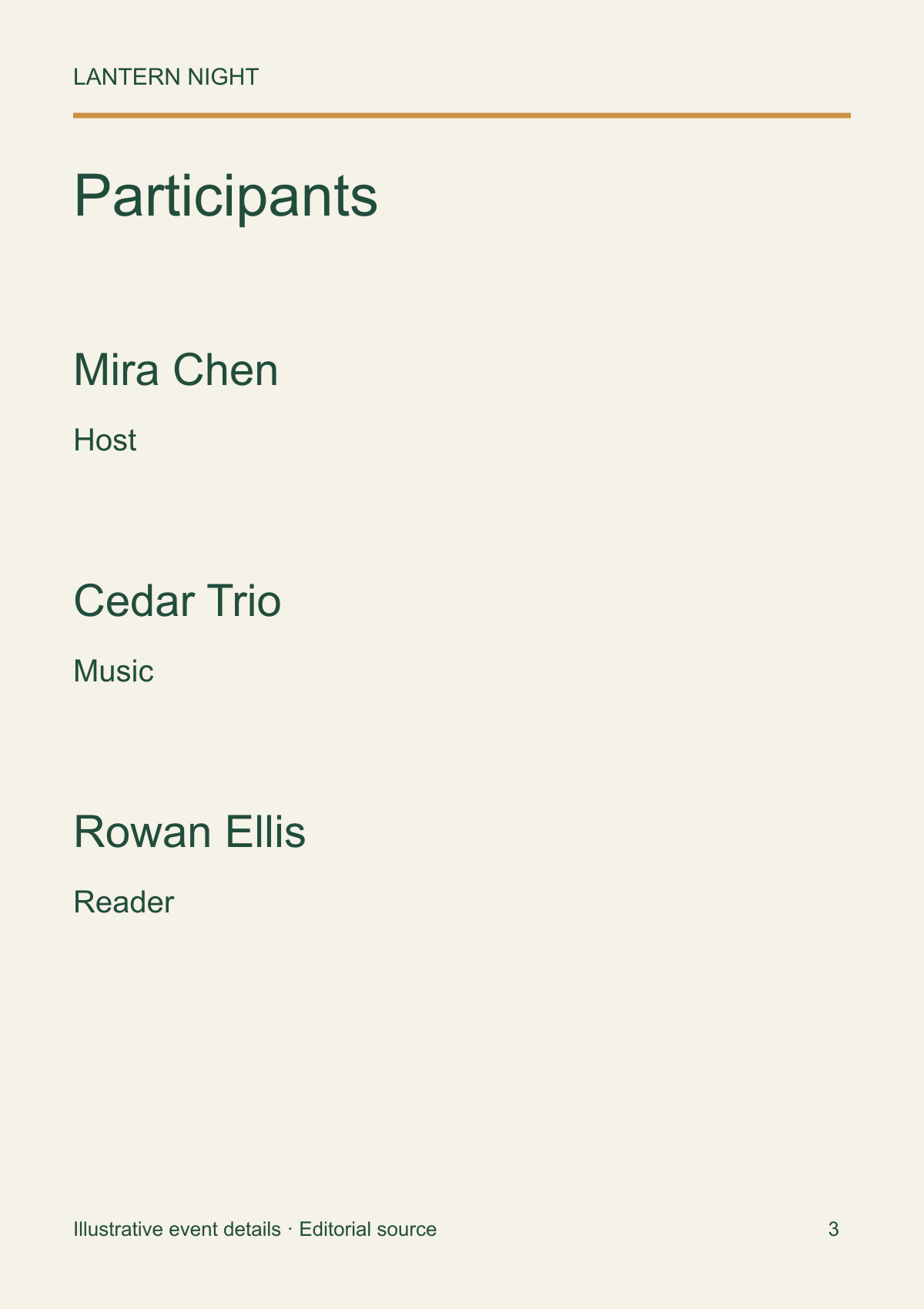
A last-minute participant change can affect both the schedule and role page. Name those places in the revision request. For example, replace reader Sam Ellis with Rowan Ellis on pages 2 and 3, leaving all times and other names unchanged.
Compare the revised source and previews with the approval. Check for the old name as well as the new one. The organizer should sign off the correction; the designer should verify the page layout did not shift unexpectedly.
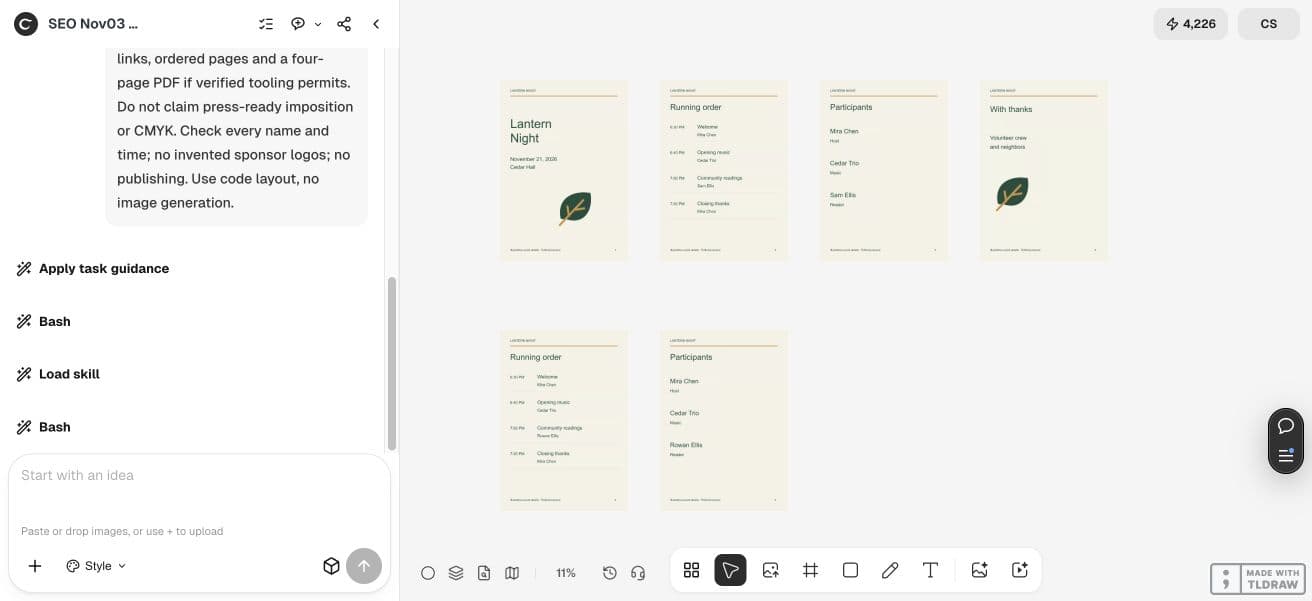
- Download English editorial source: page-1.svg
- Download English editorial source: page-2.svg
- Download English editorial source: page-3.svg
- Download English editorial source: page-4.svg
- Download English editorial source: page-2-revised.svg
- Download English editorial source: page-3-revised.svg
- Download English PNG preview: page-1.png
- Download English PNG preview: page-2.png
- Download English PNG preview: page-3.png
- Download English PNG preview: page-4.png
- Download English PNG preview: page-2-revised.png
- Download English PNG preview: page-3-revised.png
5. Check reading order and the print handoff
Pages 1–4 in reading order are not the same thing as a printer-imposed sheet. Make a folded paper dummy, number its pages and ask the printer which arrangement they need. Confirm trim, bleed, fonts and color requirements with that supplier.
Use a verified page-layout route for final PDF assembly when needed. Do not label an ordinary PDF “press-ready” just because it opens. Print one actual-size proof and read the event facts from the paper before approving the full run.
Practical questions
Is this a program for attendees or software?
It is an attendee booklet with an event identity, running order, roles and acknowledgments.
Does four-page output mean it is ready for the printer?
No. Reading order, sheet imposition, trim, bleed, fonts and color requirements need a separate production check.
How should I handle a late speaker change?
Update every schedule, role and credit occurrence from one approved correction, then check the rendered pages and paper proof.
Can I edit the PNG text?
Keep the SVG source with real text. Make corrections in that source and produce a fresh raster preview or final production export.
Bring the approved event facts
Start with the organizer’s running order and names, then review the four pages as an attendee would.