Ciyo practical guide
Image-to-Video Camera Movement Prompts: Five Product-Photo Templates
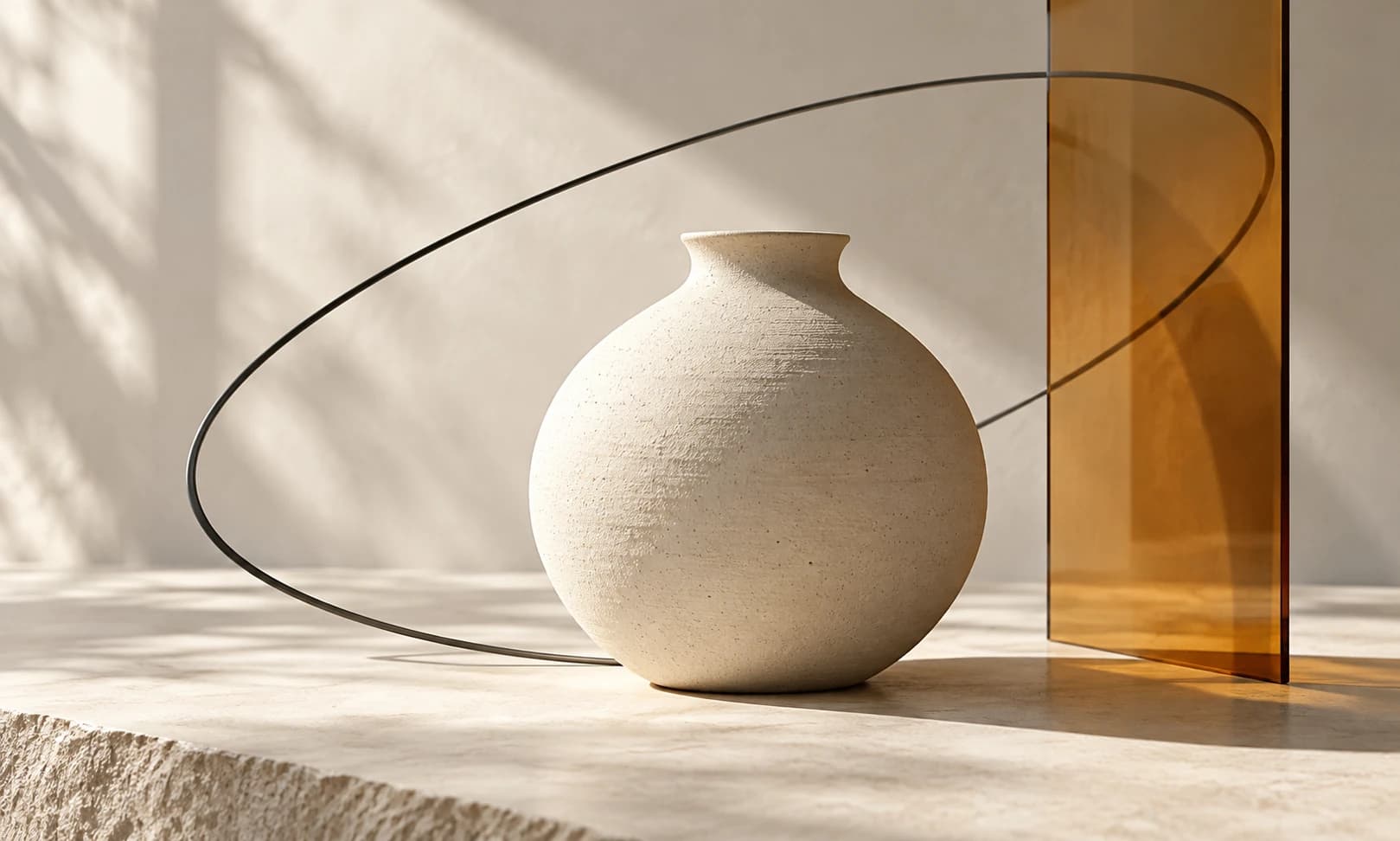
A dramatic camera request can turn a useful product photo into a clip of an object you no longer recognize. Start with a small, readable move and give the model one motion problem to solve.
These five templates separate camera movement from product movement. They are written for a stationary product such as our fictional ivory mug, and informed by current video-prompting documentation. Treat the requested motion as a testable instruction, not a guaranteed animation or a measured model comparison.
Quick picks: choose the smallest move that serves the shot
A locked shot is a useful starting point when the product itself must remain easy to inspect. A slow push-in can emphasize a hero object. Pan or tilt only when the starting composition provides space. Try a shallow orbit last: it asks the model to infer surfaces that the photo may not show.
| Template | Use it for | Inspect carefully |
|---|---|---|
| Locked shot | A stable product presentation | Unwanted breathing, floating or camera drift |
| Slow push-in | Emphasizing one hero product | Cropping and changing proportions |
| Gentle pan | Revealing a horizontal arrangement | Sideways product sliding |
| Short tilt | Following a tall product detail | Stretching and invented geometry |
| Shallow orbit | A restrained change of viewpoint | New surfaces, handles and reflections |
Set up a controlled prompt trial
Use a sharp source image with the entire product visible. Keep the original on the canvas. Select one supported video model and hold the duration, image role, aspect ratio and output settings constant while changing the camera instruction.
Replace [product] with a short description and [detail] with one visible identifying feature. The sample input is an ivory mug with a charcoal handle and amber band. Avoid filling the prompt with a new description of an imagined product: the supplied photo should remain the visual reference.
The reusable structure is camera action + product behavior + visible constraints + shot continuity. It is an organizational aid, not a special syntax. If a request fails, simplify it before adding more movement terms.
1. Locked shot: keep the product easy to judge
Use this for a product card that needs a small sense of life without a moving viewpoint. A stable shot can still contain changing light or subtle environmental motion, but those additions make it harder to isolate camera behavior in the first trial.
For the mug example, the desired result is the same framing throughout, with the rim, handle and base retaining their relationship. That description is an intended output, not a claim that a model will produce a perfectly static frame. If precise stillness is essential, a still image in a conventional edit may be the more predictable choice.
Locked camera. The [product] remains stationary on the tabletop, fully visible for the entire shot. Keep the [detail] recognizable and the soft lighting consistent. One continuous product shot with a stable composition.2. Slow push-in: approach without turning the product
A push-in changes the camera's position toward the subject; a zoom changes framing through the lens. Generative systems may not preserve that distinction precisely, so describe the visible outcome you want and inspect the clip rather than judging the keyword alone.
For a mug, leave space around the handle and base in the input. The intended result is a modestly closer view with the same product pose. Reject a clip that narrows the handle, inflates the body or crops the rim before the usable ending.
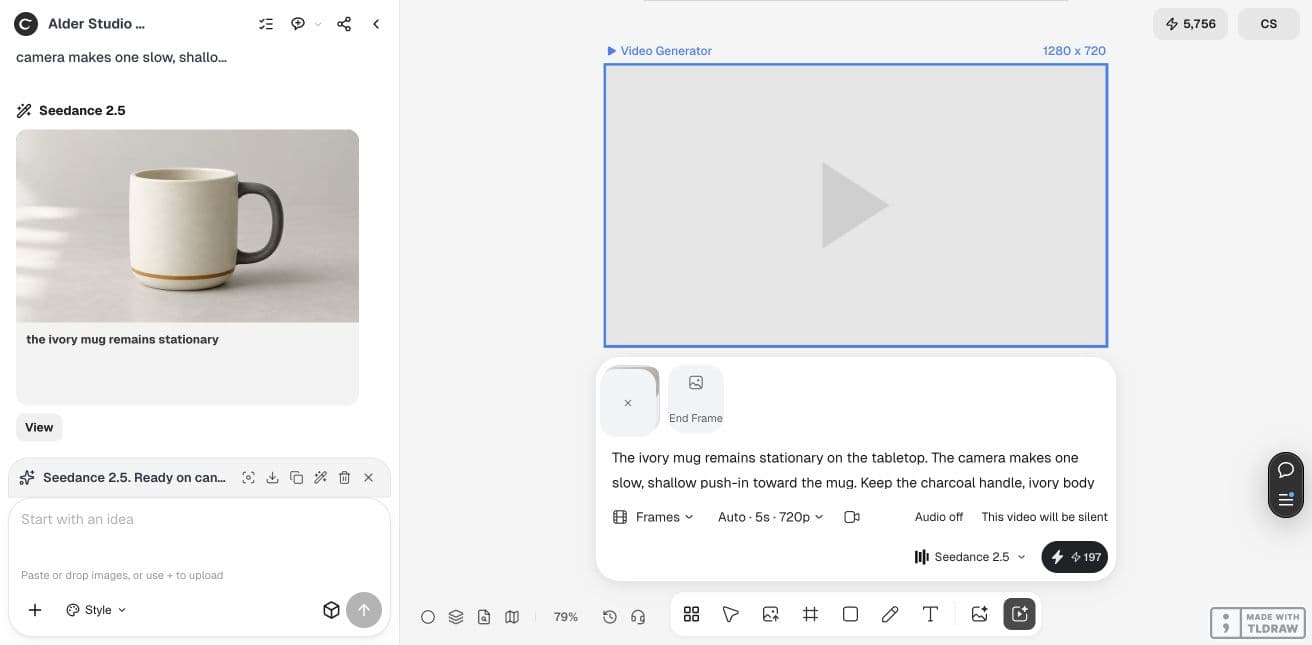
The camera slowly approaches the stationary [product] in one shallow push-in. Keep the entire product within the frame, including its base and [detail]. Maintain the existing viewpoint and soft light. Finish slightly closer, in one continuous shot.3. Gentle pan: move the view across an arrangement
A pan rotates the camera horizontally. Use it when the source contains a wider arrangement or meaningful space beside the product. A tightly cropped source gives the model little information about what a pan should reveal.
In a mug scene, a short pan can change where the mug sits in the frame while it remains anchored to the table. If the mug slides along the tabletop instead, the model has turned a camera instruction into subject motion. Narrow the request or prepare a wider source before retrying.
The camera pans gently from left to right across the tabletop. The [product] stays fixed in place and retains its shape and [detail]. Keep the product visible throughout. Preserve the existing lighting and background. Use one short continuous pan.4. Short tilt: follow height without stretching the object
A tilt changes the camera's vertical viewing direction. It can suit a bottle, vase or tall package when the starting photo shows the complete object. For a short mug, a tiny movement is usually easier to evaluate than an exaggerated upward reveal.
The intended output moves attention from the lower part toward the upper part while maintaining the object's proportions. Watch for an expanding neck, a changing rim or new lettering. If the desired view depends on details absent from the photograph, take another source photo instead of asking the model to invent them.
The camera makes a small upward tilt along the stationary [product], moving attention from its base toward its top. Keep its proportions and [detail] consistent. Maintain the original setting and a gentle pace. One continuous shot.5. Shallow orbit: ask for less unseen geometry
An orbit moves the viewpoint around the subject. Even a small orbit can expose a hidden handle connection or an unseen label edge. That makes it the most demanding template in this set for accurate product depiction.
For the mug, request a restrained arc rather than a full rotation. The intended result is a slight change of viewpoint with the handle still plausible. A full 360-degree spin from one photo cannot establish the real shape of the unseen side. Use real additional views or another production method when those details matter.
The camera follows a very small, smooth arc around the stationary [product]. Keep the [detail] visible and the product fully in frame. Preserve its proportions, material and existing light. Make only a restrained viewpoint change in one continuous shot.Worked example: the shallow push-in
We demonstrated the push-in template in Ciyo with a fictional mug and Seedance 2.5. The five-second, silent Frames request displayed a 197-credit quote and produced a 5.04-second, 1180 × 786 file. The sampled frames show a progressively larger mug with its handle and amber band still recognizable.
The other four templates are starting briefs with expected results, not claims that we ran and accepted all five. Keep the movement small, inspect the complete output and revise the particular failure you see.
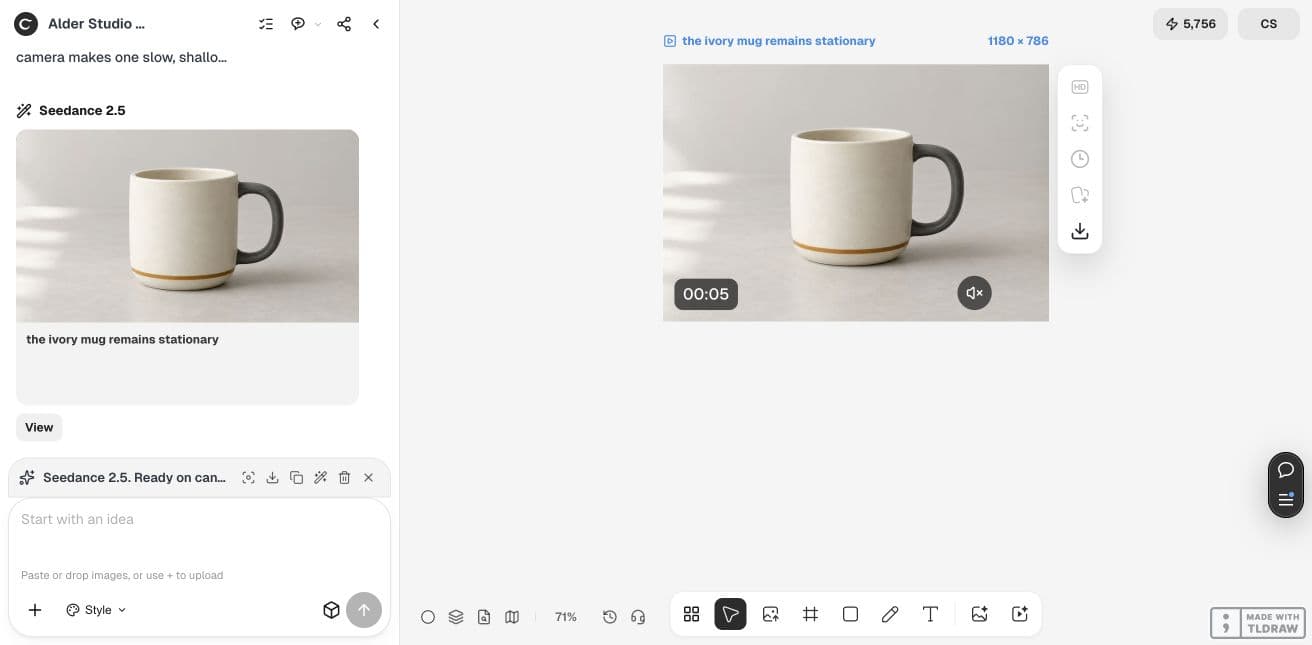
Keep the successful instruction and record the failure
Compare the beginning, middle and ending, then watch the whole export at normal speed. Record whether the requested motion is recognizable, whether the product stays on the surface, and whether any identity detail changes. Keep failed clips in the experiment record so you do not repeat the same unhelpful request.
For beginners, start with locked or push-in. For a product team, choose the move that exposes the least unsupported geometry while serving the placement. When a delivery deadline matters more than expressive motion, use a controlled still-image edit rather than promising that one more prompt will fix the shot.
Generation time and usable-output cost vary with model, settings, queue and retries. Check the Generation quote, cap the number of trial requests, and include any Design agent planning cost. A longer prompt is not necessarily a more expensive generation, but more attempts are more work.
Practical questions
Do these templates work with every video model?
They describe common camera intentions, but control and adherence vary. Verify the selected model's image-input support and evaluate its actual output.
Should I combine all five movements?
Begin with one move. Combining a pan, orbit and zoom makes both generation and diagnosis harder. Add a second motion only after the simpler shot serves the task.
Why does the product move when I asked the camera to move?
The instruction can be interpreted ambiguously. State that the product remains fixed, simplify the camera action and check whether motion cues in the source photo conflict with that request.
Can a prompt prevent all product distortion?
No. Inspect the whole clip against the source. For exact product depiction, a real shoot or a conventional motion treatment of a faithful still may be more suitable.
Try one camera instruction
Start with the least demanding move for your product, keep the source visible and judge the exported clip before generating variations.