Social design · Tutorial
Instagram Story Maker: Prepare Three Frames for a Shop Launch

Three attractive images can still make a confusing Story if they all repeat the same headline. Give the viewer a reason to continue, then a clear action they can actually take.
The original Ciyo request stalled without output and was stopped. We created the three English SVG templates outside Ciyo, rendered and imported their PNGs, then manually arranged frames 1–3 from left to right. The real canvas screenshot shows that review. Edit the SVG text externally; the imported PNGs do not become native editable text or Instagram controls.
Quick answer: one job per frame
Use frame 1 to introduce the product, frame 2 to show one approved detail, and frame 3 to invite the next action. Keep their palette and illustration consistent. Export three separate files in the intended order.
Leave empty space for controls you will add in Instagram. A painted link button or poll does not become interactive when an image is uploaded. If you cannot verify a destination yet, keep that slot empty instead of inventing a booking link.
1. Approve the facts and the action
Start with the real product image, approved name, one useful detail and intended destination. If price, stock or launch timing is missing, ask the owner before adding it. Attractive filler can accidentally become a product promise.
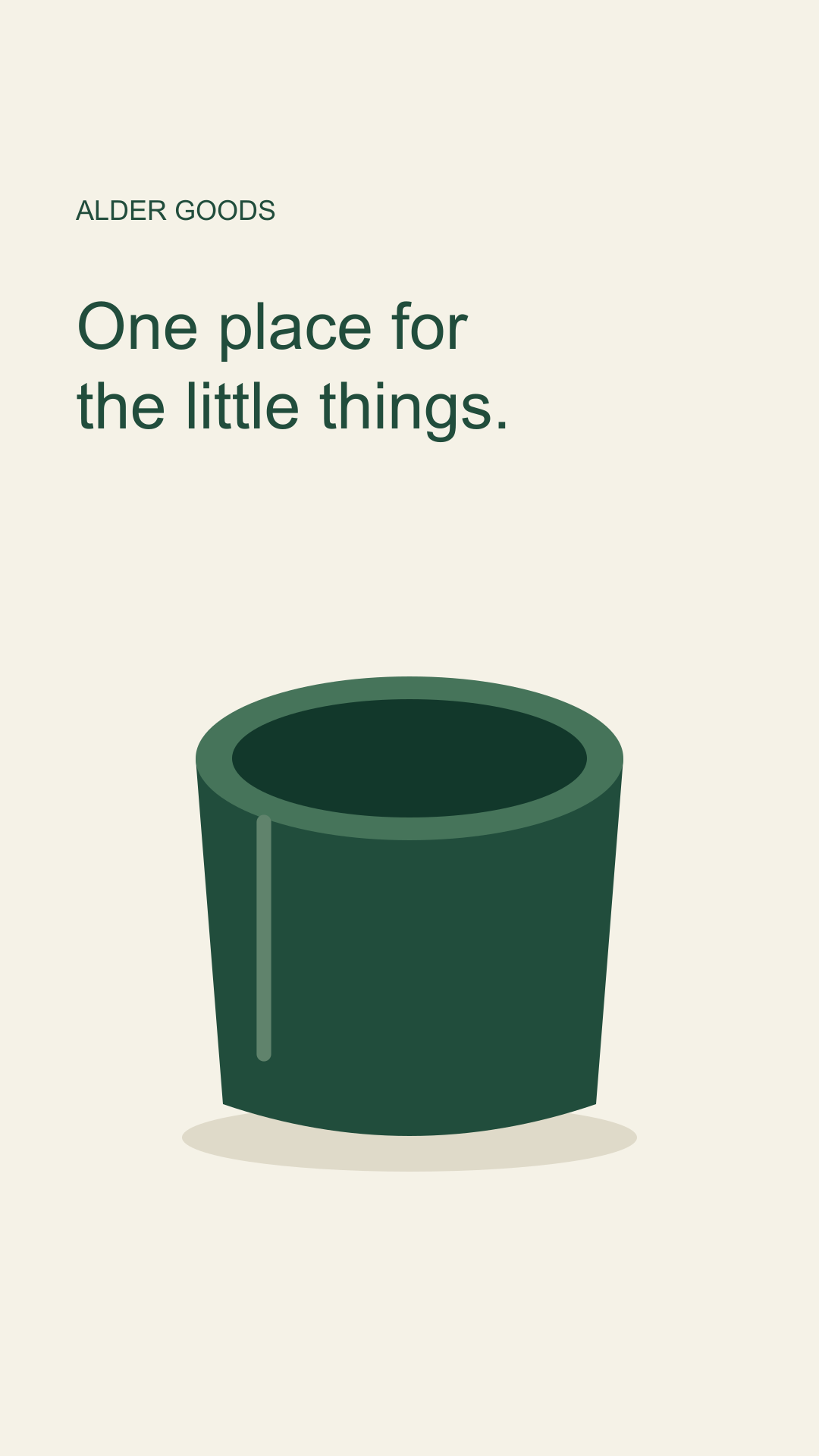
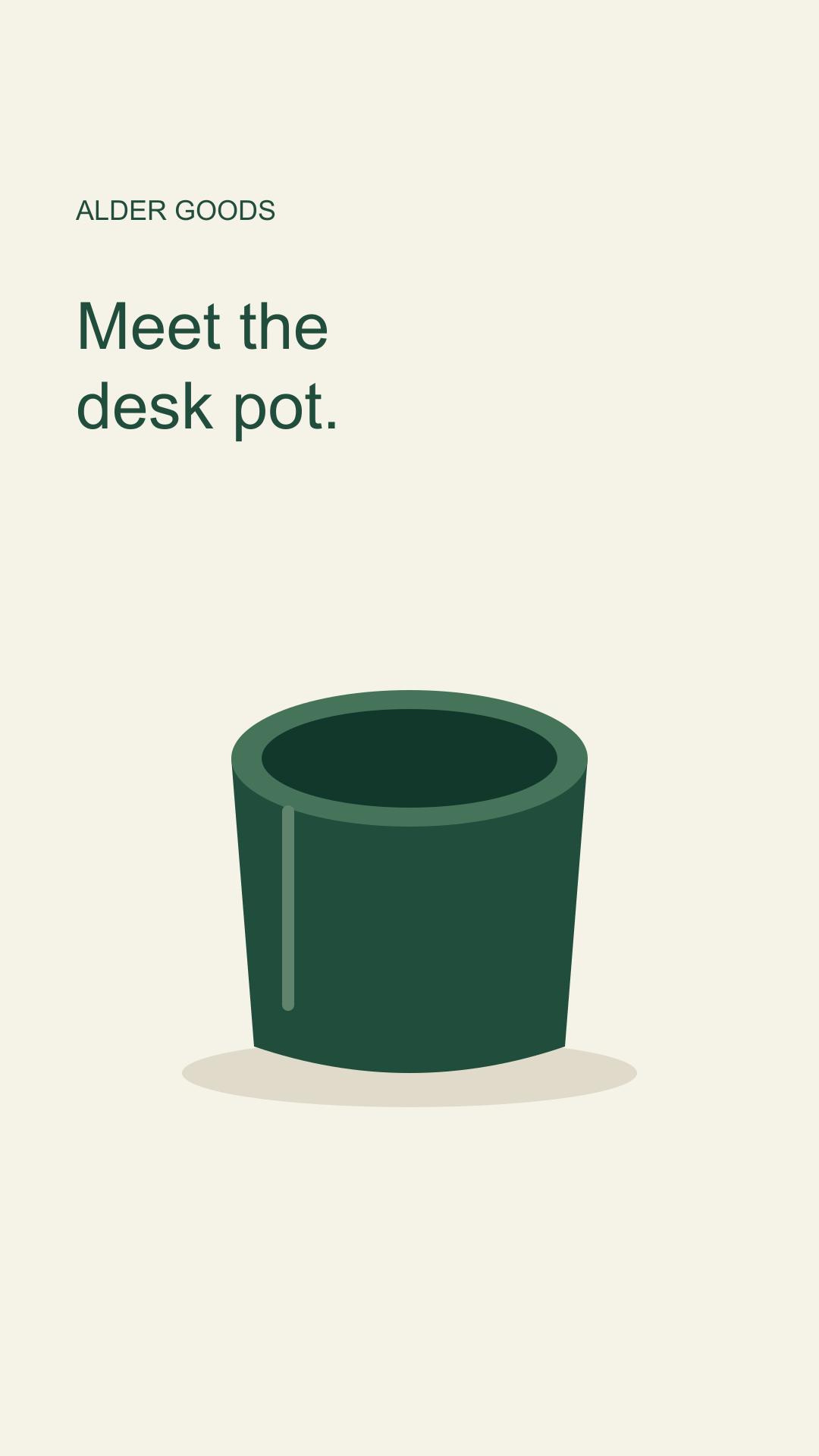
Alder Goods is fictional, so our example uses neutral copy and no price or stock claim. The simple pot is an illustration, not evidence of a real item’s material, size or finish.
| Frame | Job | Example copy |
|---|---|---|
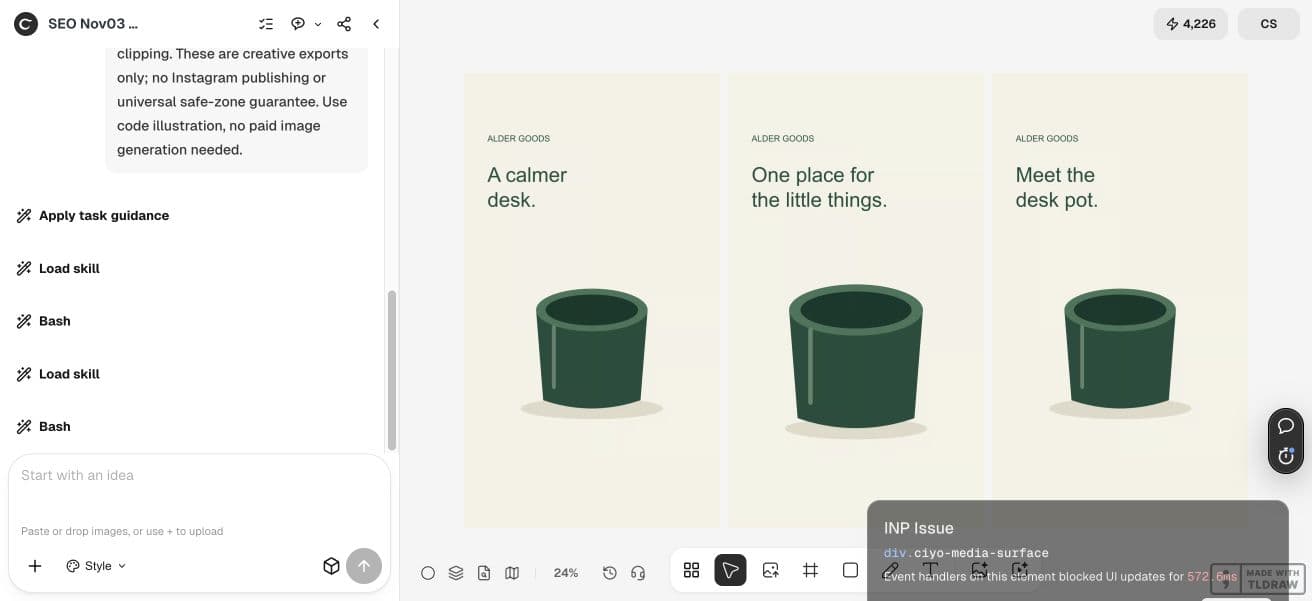
| 1 | Introduce | A calmer desk |
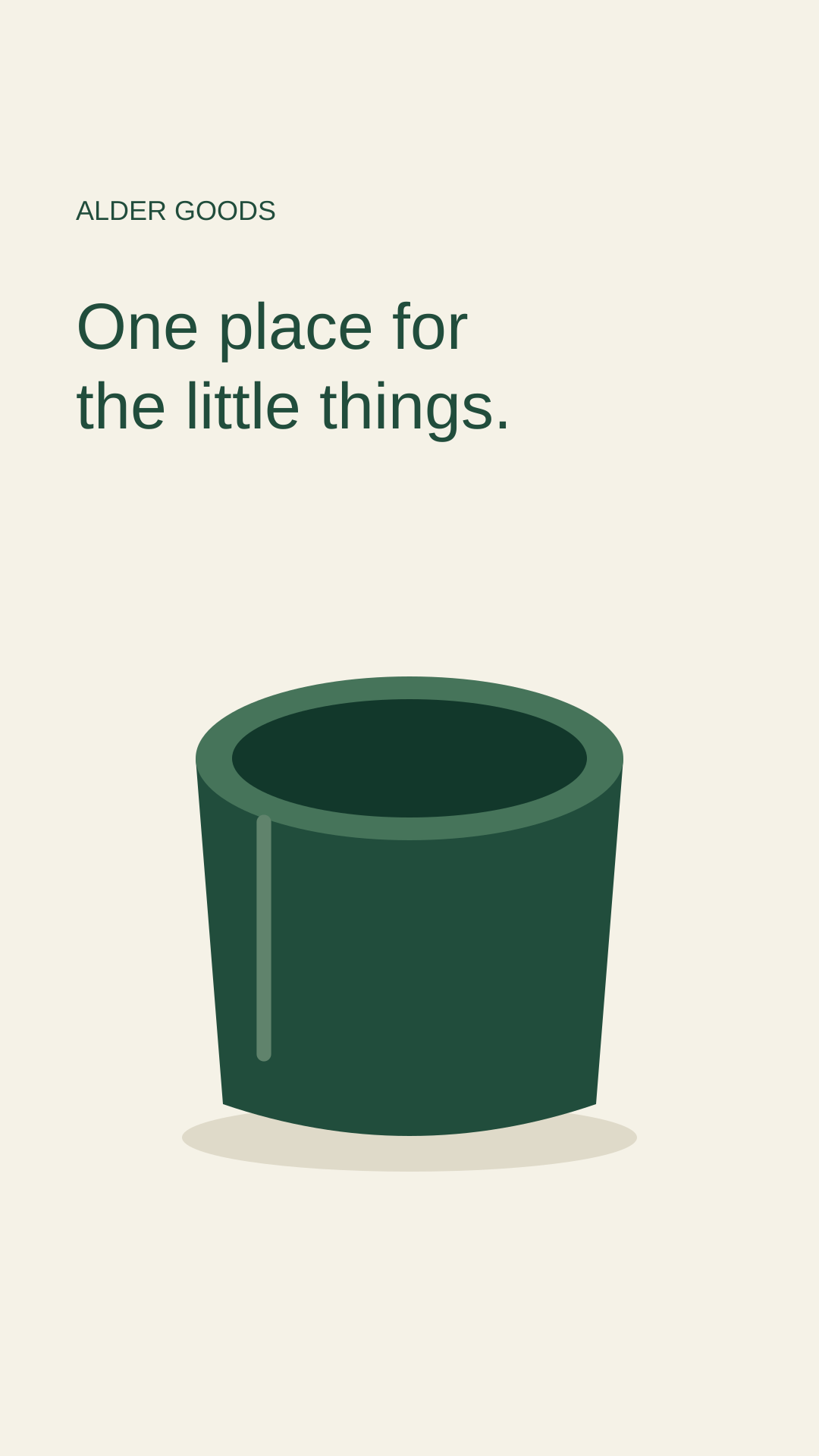
| 2 | Show a detail | One place for the little things |
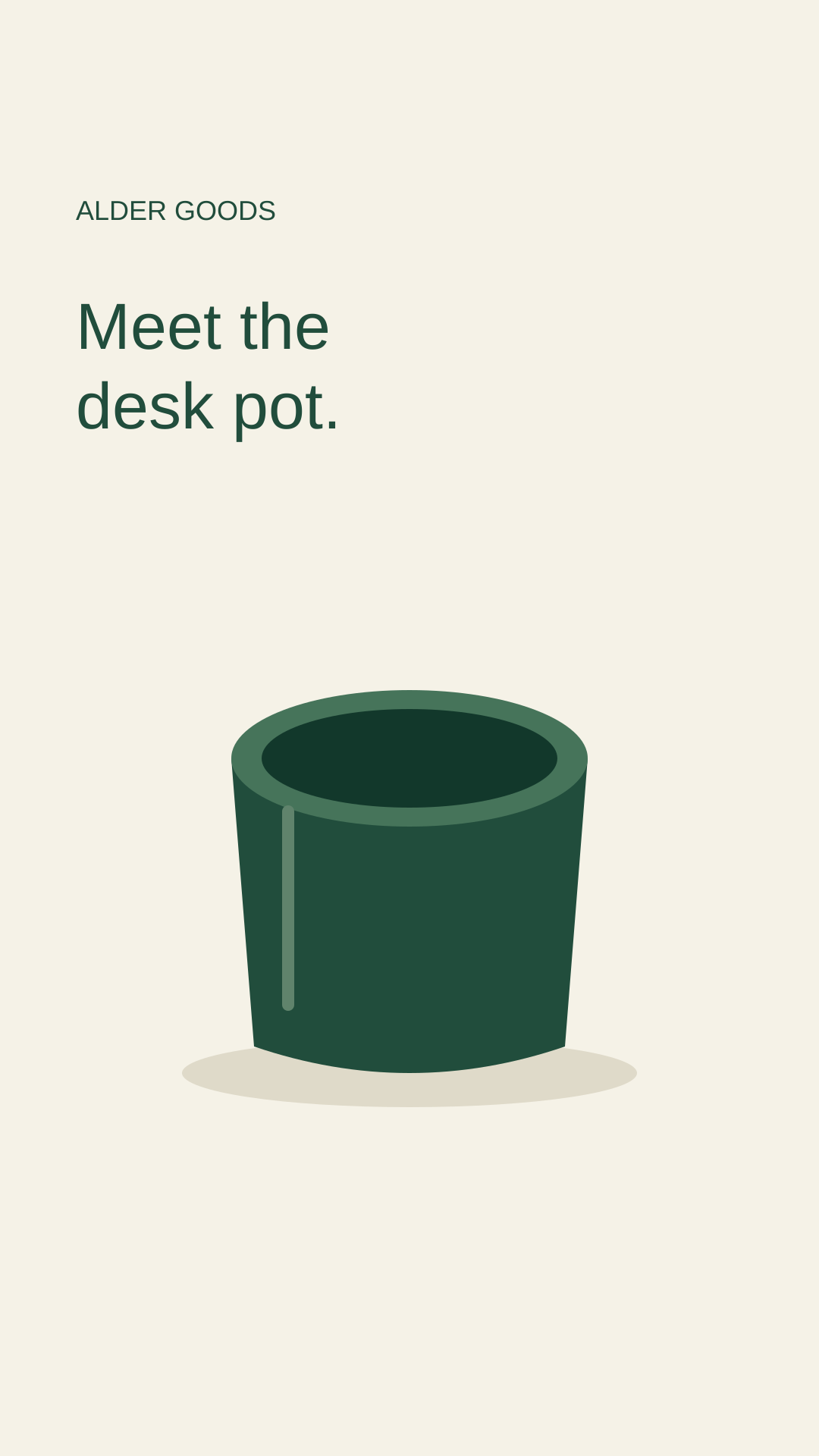
| 3 | Invite the next step | Meet the desk pot |
2. Build the sequence as a set
Ask for three separate 1080×1920 artworks as the working format. That size is our creative input; it does not establish a universal safe rectangle for every current Instagram interface. Keep the essential content away from edges and give the top and bottom room.
Use a consistent pot shape and type hierarchy. Change the emphasis between frames so they form a sequence: a simple opening, a closer detail, then a quiet final composition with space for the actual action control.
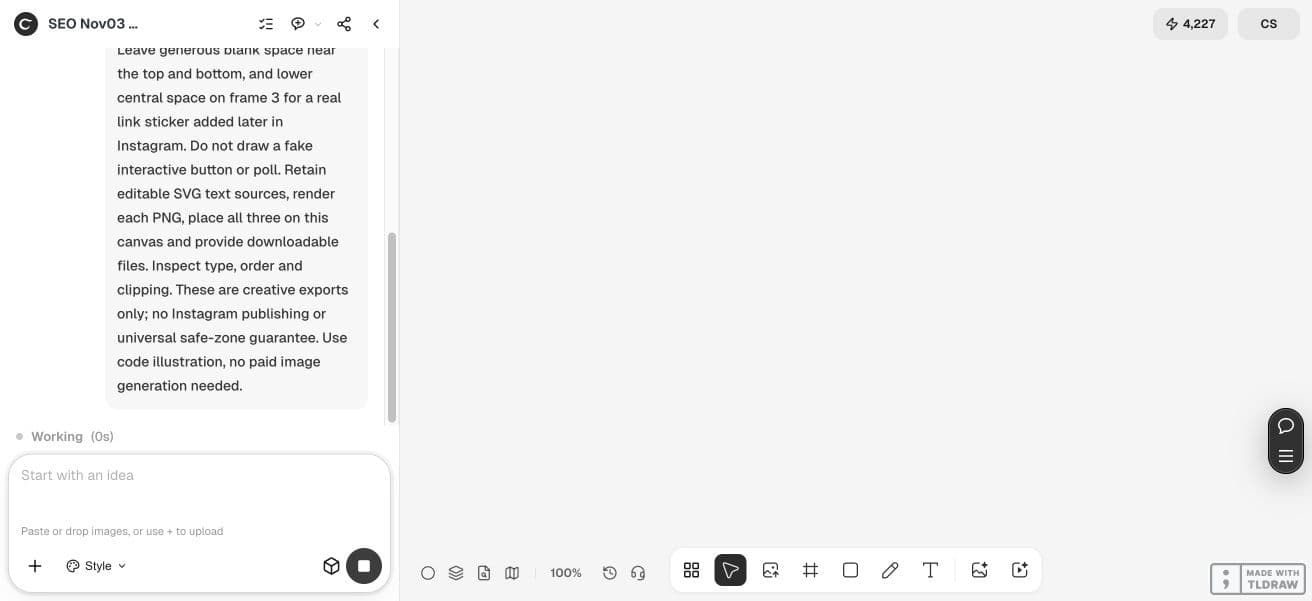
Create three separate static vertical artworks for fictional Alder Goods. Frame 1: A calmer desk. Frame 2: One place for the little things. Frame 3: Meet the desk pot. Use the same original green desk-pot illustration, warm ivory, forest green and amber. No invented price, availability or product claims. Keep editable text sources and separate PNG exports. Reserve generous top/bottom space and lower-central space on frame 3 for a real link sticker added later in Instagram. Do not draw fake buttons. Do not publish.3. Keep exact words in an editable source
The demonstration requests code-drawn illustration and editable SVG text, with PNG artwork for export. This makes the layout reproducible without presenting it as a raster image-model consistency test.
Keep the three sources together. If the product name changes, update every occurrence and regenerate the corresponding export. An illustration reference may help coherence in a generated approach, but it does not guarantee identical details across frames.
To repeat the import, download the English PNG previews below, open your own Ciyo project, choose Upload in the canvas toolbar, then Upload Image and select the files. Arrange the imported images for review. Edit wording in the separate SVG source outside Ciyo and render a new PNG before replacing an image; importing a PNG does not create native text layers.


4. Add real interactions in the destination
In your own Instagram creation flow, load the three images in order and add the available native controls. Confirm that any link goes to the intended page. This article does not claim we connected or published to an Instagram account.
Check the current interface and account options rather than relying on a screenshot from a different device. Move the art or the control if either obscures an important detail. A poll needs a real platform control; two drawn answer boxes are only artwork.
5. Preview the whole Story before posting
Read the sequence without the design brief. Is it clear what the object is, what the middle frame adds and what happens next? Check words, contrast and the final tap target on the actual destination preview.
For a solo shop, start with one clear detail. For a campaign team, approve the three-frame order and destination together. If you need more explanation, link to a suitable product page rather than shrinking a paragraph onto frame 2.
Practical questions
Does Ciyo publish these Stories?
This workflow prepares artwork. It does not demonstrate Instagram scheduling, account linking or publishing.
Will the exported link button be clickable?
A button drawn into an image is not interactive. Add a real supported control in Instagram and check its destination.
Are these guaranteed safe areas?
No. Blank space is a design allowance. Check the current destination preview, device and account controls before posting.
Do I need a generated photo?
No. Use an approved photograph for a real product, or clearly identify an illustration. Our example uses code-drawn fictional artwork.
Plan the next three frames
Bring approved product facts and a real destination. Prepare the separate artworks, then finish the interaction in Instagram.