Practical design workflows
Lookbook Maker: Build a Small Collection Story from Real Product Photos
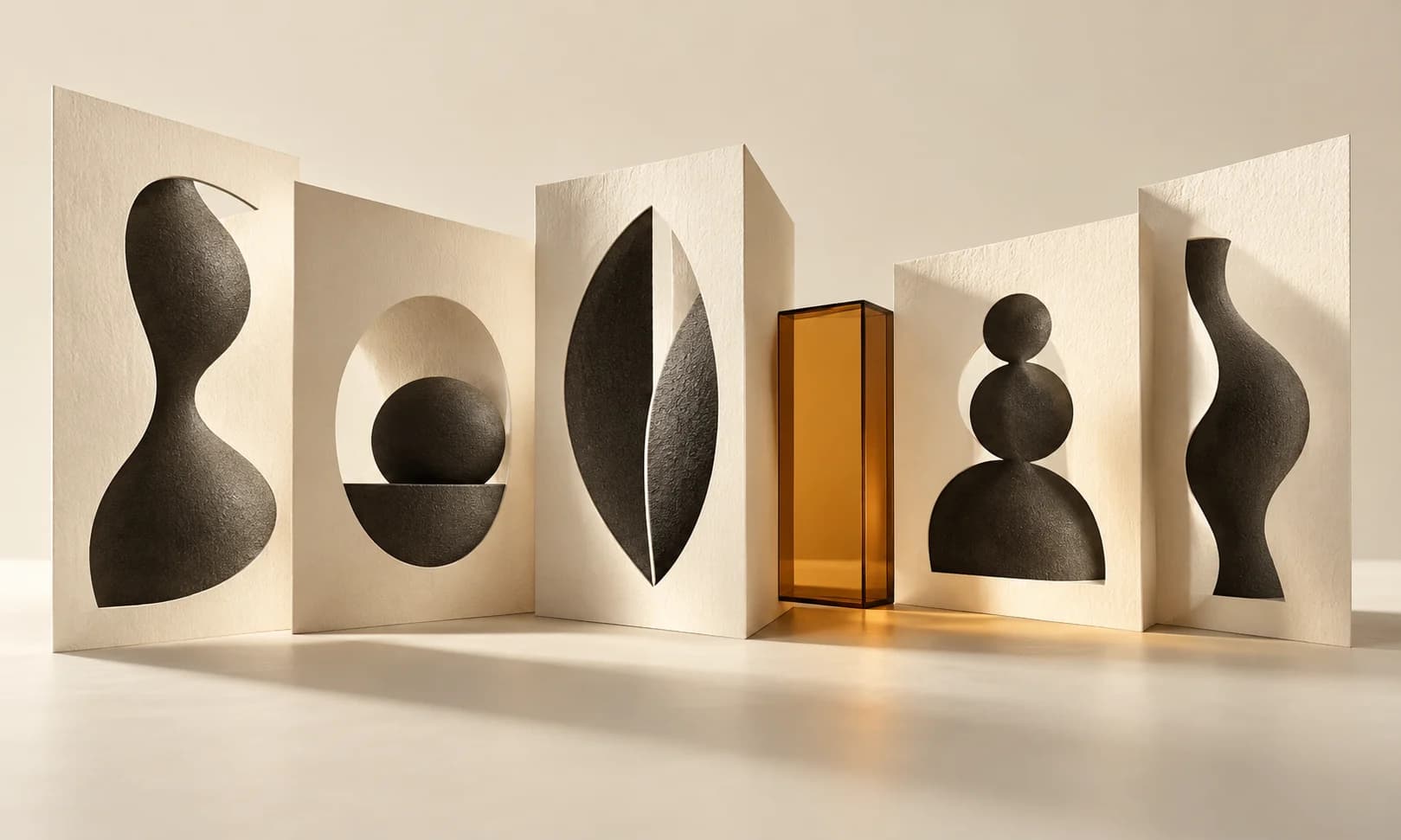
A folder of good product photographs is not yet a collection story. When every page uses the same grid, the reader sees individual items but may miss why they belong together. A small lookbook needs an opening idea, a sequence of related looks and enough product detail to make the story useful.
This workflow uses Ciyo as a canvas for planning page artwork and reviewing a collection sequence. It keeps real product photographs as the source of item identity. A review board is distinct from a finished interactive PDF: links, page assembly and final publishing need an actual verified export path.
Our live Ciyo attempt did not save the five requested pages or contact sheet. The licensed inputs and page brief are supplied, but this is a planning and review workflow rather than a completed downloadable lookbook.
Quick answer: give each page a different job
Choose one collection idea and a small set of verified product photographs. Plan an opener, two coordinated looks, a detail page and a closing reference page. Review the sequence at page size and as a small overview before exporting anything.
| Page | Reader question | Useful source |
|---|---|---|
| Opener | What is this collection about? | One strong photograph with room for a short title |
| Look one | How do these pieces work together? | Verified images of the first combination |
| Look two | What other mood or use does it offer? | A distinct combination with a clear relationship |
| Detail | What deserves a closer look? | Actual material, construction or accessory detail |
| Closing references | Which items did I see? | Accurate product names and a clear next action |
Decide whether the reader needs a lookbook or a catalog
A lookbook helps a consumer understand the mood and combinations within a collection. A catalog or sales sheet is better when the central task is comparing specifications, prices, order quantities or wholesale terms. Those documents may share photography without serving the same reading task.
Our illustrative collection is Quiet rituals: a white mug, an amber bottle and a dropper bottle, grouped as photographed objects for morning and evening page themes. These licensed references are not our inventory. We make no claim about bottle contents, materials or product performance.
Gather a small set of verified product references
Give every source image a product name or identifier. Include enough angles to recognize the item and any detail you want to feature. Obtain permission for photography, and keep license or attribution requirements attached to editorial reference images. Do not quietly turn a licensed inspiration photo into a claim about your own inventory.
Check consistency before layout: crop, lighting and background can vary, but the product’s color, construction and accessories should remain recognizable. If a generated lifestyle image changes the item, reject it. A convincing collection mood cannot compensate for an incorrect product representation.
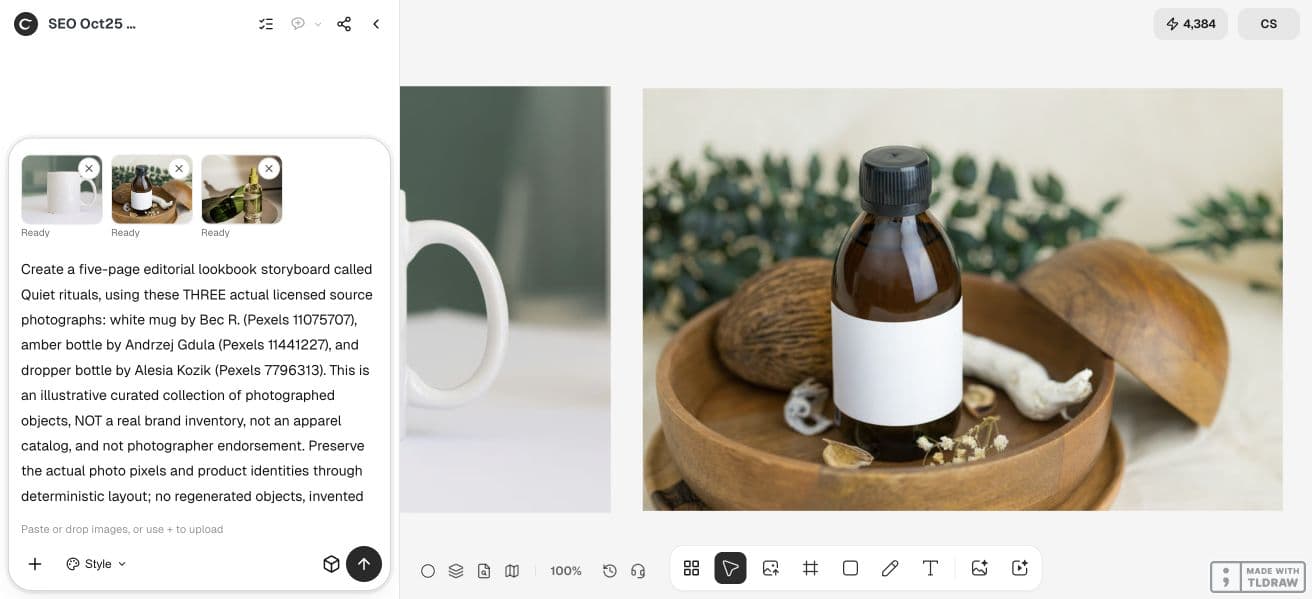
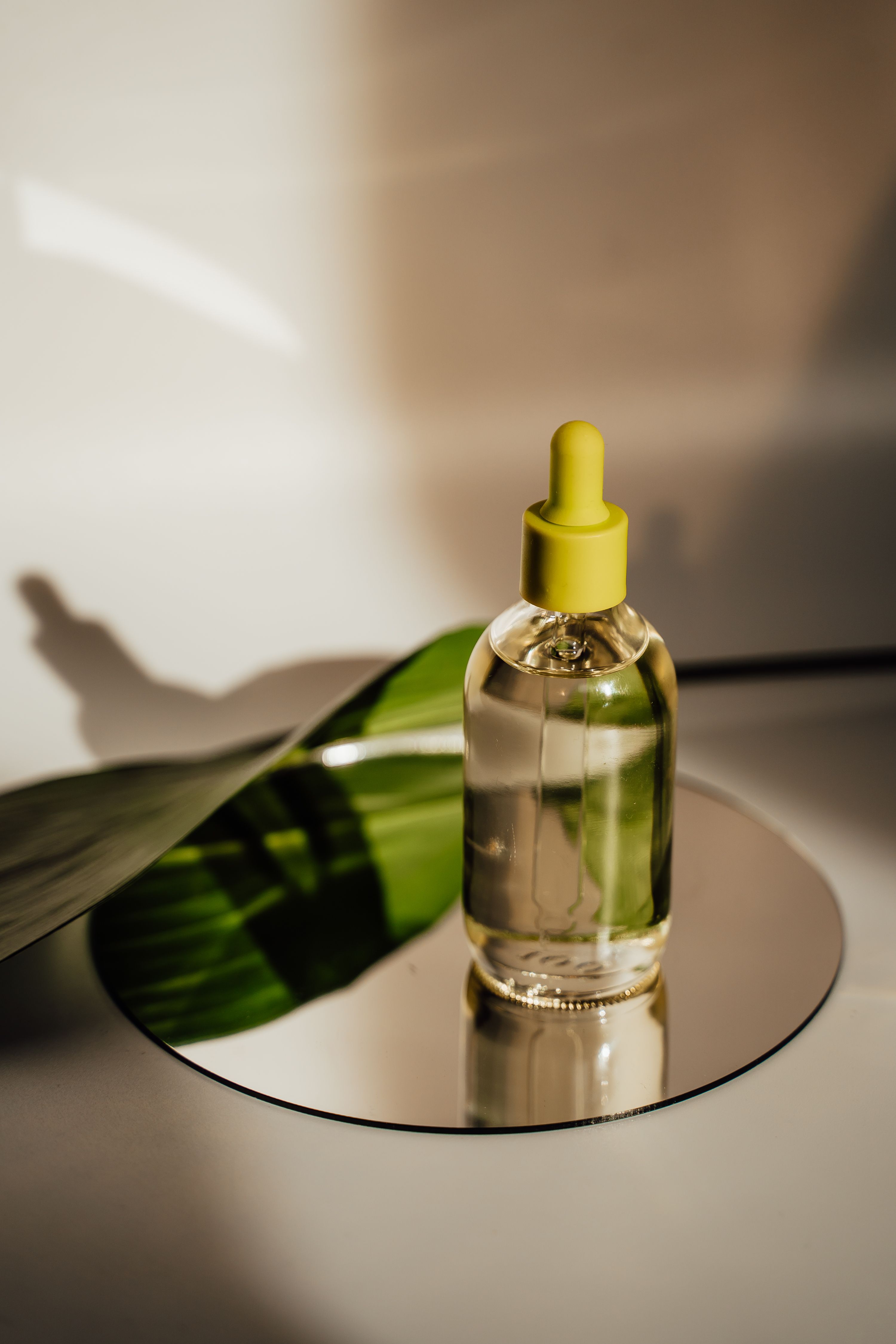
The live example uses a mug photographed by Bec R., an amber bottle by Andrzej Gdula and a dropper bottle by Alesia Kozik, all sourced from Pexels. None of the photographers endorses this collection. The requested pages use their actual photographs, with explicitly labeled crops for the detail view.


Write a page brief before asking for artwork
Specify the role of each page, which source images it may use and the text that must remain exact. Set a restrained type hierarchy and shared margins. Consistency should help the reader move through different page roles rather than force every page into an identical arrangement.
Our brief requests five separate 900 × 1200 PNG pages: an opener, morning pause, evening reset, visible details and source index. The contact sheet is a review aid. A linked PDF would require a separate assembly step and a verified delivery path.
Create a five-page editorial lookbook storyboard called Quiet rituals, using these THREE actual licensed source photographs: white mug by Bec R. (Pexels 11075707), amber bottle by Andrzej Gdula (Pexels 11441227), and dropper bottle by Alesia Kozik (Pexels 7796313). This is an illustrative curated collection of photographed objects, NOT a real brand inventory, not an apparel catalog, and not photographer endorsement. Preserve the actual photo pixels and product identities through deterministic layout; no regenerated objects, invented contents, materials, prices or shopping links. Five 900 x 1200 page PNGs: 1 opener with mug, title Quiet rituals and Editorial collection study; 2 morning pause showing mug and amber bottle as separate photos; 3 evening reset showing both bottles as separate photos; 4 visible-detail crops from originals clearly labeled; 5 reference index with source photo names and photographer credits. Warm ivory, charcoal, amber, consistent margins with varied page roles. Add one contact-sheet review board. Save all separate downloadable page PNGs and board to the canvas. Report actual dimensions and export limitations; do not claim an interactive PDF. Execute now.Review the sequence as a story
Look at all pages together. Does the opener establish an idea that the next two pages develop? Does the detail page reveal something the wider photographs cannot? Does the closing page let the reader identify the items? Remove a page if it repeats the previous one without adding a useful view.
Then inspect each page at the size people will read. A dramatic image can work in the overview while leaving product names too small on a phone. Keep essential names and the next action readable without relying on an enlarged canvas view. Test the exported page too, because resizing can change the balance.
Check item identity across every appearance
Compare repeated objects with their original references. For this collection, inspect the mug handle and rim, the amber bottle silhouette and label, and the dropper’s bulb and glass outline. A page change should not quietly change an object’s identity.
Keep typography factual. Do not invent material descriptions, availability dates or styling claims to fill a layout. If the source set lacks a detail photograph, either obtain one or change that page’s role. A generated close-up is not a reliable way to document construction that the source never showed.
Export page artwork, then finish the delivery format
Download the actual page files and inspect their dimensions and reading size. Keep them in the intended order with clear filenames. When PDF assembly or clickable links are not demonstrated in the current Ciyo workflow, hand the accepted artwork to a suitable layout tool and label that step explicitly.
Check the final document page by page after assembly. Verify links, product names, image quality and the closing action. Retain the review board and source list so a future collection can reuse the decisions without copying outdated product facts. The successful handoff is a coherent, accurate sequence in a usable format.
Frequently asked questions
How many pages does a small lookbook need?
Use enough pages to establish the collection, show distinct combinations and identify the products. The five-page example is a planning choice, not a required standard.
Can I use generated product photos?
Only after checking that they accurately represent the real items and that you have rights to the inputs. Generated details should not be presented as verified product construction.
Does a canvas export create an interactive lookbook?
Not by itself. Verify the actual export format, and use a layout or publishing tool for PDF assembly and working links when needed.
How is this different from a product catalog?
The lookbook emphasizes collection mood and combinations. A catalog emphasizes the facts needed to compare or order products. Choose the format around the reader’s decision.
Plan the collection before laying out pages
Bring verified product references to Ciyo and give each page a clear role in the collection story.