Art direction
Build a product scene in the Magnific image generator from a reference
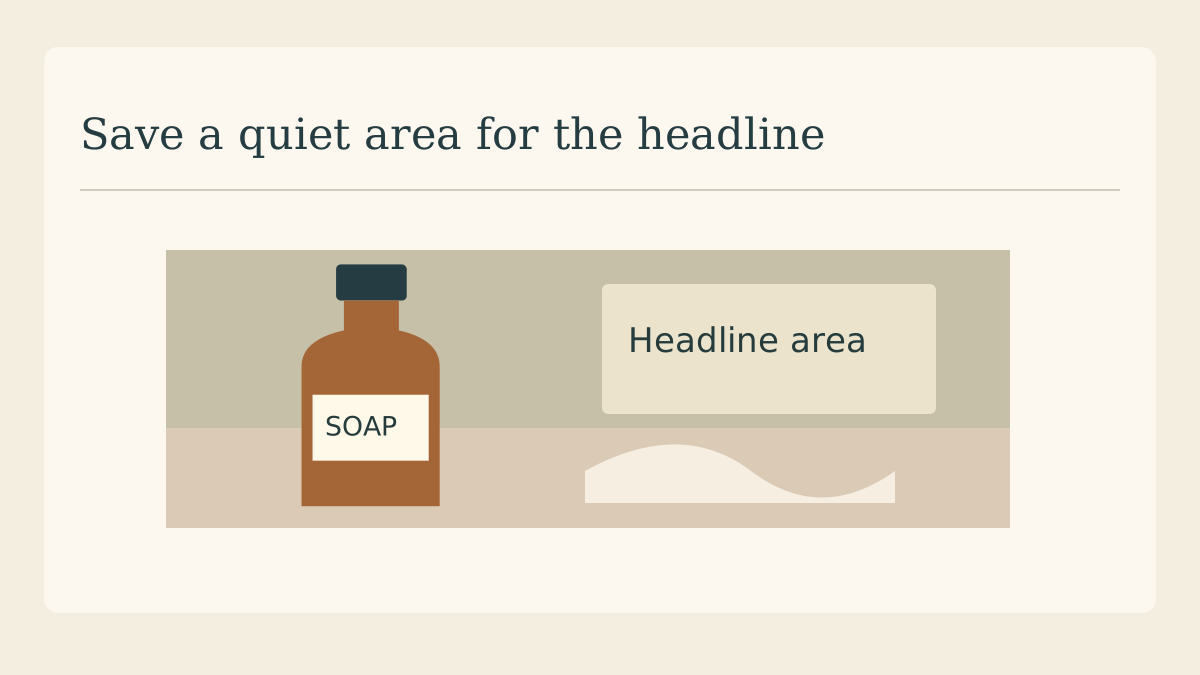
For a mock campaign, picture an amber soap bottle beside a cream towel. The useful question is whether each generated scene still reads as that bottle. A short visual brief and a reference photograph make the first round much easier to judge.
Choose an identifiable reference
Use a clean photograph with the whole pump and both corners of the label visible. A crop that clips the pump asks the model to invent its shape. Put a second, untouched copy beside the working file for comparison.
Describe the set in physical terms
Write “upright amber bottle on pale limestone, folded cream towel at right, diffuse window light from the left”. Add the camera angle you need. The material, placement and light direction give you visible decisions to check in the results.
Leave a home for the headline
Sketch the intended headline in a rectangle above the towel. Request that region as quiet background. If you need exact lettering on a paid creative, put the approved copy in your layout after selecting a scene.
Compare shapes before mood
Line up candidates at the same displayed height. Inspect the pump shoulder, neck, label proportions and amber colour. A beautiful reflection can distract from an altered dispenser. Eliminate candidates with structural changes before choosing a lighting treatment.
Revise the scene in one dimension
If the best candidate has an overly busy towel, describe a simpler fold and keep the rest of the brief. Changing light, stone and bottle angle simultaneously makes it hard to tell what improved the result and what damaged it.
Identify the mockup at delivery
Save the reference and chosen concept with the brief. Mark the result as a campaign concept for review. When exact label text or actual pack geometry matters, assemble the approved product photograph into the chosen background before delivery.
Continue with the proof sheet
Place the selected scene next to the original reference for review at the same scale.