Image editing
MiniMax H3 Image: change a product backdrop with two references
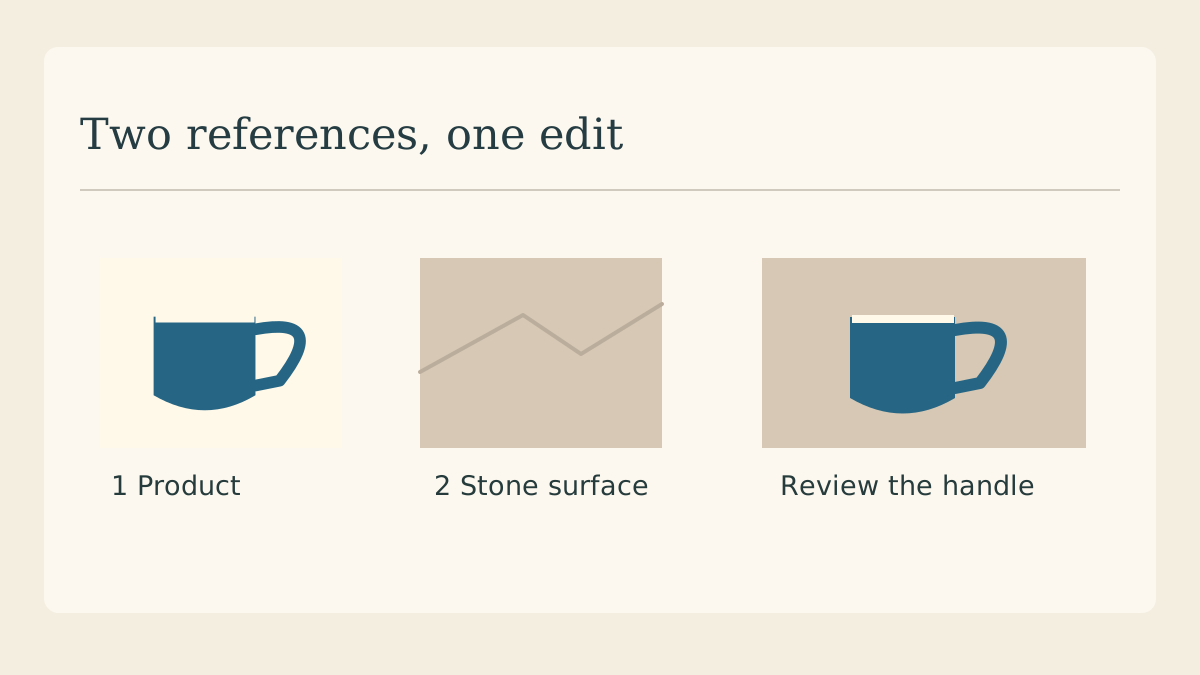
A ceramic maker has a packshot of a cobalt mug and a second photograph of a pale stone counter. The brief is to move the mug onto the counter while keeping its handle, glaze and maker’s mark. Two references give those instructions separate anchors.
Give each input one job
Put the product in the first picture. Choose a second picture with the desired surface and light direction. A stone sample without another mug is easier to describe because there is only one object in the entire brief that could be the product.
Write the reference order down
In MiniMax’s editing example the uploaded order defines the picture numbers. Record “Picture 1 = blue mug, Picture 2 = limestone” next to your source files. If you replace a reference during a revision, check the order before reusing the prompt.
Ask for one visible change
Try this brief: “Place the mug from Picture 1 on the counter in Picture 2. Keep the left-facing handle, white rim and stamp. Add a small contact shadow under the base.” It gives the reviewer three product details and one edit to check.
Keep a crop of the original
Crop the stamp and the point where the handle meets the body from the original packshot. Put them beside matching crops from the candidate. A convincing blue glaze can hide a changed letter or a handle that has grown a second attachment.
Read the contact shadow
Trace the base from left to right. A dark line projecting beyond both sides can make the mug appear cut out. Compare the direction of the shadow to a recognizable feature in the counter reference, then request a shadow correction if they disagree.
Hand off the accepted pair
Keep the two input files, their order, the prompt and the selected result together. If the stamp changes in every candidate, preserve the real product cutout and commission only the background. The diagram shows the intended handoff, not a model-generated result.
Continue with the product comparison
Use the same packshot when comparing how different models treat a logo, a handle and a reflective surface.