Opus 5.5 motion production
Revise an Opus 5.5 Motion Video Without Changing Every Scene

The studio approves its workshop promo but asks for one change: replace “Book a seat” with “Reserve your place.” A complete redesign wastes review time and makes the approval harder to trust.
Use a named revision with a specific changed scene and explicit invariants. Source-based animation makes a small edit possible, but the model still needs boundaries and the export still needs review.
Ciyo’s Opus 5.5 agent built the fictional worked example below with code. The linked MP4 is the actual product export, drawn with Pillow and encoded with FFmpeg; it is not a generated camera-footage clip.
1. Freeze the approved baseline
Keep the prior source and MP4. Record the approved scene timings, colors, dimensions and copy. A remembered description is weaker than a file you can compare.
Name the source revision and output together. If source v2 produces export v3, the reviewer cannot easily recover the version they approved.
2. Write a narrow change contract
State exactly which string changes and where. Preserve the invitation and event scenes, their frame ranges and all decorative motion. Allow only the end-card line break and font size to change if needed for the new wording.
Ask the agent to list any additional changes before rendering. A needed line-wrap correction is reasonable; an unrequested new palette is outside the edit.
| Item | Action | Review criterion |
|---|---|---|
| Scenes 1–2 | Preserve | Matching decoded frames |
| End-card copy | Replace exact string | Reserve your place. |
| Timing | Keep 180 frames / 30fps | Six-second export |
| End-card layout | Adjust only if necessary | All text inside guard |
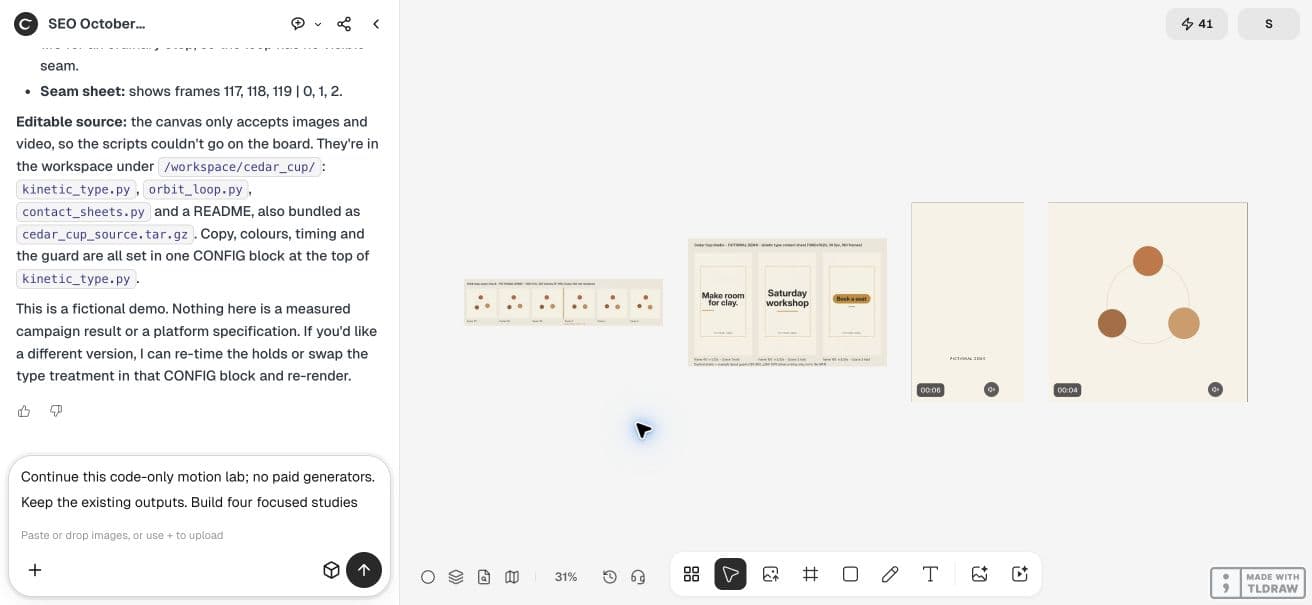
Revise the approved Cedar Cup Studio kinetic video as v2. Only replace the end-card string Book a seat with Reserve your place. Keep the first two scenes, all timing, dimensions, palette and decorative motion unchanged. Retain v1 source and export. If the longer line needs a layout adjustment, report it. Render v2 and a paired end-card comparison, and compare decoded frames from the first two scenes.3. Compare decoded frames, not just file hashes
An MP4 file hash can change because of encoding or metadata even when its pictures are the same. Compare decoded pixels at matching frames for the scenes that should stay fixed.
For a narrow copy revision, sample each unchanged hold and transition, then inspect the new end card. A few samples are a review aid, not proof that every unchanged frame is identical.
4. Recheck the changed scene’s whole layout
The new words may be longer. Measure their visible bounds with the actual font and inspect the moving entrance. Keeping a font size unchanged can introduce clipping even when the replacement is accurate.
If the line needs two rows, decide the break intentionally. Keep the stable hold long enough for the new phrase; if it needs more time, discuss that tradeoff instead of silently changing the whole film.
5. Make the revision in Ciyo
Ask the agent to retain the baseline and produce the changed edition under a new filename. Place the old and new end-card hold frames on the canvas. Use the actual outputs to check the one requested change.
Request a short change report naming touched source values and any layout adjustment. Review the complete export once more; a correct end card can still be paired with a mistaken earlier scene.
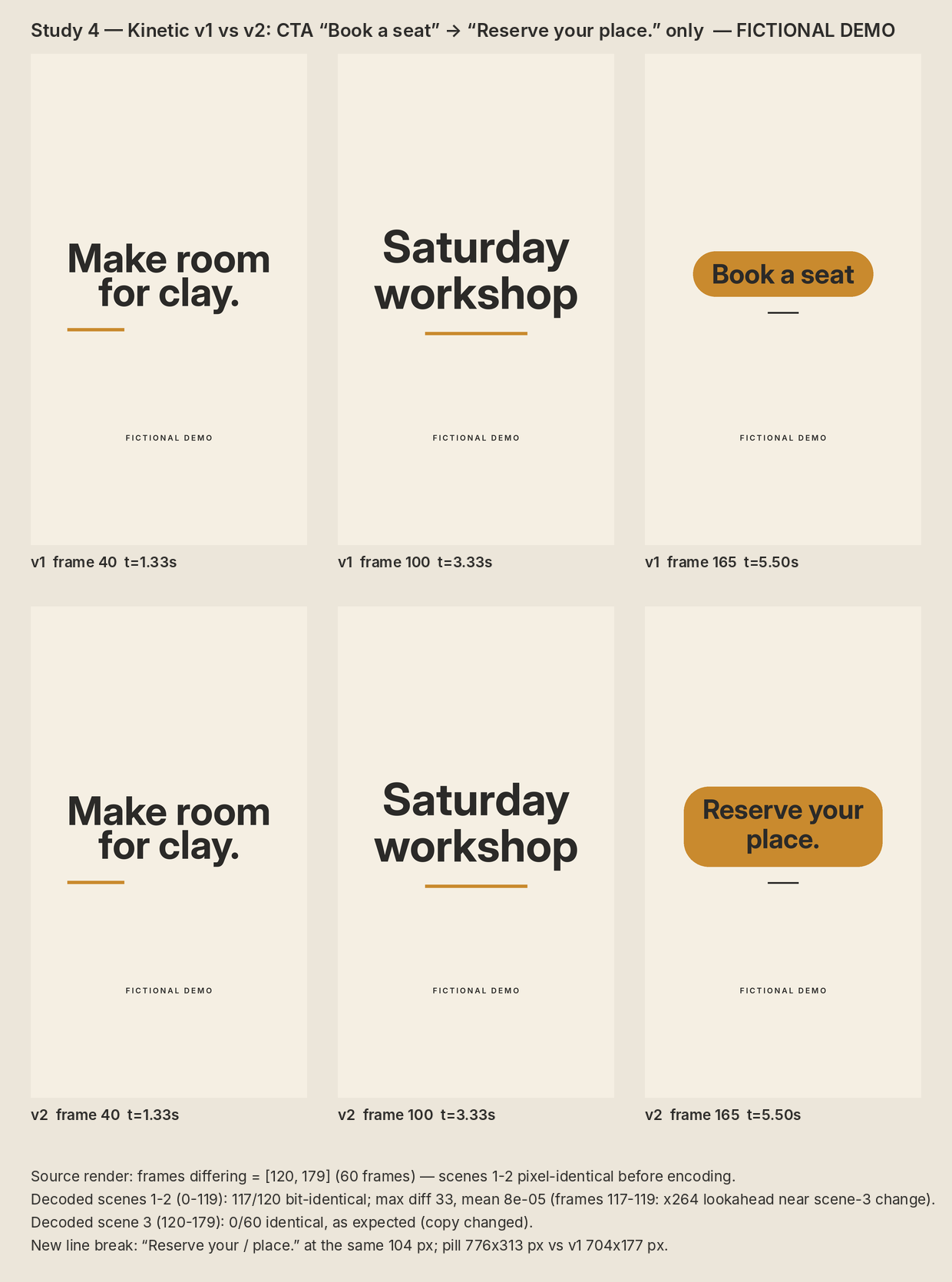
The live v2 needs two lines for “Reserve your place.” at the original 104px size. Its pill grows from 704x177 to 776x313 pixels. That is an explicit end-card layout change, so it belongs in the revision note.
The agent reported identical unencoded source frames in the first two scenes, but only 117 of their 120 decoded frames matched the prior MP4 exactly. Frames 117–119 differed slightly. Source equality and encoded equality are different claims; retain that finding rather than promising every encoded pixel stayed unchanged.
In this demo, Ciyo saved the Python sources in the project workspace but could not attach a source archive to the canvas. Ask the agent to paste the source in chat when you need a copy outside that workspace; the video download is a separate deliverable.
We independently checked the first 120 decoded frames using FFmpeg frame hashes: frames 117–119 differ, giving 117 exact matches. The agent attributed this to encoder lookahead; we did not separately isolate that cause.
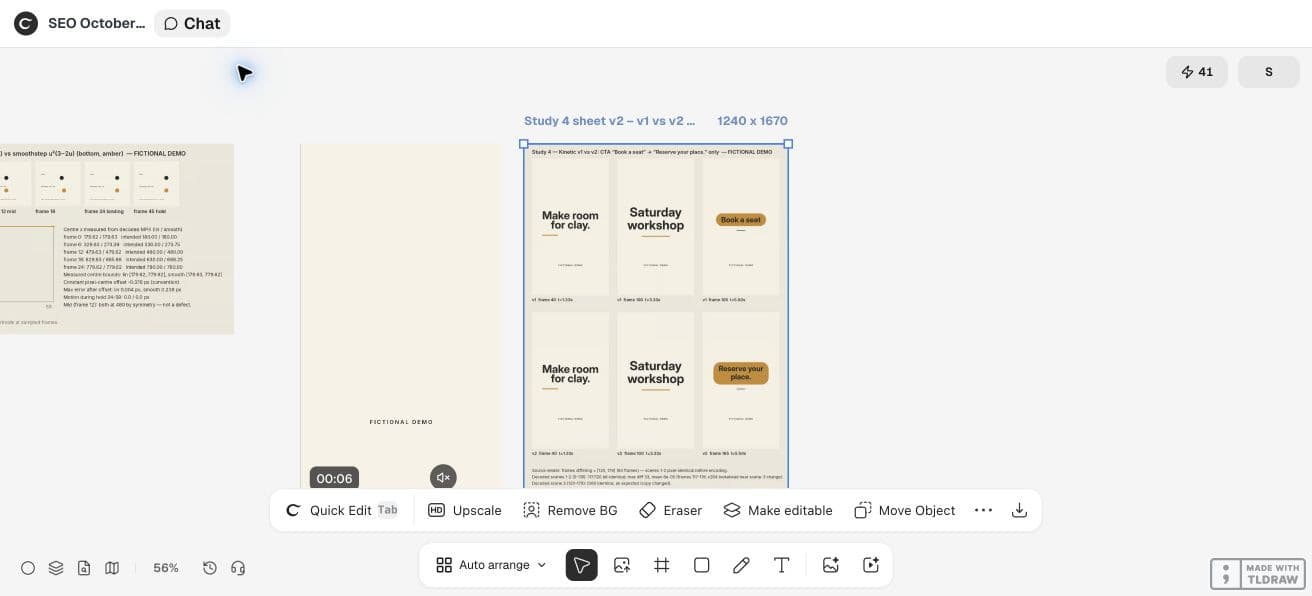
CFNStudio compares model outputs in Motion. This concerns another tool; our revision contract is an original Ciyo exercise, not the poster’s advice or evidence of model superiority.
6. Approve a file, not a description
Give the reviewer the new export, matching source revision and visible comparison. Record whether timing, wording and layout are approved separately if they have different owners.
A narrow revision is a production practice. It does not guarantee that a coding model never changes unrelated material; the comparison is what establishes your confidence.
Practical questions
Can I prove unchanged scenes from the MP4 hash?
A container hash is not a visual comparison. Decode matching frames or compare the source and rendered content.
Should I overwrite the old export?
Keep a named baseline so the reviewer can compare and recover the approved version.
What if the new copy needs more time?
Treat that as a separate timing decision and get the wording and pacing reviewed together.
Make a small motion study you can check
Open an isolated Ciyo project, bring your approved copy, and ask the agent for source, a rendered draft and the specific checks your deliverable needs. Review the actual export before using it.