Practical creative workflows
QR Code Workshop Poster: Decode the Finished File

A workshop poster needs a reliable next action. If the code opens the wrong page or fails after layout, an attractive headline does not help the person holding a phone. Check the destination, the actual code and the finished poster as separate steps.
Our fictional Cedar Cup studio example points to the existing Ciyo blog as an explicitly labelled demo destination. It is not a real event or booking offer. Ciyo generated and decoded the code, built the poster, then decoded the final file. We repeated that file check independently.
Confirm the destination before making the code
Open the intended page and verify the action it offers. For a real workshop, the organizer should confirm the booking page, date, capacity and fallback contact route. A successful HTTP response alone does not prove that registration works.
The demo URL is https://ciyo.ai/blog. It returned HTTP 200 without a redirect during Ciyo’s check. The visible label says Demo QR: read the Ciyo blog and the fallback says ciyo.ai/blog. No booking claim appears on the poster.
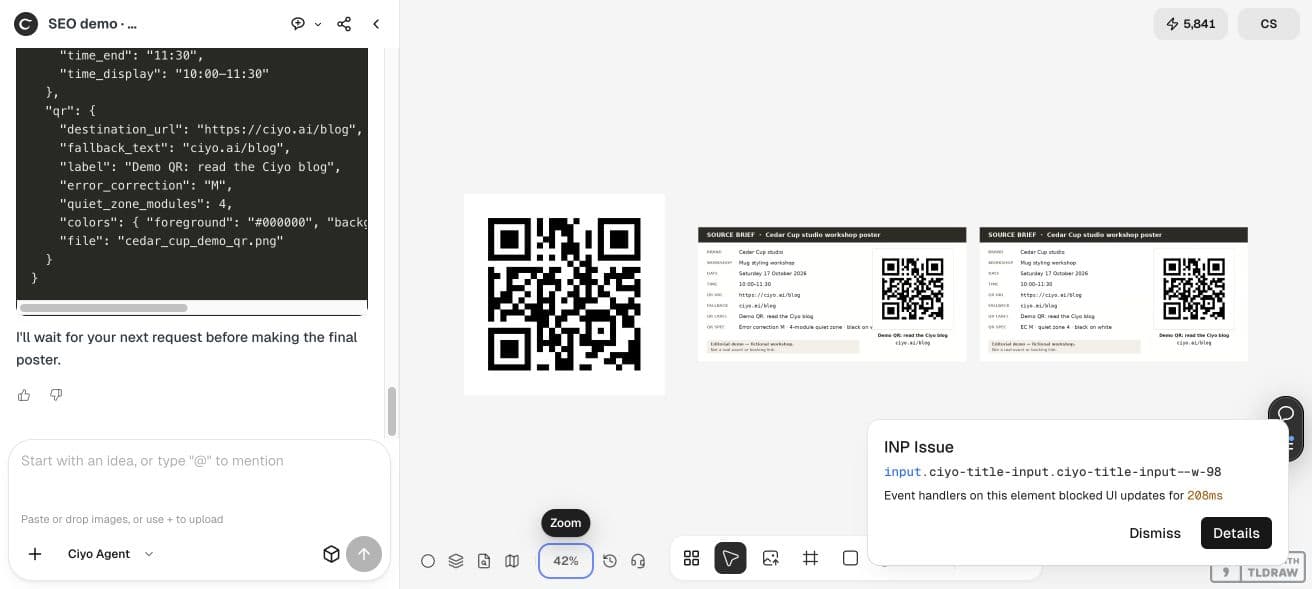
Generate a code with a protected quiet zone
The standalone code is version 2, with 25×25 modules and error correction M. Four white modules surround each side. Its 660×660 file therefore contains 33×33 modules, including the quiet zone.
DENSO’s QR guidance explains the need for clear surrounding space. Keep that space intact when placing the code; do not insert a logo or decoration just because a preview still looks recognizably square.
Place the original code at an integer module size
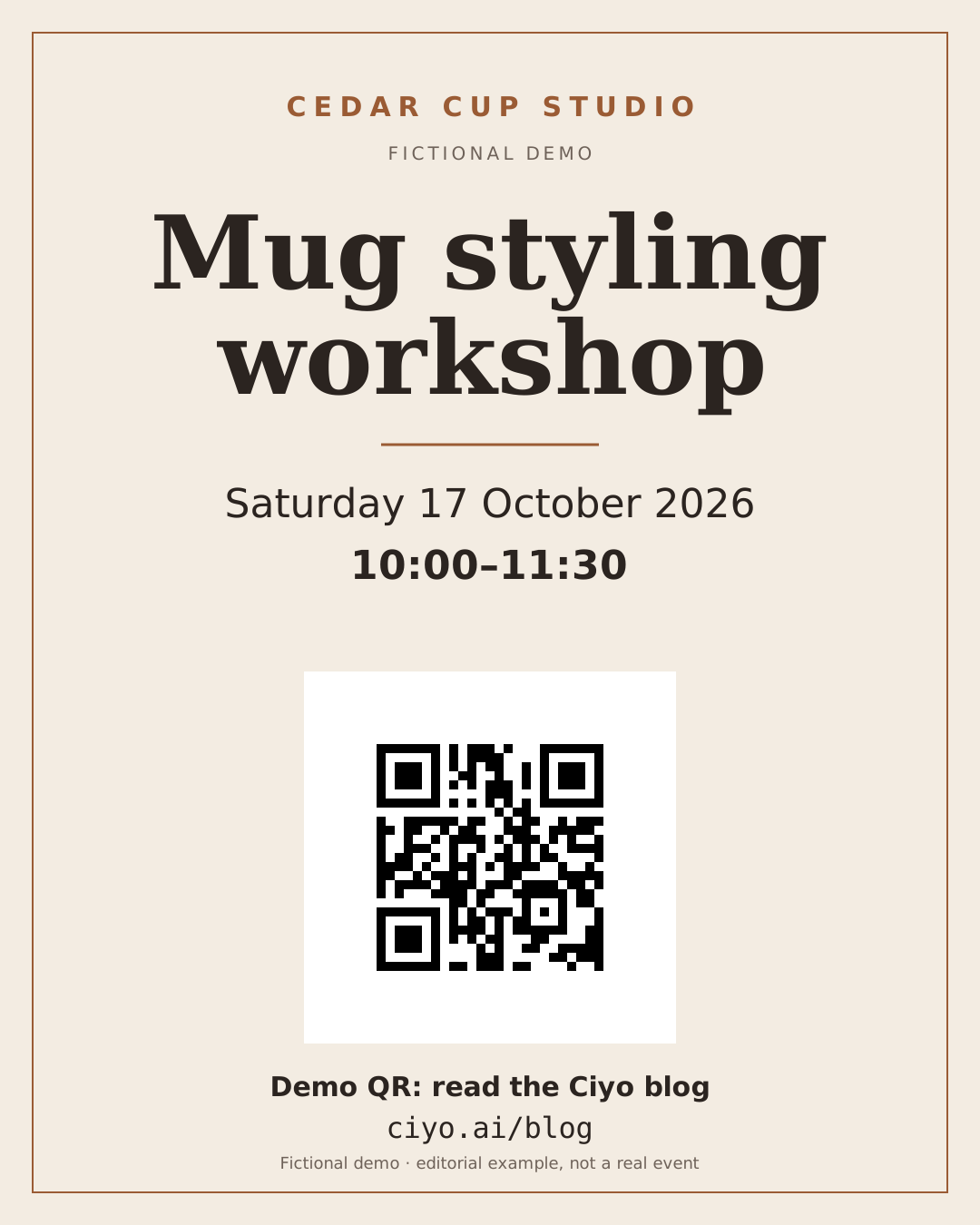
Ciyo embedded the unchanged source at 330×330 pixels, at (375,780) in a 1080×1350 poster. Each module becomes 10×10 pixels, including the white quiet zone. A separate white panel adds 40 pixels of clear space all around.
The layout uses real editable text for the event example, date, time and demo link. The source code remains distinct from the decorative poster; it is not regenerated as part of a new image prompt.
| Element | Measured value |
|---|---|
| Poster | 1080×1350 |
| QR source | 660×660 |
| Placed QR | 330×330 |
| Module size in poster | 10×10 pixels |
| Quiet zone | 4 modules on each side |
| Additional white clearance | 40 pixels |
Use this independently decoded QR source unchanged. Build an editable poster with real event text, a visible fallback URL and an explicit demo label. Place the QR at an integer module size, preserve its quiet zone and avoid overlays. Render the actual poster, compare its QR pixels with the source scaling, and independently decode the full final file. Report the exact URL; do not claim phone scanning or printing.Decode the finished poster, not just the source
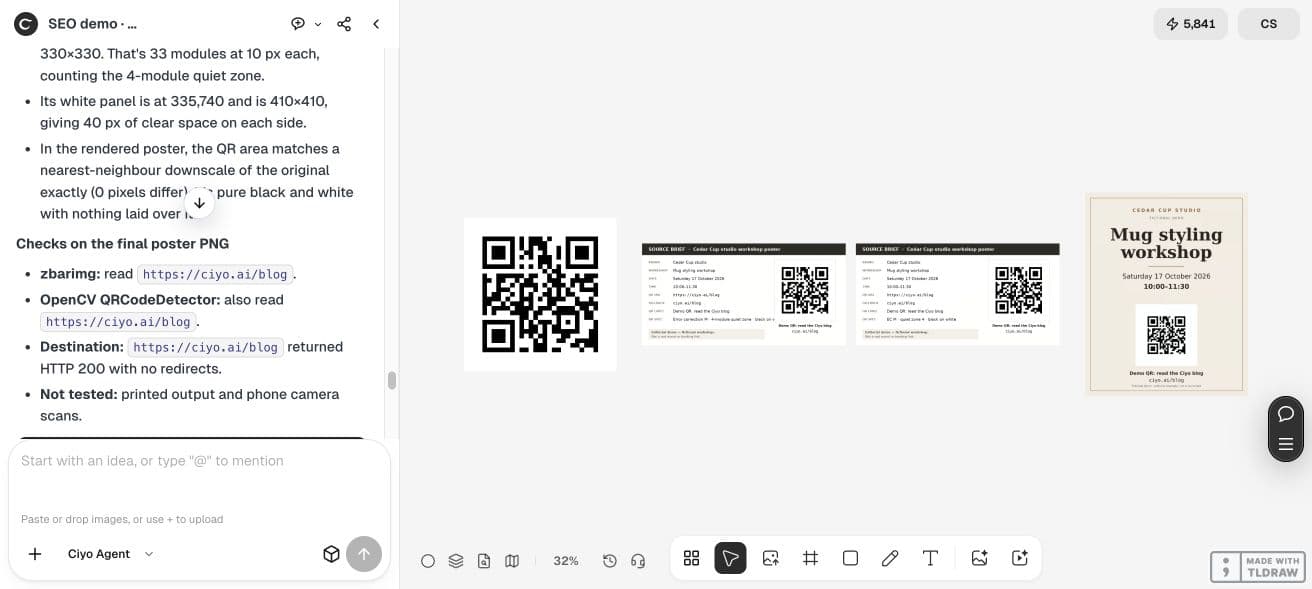
Ciyo used separate decoders on the full final PNG. We then downloaded that PNG and independently decoded it with OpenCV. The payload was exactly https://ciyo.ai/blog. We also checked that the embedded QR bytes match the original and that the rendered QR pixels match its nearest-neighbour downscale.
The placed code contains only black and white, and its quiet zone stays white. These are digital-file checks. A phone camera, printed paper, glare or viewing distance can still introduce practical problems.
Test the real publication or print separately
Scan the exported file on the devices your audience uses. If printing, make a proof at the intended physical size and scan under plausible lighting and distance. Test again after a channel compresses or resizes the image.
We did not conduct a phone-camera scan or a physical print test. Keep those tasks on your handoff checklist rather than inferring them from a successful file decoder. A final URL check should also verify the intended action, not merely that a page loads.
Keep a readable fallback and version record
The visible ciyo.ai/blog text supplies a route when a reader cannot scan the code. For your event, show an appropriate human-readable URL and make the required action clear. Keep the source URL, code and accepted poster together.
When the destination changes, generate a new code and repeat the final-file decode. Do not manually paint over a few modules or assume a previously checked source proves that a revised layout still scans. The useful workflow ends with a checked delivery file.
Practical questions
Does this QR register someone for a workshop?
No. It opens the Ciyo blog and is explicitly labelled a fictional demo. Use your verified registration destination for a real event.
Can I add a logo inside the code?
This example preserves the original code with no overlay. Any alteration needs new decoding and practical scan tests.
Does a successful decoder prove the printed poster works?
No. Check the final print with real phones, lighting and viewing distances.
Check one poster from URL to final file
Use Ciyo to retain the destination, code and final poster, then verify the exported file and the real publication channel.