Practical creative workflows
Sprite Animation Frame Duration: Check the Saved GIF

Four frames do not necessarily deserve four equal holds. A blinking lantern should spend more time open than half-closed; evenly spaced frames can turn a brief blink into a slow pulse.
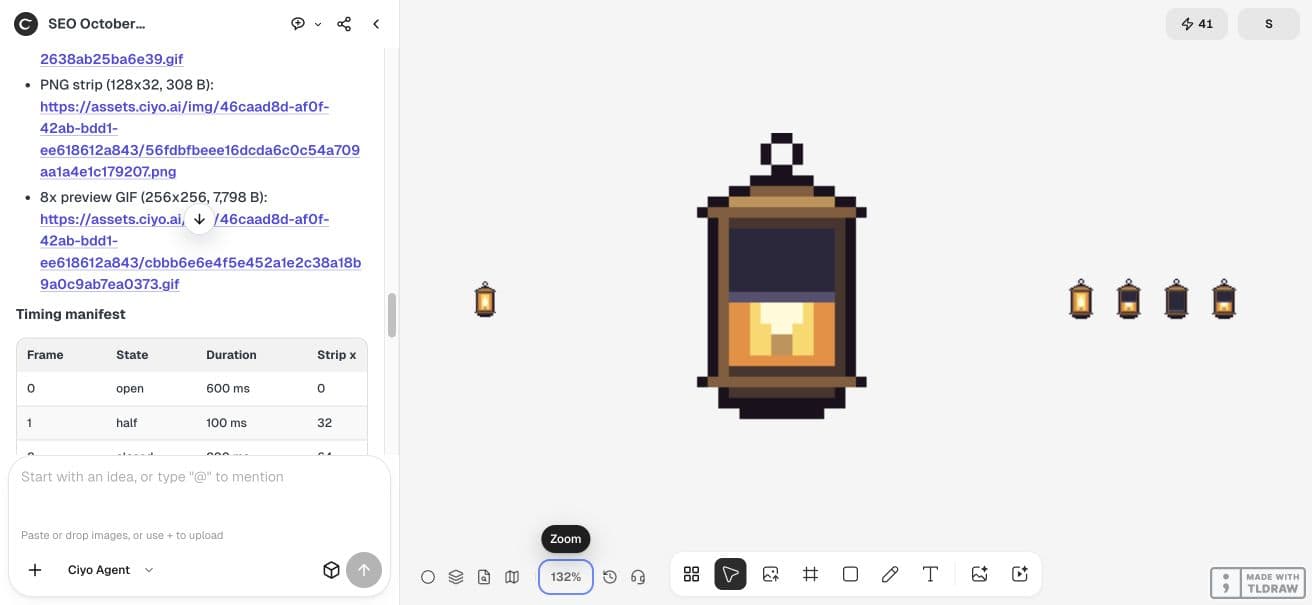
We created a fictional four-frame lantern in Ciyo and checked the actual GIF after download. Its open, half, closed and half states last 600, 100, 200 and 100 milliseconds. The complete loop is one second. This is a code-generated timing example, not a video-model comparison.
Separate frame order from frame duration
Write the order and duration together. A PNG strip can carry frame order visually, but it does not prove how long any frame will appear. Keep a timing list alongside the artwork when moving between tools.
Our timing deliberately repeats the half-closed state. The two half states have the same appearance but occupy different positions in the sequence. Preserve that order when checking the encoded file.
| Frame | State | Duration | Cumulative end |
|---|---|---|---|
| 0 | Open | 600 ms | 600 ms |
| 1 | Half | 100 ms | 700 ms |
| 2 | Closed | 200 ms | 900 ms |
| 3 | Half | 100 ms | 1,000 ms |
Create a native loop and a viewing copy
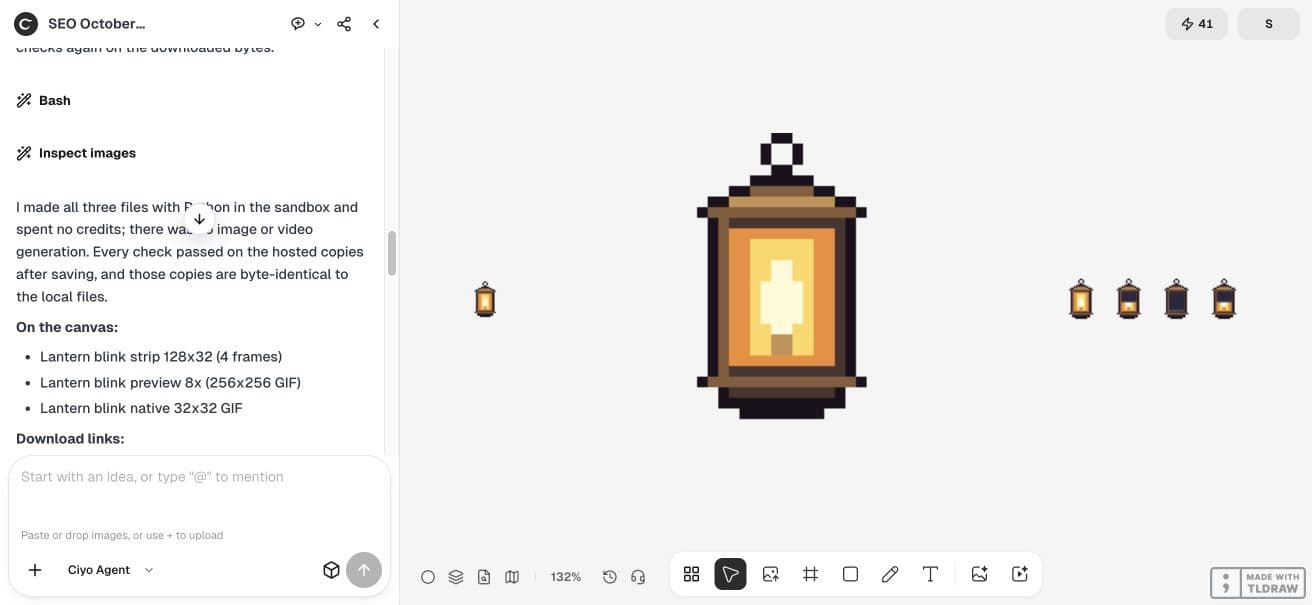
In a new Ciyo project, ask for a 32×32 GIF, a 128×32 four-frame strip and a 256×256 nearest-neighbour preview. Keep palette and anchor geometry consistent. The enlarged version helps inspect pixels; it should not silently replace the native game asset.
Ask the agent to reopen the GIF after writing it and report its encoded frame count, durations and loop setting. This catches export behavior that a correct-looking strip cannot reveal.
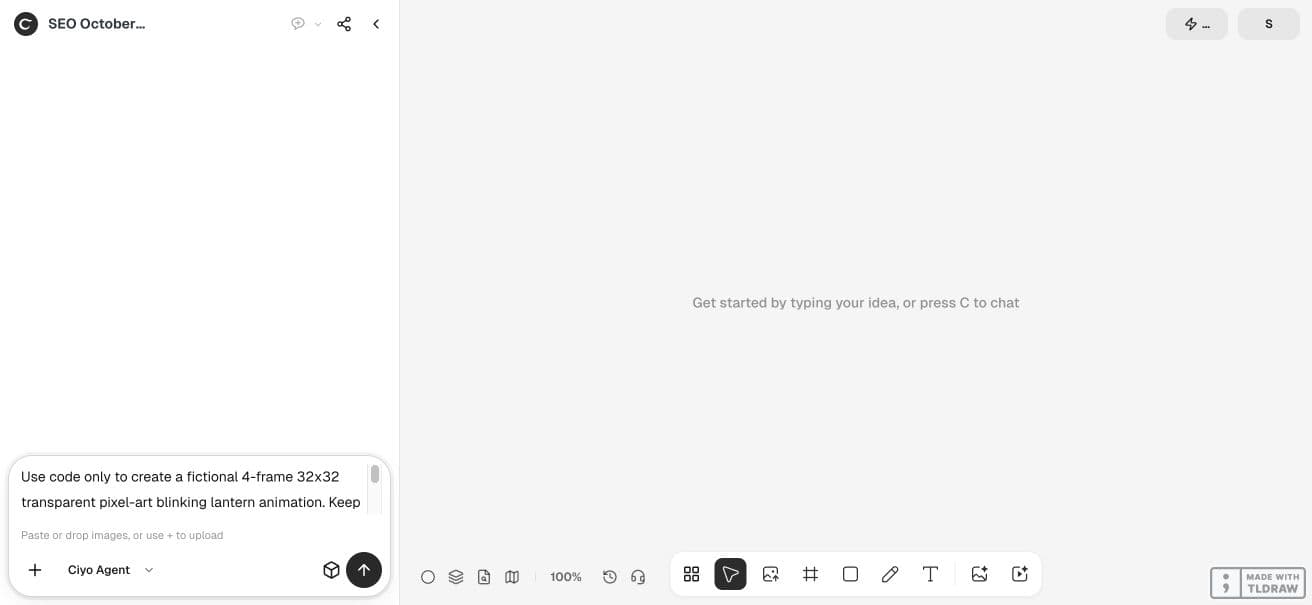
Use code only to create a fictional 4-frame 32x32 transparent pixel-art blinking lantern animation. Keep geometry anchored and palette identical; frames are open, half, closed, half. Durations are [600,100,200,100] milliseconds, looping forever for a total cycle of 1000ms. Deliver the native GIF, 4-frame PNG strip and an 8x nearest-neighbour preview GIF. Put the strip and preview on the canvas, expose download links and repeat timing manifest in your response. Validate GIF encoded per-frame duration after saving, dimensions, loop=0 and cycle total, do not infer timing from a static strip. No paid image or video generation. This is an illustrative code-generated fixture in actual Ciyo, not a model quality benchmark.Check the export rather than counting pictures
The actual Ciyo output includes the strip, native GIF and enlarged GIF. We downloaded the original GIF files and independently reopened them. Each has four frames with encoded durations [600,100,200,100], a 1,000 ms total and loop=0.
The native file is 32×32; the inspection copy is 256×256. Those are measurements of these two files. They do not establish browser playback accuracy, engine timing or animation quality in every destination.
Keep the timing when you change containers
Pillow’s GIF documentation provides per-frame duration and loop options, which we used to inspect this example. Other formats or importers can represent timing differently. Supply the duration list instead of assuming a sprite sheet carries it automatically.
Apply holds in the receiving animation system
If your engine imports only images, apply the four holds in its animation system. If an importer merges identical frames or resamples to a fixed rate, compare the resulting cycle against the intended one-second rhythm. Do not change the drawing to compensate for an unexplained timing loss.



Review one loop at the intended display size
Watch the animation where you intend to use it. Confirm the long open hold and short transitions are still readable. Use the enlarged copy to inspect anchoring and pixel consistency, then return to native display scale to judge the rhythm.
For gameplay actions, timing also controls when sounds, effects or collision changes occur. This blinking example has no attack or damage logic. Keep those events in a separate, explicit timeline and test them in the engine.
Practical questions
Can I infer duration from the PNG strip?
No. The strip shows artwork and order. Read the timing manifest or inspect the encoded animation.
Is loop=0 a stopped animation?
In the GIF files used here, loop=0 requests indefinite looping.
Does a one-second encoded cycle guarantee exact playback everywhere?
No. Validate playback in the browser, application or engine where the animation will run.
Keep the timing with your sprite frames
Start with one checked example in Ciyo. Keep the source and inspect the exported result before using it in your own project.