Small business · Print
Design a Business Card with AI and Check It Before You Print
A business card is the least forgiving thing a small shop prints. Five hundred copies of a wrong digit is not a design problem, it is a bin.
This guide makes a card front for a fictional plant shop in Ciyo on September 20, 2026, proofreads it against the source list with GPT-6 Astra, and then does the arithmetic that decides whether the file is fit to print. The whole card cost seven credits, which is seven cents.
Write the four lines before you open the tool
Put your details in a list first, in the order they will appear, spelled exactly as they must print. This list is the thing you will check against later, so it has to exist separately from the prompt.
Our fictional shop used four lines: the name, what it sells, an email address and a phone number. Four is usually right. A card with seven lines is a card nobody reads.
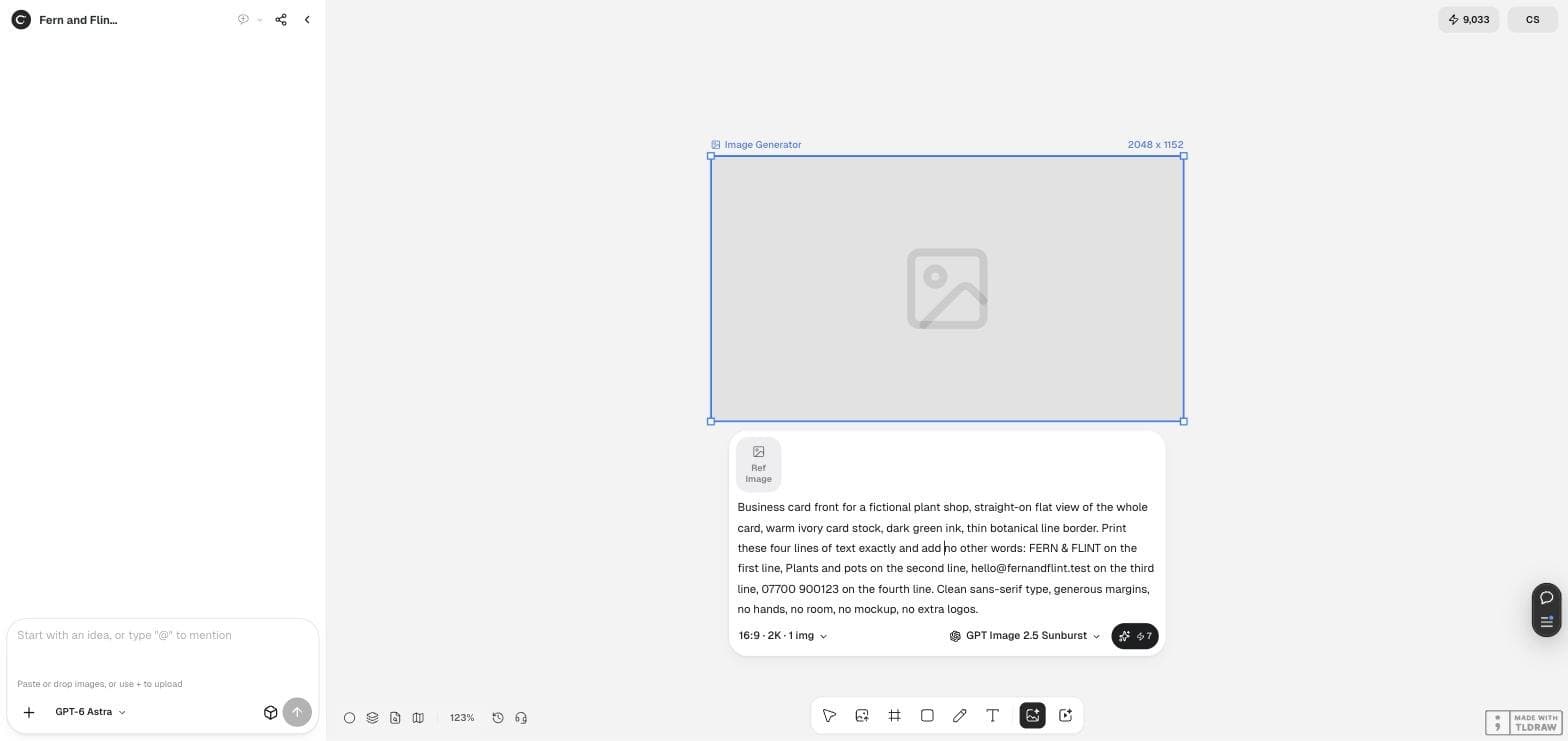
Business card front for a fictional plant shop, straight-on flat view of the whole card, warm ivory card stock, dark green ink, thin botanical line border. Print these four lines of text exactly and add no other words: FERN & FLINT on the first line, Plants and pots on the second line, hello@fernandflint.test on the third line, 07700 900123 on the fourth line. Clean sans-serif type, generous margins, no hands, no room, no mockup, no extra logos.Ask for the card, not a photograph of a card
Three phrases do most of the work here: “straight-on flat view of the whole card”, “no hands, no room, no mockup” and “add no other words”. Without them you get a beautiful photograph of a card lying on a desk, at an angle, which you cannot send to a printer.
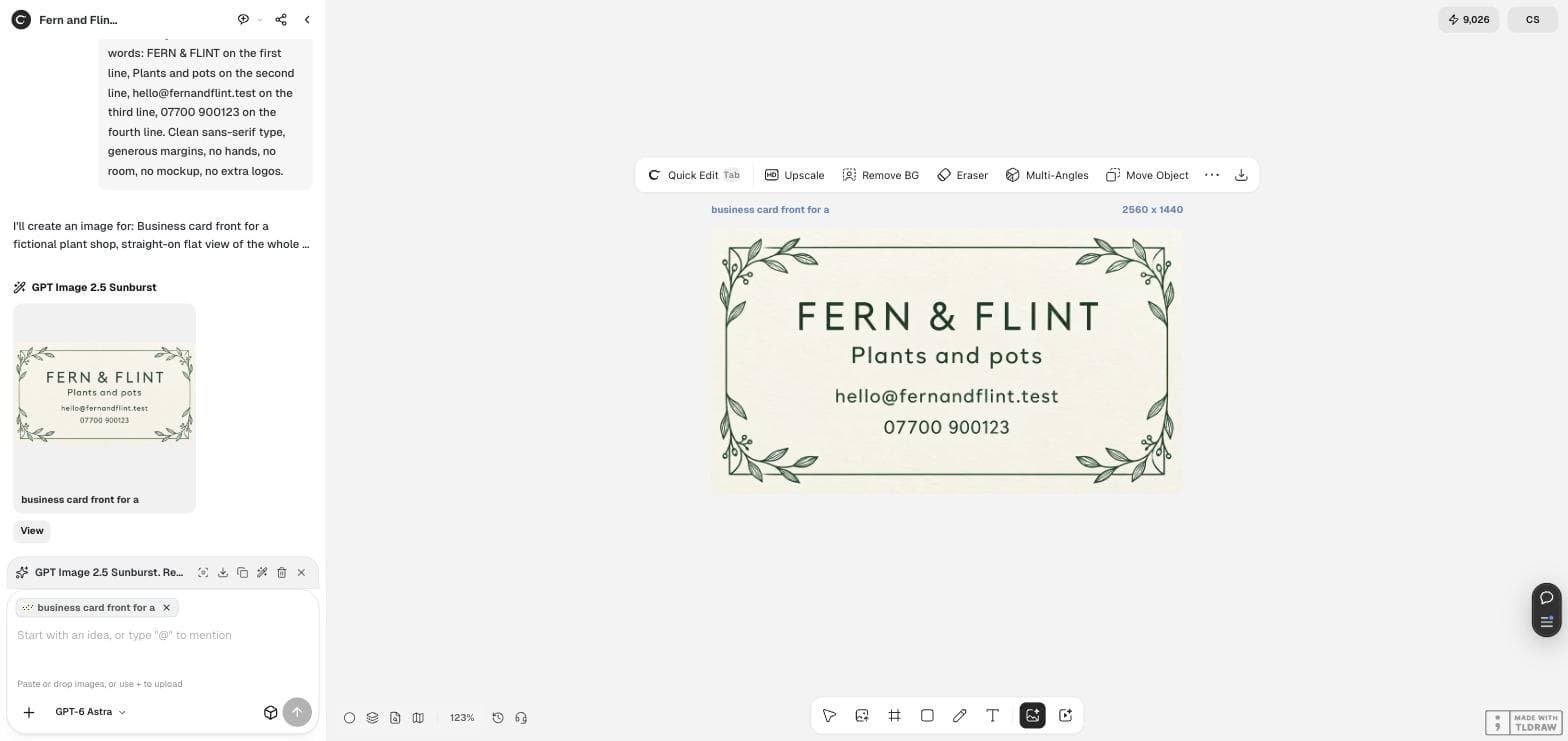
Our run produced a flat 2560 by 1440 card with all four lines present and correct on the first attempt.
Proofread it with the model, not with your eye
You wrote the words, so you will read what you meant rather than what is printed. Hand that job to something that has not seen your intention.
Attach the card and ask for a transcription and a comparison. In our run Astra read back all four lines verbatim and reported: they match the list including capitalization, punctuation and visible word spacing; the first line has wider letter spacing; no extra word or symbol appears; there is a decorative botanical border around the text.
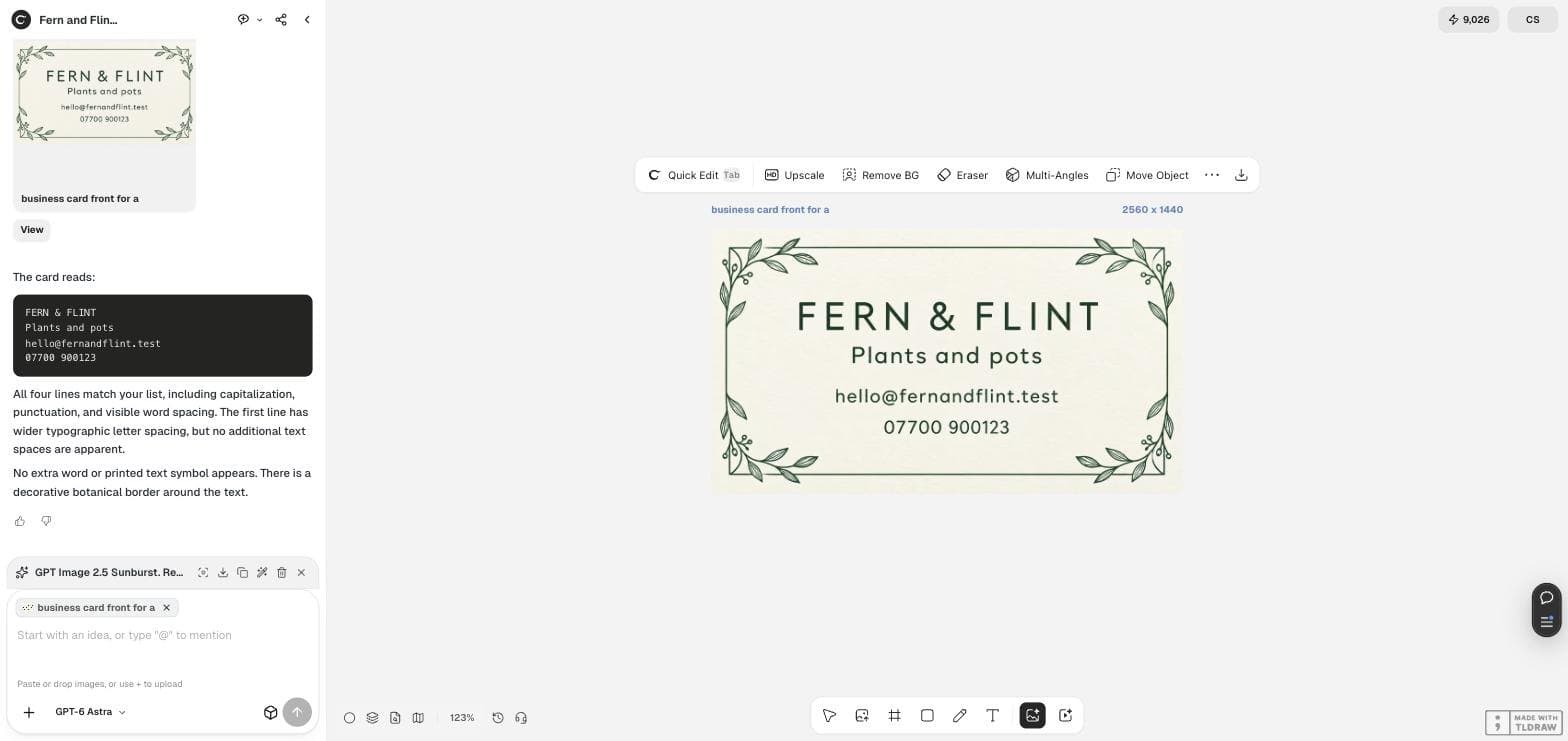
Read every line of text printed on the attached card, exactly as it appears. Then compare what you read with this list and name any difference, including punctuation and spacing: <paste your four lines>. Also say whether any extra word or symbol appears that is not on the list.Three checks before you send it to a printer
Now the arithmetic, which the model will not do for you. A standard card is 3.5 by 2 inches, which is a ratio of 1.75. A 16:9 image is 1.778. Those are not the same, so a 2560 by 1440 file has to lose about 40 pixels of width to become 2520 by 1440 at the correct ratio.
Resolution is the easy one: at 300 dpi a 3.5 by 2 inch card needs 1050 by 600 pixels, and our file has more than twice that in each direction.
Bleed is the one that catches people. Printers usually want about 3 mm of artwork past the trim line, and a generated image has none, so the border sits wherever the model put it. If your design has a border touching the edge, either move it inward or have the printer trim inside the image.
| Check | What it needs | Our file | Verdict |
|---|---|---|---|
| Wording | Matches the source list exactly | All four lines matched | Pass |
| Resolution | 1050 by 600 px at 300 dpi | 2560 by 1440 px | Pass, with room to spare |
| Shape | Ratio 1.75 for a 3.5 by 2 inch card | Ratio 1.778 | Trim about 40 px of width |
| Bleed | About 3 mm past the trim line | None | Keep the border away from the edge |
What to hand the printer
Send the trimmed file at the exact pixel size for your card and dpi, say which side it is, and tell them there is no bleed. Most small printers will place it for you if you say so up front; none of them enjoy discovering it afterwards.
Order a single proof copy before the run of five hundred. It is the cheapest check in this article and the only one that catches colour drift between your screen and their press.
The problem this solves for a small shop
On September 16, 2026 a seller in r/Etsy asked for help with custom business cards, saying they wanted to use a drawing they had made of their own logo and had “zero clue how to go about it”. Twenty people replied.
That is the reader we wrote this for. The workflow above does not need a design tool or a template subscription: exact words, one run, a proofread, and three pieces of arithmetic.
Posted 2026-09-16. A shop owner asking where to start, not an endorsement of any tool.
AI business card questions
Will the AI get my phone number right?
In our run every character was correct, but you must still proofread. Attach the card, ask for a transcription, and compare the digits one at a time against your own list.
Can I get a print-ready file with bleed?
Not from the generator. It produces a flat image with no bleed, so keep borders away from the edge and tell your printer there is none.
What about the back of the card?
Run it as a second image with the same wording rules, or leave it blank. A plain back costs nothing to print and never contains a typo.
Make your card
Write your four lines, generate the card in Ciyo, proofread it with Astra and check the size before you order.