Practical creative workflows
Black Friday Product Bundle Images: Show Exactly What’s Included

A gift-set picture is a promise about what arrives in the box. If the image shows two mugs and the bundle contains one, an attractive composition creates the wrong expectation.
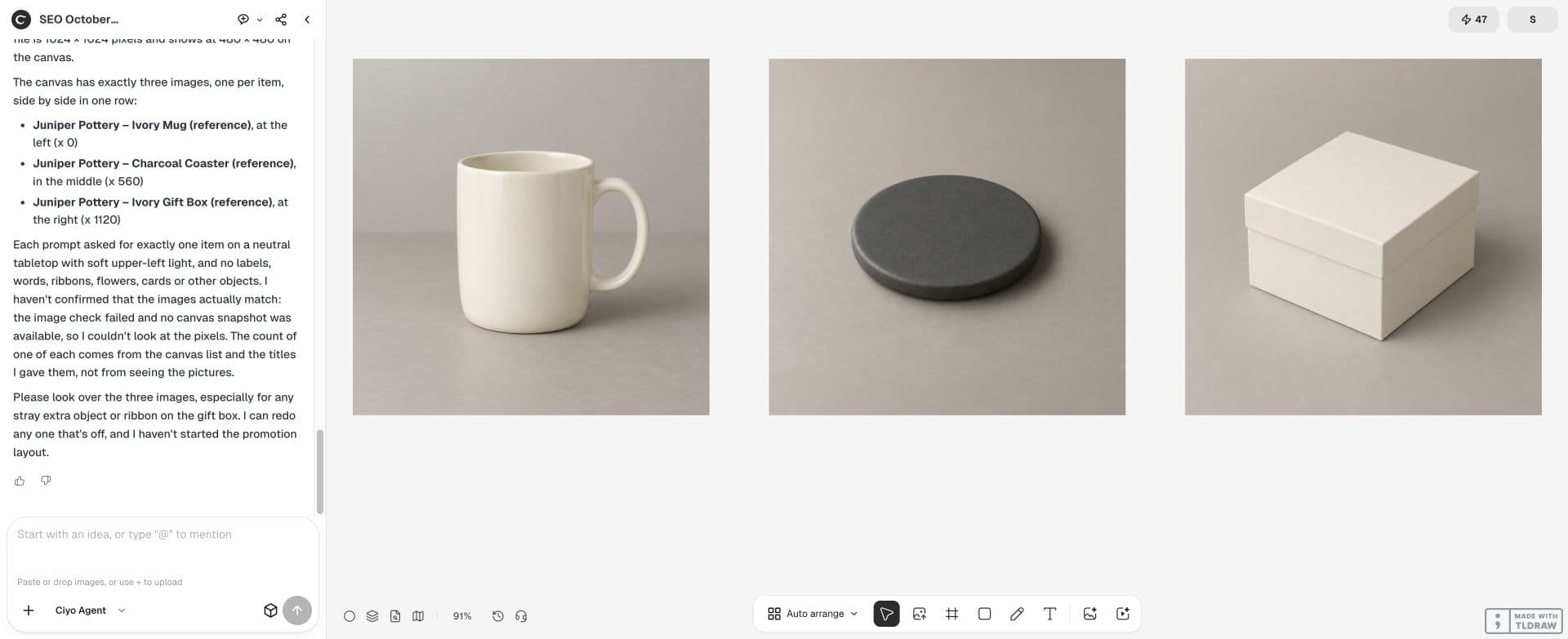
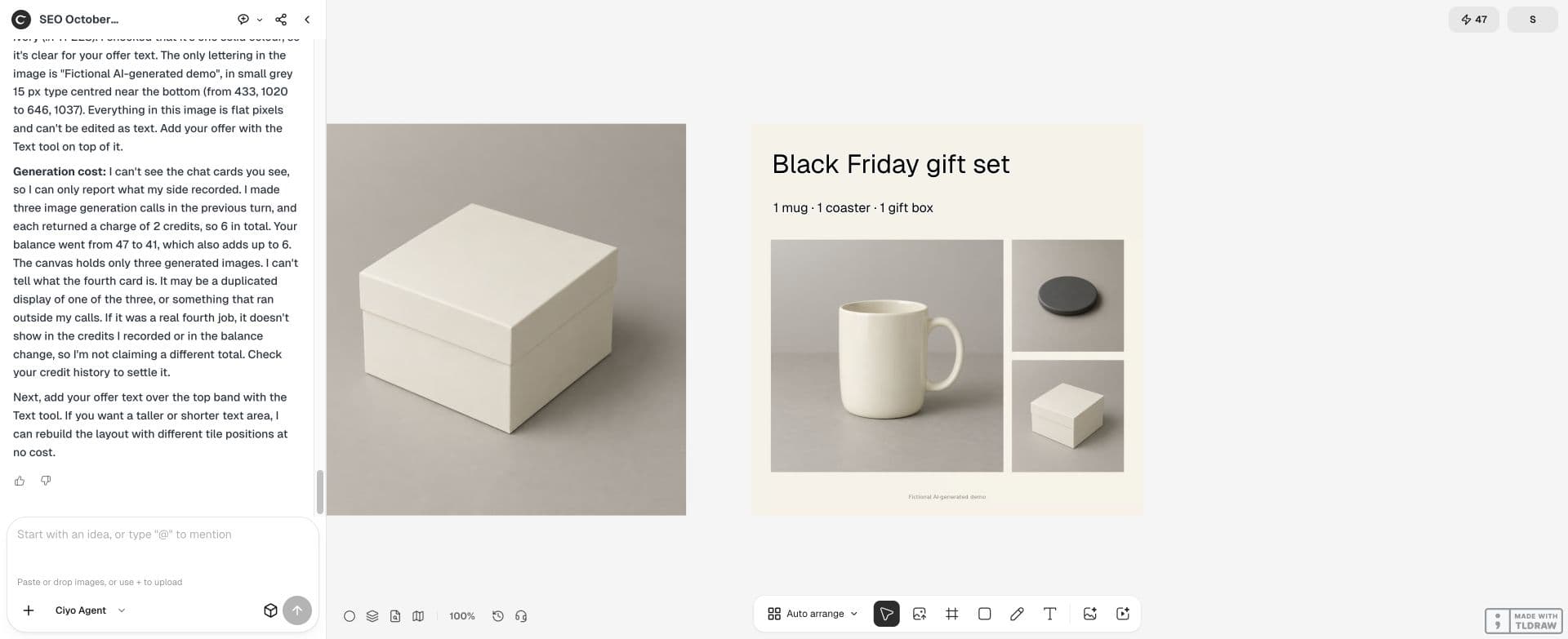
For this fictional Juniper Pottery campaign, the set contains one ivory mug, one coaster and one gift box. The deliverable is a square promotion with those three items and editable offer text.
Write the bundle inventory before designing
Collect the exact product variants, quantities, colour names and offer wording from the approved sales brief. Photograph the actual items or use your own existing listing photos. A generated substitute can change the glaze, shape or packaging.
Keep an inventory note on the Ciyo board. Mark any decorative prop as excluded from the bundle. If you cannot clearly distinguish a prop from an included item, leave it out of the main offer image.
Import separate product photos
Place each source on the canvas and keep an untouched copy. Remove a background only when it helps the composition, then inspect the edges, handles and labels. A cutout with a missing mug handle is not an accurate source.
Use canvas positioning to arrange the approved photos. Asking an image model to redraw the entire gift set is a different task; it can introduce extra items or change the originals.
Choose a hierarchy that shows the contents
Let the mug carry the main visual weight, place the coaster where its full outline is visible, and keep the gift box behind rather than covering either item. Reserve a separate area for the offer.
Plan a square Black Friday gift-set promotion using these three source photos: one ivory mug, one coaster and one gift box. Show exactly one of each. Do not invent accessories or redraw the products. Reserve space for editable offer text. Propose positions and explain which overlaps could hide what is included.Add factual text as editable text
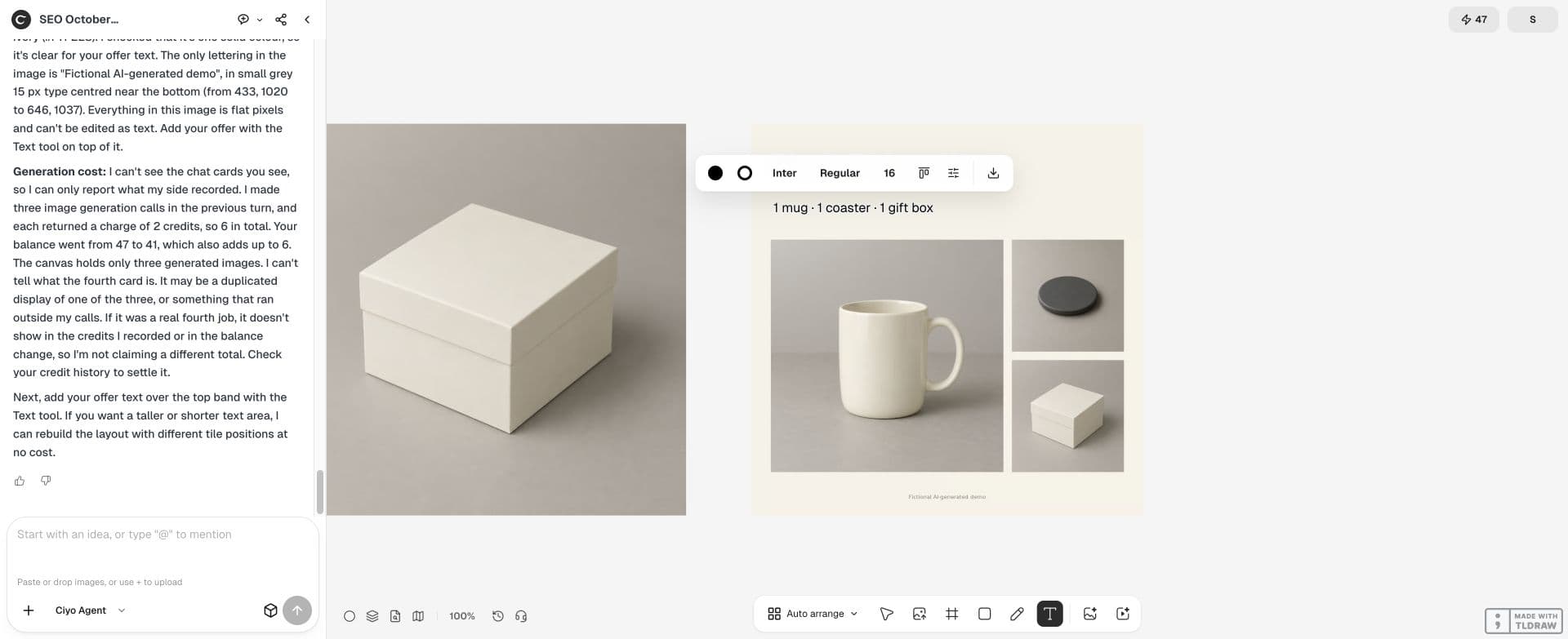
Use the approved offer wording and dates. Keep price, currency, bundle contents and any important restriction readable at the intended posting size. Do not let the image model invent a discount badge or a sale end date.
If the generated background contains lettering, remove it before placing the real text. A contradictory faint price in the picture can still confuse a buyer even when the foreground offer is correct.
Run an item-by-item comparison
Compare the finished layout against the inventory, not against your memory of the brief. Count products, check variant colours and read every label. Ask someone who has not seen the brief what they think the box contains.
| Item | Quantity | Image check |
|---|---|---|
| Ivory mug | 1 | Handle and glaze match source |
| Coaster | 1 | Entire outline visible |
| Gift box | 1 | Clearly shown as included |
| Styling props | 0 | None can be mistaken for a product |
Export a promotion and keep a clean listing image
Save the promotion at the channel’s required size, then inspect it on a phone. The included items should remain identifiable when the image is small. Keep a clean product listing image separately if the shop or marketplace needs one without promotional text.
Retain the source photos and editable board for the next offer. When the price changes, update the text and inspect the export again; you do not need to regenerate the product set.
Practical questions
Should I generate the whole bundle from one prompt?
Use actual product photos when accurate contents matter. Generated concepts can help styling, but they are not a factual inventory.
Can I add decorative accessories?
Keep excluded props clearly separate and do not let them imply extra included products. Omit ambiguous props.
What should stay editable?
The offer, price, dates, contents and important conditions. Keep those as actual text rather than generated lettering.
Build the offer around the actual items
Bring your product photos and approved bundle inventory to Ciyo, then arrange the composition before adding the offer.