GPT-6 Astra · Blender planning
GPT-6 Astra + Blender: Plan the Product Views a Buyer Needs

A product page needs more than one attractive render. Buyers look for the overall shape, a construction detail and what the product is like in use. When those views are not planned, a Blender session produces several similar hero angles and misses the detail that answers the real question.
This walkthrough uses GPT-6 Astra in Ciyo to write a three-view shot list for an external Blender operator. The product is a fictional Fold ivory notebook. The shot list is real Astra output from September 18, 2026. We did not open Blender, render a view or inspect an actual .blend file.
Start from the buyer's questions
Write down what a buyer cannot learn from a single hero image. For a notebook, three questions are common: what does it look like overall, how are the spine and covers joined, and what is the page surface like? Each question becomes one planned view.
Keep the list short. Three views that each answer a different question are more useful on a product page than eight views of the same closed cover.
On September 16, 2026, GrowMax (@Growmaxofficial) posted a previz it says GPT-6 Astra built in two minutes by controlling Blender, then refined with Seedance 2.5. Previz is where view planning pays off: camera positions are decided before anything expensive is rendered. We have not reproduced that workflow or its timing.
Community demo; the speed claims are the poster's own. Our shot list is an original planning step, not a reproduction of this previz.
Ask Astra for the shot list, not the render
Name the views, the output you want for each one and the facts that are still unknown. State that this is planning only. The operator who runs Blender needs a document to follow; the chat does not need to start a render.
Word limits help. A shot list under 180 words fits on one screen and is easy to check against the scene.
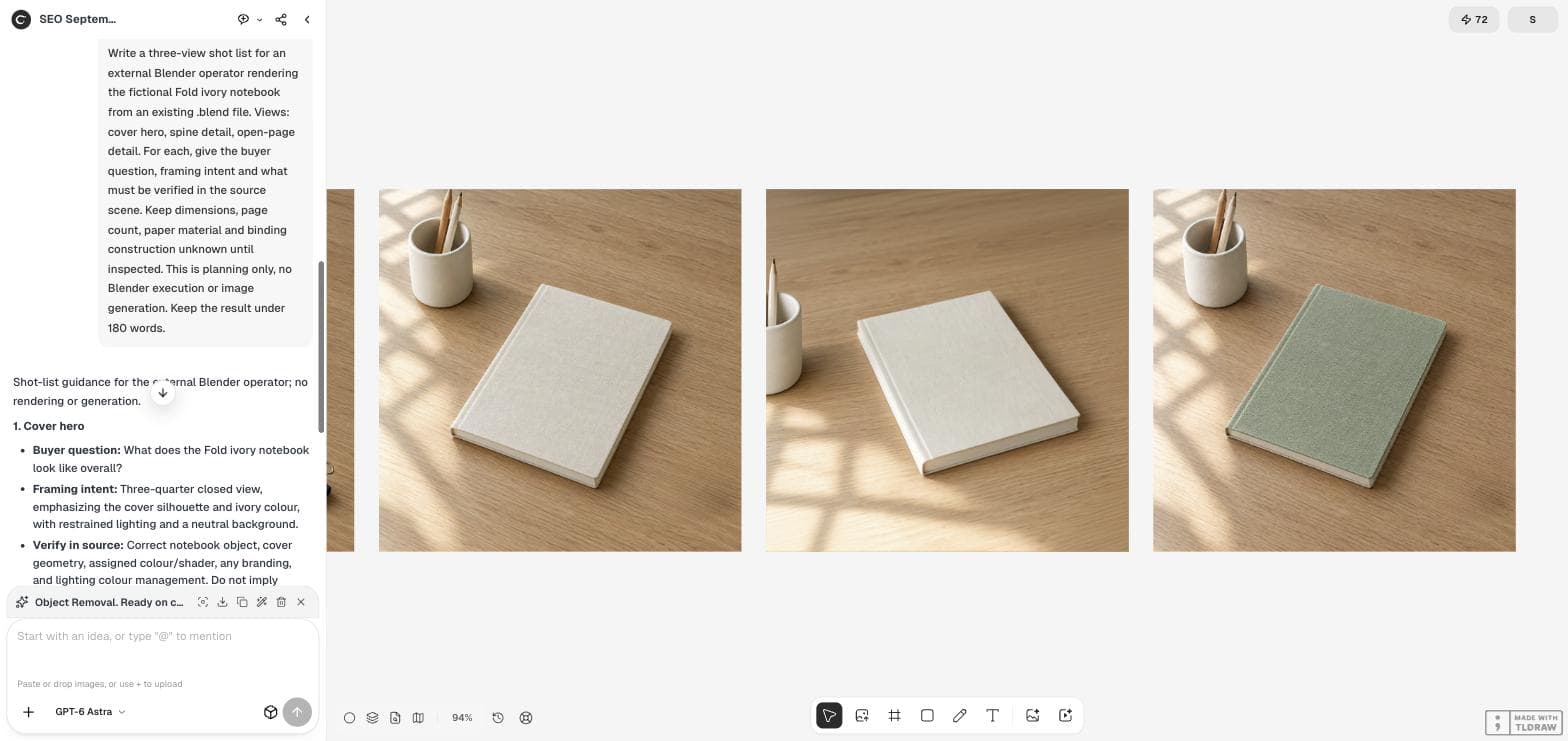
Write a three-view shot list for an external Blender operator rendering the fictional Fold ivory notebook from an existing .blend file. Views: cover hero, spine detail, open-page detail. For each, give the buyer question, framing intent and what must be verified in the source scene. Keep dimensions, page count, paper material and binding construction unknown until inspected. This is planning only, no Blender execution or image generation. Keep the result under 180 words.Read the three views as a set
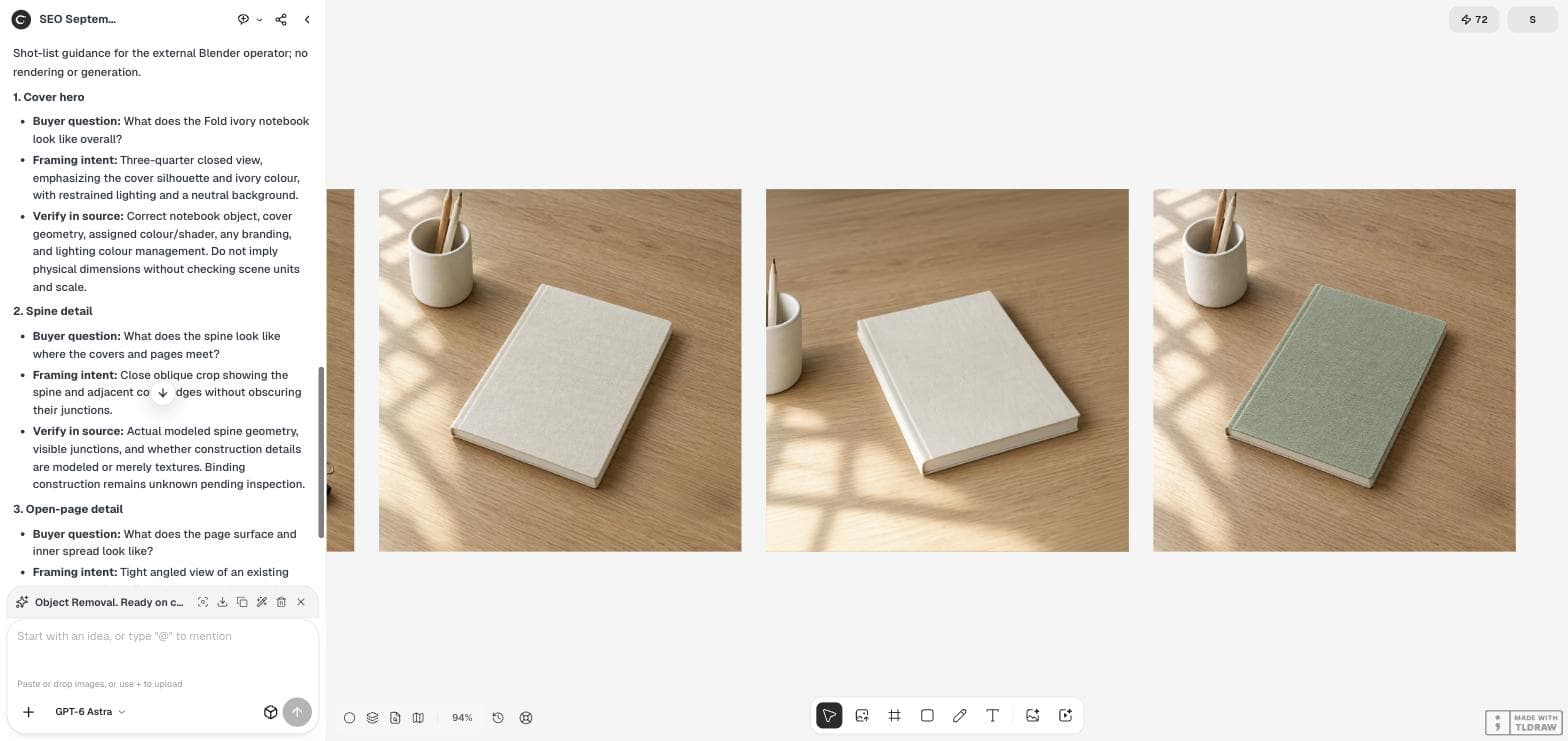
Astra returned one block per view. The cover hero is a three-quarter closed view that shows the silhouette and ivory colour. The spine detail is a close oblique crop of the spine and cover edges. The open-page detail is a tight angled view of an open spread, including the gutter and page edge.
Check that the views do not overlap. If two views would answer the same question, merge them and use the free slot for a different question, such as scale in the hand.
| View | Buyer question | Verify in the .blend file first |
|---|---|---|
| Cover hero | What does the notebook look like overall? | Object, cover geometry, colour and shader, branding, scene units and scale |
| Spine detail | How do the spine and covers meet? | Modeled spine geometry; whether details are modeled or only textures |
| Open-page detail | What are the page surface and spread like? | An open configuration exists; page geometry, markings and textures |
Treat "verify in source" as a gate
The most useful part of the answer is the verification line for each view. A spine close-up is misleading if the stitching is only a texture on a flat box. An open-page view is impossible if the file contains only a closed model. Ask the operator to confirm these items before lighting or rendering.
Astra kept page count, paper material and binding construction as unknown. Keep them unknown in any product copy that uses these renders until someone inspects the source file or the physical product.
Hand the list to the Blender operator
Send the shot list with the file name, the output size and the file format you need. Ask for one preview frame per view before the final renders. Compare each preview with the buyer question: can a stranger answer it from the image alone?
If you also plan to run Astra with a Blender skill or script, give it the same list. A clear view definition is useful whether a person or an agent performs the render.
Place the finished views on one board
Import the approved renders into the Ciyo canvas in shot-list order. Viewing them side by side shows gaps quickly: a missing scale reference, a detail that repeats the hero, or lighting that changes between views.
If you do not have a 3D model, an AI angle tool can suggest a second view from one photo. Treat that result as a draft and check it against the real product, because the model can change details that a buyer relies on.
Shot-list questions
Did Astra control Blender in this example?
No. The demonstration produced a written shot list only. No Blender session, script or render was run.
Why keep the dimensions unknown?
Nobody had inspected the scene units or the physical product. A render can look correct at any scale, so size claims need a verified source.
How many views should a product page plan?
Plan one view per buyer question. Three well-chosen views are often a better start than many similar angles.
Plan the views before the render
Use GPT-6 Astra in Ciyo to write the shot list, then keep the approved renders on one board.