Practical creative workflows
Create a Product Size Comparison Graphic Without Inventing Dimensions
Three mugs photographed separately can look identical in size. A useful comparison gives buyers verified measurements and a clear view of how the variants differ.
The fictional pottery shop in this guide uses three variants. Its example measurements are small: 8 cm high, medium: 10 cm high, and large: 12 cm high. These are illustrative inputs, not measurements of real products.
Build a measurement table from a reliable source
Measure the items or use the approved product specifications. Define whether height includes a lid and whether width includes the handle. Keep capacity separate from external dimensions; a taller mug does not automatically hold proportionally more liquid.
Do not ask an image model to determine size from an isolated photograph. Lens perspective, camera distance and cropping can make different products look equal.
Choose a schematic or a calibrated photograph
A schematic can show the three heights proportionally when labelled as an illustration. If you want a photographic scale comparison, photograph the products together or calibrate them against a known reference in a consistent setup.
Do not scale independently photographed mugs to match the height table and call the composite a measured photograph. Different perspectives can still distort their width, shape and relationship.
Give Ciyo the facts and the representation rule
Import the approved product photos and place the table beside them on the canvas. Ask the design agent to propose a layout whose labels remain editable. Decide which image is an exact product reference and which is a diagram.
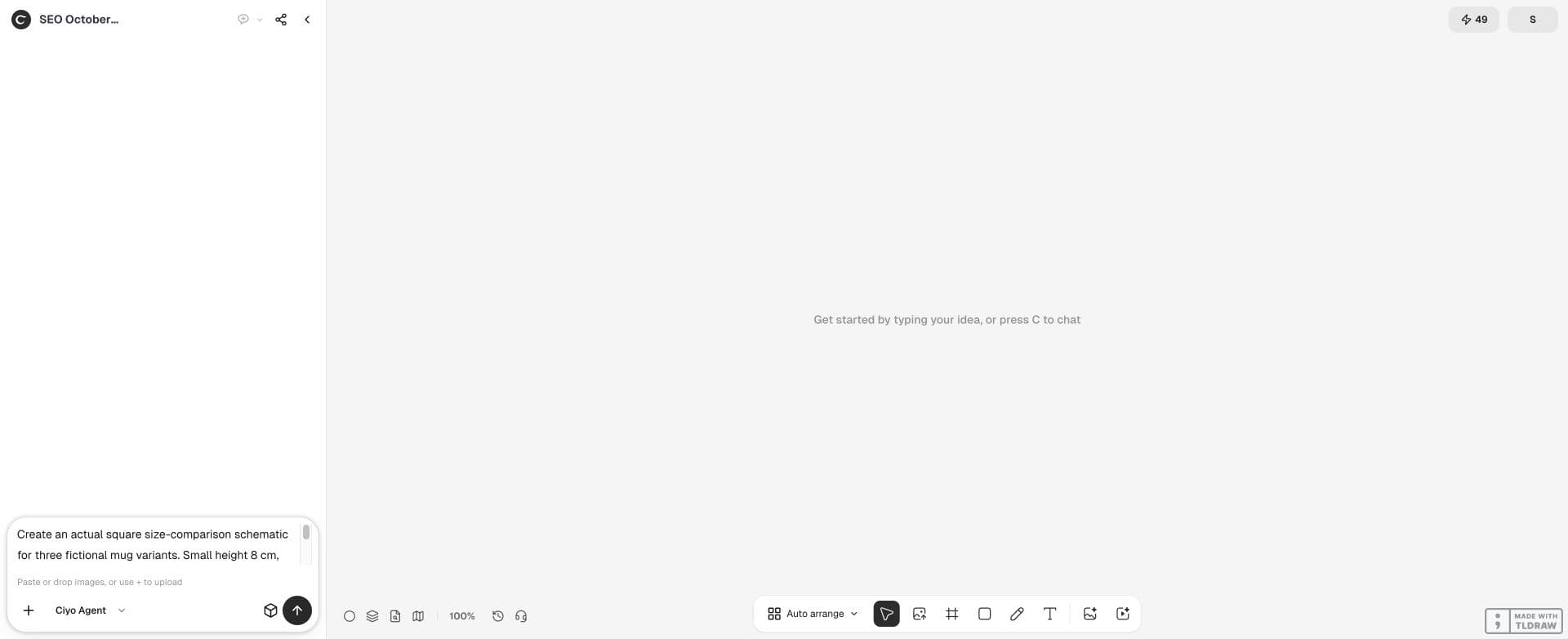
Plan a square size-comparison graphic for three fictional mug variants: Small 8 cm high, Medium 10 cm, Large 12 cm. These are example values. Use clearly labelled schematic silhouettes in a proportional 8:10:12 height relationship, not a measured photographic composite. Add editable dimension labels. Do not infer width, capacity or handle dimensions.Keep measurement labels separate from generated pixels
Add the numbers and units as actual text. Use one measurement convention across the variants and spell out any important qualifier, such as height excluding lid. Leave unknown values out instead of inventing a fuller specification.
When exporting, inspect every number against the input table. A graphic can look balanced while containing a swapped label or a missing unit.
| Variant | Example height | Representation |
|---|---|---|
| Small | 8 cm | Schematic; not a measured photo |
| Medium | 10 cm | Schematic; not a measured photo |
| Large | 12 cm | Schematic; not a measured photo |
| Capacity | Not supplied | Omit rather than infer |
Check proportions independently of the labels
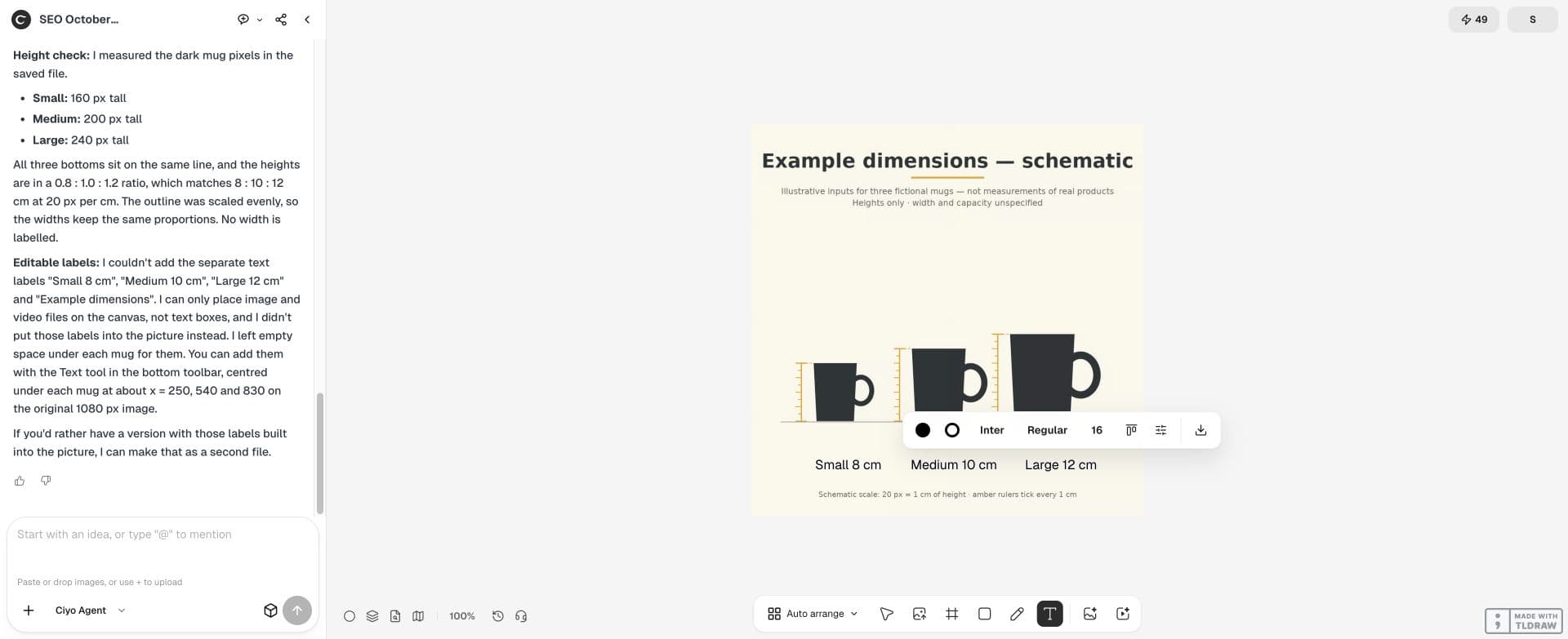
For the example, a 160-pixel small silhouette would imply 200 pixels for medium and 240 for large. Those are illustration dimensions derived from the supplied ratio, not new product measurements.
Check that a scale bar or dimension arrow uses the same relationship. If you deliberately enlarge a tiny product for readability, label the picture not to scale and rely on the dimensions for the comparison.
Publish a useful comparison beside the original listing photos
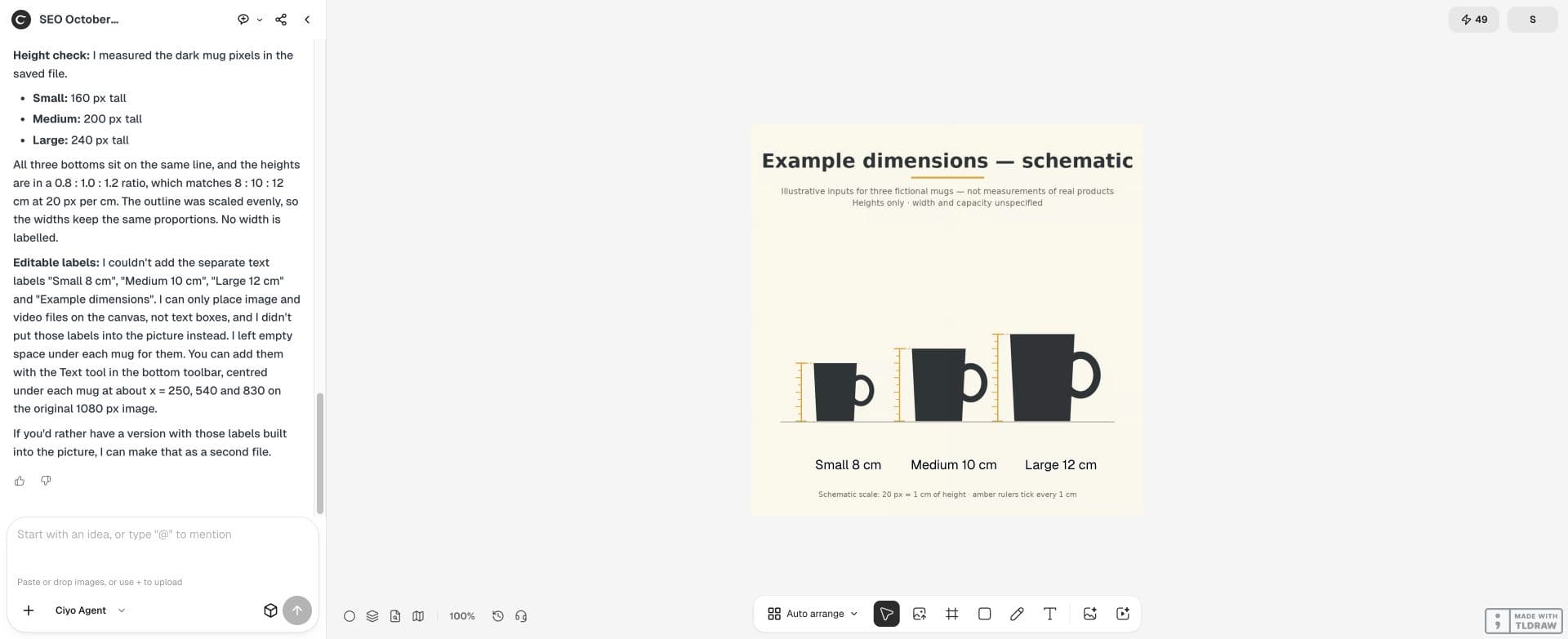
The diagram helps buyers choose a variant; the original photographs show the actual finish and shape. Keep both available and write alt text that describes the variants and their labelled dimensions.
Review the exported graphic on a phone. A buyer should be able to identify the variant, number and unit without zooming. If the labels become too small, simplify the layout rather than removing the units.
Practical questions
Can AI infer dimensions from a photo?
An isolated photo is not a reliable measurement source. Supply actual measurements or approved specifications.
Is a proportional illustration a product photo?
No. Label it as schematic and retain real photographs of the items separately.
Can I estimate capacity from height?
Do not infer capacity from one external dimension. Use the product’s verified capacity specification.
Put the verified numbers first
Bring the product dimensions and source photos to Ciyo, then choose an honest comparison format.