AI banner generator
Bring your message, logo or product photo. Make a banner, then work through the next version on the same canvas.
A short editable draft. Sign in and send when you are ready.
Your message comes first
A useful banner request can be one sentence: what you are promoting, who it is for and where it will appear. Supply the exact offer and call to action when they are approved. The agent can help resolve the rest in conversation.
You can start from words or bring a reference image. If a product must stay recognizable, provide the source and identify its important details. Check the result against that source before using it.
A brief, two formats
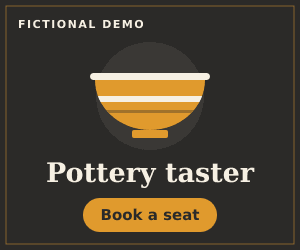
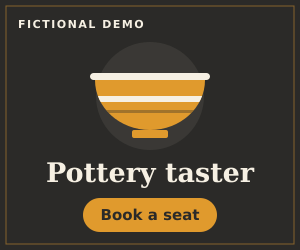
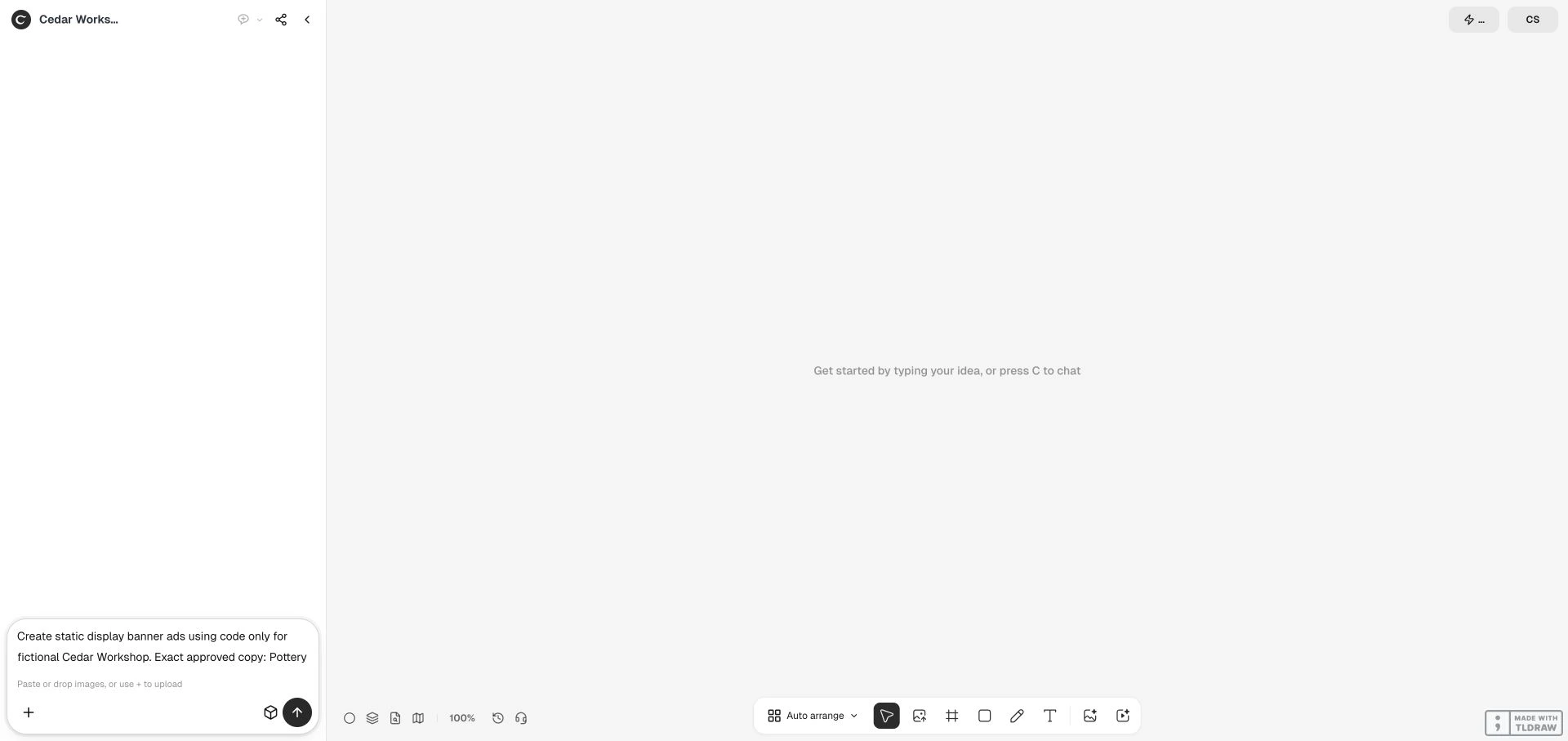
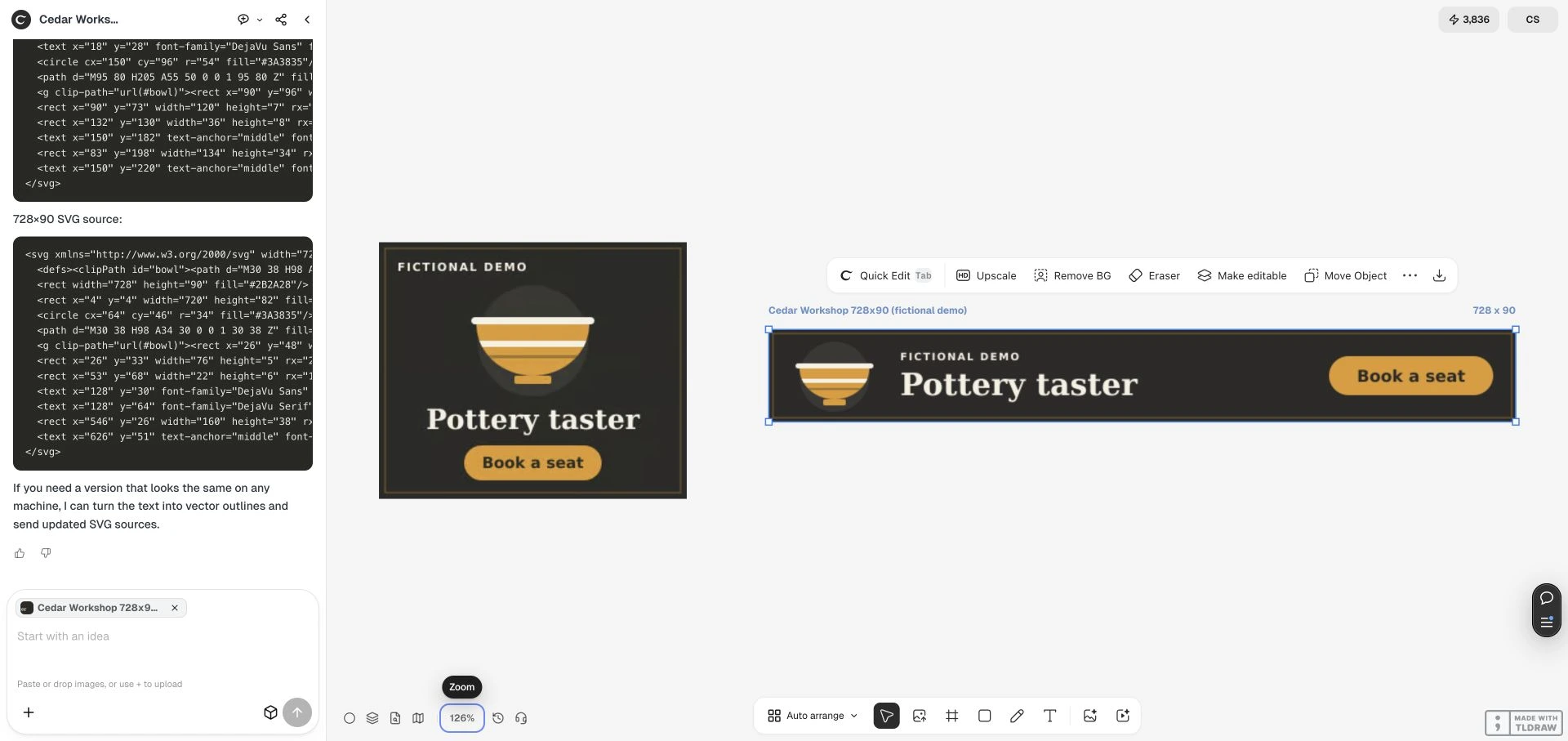
Cedar Workshop is a fictional pottery promotion made in Ciyo on October 9, 2026. The same approved message became two separate static layouts. Inspect the real workspace and retained files in the full case.

Make the first banner
Start with the message
Open the short draft and add your offer, audience and approved words. Attach a logo or product photo in Ciyo when the task needs one.
Choose the placement
Name the destination and exact dimensions. A compact rectangle and a wide leaderboard need different compositions; review the approach before expanding the set.
Review the actual file
Check the copy, product details, dimensions and file format. Keep useful alternatives together on the canvas and request a specific next change.
Start with credits
- One-time credits
- A $10 purchase adds 1,000 credits. No subscription.
- A clear unit
- One credit equals one US cent. Unused credits never expire.
- Media quotes
- Check the generation quote for the model and settings before a media operation.
- Planning uses credits
- Conversation and creative reasoning can consume credits separately from image generation.
Keep the handoff useful
The Cedar Workshop case retained separate SVG sources and PNG outputs. It demonstrates a particular file-based workflow, not a guarantee that every generated image contains editable text or that every export is accepted by an ad platform.
Tell Ciyo which file you need before making a larger set. A text-bearing raster image still needs its words checked, and each placement needs its own dimensions and readable composition. Platform submission and campaign performance remain your own next steps.
Before your first banner
Can I use my own photo?
Yes. Add your product image or logo to the request in Ciyo. Identify the details to preserve and inspect the result against the original. Uploading an image alone does not start creation.
Are these live generations?
The format selector shows retained fictional Cedar Workshop outputs from the October 9 Ciyo case. It does not generate or charge. The creation link opens an editable draft that you deliberately send in Ciyo.
Will the text stay editable?
Ask for the file structure you need. The demonstrated case supplied SVG markup separately from PNG previews. Words rendered inside an image remain pixels; a canvas image is not automatically native editable text.
What will creation cost?
Ciyo uses pay-as-you-go credits, with no free generations or subscription. A $10 pack adds 1,000 credits. Planning and creative reasoning can use credits, and media generation has its own quote based on the model and settings.
Bring your next banner
Start with a short request. Add the real message and references, then send when you are ready.
Create my bannerYour current unfinished draft is kept. Planning and generation can use credits.