Opus 5.5 motion production
Storyboard an Opus 5.5 Motion Video Before Rendering It
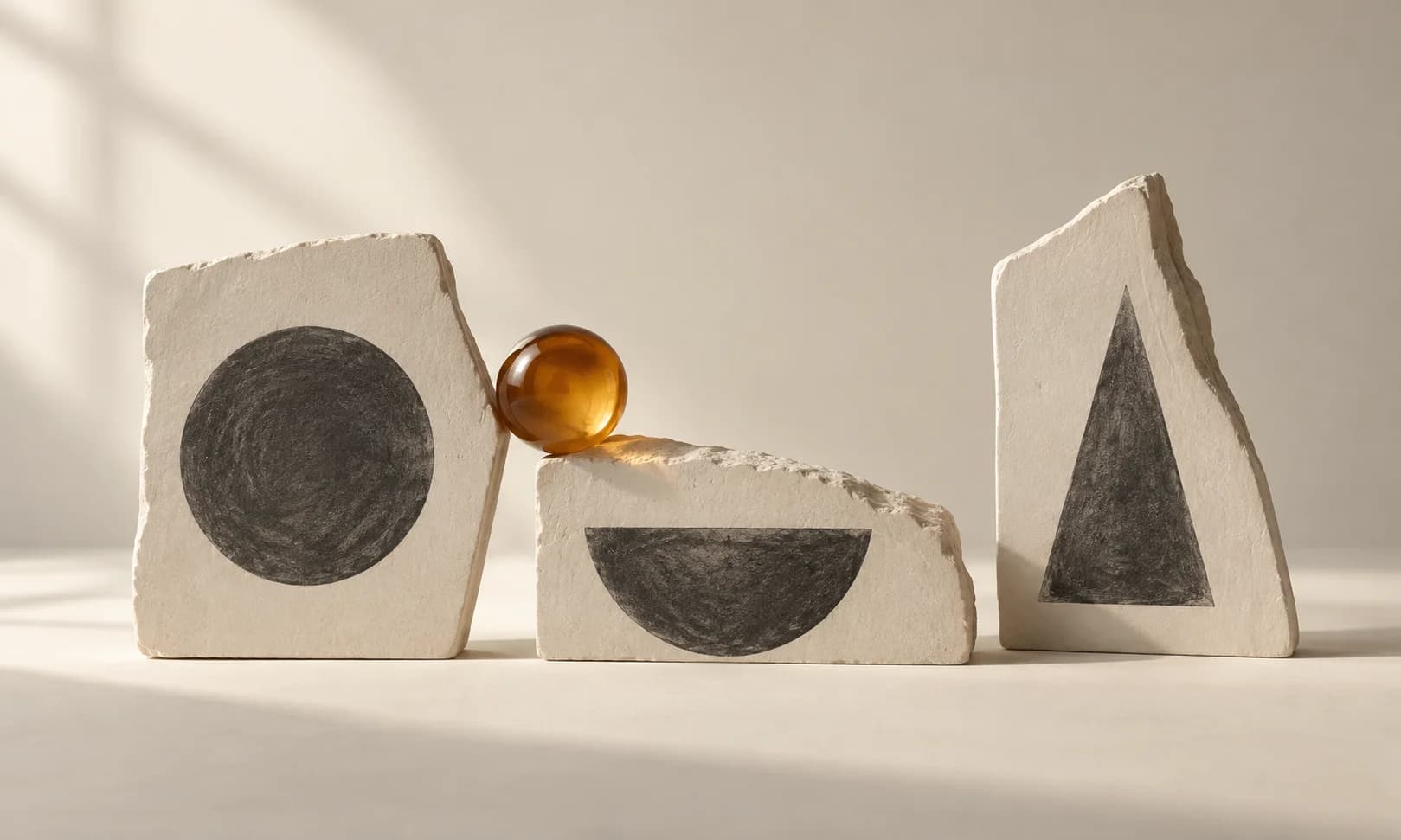
A studio wants a workshop promo but has only a headline and a rough idea of movement. A timed storyboard turns that request into a small set of decisions that someone can approve.
This guide plans code-based motion graphics: type, shapes and transitions. The separate storyboard-to-video guide covers generating camera-footage clips; the review questions differ.
Ciyo’s Opus 5.5 agent built the fictional worked example below with code. The linked MP4 is the actual product export, drawn with Pillow and encoded with FFmpeg; it is not a generated camera-footage clip.
1. Start with the viewer’s next action
The workshop promo asks a viewer to book a seat. It needs an invitation, an event cue and an action. Avoid adding a fourth scene merely to show more animation.
List the facts you actually have. If the date, venue or booking URL is unresolved, keep the internal brief explicit rather than inventing public event details. A fictional demo should be labeled fictional.
2. Give every beat an entry, hold and exit
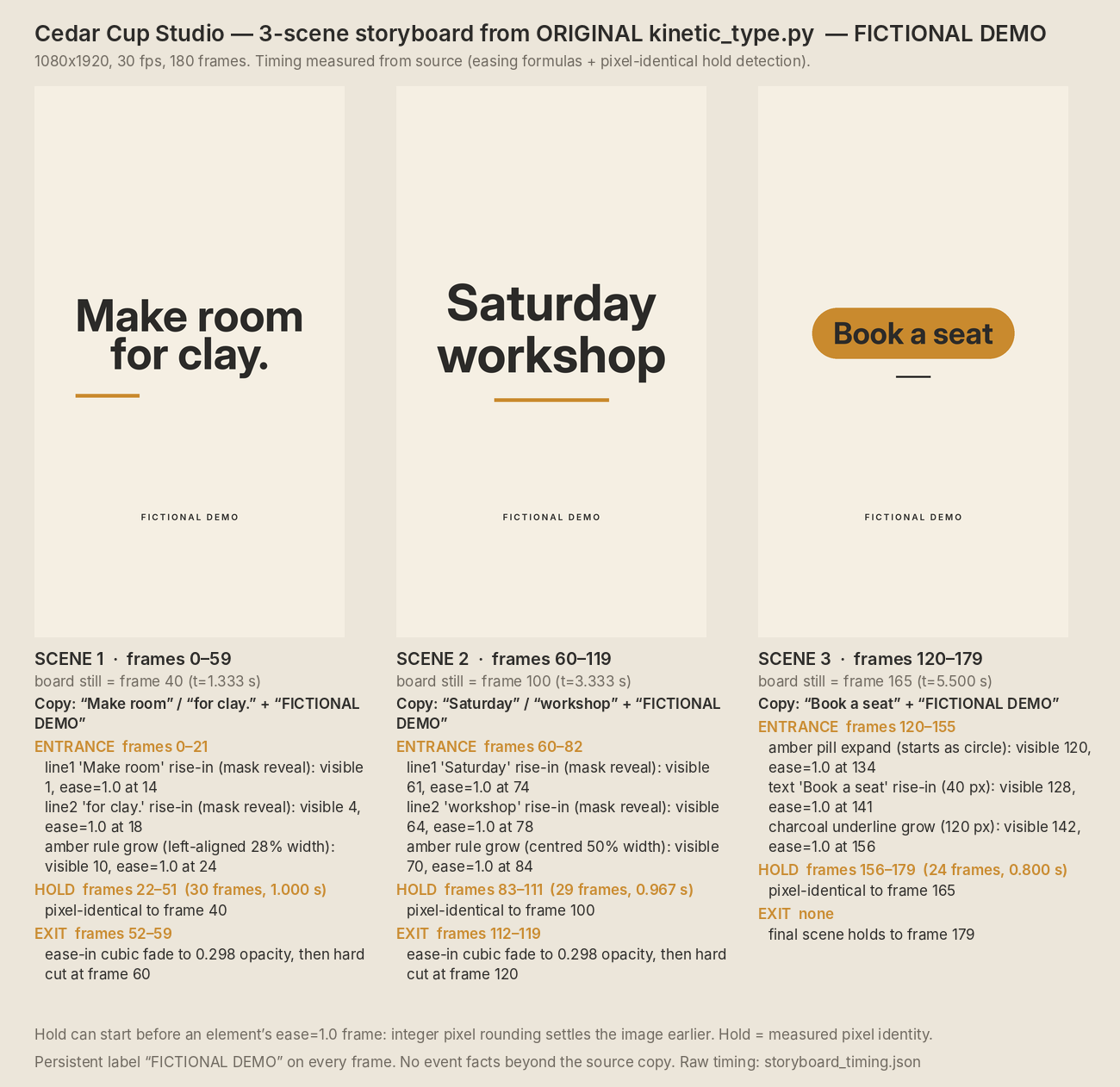
At 30fps, a six-second film has 180 frames. Split the example into three 60-frame scenes, then allocate time within each scene. Include a steady frame the reviewer can inspect.
The storyboard should state what appears, what moves and what the viewer should understand. “Modern transition” gives little production guidance.
| Beat | Visible message | Motion purpose |
|---|---|---|
| Invitation | Make room for clay. | Reveal the main line |
| Event | Saturday workshop | Introduce the offer |
| Action | Book a seat | Settle into a stable end card |
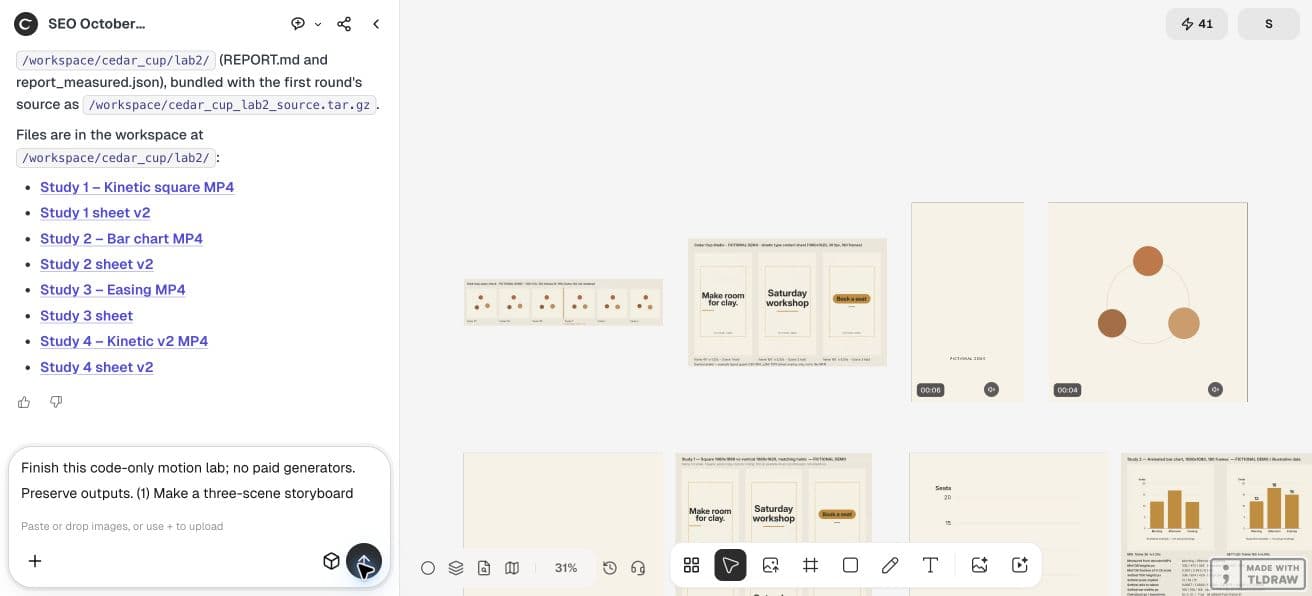
Use code only. Create a three-scene storyboard for fictional Cedar Cup Studio’s six-second 1080x1920 silent promo at 30fps. Exact strings: Make room for clay.; Saturday workshop; Book a seat; FICTIONAL DEMO. Show each scene’s stable state, frame range, entrance/hold/exit notes and intended viewer action. Original shapes only. Add the board to canvas and keep a machine-readable timing table with the source. Do not invent date, venue, bookings or results.3. Define assets and ownership
For this demo, original geometric shapes and exact text are enough. If your real project uses product photos, logos, music or screenshots, list their source and permitted use before the renderer imports them.
A storyboard can use placeholders, but label them. Never let a generic product silhouette become a supposed photograph of your actual product.
4. Review static states at the output ratio
Ask for a board at the intended ratio before animating. Check hierarchy, line breaks, contrast and the call to action. A layout that fails as a still usually needs work before movement is added.
Compare the board’s scene labels with the timing table. Make sure the end card is visibly distinct from a new opening scene so the film can finish cleanly.
5. Build the board in an isolated Ciyo project
Ask the agent for three static states from the approved brief, then the corresponding motion study. Keep the board on the canvas for comparison with sampled export frames.
If the generated film introduces an extra message or changes the offer, correct the source against the approved storyboard. A storyboard is useful only when it remains the reference for the delivered video.
For this worked example, we recovered the board from Ciyo’s already-rendered original source rather than pretending it was approved before production. Frames 40, 100 and 165 show the stable layouts. The actual holds are frames 22–51, 83–111 and 156–179: 30, 29 and 24 frames. The final scene has no exit.
The source review exposed unfinished transitions: scenes one and two cut before fully fading away, and the CTA pill begins as a circle on frame 120. Keep these visible in review; three attractive stable frames do not establish a polished animation. For a new project, use the same board format before rendering.
Ciyo kept the renderer source and reports in this project’s workspace. The canvas cannot attach a source archive in this workflow; ask the agent to paste the code in chat if you need to retain it elsewhere.
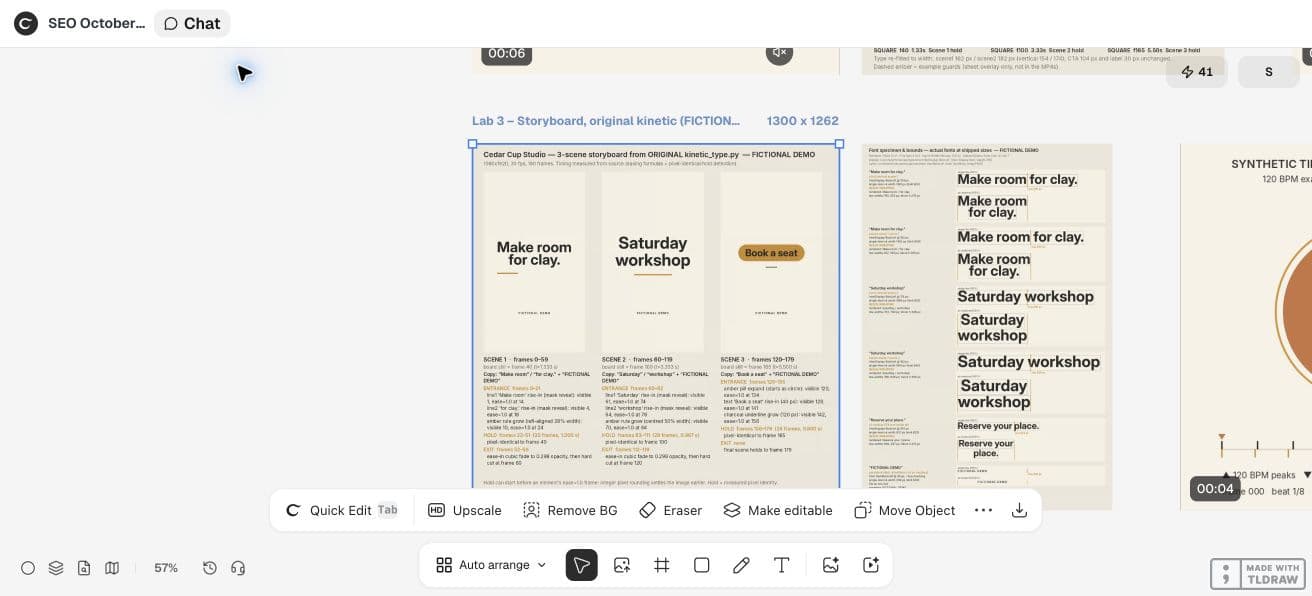
CFNStudio compares model outputs in Motion. This concerns another tool; our timed storyboard is an original Ciyo exercise, not the poster’s advice or evidence of model superiority.
6. Move into rendering with a resolved brief
Deliver the exact strings, asset list, frame ranges, ratio and review criteria. Keep unresolved decisions in the production note instead of the reader-facing film.
The board saves discussion, not a measured quantity of production time. After rendering, watch the full export; a static board does not establish smooth transitions or readable holds.
Practical questions
Does the storyboard need the final animation?
No. It should settle content, layout and timing decisions before the full movement is rendered.
Can I use placeholders?
Yes, when their placeholder status is clear and the final asset requirements are recorded.
Does approving the board approve the exported video?
Review the export too. The board does not show every transition, frame or playback behavior.
Make a small motion study you can check
Open an isolated Ciyo project, bring your approved copy, and ask the agent for source, a rendered draft and the specific checks your deliverable needs. Review the actual export before using it.