Product video planning
Product Video Brief Template: Plan the Job Before the Shots
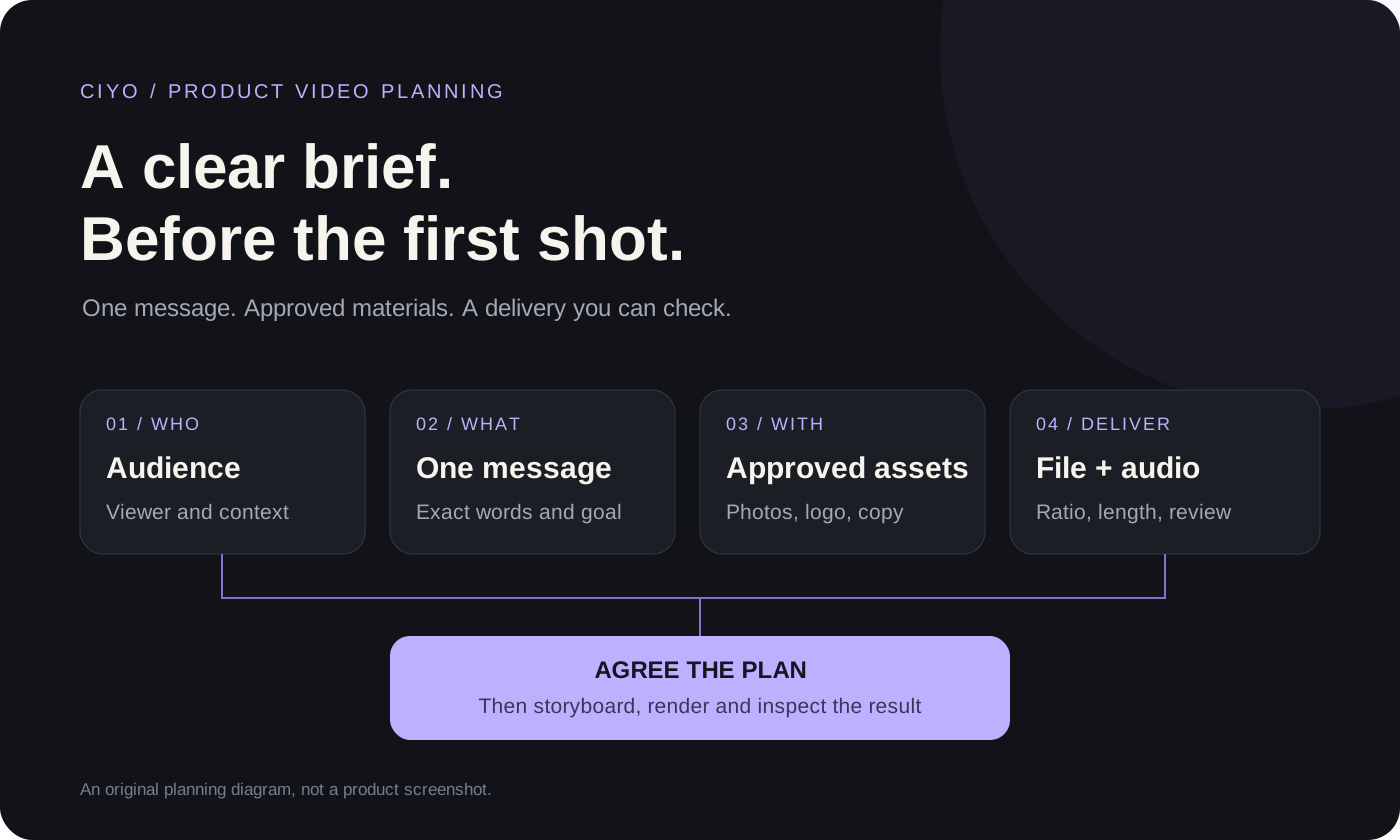
A product video brief tells a maker what the film must communicate, which materials may be used, and what a finished delivery must contain. Start with the audience, one message, approved photos and words, the destination, and the review criteria. Decide the shot sequence after those choices are clear.
This template is for merchants and small marketing teams turning existing product photographs into a short film. Download the editable text version, use the filled example to see the level of detail, then bring your own materials to Ciyo. The example adapts an existing yo-yo film; it is not a new production test or a claim about advertising performance.
Start with a one-page brief
Copy the fields below and replace the brackets with decisions, files or questions. A useful answer is specific enough for another person to act on. Replace “make it premium” with the product detail to emphasize, the visual references you approve and the changes you do not want.
Keep unresolved choices visible. If you do not know the audience or whether narration is needed, ask for those decisions before rendering. A blank answer is easier to resolve than an invented benefit, an unapproved price or an assumed delivery format.
Product and exact variant: [name, color, finish, version]
Audience and viewing context: [who will watch, where and why]
One message: [what the viewer should understand]
Viewer action: [approved next step, or no call to action]
Approved words: [exact copy; claims, prices and dates that may appear]
Supplied materials: [photo filenames, logo, existing footage, audio and usage permissions]
Keep accurate: [shape, colors, markings, packaging and other identity cues]
Motion approach: [animate originals, generate selected clips, or decide together]
Delivery: [destination, aspect ratio, dimensions, length and required files]
Audio: [music, narration, sound effects, or silent; language if needed]
Scope and approval: [first pilot, spending discussion, reviewer and review points]
Accept when: [visible product checks, exact words, dimensions, duration and audio]
Open questions: [decisions needed before work begins]Make each answer useful to the person producing the film
The brief should settle the commercial and practical choices without trying to direct every frame. Milanote’s video creative brief guidance likewise starts with objectives, messages and production requirements. The product-specific fields here add source-photo ownership, identity checks and an explicit delivery review.
Use the table as a completeness check. If a field changes the work, resolve it with the owner rather than leaving the maker to guess.
| Field | Useful answer | Question it prevents |
|---|---|---|
| Audience | A named buyer group and viewing context | Who is this film for? |
| Message | One approved point the images can support | Which benefit or detail takes priority? |
| Words | Exact copy, including an approved next step if needed | May we invent a tagline, price or claim? |
| Materials | Named photographs, product variants and logo source | Which file is the source of truth? |
| Motion | Photo animation, selected generated clips or an open decision | Does every shot need new generation? |
| Delivery | Named destination, ratio, length and file requirements | Is a vertical MP4 the entire handoff? |
| Audio | Music, narration, effects or silence | Should the result make sense with sound off? |
| Review | One reviewer and concrete acceptance checks | What must pass before making more versions? |
Read a filled example from a real product-photo film
Ciyo’s published yo-yo case used five product photographs to make a 20-second vertical film with music. Two shots animated original photographs; three hero clips used supplied photos as starting frames for generated motion. The logo was handled separately. That case provides a concrete way to fill the materials, treatment and delivery fields.
The example below is an editorial adaptation of those recorded inputs and production choices, not a transcript of the original request. Audience, placement and campaign copy still need the owner’s decision when adapting it to another product. Its final 1080 × 1920 export included upscaled 720p hero clips; export dimensions alone do not describe source detail.
| Brief field | Example answer |
|---|---|
| Product | The yo-yo variants in the five supplied photographs; do not combine their markings or colors. |
| Purpose | Show product appearance and the range of colors; agree the audience and destination before reuse. |
| Materials | Green, black-front, pink, blue-and-white and lineup photographs; branding visible in the source photos. |
| Words | Original logo. Approve any new product claims, tagline or call to action separately. |
| Treatment | Animate the black-front and lineup photos; use selected generated motion for green, pink and blue hero shots. |
| Delivery | A 20-second, 9:16 MP4 with music. Review actual dimensions, duration and audio. |
| Acceptance | Compare the product and logo with their source photographs; inspect the encoded film before campaign use. |
Set review points before authorizing more work
Start with a bounded pilot: agree the direction and required sources, inspect a storyboard or still composition, then review selected motion before expanding the film. Identify the person who can approve copy and product accuracy. A preferred style reference does not authorize adding a feature the real product does not have.
Write down the intended scope and discuss cost before paid generation. The brief is not a fixed-price quote: the model, settings, reference material and number of attempts can change the work. Check the current Ciyo pricing and the Generation quote for the request you approve, including whether additional versions need new clips.
Turn the brief into a storyboard
A brief defines the job. A storyboard assigns that job to scenes: what appears, which source supports it, what moves, which words are visible and how long the scene lasts. Keep both documents aligned. If a scene needs a rear product view that you have not supplied, change the scene or obtain the reference rather than treating the missing view as verified.
Send the approved brief and the asset list together. Let the storyboard link each scene to a named source. Preserve the brief as the comparison point when a revision changes the pace, message or delivery requirements.
Bring the brief to Ciyo and review the delivered file
Open the canvas, upload your approved photographs and paste the completed brief. Ask the Design agent to resolve the open questions before rendering. The message below starts a planning conversation; attach your own files and replace its generic wording before sending it.
Use the same acceptance criteria at delivery. Check the actual MP4, exact words and source-product comparison. A finished film establishes a creative deliverable; whether it improves clicks or sales requires a separate campaign measurement.
Help me turn my completed product video brief into an agreed production plan. I will attach my approved photographs, logo and exact copy. Ask about any missing audience, destination, delivery or audio decision. Map proposed scenes to supplied materials, explain the work needed, and agree the plan with me before rendering. Review the actual final film against the approved brief.Product video brief questions
What should a product video brief include?
Include the audience, one message, approved words and materials, product identity cues, motion approach, delivery format, audio, review owner and acceptance criteria. Keep unresolved decisions visible before production.
Is a video brief the same as a storyboard?
The brief defines the purpose, requirements and constraints. The storyboard turns them into scenes with source assets, movement, copy and timing. Resolve the brief first so the scene plan has a clear job.
Can I use the template without Ciyo?
Yes. Download the Markdown file and edit it in a text editor or copy it into your own document. The fields can also brief a colleague, a video maker or another production tool.
Does the filled example promise the same output for my product?
No. It adapts one published product-photo case. Your materials, production choices and generated motion need their own review, and campaign performance is separate from finishing a film.
Bring an approved brief to your next product video
Open Ciyo, attach your product photographs and paste the completed brief. Resolve the open questions before approving production.