Shop-window design
Adapt a tall clothing poster to a square feed card
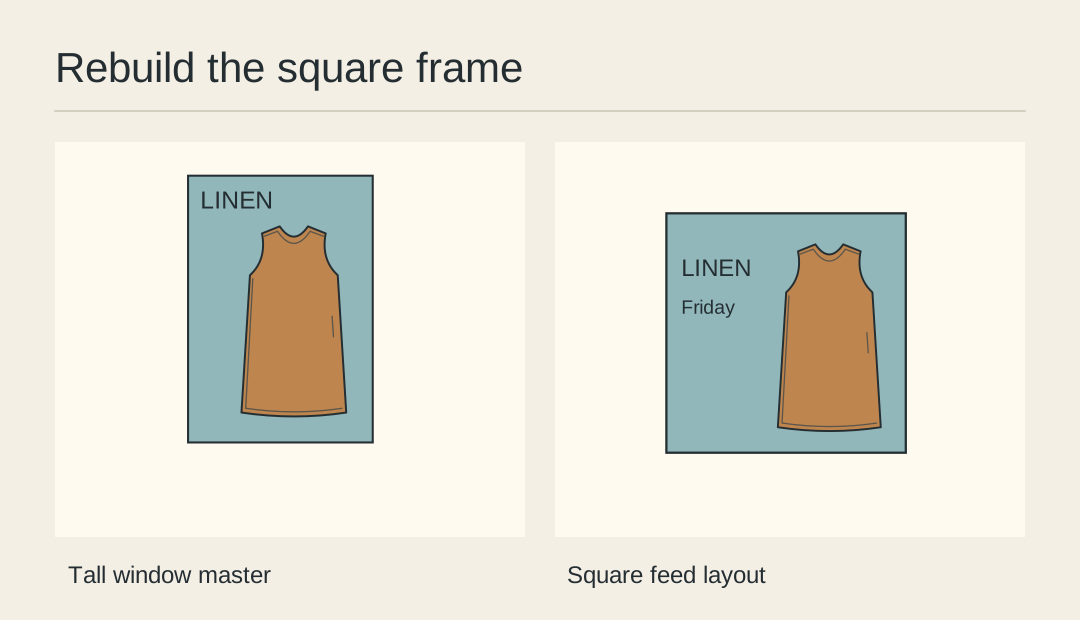
A centred square crop of a tall shop poster often keeps the middle of the dress and loses both the name and availability. Recompose the square from the original photograph and live copy so the product remains recognisable.
List what must survive
Copy the approved product name, availability line and hero colour into a short checklist. Decide whether the window-only direction to a physical rail applies to the feed audience before carrying it over.
Draw two square layouts
In the first sketch, place the full dress on one side with type beside it. In the second, pair a meaningful upper-body crop with a short headline below. Choose the layout that serves the purpose of this post.
Place the original photo
Return to the image master rather than cropping a flattened print file. Preserve its aspect ratio. When a full garment fits only at a tiny size, choose an intentional detail and link to a full view.
Rebuild the headline
Set the headline at a readable size in the square. Change the line break and check it on a phone. A subtitle that worked across the width of a window sheet may need a shorter approved phrase.
Compare the facts
Lay the poster and feed card side by side. Read the date, colour and product name from each version. Check that the square does not show an inset from a different colourway after the rearrangement.
Approve the small preview
Send the square to a phone or display it at feed width. Ask someone to identify the product and availability without zooming. Keep the square layout as a separate master so later poster edits cannot silently overwrite it.
Build the square layout
Place the original hero and approved text in a separate artboard for the feed version.