Opus 5.5 motion video case study
Opus 5.5 Motion Video: From Product Photos to a 20-Second Film
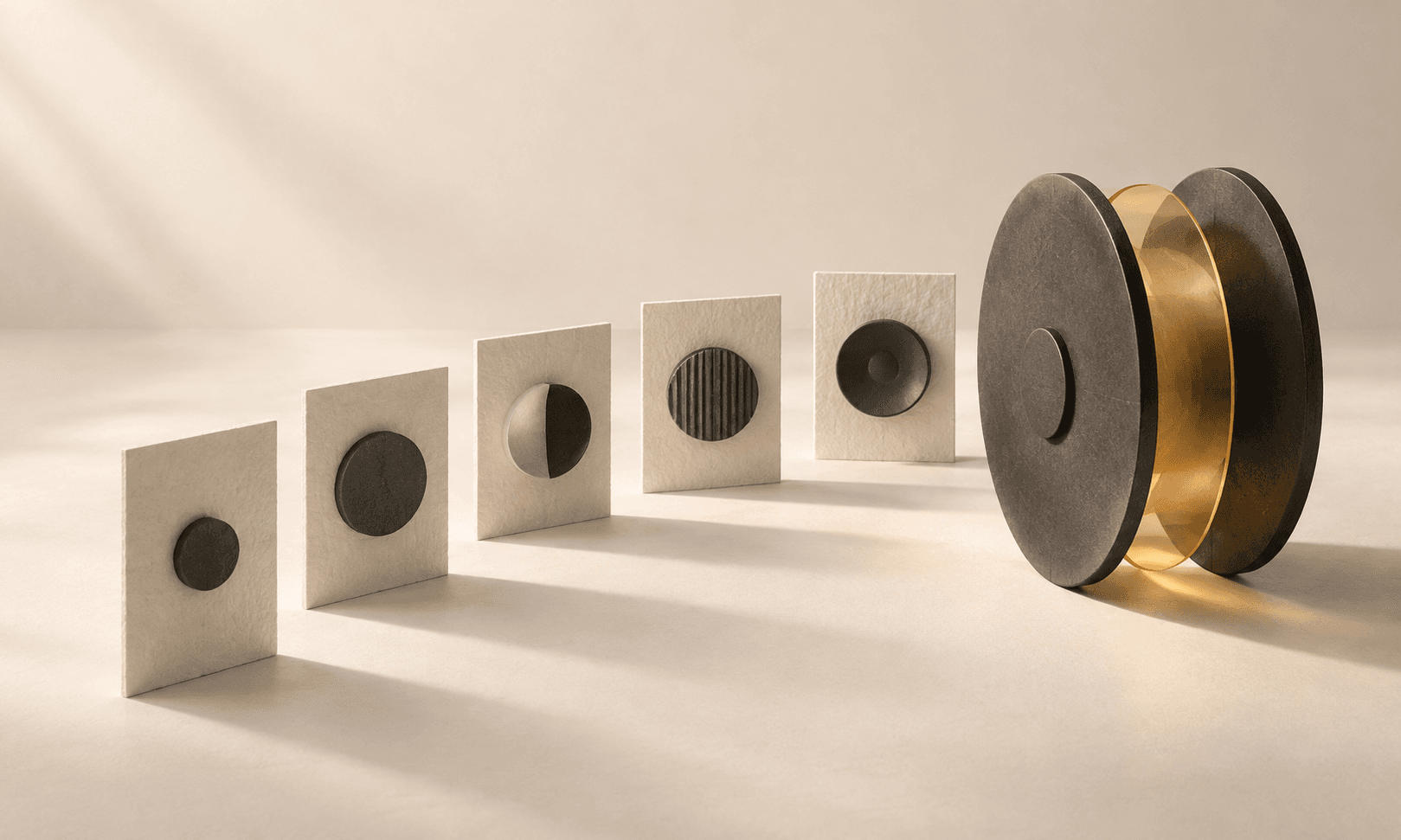
Can you create an Opus 5.5 motion video from existing product photos? In this Ciyo case study, a user uploaded five yo-yo photographs. The agent coordinated a hybrid workflow using animated original photos, Seedance 2.0 hero clips, and music to produce a 20-second vertical product film.
A marketer may already have good product photographs and a recognizable logo. Turning those pictures into a short video introduces decisions about camera movement, shot order, transitions, music, and timing. Here you can compare the actual five inputs with the finished output.
The input: five original product photographs
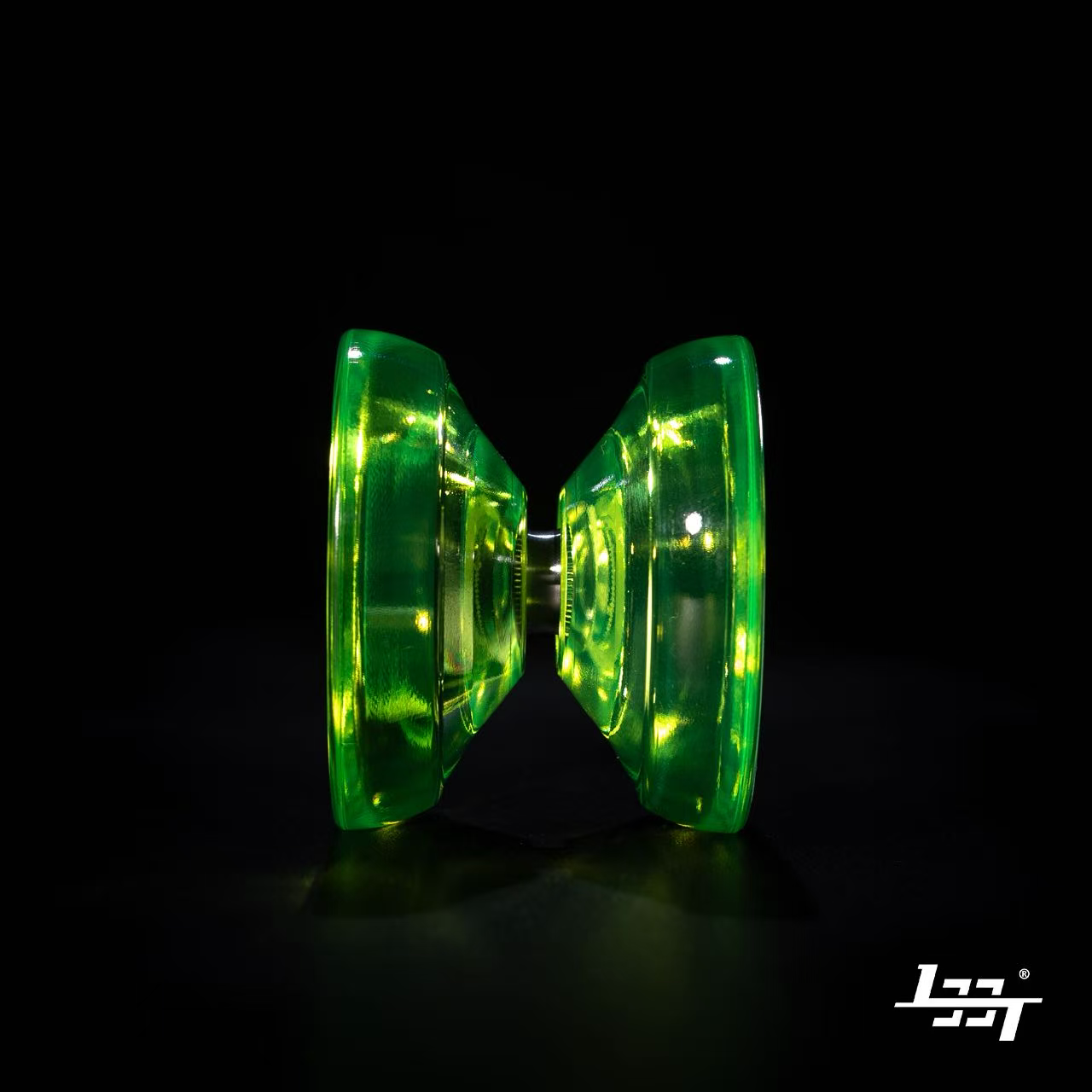
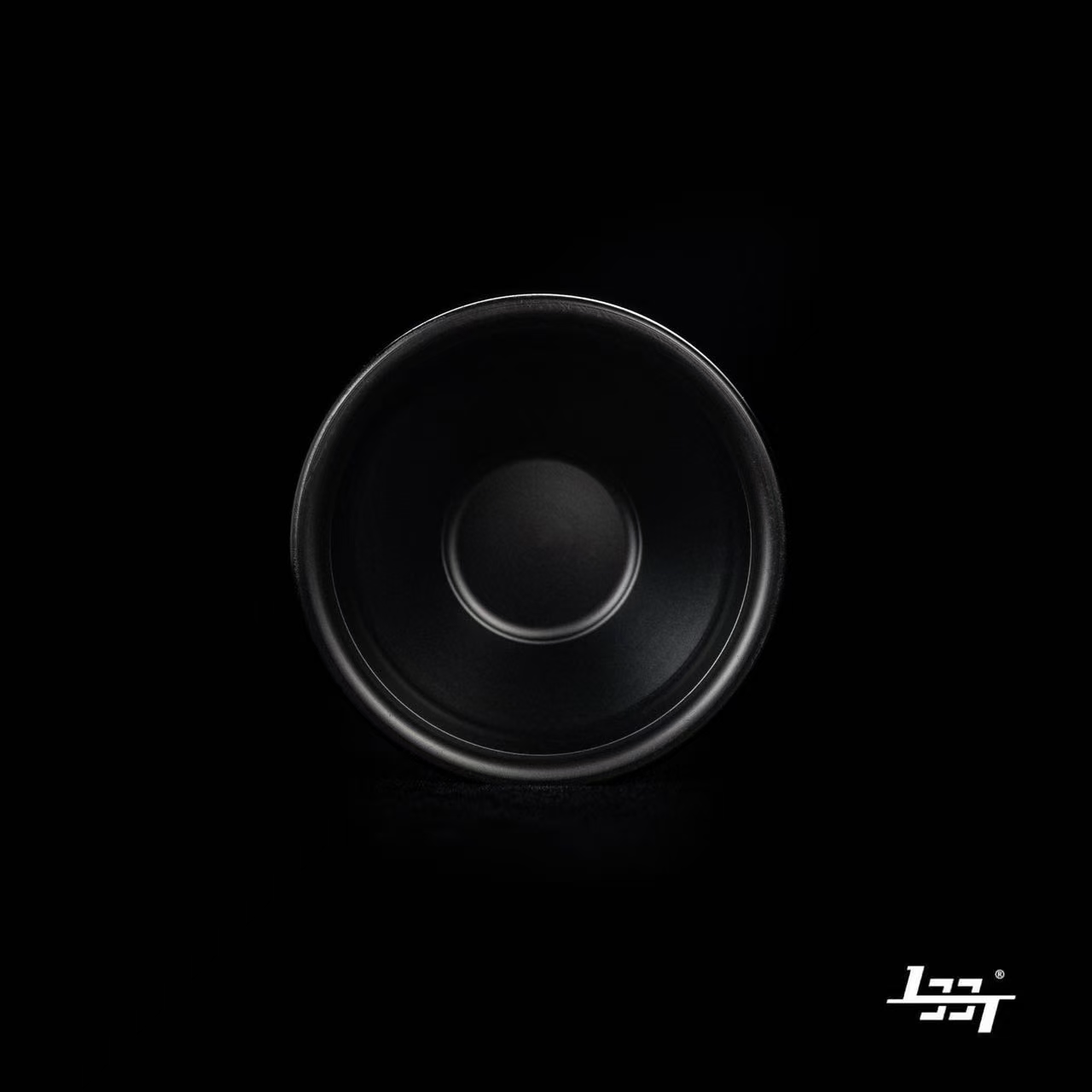
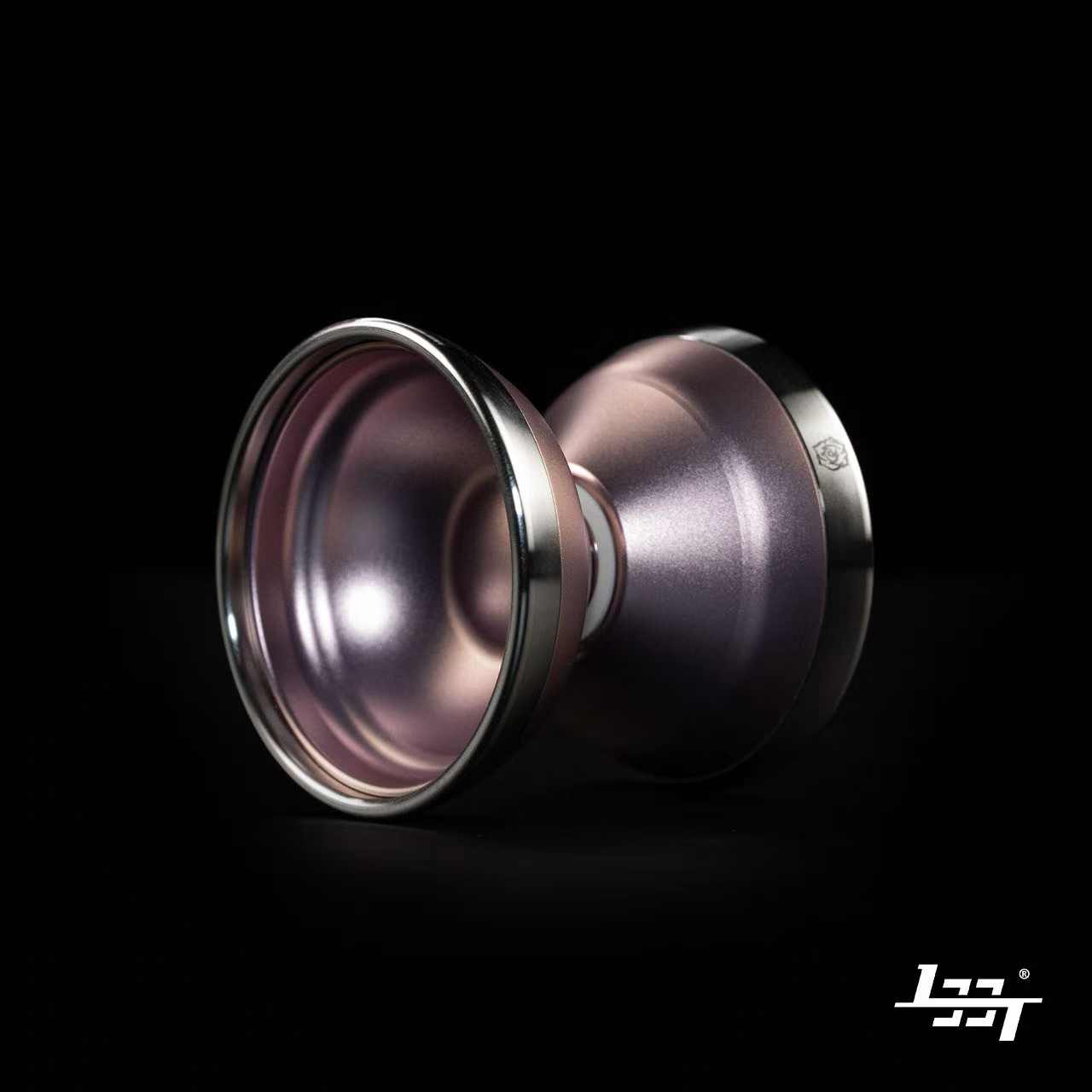
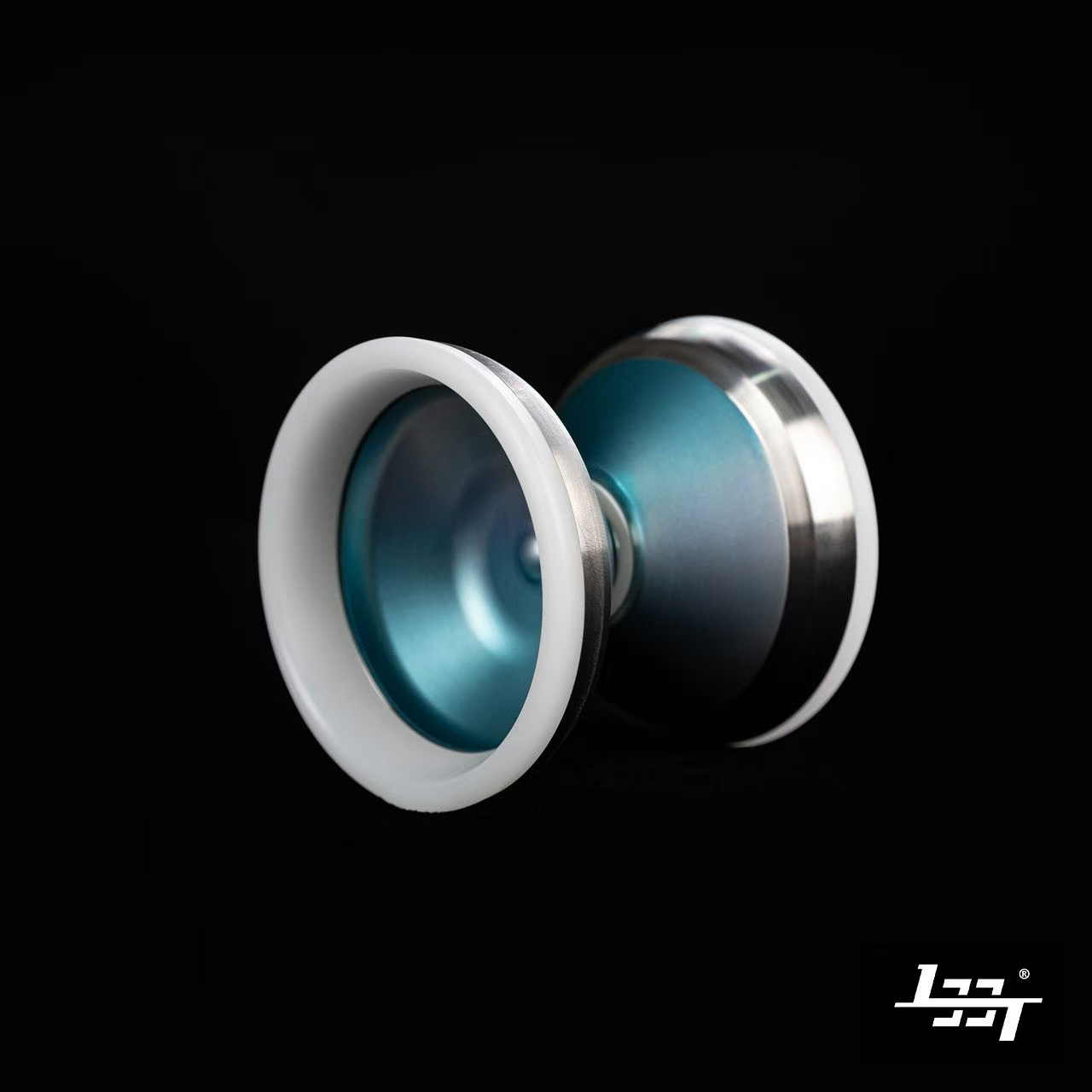
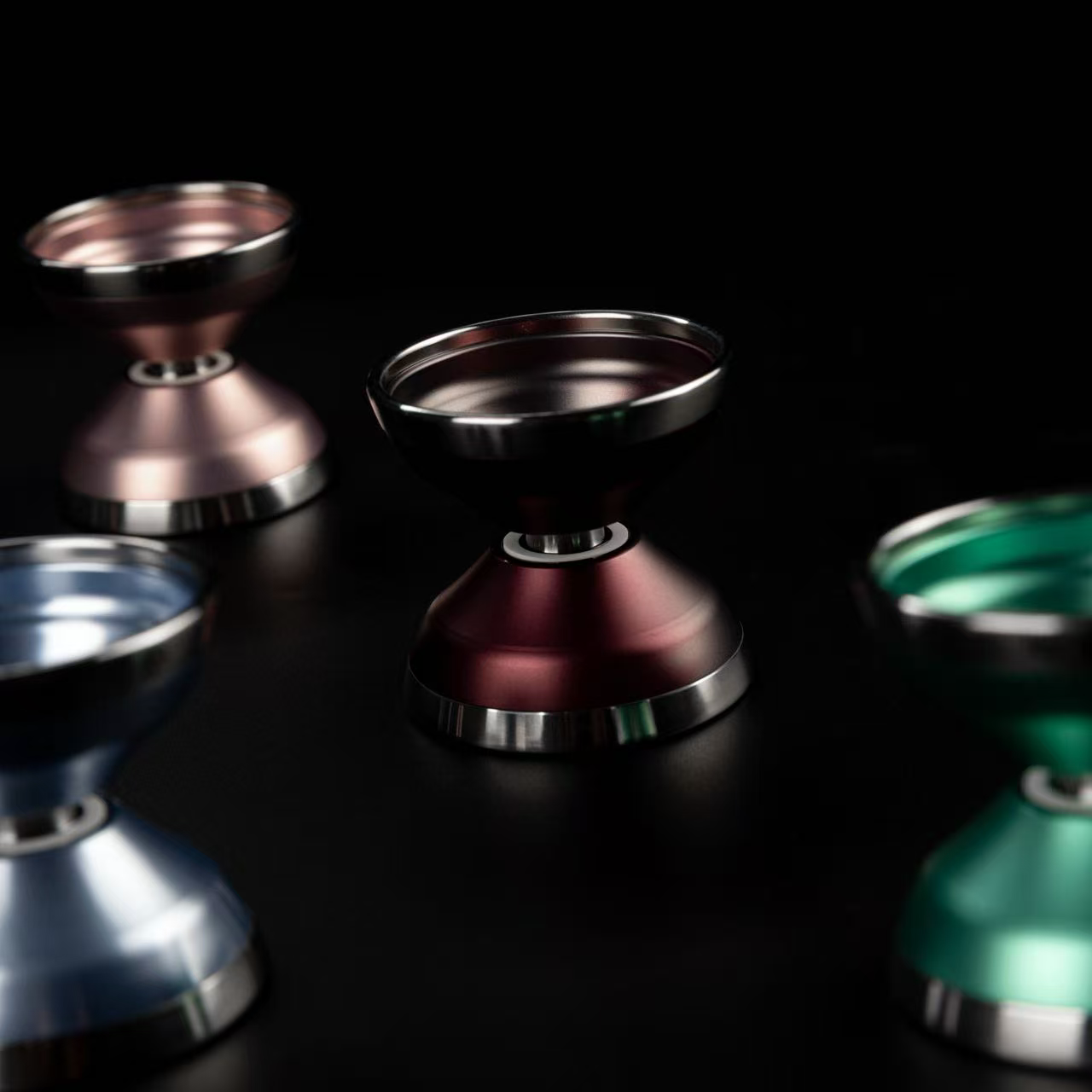
These are the five images the user uploaded to the Design agent. They supplied the visual references for the product’s shape, colors, materials, and branding. No video footage was supplied for the launch film.
The logo was already present in the individual product photographs. These are the actual supplied pictures, shown in full without cropping or AI-generated replacements. Select any photo to open the full-size original.
The brief: real product assets, music, and deliberate motion
The user asked the agent to use the actual product images and logo, include music, and make the motion follow the music. They wanted a professional production video.
The agent clarified the format, production approach, and music direction. The agreed brief was a 9:16 vertical film, approximately 20 seconds long, using a hybrid production approach and dark cinematic electronic music.
1. Use actual product screenshot/logo/assets
2. Must have music and motion must match the music
Do it like a real professional production video, not like a demo or prototype.
The output: a finished 20-second product film
The agent returned this finished film to the canvas. The exported file was independently inspected: exactly 20 seconds, 1080 × 1920, at 30 frames per second, with an audio track. Play with sound to review the music alongside the visual sequence.
| Original input | How the agent used it |
|---|---|
| Green translucent yo-yo | Starting photograph for the green AI hero clip. |
| Black yo-yo, viewed from the front | Original photograph animated with a lighting sweep. |
| Pink metallic yo-yo | Starting photograph for the pink AI hero clip. |
| Blue-and-white yo-yo | Starting photograph for the blue AI hero clip. |
| Product lineup | Original collection photograph used for an animated pan. |
| Logo within the photographs | Extracted for the opening and closing brand cards. |
How the agent built the film
Ciyo’s Opus 5.5 Design agent coordinated the production workflow. It prepared vertical starting images, generated music, requested three hero clips from Seedance 2.0, and assembled the final film. Opus was the agent model; Seedance was the video generation model.
The hybrid approach gave different pictures different treatments. The black model and lineup remained photograph-based shots, with movement introduced through film assembly. The green, pink, and blue hero clips used the supplied photographs as starting frames for generated camera movement and spin.
The logo was extracted separately and kept outside the generated clips, reducing the risk of distorted branding. Generated movement can still alter product details after the starting frame, so those clips need visual review.
Letting the music shape the film
The brief requested approximately 120 BPM. According to the project record, the generated music came back at roughly 124 BPM, with its main drop arriving around 16 seconds.
The agent reported measuring the music and adjusting the film around those timings. The sequence moves from a restrained opening through product close-ups, quick color changes, and a faster lineup sequence before returning to the logo. The timings below describe the agent’s reported final arrangement.
| Approximate time | Visual direction |
|---|---|
| 0–2 s | Logo reveal against black |
| 2–4 s | Lighting sweep across the black model |
| 4–12 s | Pink and blue hero clips with rhythmic zoom emphasis |
| 12–14 s | Quick cuts across product colors |
| 14–16 s | Faster pan across the lineup |
| 16–18 s | Green hero clip and fast cuts |
| Around 18.5 s to the end | Original logo end card |
What marketers should review
The workflow included frame-check sheets and revisions to visible rendering artifacts before delivery. The agent corrected a blocky lighting effect and an effect at the frame boundary, then re-encoded the film to fit the upload limit.
The final export is 1080p, but the AI hero clips were generated at 720p and upscaled. Review the actual film for product shape, color accuracy, surface markings, logo clarity, and movement that could misrepresent how the product works.
This case demonstrates a completed creative asset. Campaign performance, such as views, conversions, or sales, was not measured. The film presents product appearance; it does not establish authentic yo-yo trick mechanics.
Try the workflow with your own product images
For a social media team with existing product photographs, the workflow offers a concrete starting point: upload the real pictures, define the format and mood, and compare the agent’s finished motion video against those original inputs.
The reusable brief below adapts this case. Bring approved product information if you want a benefit statement or a call to action; the actual film used the logo without adding product claims or a tagline.
Create a 20-second vertical product film using these five photographs and our existing logo. Combine animated original photos with a few AI-generated hero shots. Use dark cinematic instrumental music and time the cuts and motion to the actual music. Keep the logo sharp and unchanged. Do not add product claims or a tagline without approval. Review the rendered frames before delivering the final MP4.Questions about product-photo motion videos
Can Opus 5.5 generate videos?
In this Ciyo workflow, Opus 5.5 coordinated the production and film assembly. Seedance 2.0 generated the three hero clips. The finished MP4 came from that combined workflow; it was not a direct video output from Opus alone.
What images should I upload?
Use clear, approved photographs that show the actual product and its important details. This project used four individual product photographs and one lineup photograph, with the logo already present in the individual pictures.
Were all the shots generated by AI?
No. The black product and lineup were animated from the original photographs. The green, pink, and blue hero clips used those photos as starting frames for AI-generated motion. The original logo was extracted separately.
Was the video generated natively at 1080p?
The final film was exported at 1080 × 1920. Its AI hero clips were generated at 720p and upscaled, so the export resolution is different from the source-clip resolution.
Turn your product photographs into a motion video
Open a Ciyo project, upload your approved product photographs, and describe the format, mood, and intended use. Review the finished video alongside the original images before using it in your campaign.